Get 10% back in Relic Coins on every order
Monster Hunter: World - Deluxe Kit DLC cover

Steam· DLC

Monster Hunter: World - Deluxe Kit DLC

€2.84

+€0.28 cashback eligibility in Relic Coins

Check before you play

Platform
Steam
Product type
DLC

Check the required base game and edition before purchasing this add-on.

Developer
Capcom
Publisher
Capcom
Supplier release date
2018-08-09
Genres
Action, RPG

About this product

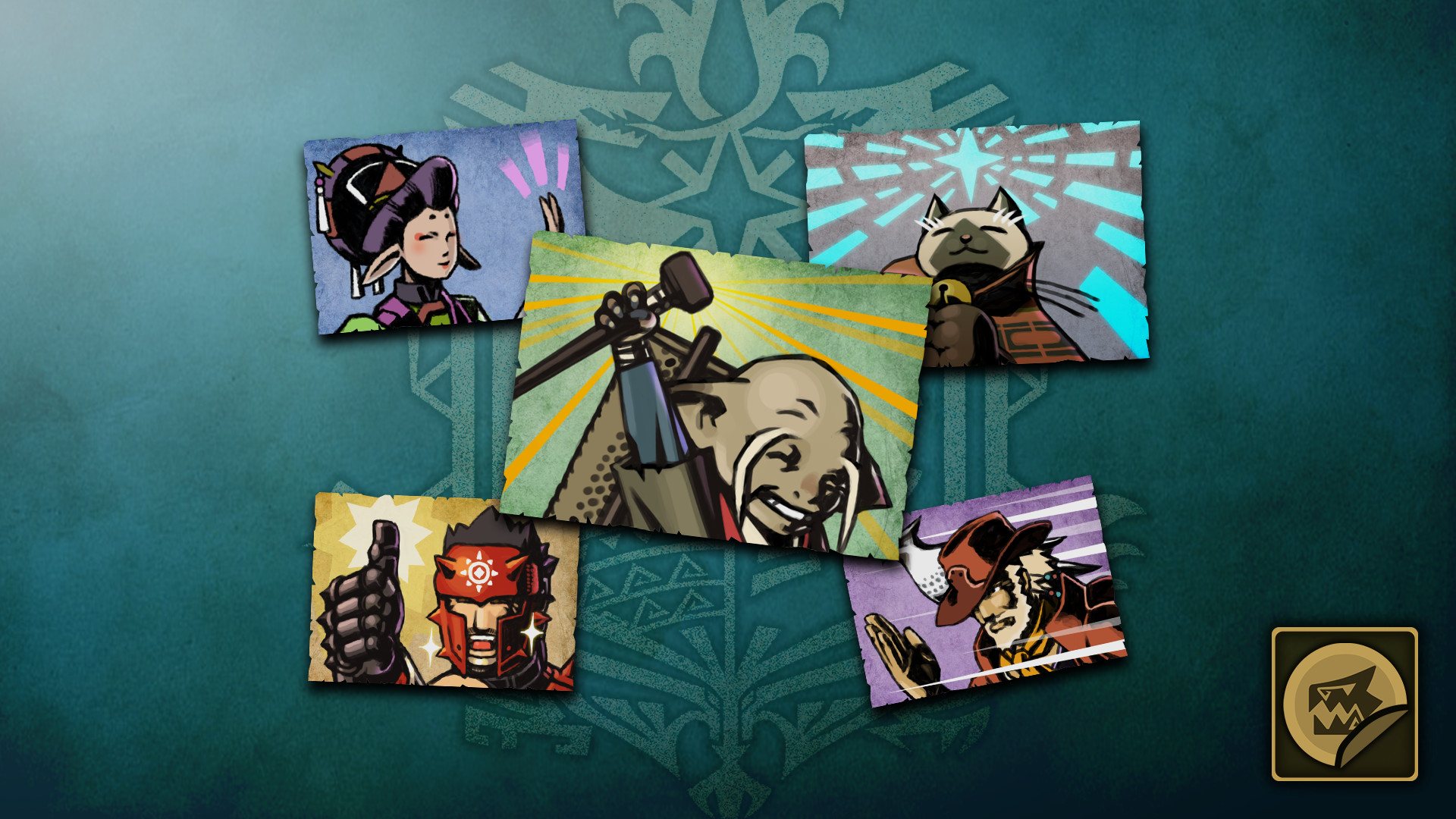
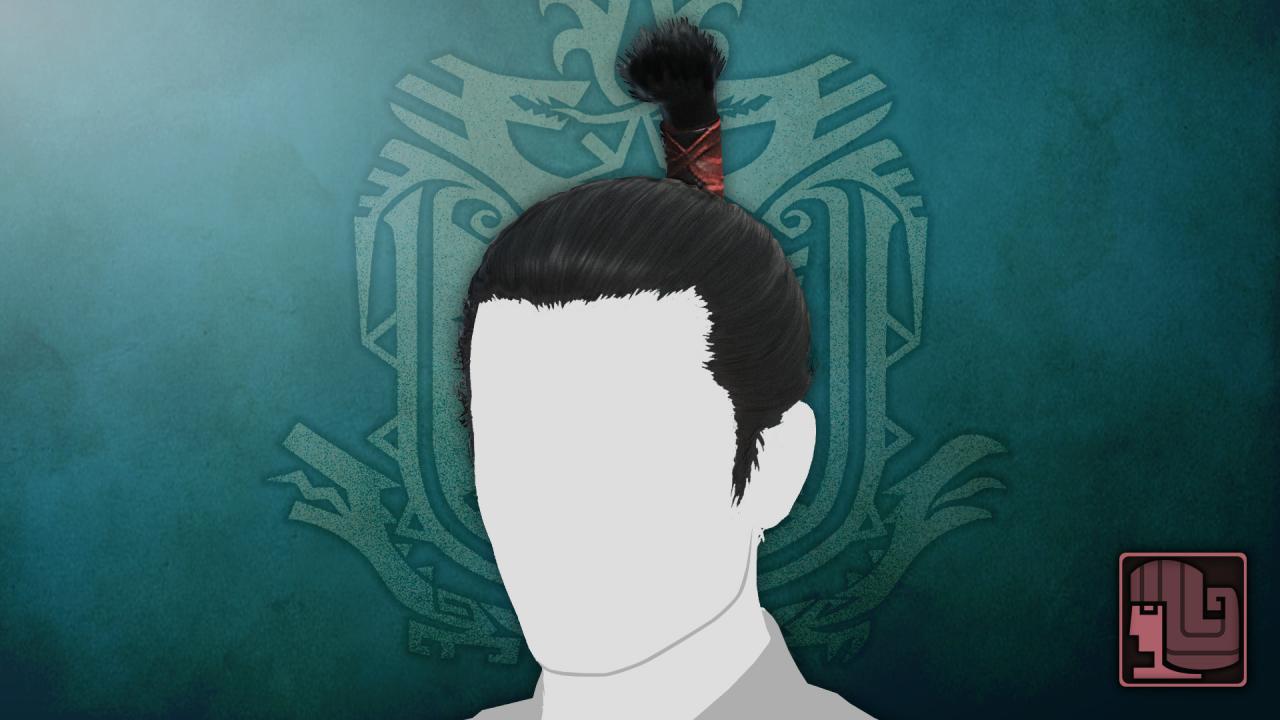
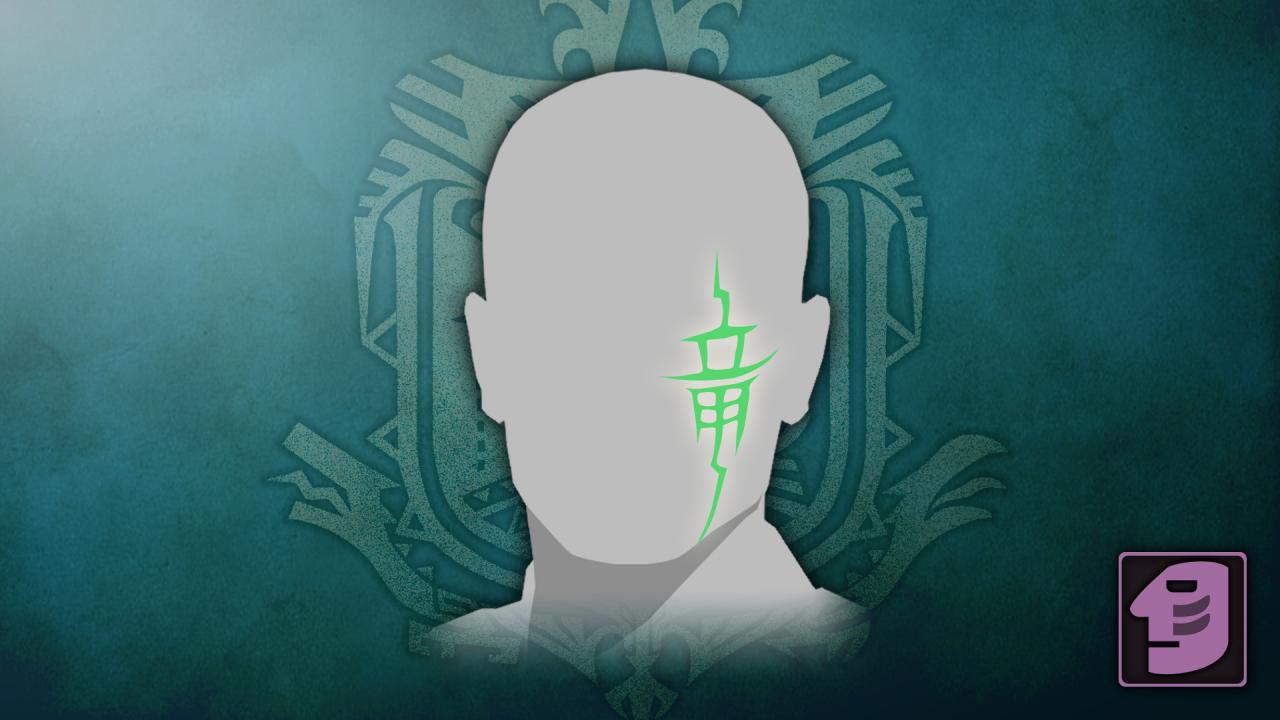
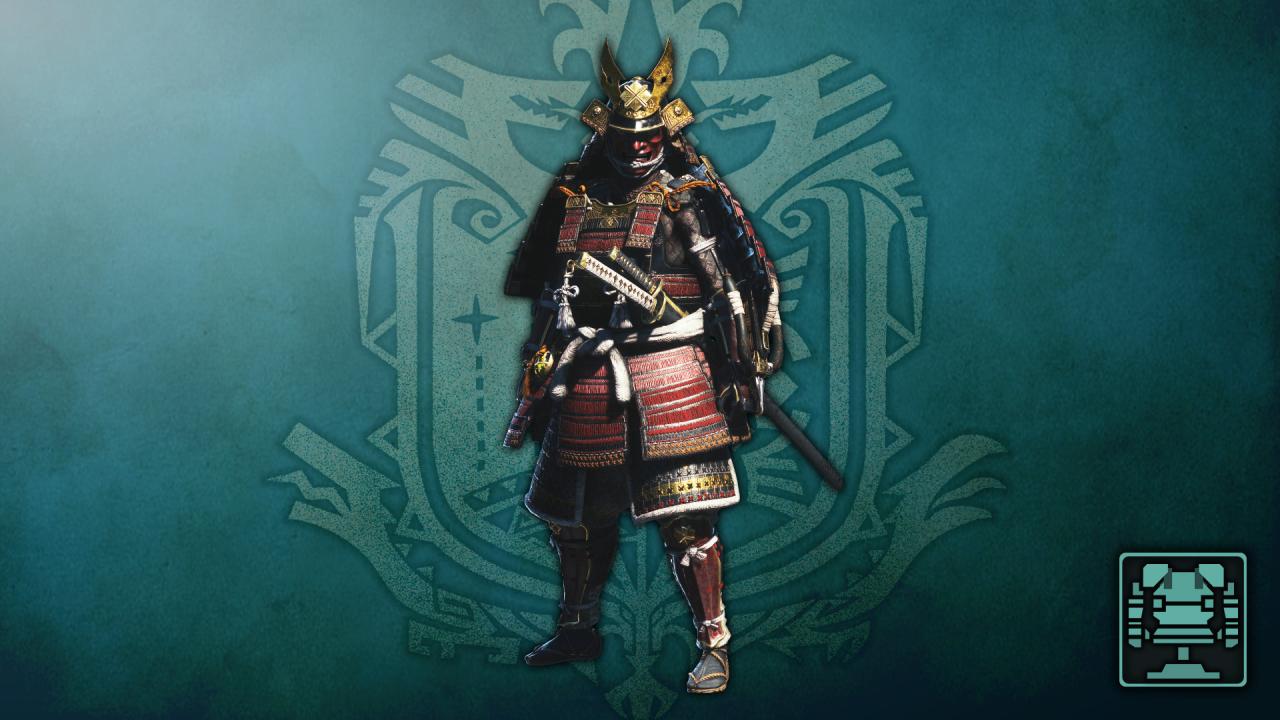
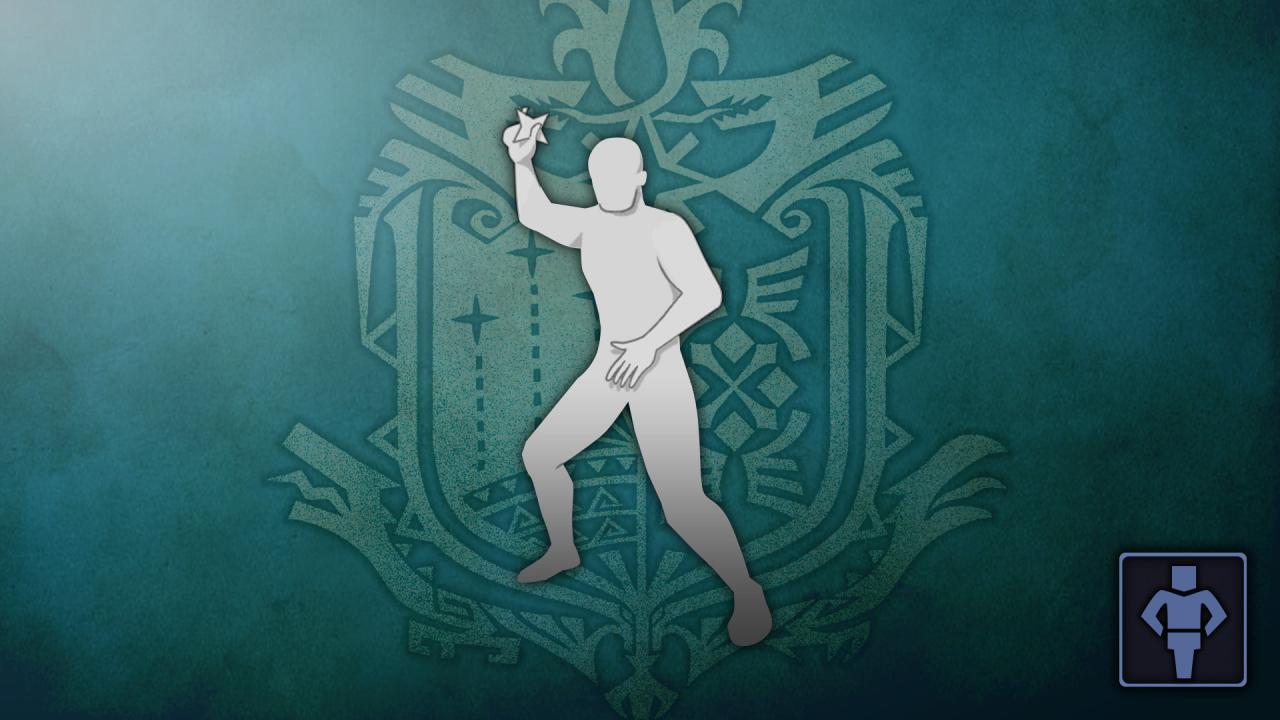
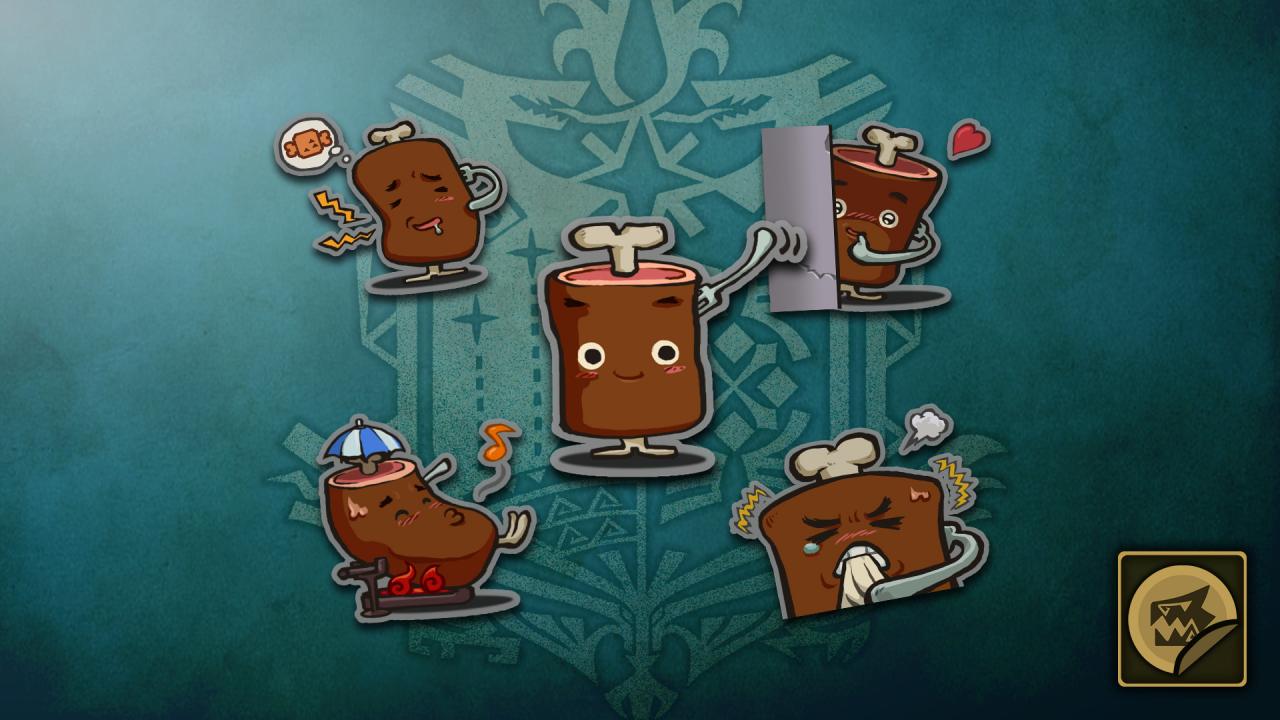
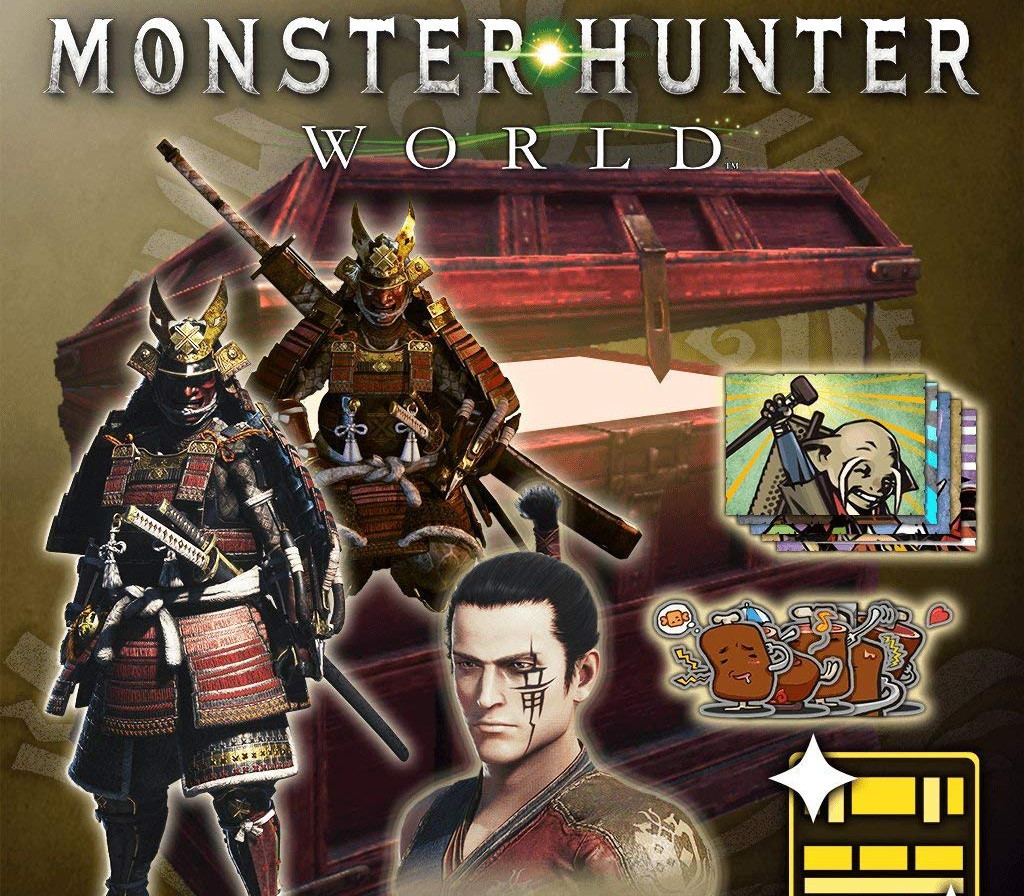
Includes: Samurai SetLayered armor sets will change the look of your armor without changing the properties underneath. Equip this Samurai set over your favorite armor to take on the striking appearance of a feudal Japanese samurai warrior! Note : No weapons are included with this set Gestures: Zen, Ninja Star, Sumo SlapEnjoy three new amusing gestures you can use when interacting with other players in the game. Sticker Sets: MH All-Stars Set, Sir Loin SetFun stickers you can use when chatting with other players in the game. Face Paint: WyvernAdd a new face paint for character customisation in Monster Hunter: World. Hairstyle: TopknotAdds a new hairstyle for character customisation in Monster Hunter: World. Take on the role of a hunter and slay ferocious monsters in a living, breathing ecosystem where you can use the landscape and its diverse inhabitants to get the upper hand. Hunt alone or in co-op with up to three other players, and use materials collected from fallen foes to craft new gear and take on even bigger, badder beasts.

Monster Hunter: World - Deluxe Kit DLC screenshotMonster Hunter: World - Deluxe Kit DLC screenshotMonster Hunter: World - Deluxe Kit DLC screenshotMonster Hunter: World - Deluxe Kit DLC screenshotMonster Hunter: World - Deluxe Kit DLC screenshotMonster Hunter: World - Deluxe Kit DLC screenshot

How to redeem

  1. 1Check the required base game, platform and edition before purchasing.
  2. 2Find the code or supplier activation instructions in your confirmed order.
  3. 3Redeem on Steam using the supplied instructions, then install the add-on with the compatible base game.

Supplier instructions

Go to: http://store.steampowered.com/ and download STEAM client Click "Install Steam" (from the upper right corner) Install and start application, login with your Account name and Password (create one if you don't have). Please follow these instructions to activate a new retail purchase on Steam: Launch Steam and log into your Steam account. Click the Games Menu. Choose Activate a Product on Steam... Follow the onscreen instructions to complete the process. After successful code verification go to the "MY GAMES" tab and start downloading.

You might also like