

Steam· Key
MX vs ATV All Out TR
€6.98
+€0.70 cashback eligibility in Relic Coins
Check before you play
- Platform
- Steam
- Product type
- Key
- Developer
- Rainbow Studios
- Publisher
- THQ
- Supplier release date
- 2018-03-27
- Genres
- Racing, Sport, Simulation
Steam· Key
€6.98
+€0.70 cashback eligibility in Relic Coins
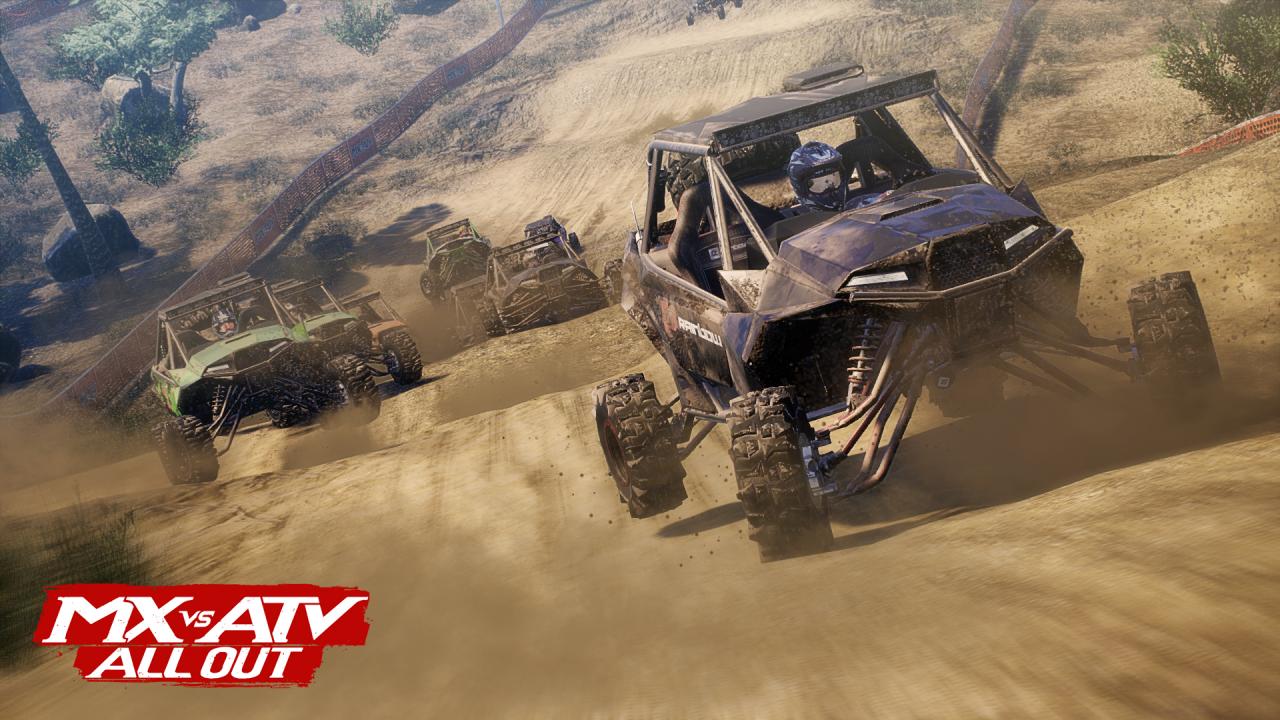
All Terrain, All Vehicles, All You! MX vs ATV All Out is the complete off-road racing and lifestyle experience!Choose between bikes, ATVs, UTVs, refine your rider style at your private compound and blast across massive open worlds to compete head to head in various game modes! The all new Freestyle mode allows you to win with style and crazy stunts! Or go All Out and show your riding skills in Multiplayer! Features 2 player split-screen and 16 player online mode Compete in various modes like Supercross, Nationals, Opencross, Waypoint, Tag and more Master insane stunts and test your limits in freestyle mode Turn your private compound into a show room for the all of your customized vehicles Upgrade and tune your vehicles with original performance parts Select your own style from numerous gear companies or choose to compete with one of the many top professional riders from around the world





Go to: http://store.steampowered.com/ and download STEAM client Click "Install Steam" (from the upper right corner) Install and start application, login with your Account name and Password (create one if you don't have). Please follow these instructions to activate a new retail purchase on Steam: Launch Steam and log into your Steam account. Click the Games Menu. Choose Activate a Product on Steam... Follow the onscreen instructions to complete the process. After successful code verification go to the "MY GAMES" tab and start downloading.