
SteamGlobal· Key
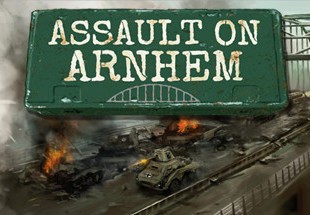
Assault on Arnhem
€1.89
+€0.19 cashback eligibility in Relic Coins
Check before you play
- Platform
- Steam
- Region
- Global
- Product type
- Key
- Supplier release date
- 2016-03-11
- Genres
- Strategy
SteamGlobal· Key
€1.89
+€0.19 cashback eligibility in Relic Coins
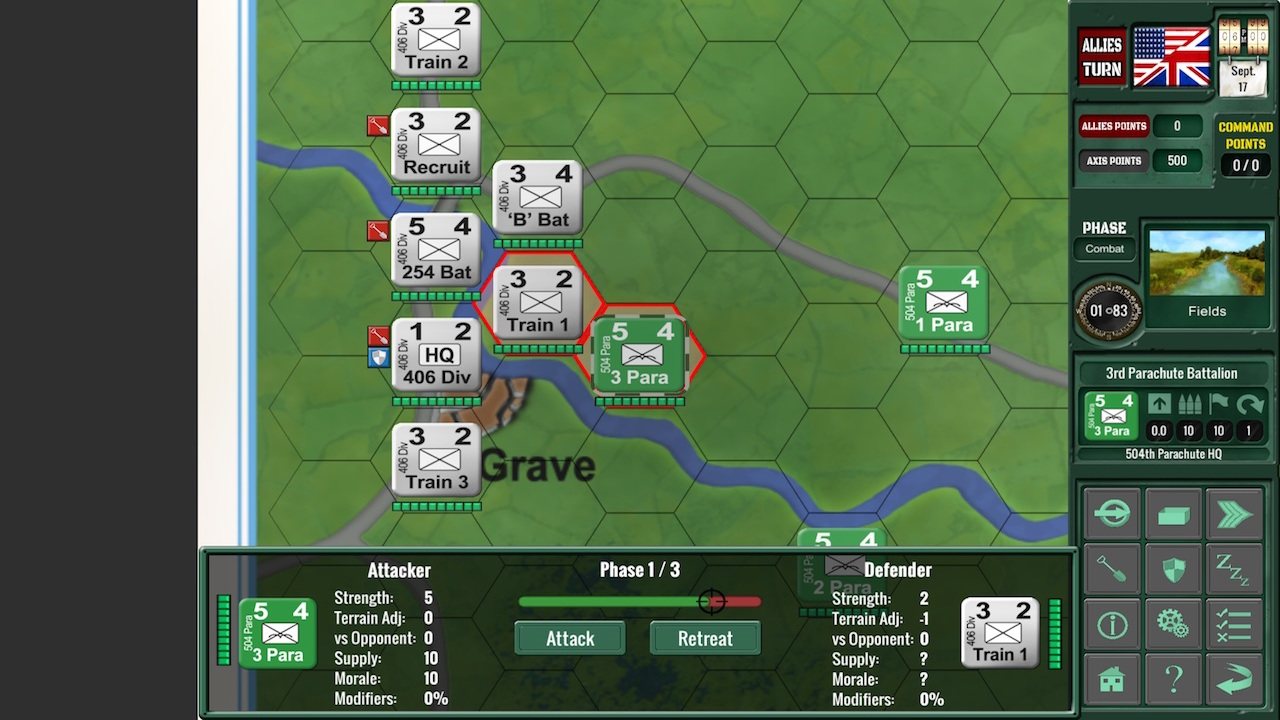
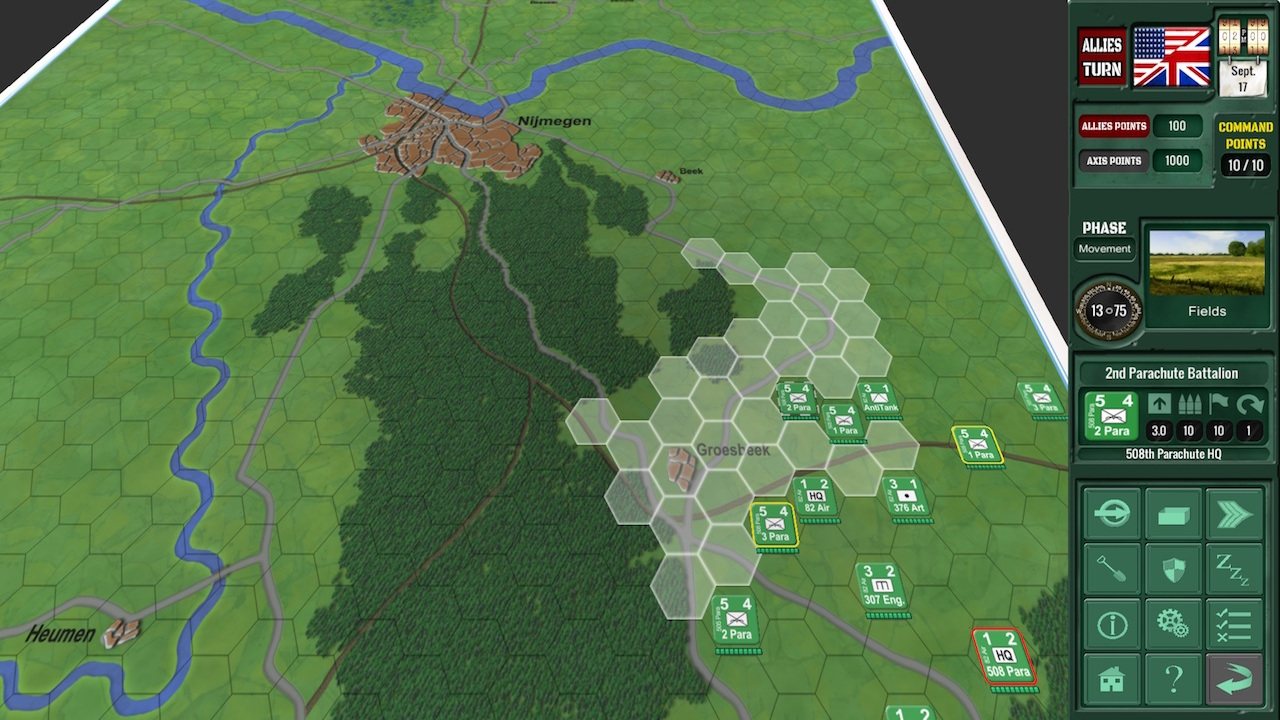
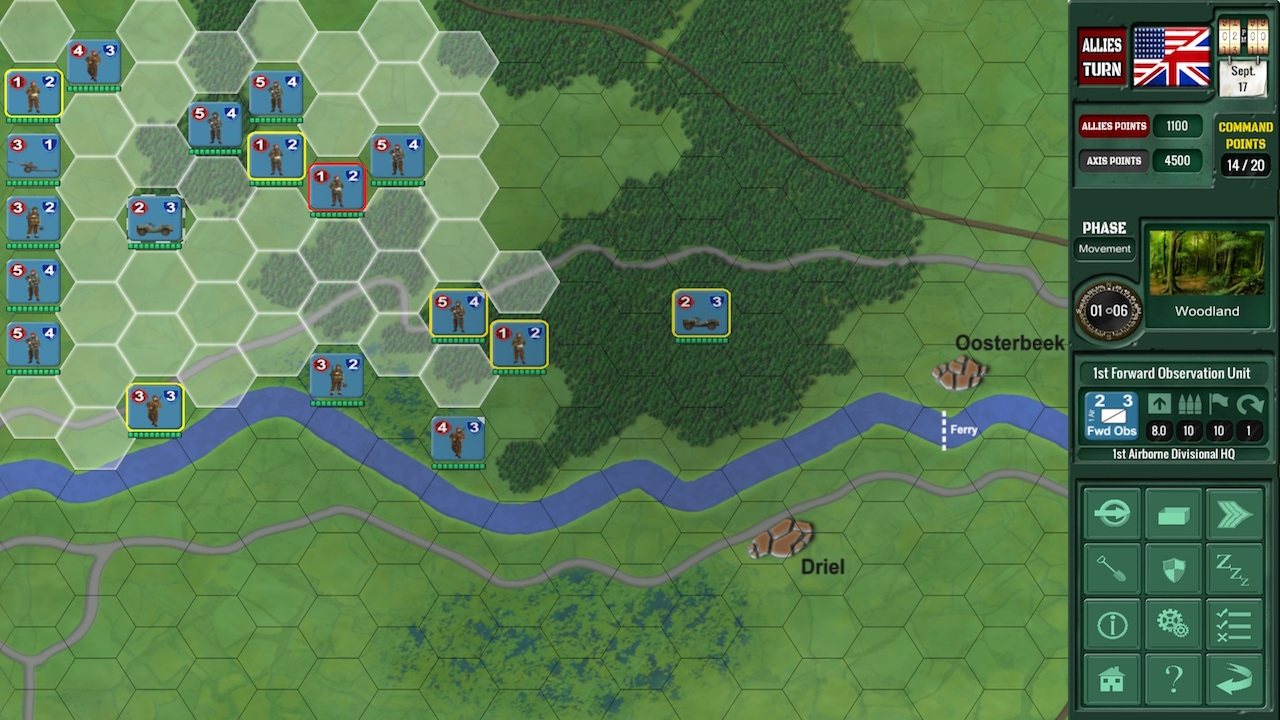
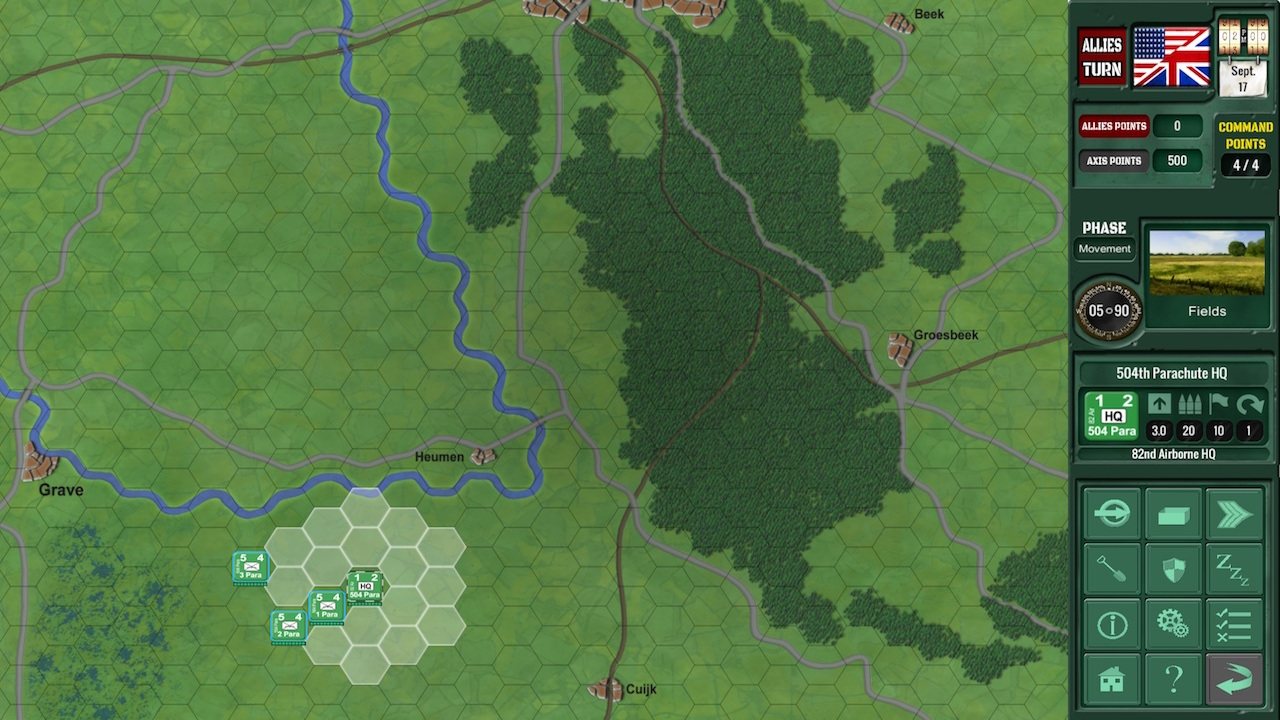
"Ammunition exhausted. God Save the King!" - last radio message from the 1st Airborne Division.Assault on Arnhem is an operational level wargame for between one and four players, based on the famous Operation Market Garden campaign in September 1944.Each player manages units in either the Allied or Axis forces fighting over the bridges leading to the Dutch town of Arnhem. The aim of the game is to either capture or defend the bridge objectives by a certain time in the game.Assault on Arnhem is an easy game to start playing, although underneath the simple façade lies a much deeper level of complexity. Features Up to four player hotseat multiplayer. Cross-platform online multiplayer. (two players) In-game tutorial. Turn based play. Four scenarios. (Grave; Nijmegen; Arnhem; Operation Market Garden) Fog of war mechanics (taking terrain into account). Hide your units in the woods and watch the enemy! Night time turns with reduced visibility, affecting combat and command. Slip your recon units through enemy lines! Logistics rules governing HQ supply lines and unit regrouping. Over 110 units of 7 distinct unit types. Three battle scenarios and a main campaign scenario. Three levels of AI difficulty, playing as either Axis or Allies. 3D Map View. Supply drops, reinforcement schedules. Simple enough for a beginner but with plenty of depth for experts.
Go to: http://store.steampowered.com/ and download STEAM client Click "Install Steam" (from the upper right corner) Install and start application, login with your Account name and Password (create one if you don't have). Please follow these instructions to activate a new retail purchase on Steam: Launch Steam and log into your Steam account. Click the Games Menu. Choose Activate a Product on Steam... Follow the onscreen instructions to complete the process. After successful code verification go to the "MY GAMES" tab and start downloading.