Get 10% back in Relic Coins on every order
George vs. Bonny PP Wars cover

SteamGlobal· Key

George vs. Bonny PP Wars

€0.55

+€0.06 cashback eligibility in Relic Coins

Check before you play

Platform
Steam
Region
Global
Product type
Key
Developer
Winter Bloom
Publisher
Asterion Games
Supplier release date
2018-07-27
Genres
Action, MMO, Simulation, Indie, Casual

About this product

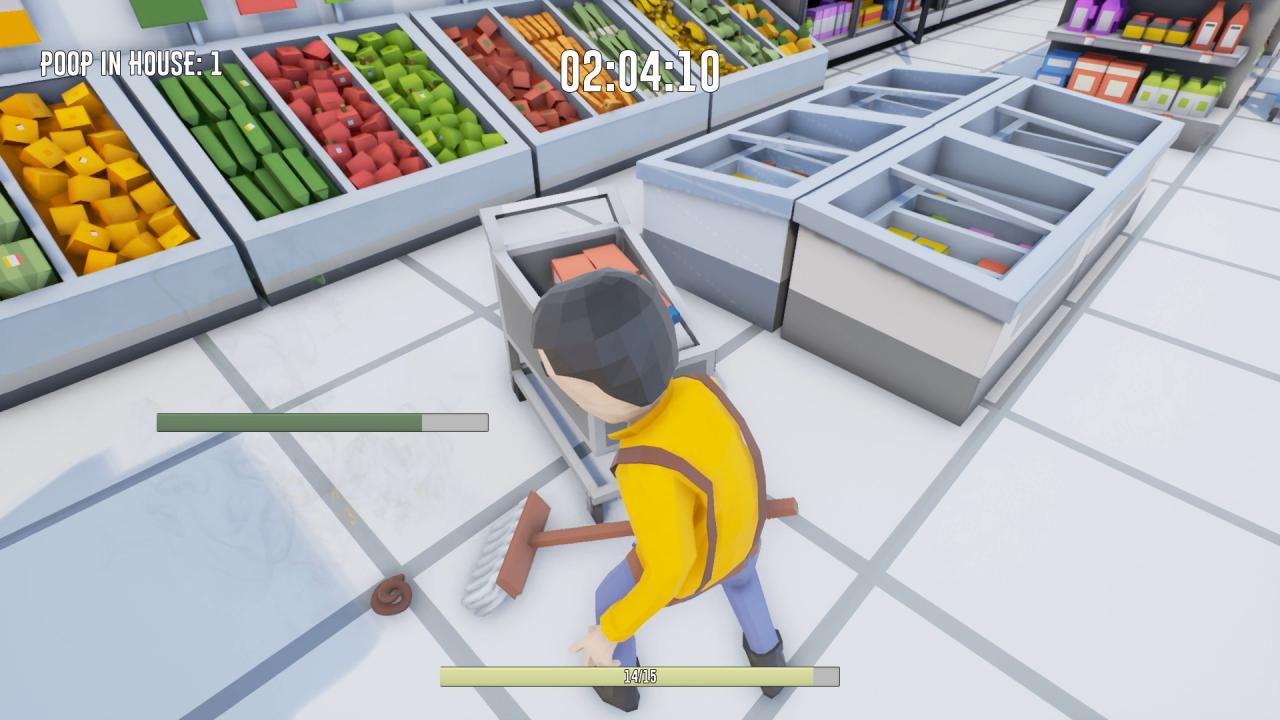
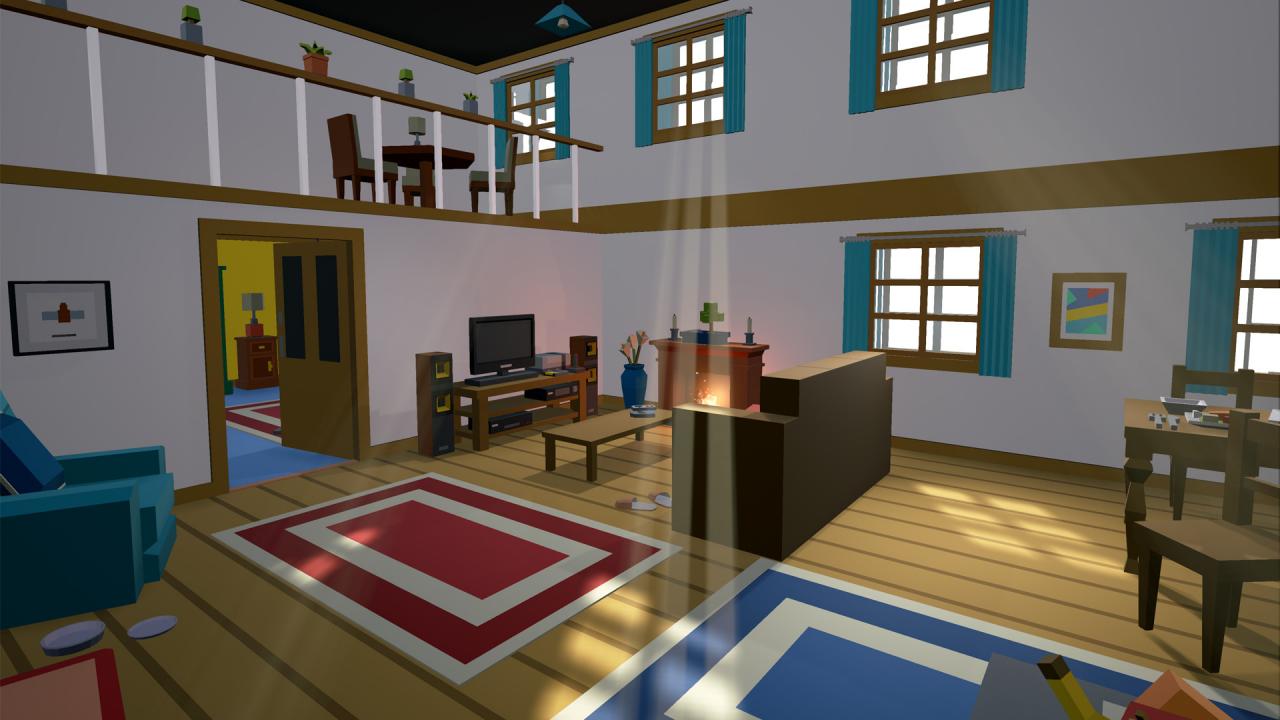
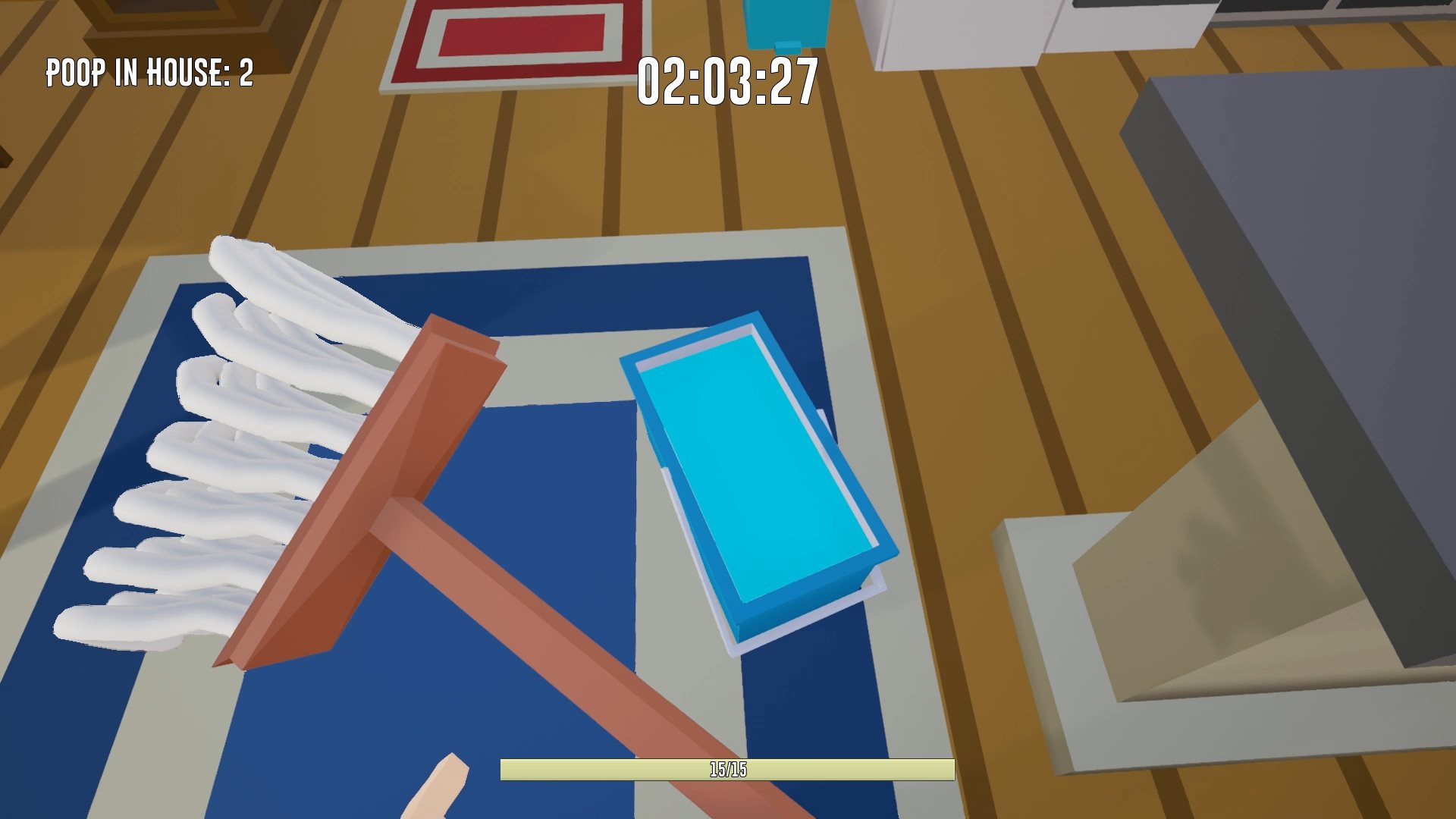
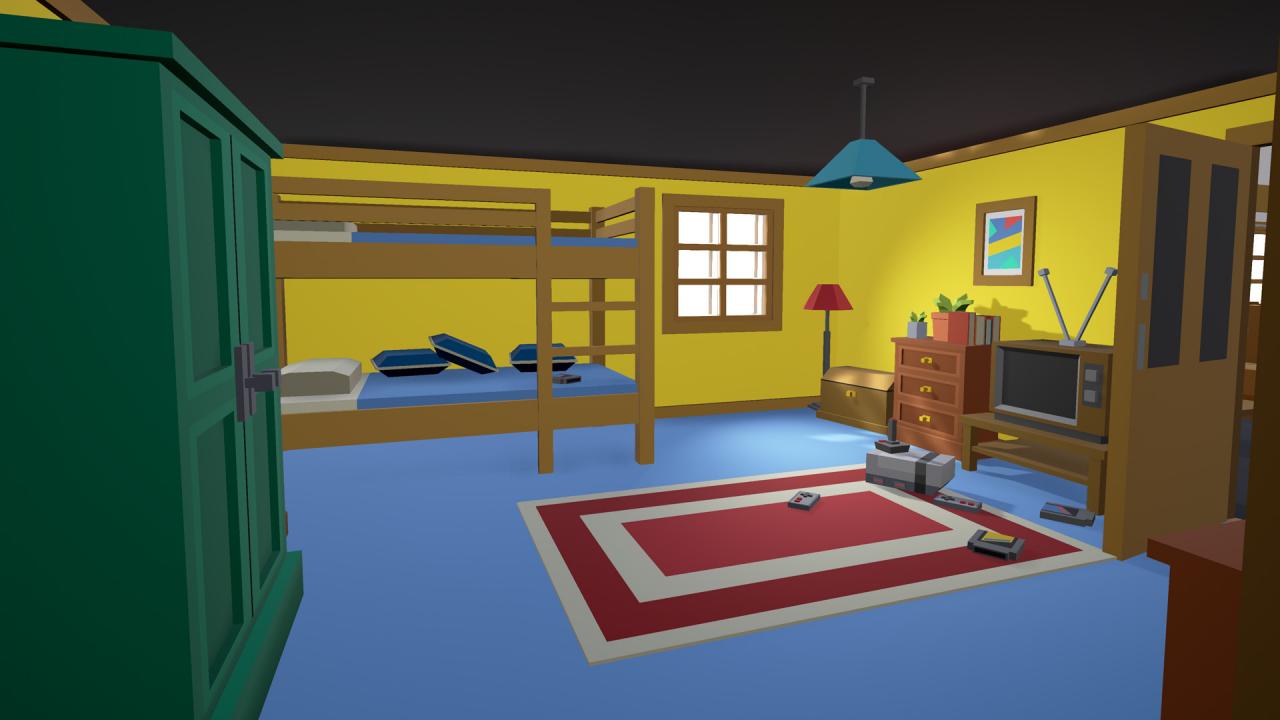
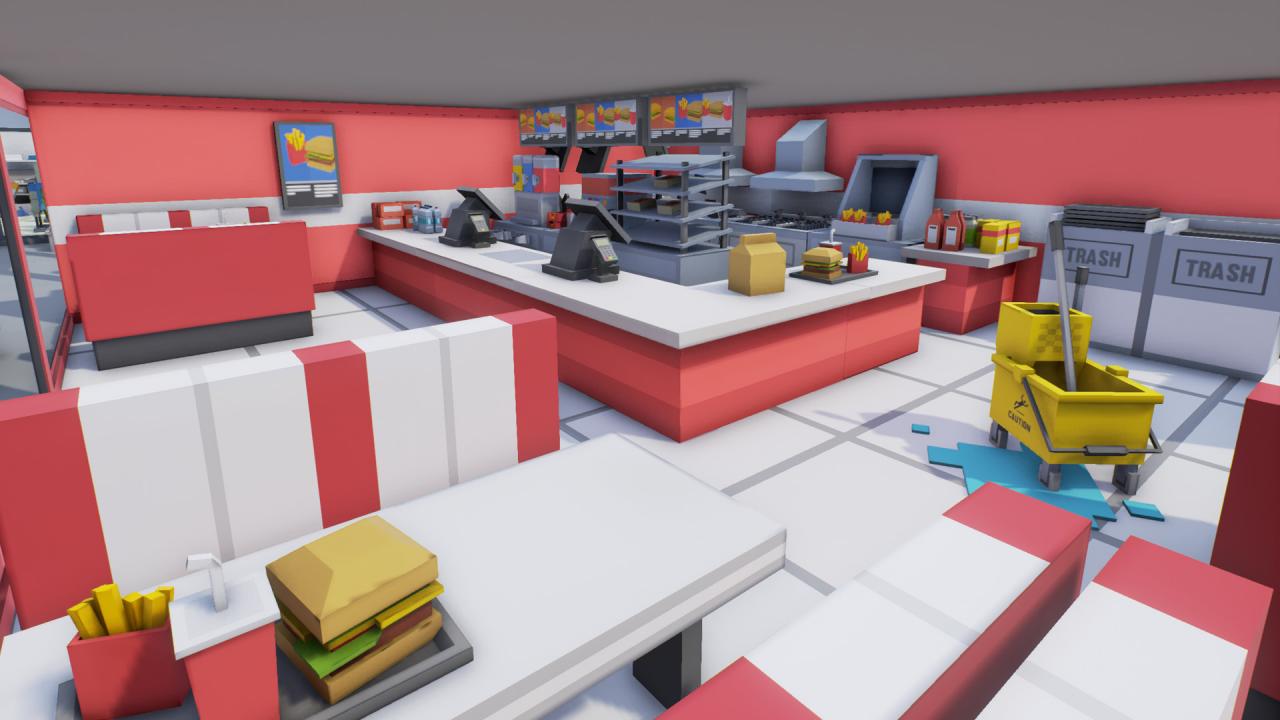
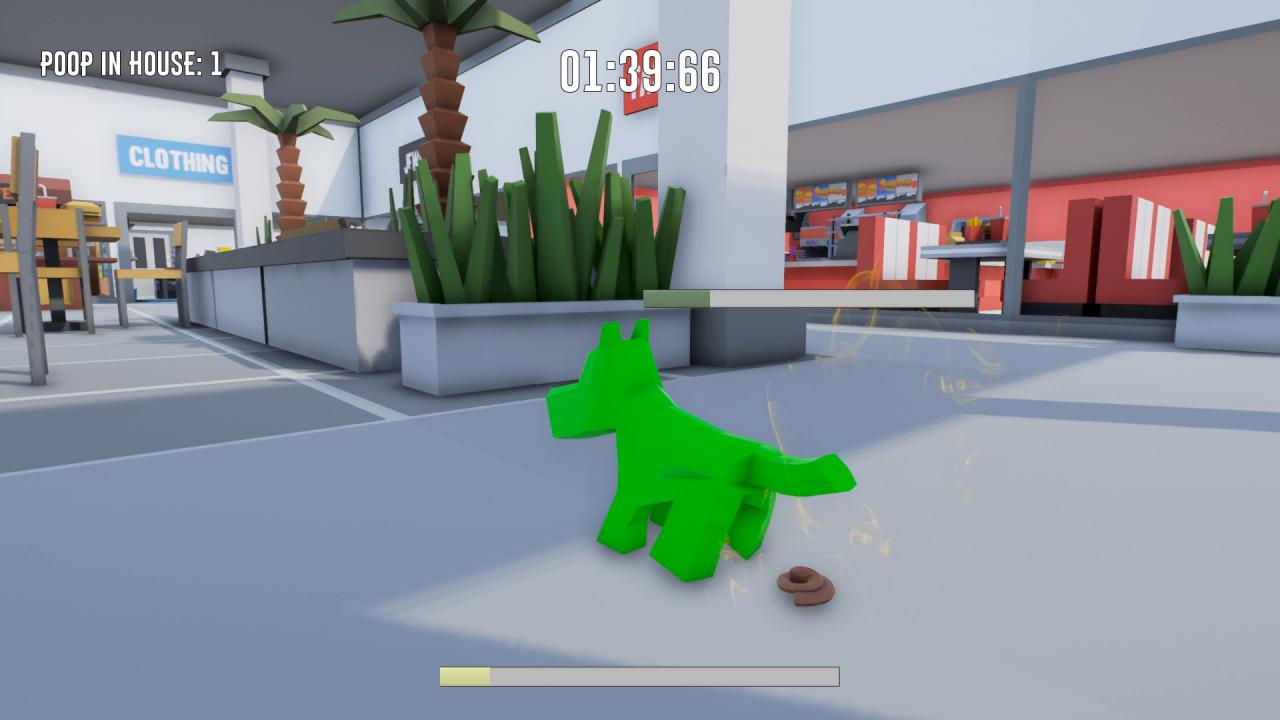
George VS Bonny PP Wars — a game about the holy war of purity and order against dirt and a disgusting smell.Choose one of the two characters and compete with your friend in the two-story arena of a house, in business office or supermarket.The player is given a choice between two characters: the severe mustachioed uncle George and the playful dog Bonny.Characters differ in gameplay: For Uncle George, the game process is built around cleaning and putting things in order for their dog, using the right tool — a mop. The tool eventually becomes unusable from dirt and requires rinsing it in a bucket of water. Rinse the mop Uncle George is ready to fight again for order! You can defeat a prodigal pet in only one way — after thoroughly washing the house, catch it in your hands. The gameplay for Bonny is a bit simpler — George got you out for not walking with you, and you decide to take revenge on him by shoving into your favorite sneakers, into the console, into the bathroom, anywhere, just to poop in the right time and not be caught. Features 3 levels Character color customization Steam Leaderboards

George vs. Bonny PP Wars screenshotGeorge vs. Bonny PP Wars screenshotGeorge vs. Bonny PP Wars screenshotGeorge vs. Bonny PP Wars screenshotGeorge vs. Bonny PP Wars screenshotGeorge vs. Bonny PP Wars screenshot

How to redeem

  1. 1Check your Steam account and the listed region before purchasing.
  2. 2Find your code and supplier activation instructions in your confirmed order.
  3. 3Open the redeem-code section on Steam, enter the code and follow the platform’s prompts.

Supplier instructions

Go to: http://store.steampowered.com/ and download STEAM client Click "Install Steam" (from the upper right corner) Install and start application, login with your Account name and Password (create one if you don't have). Please follow these instructions to activate a new retail purchase on Steam: Launch Steam and log into your Steam account. Click the Games Menu. Choose Activate a Product on Steam... Follow the onscreen instructions to complete the process. After successful code verification go to the "MY GAMES" tab and start downloading.

You might also like