Get 10% back in Relic Coins on every order
Traffic Giant cover

SteamGlobal· Key

Traffic Giant

€1.73

+€0.17 cashback eligibility in Relic Coins

Check before you play

Platform
Steam
Region
Global
Product type
Key
Developer
QLOC
Publisher
Toplitz Productions
Supplier release date
2001-02-28
Genres
Strategy, Simulation

About this product

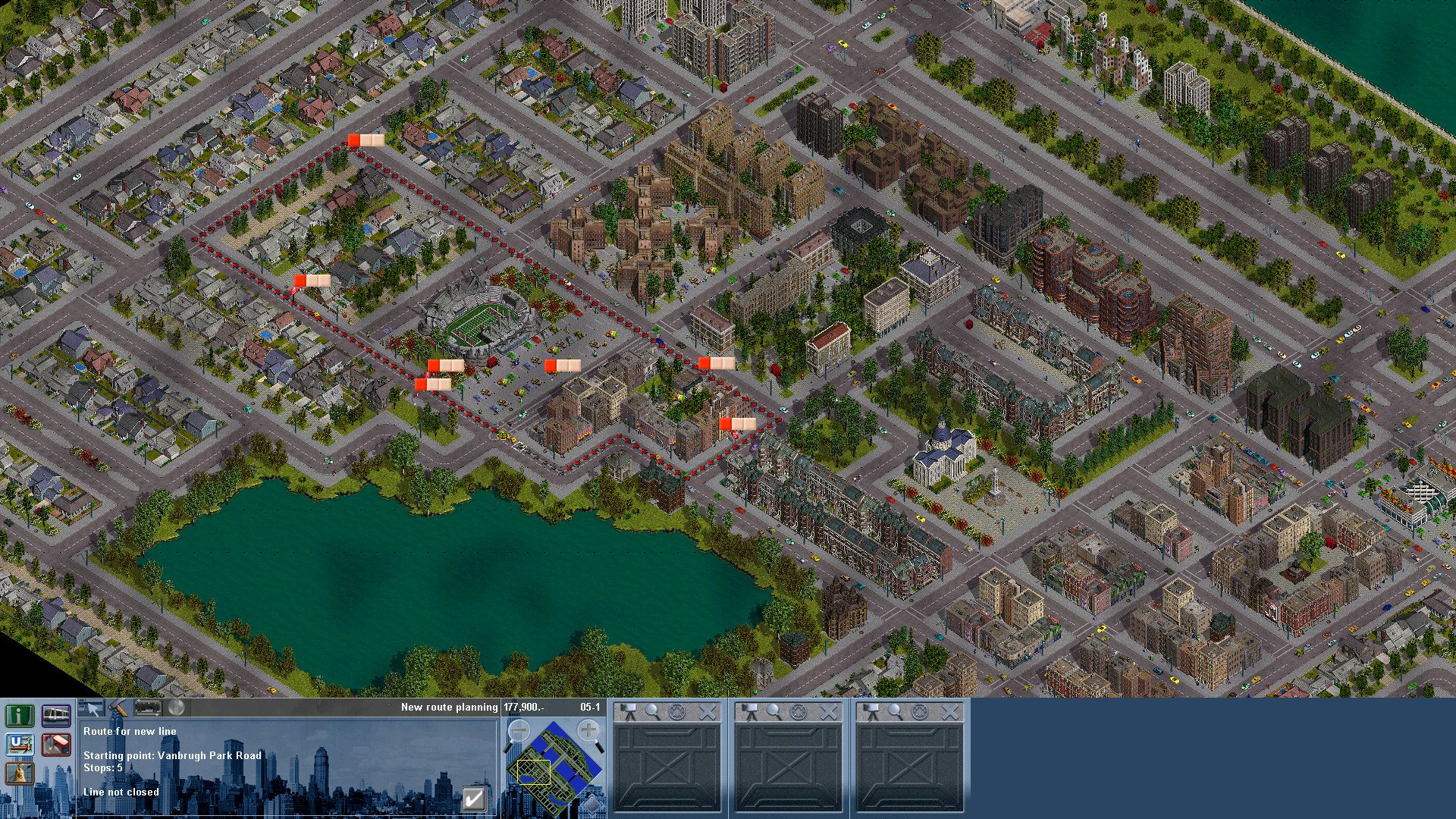
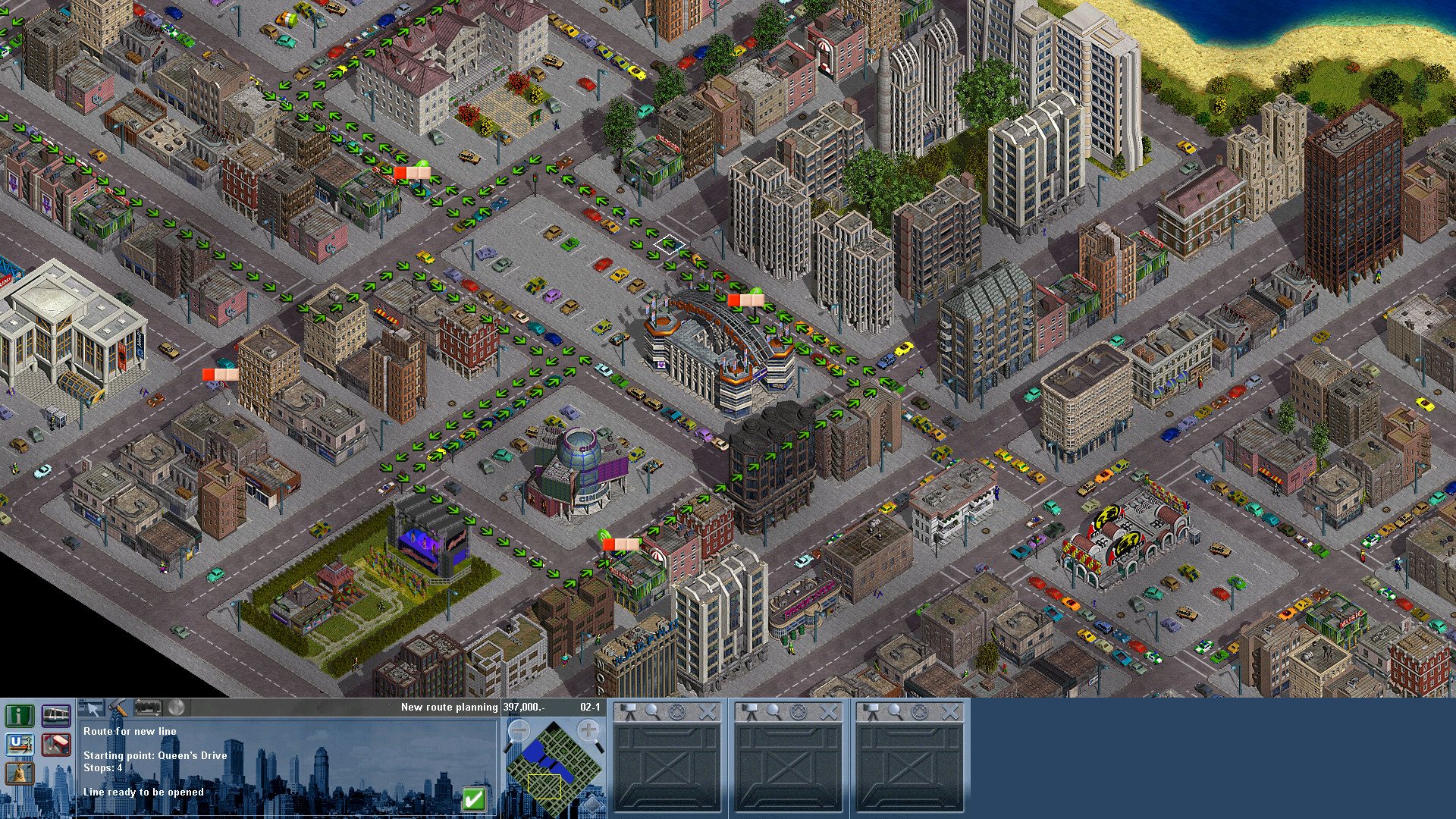
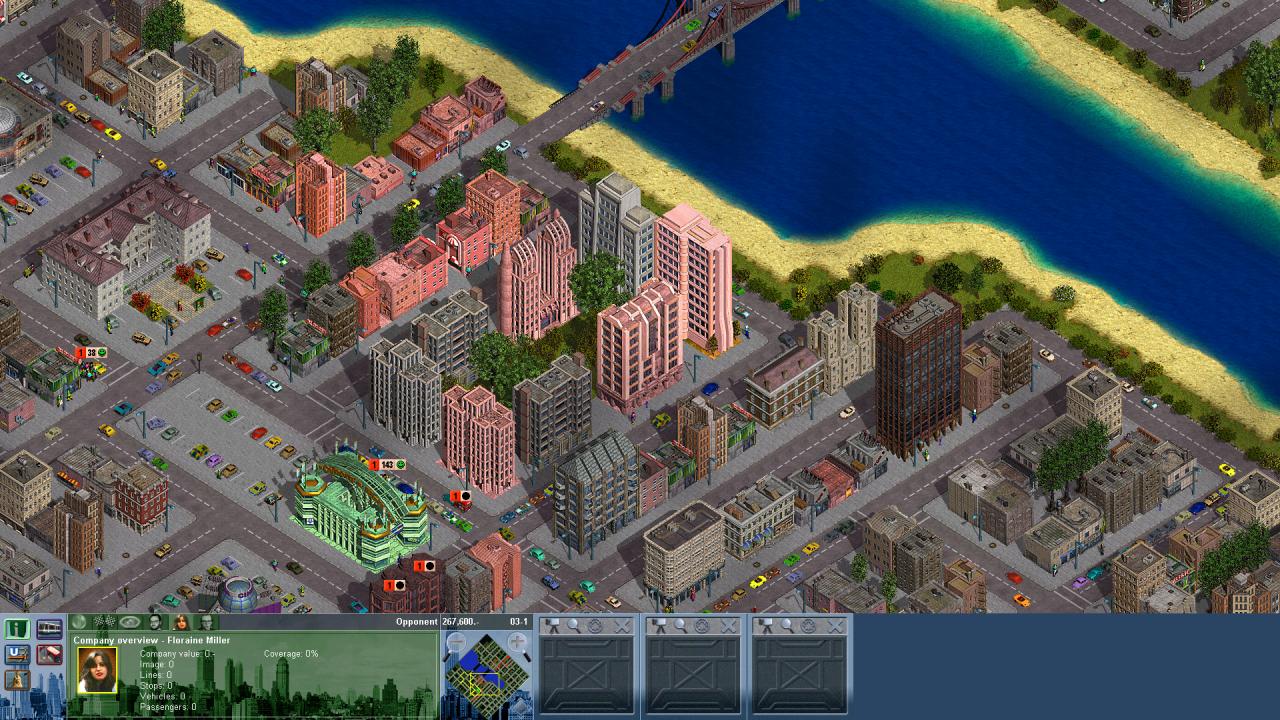
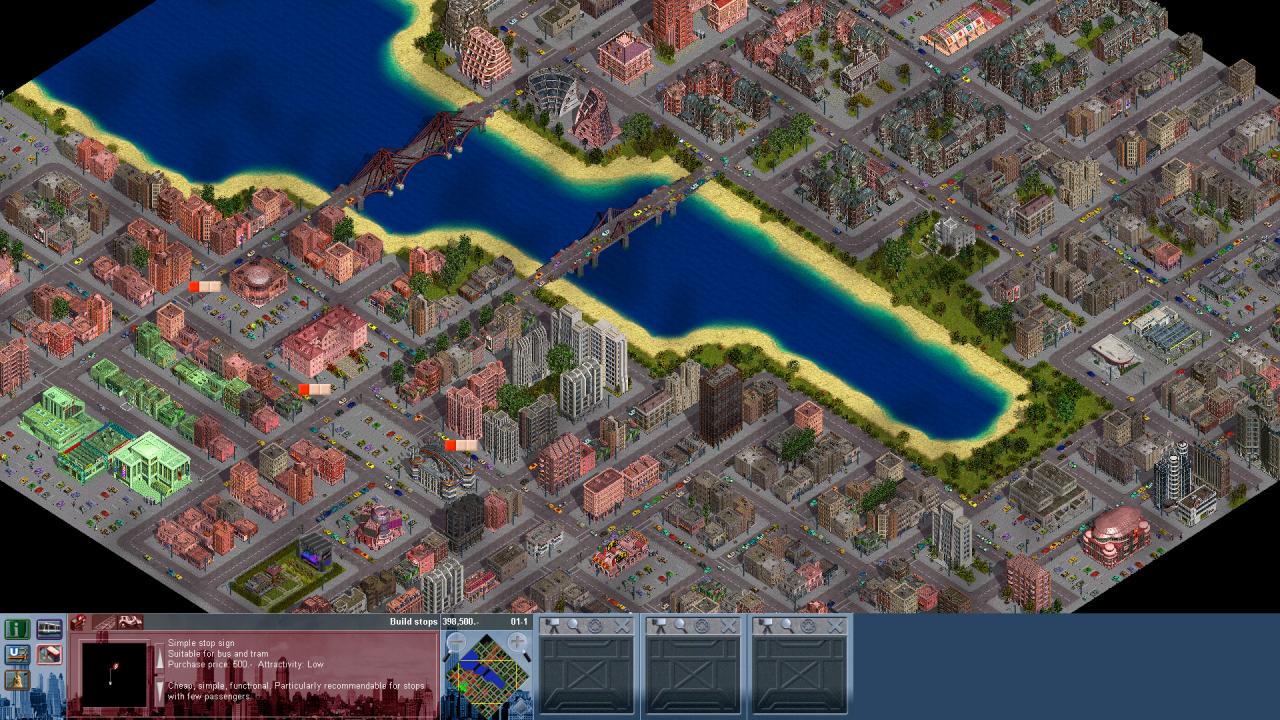
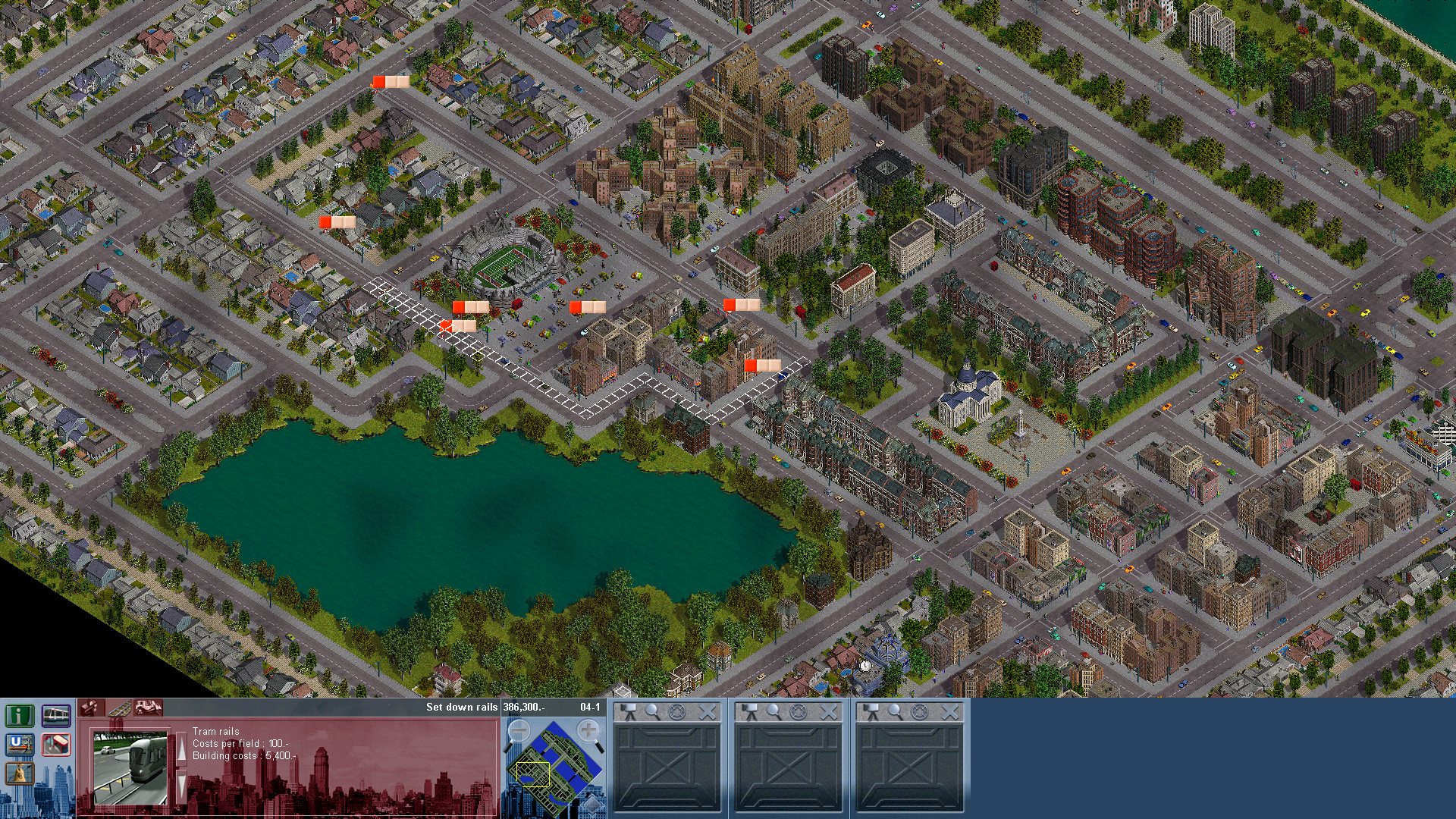
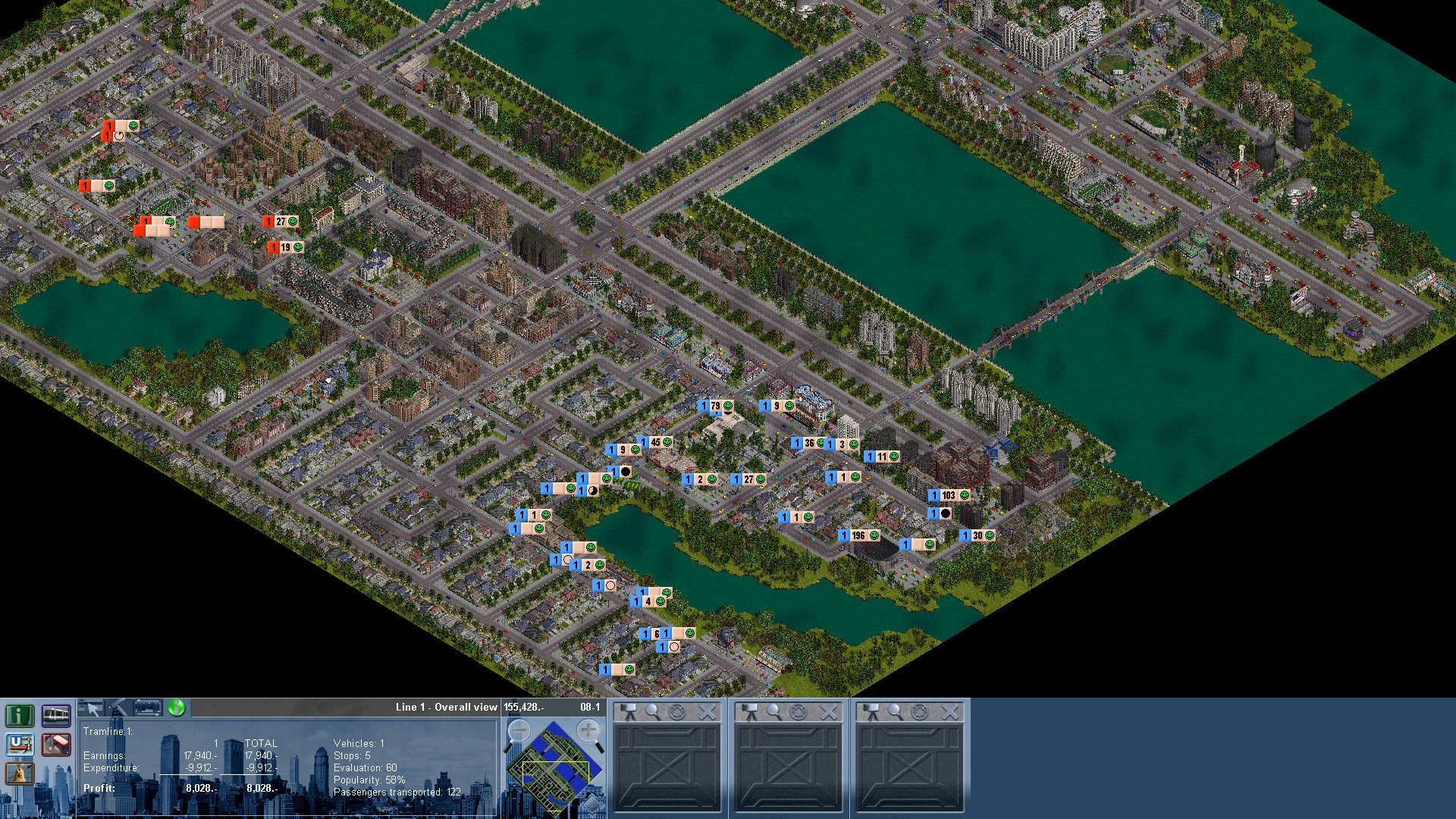
Traffic Giant is an amazing simulation game that brings public transport on the right track. You control an entire fleet of buses, trams, underground trains, and many more. You experience realistically functioning city traffic with thousands of vehicles and pedestrians. You can ask each inhabitant what he or she thinks and feels.Let’s get ready to manage the public transport system running between various towns. Your job is to establish and maintain routes of transportation. In huge cities it’s up to you to show your skills. Enjoy a realistic Traffic-, Infrastructure- and Business Simulation which offers amazing hours of game fun. AND although the game shows huge complexity the clear structure, the coherent concept and the handy interface guarantee an easy start – also for beginners! Features Over 500 different buildings Large and very life-like cities City inhabitants and traffic with thousands of vehicles and pedestrians More than 25 different means of transportation Intelligent AI competitors guarantee long-term game fun First time properly runnable on modern operating systems First time supporting most used resolutions, including 1080p

Traffic Giant screenshotTraffic Giant screenshotTraffic Giant screenshotTraffic Giant screenshotTraffic Giant screenshotTraffic Giant screenshot

How to redeem

  1. 1Check your Steam account and the listed region before purchasing.
  2. 2Find your code and supplier activation instructions in your confirmed order.
  3. 3Open the redeem-code section on Steam, enter the code and follow the platform’s prompts.

Supplier instructions

Go to: http://store.steampowered.com/ and download STEAM client Click "Install Steam" (from the upper right corner) Install and start application, login with your Account name and Password (create one if you don't have). Please follow these instructions to activate a new retail purchase on Steam: Launch Steam and log into your Steam account. Click the Games Menu. Choose Activate a Product on Steam... Follow the onscreen instructions to complete the process. After successful code verification go to the "MY GAMES" tab and start downloading.

You might also like