

SteamGlobal· Key
VR RHYTHM ACTION SEIYA
€3.56
+€0.36 cashback eligibility in Relic Coins
Check before you play
- Platform
- Steam
- Region
- Global
- Product type
- Key
- Supplier release date
- 2018-03-15
- Genres
- Action, Indie, Casual, VR Games
SteamGlobal· Key
€3.56
+€0.36 cashback eligibility in Relic Coins
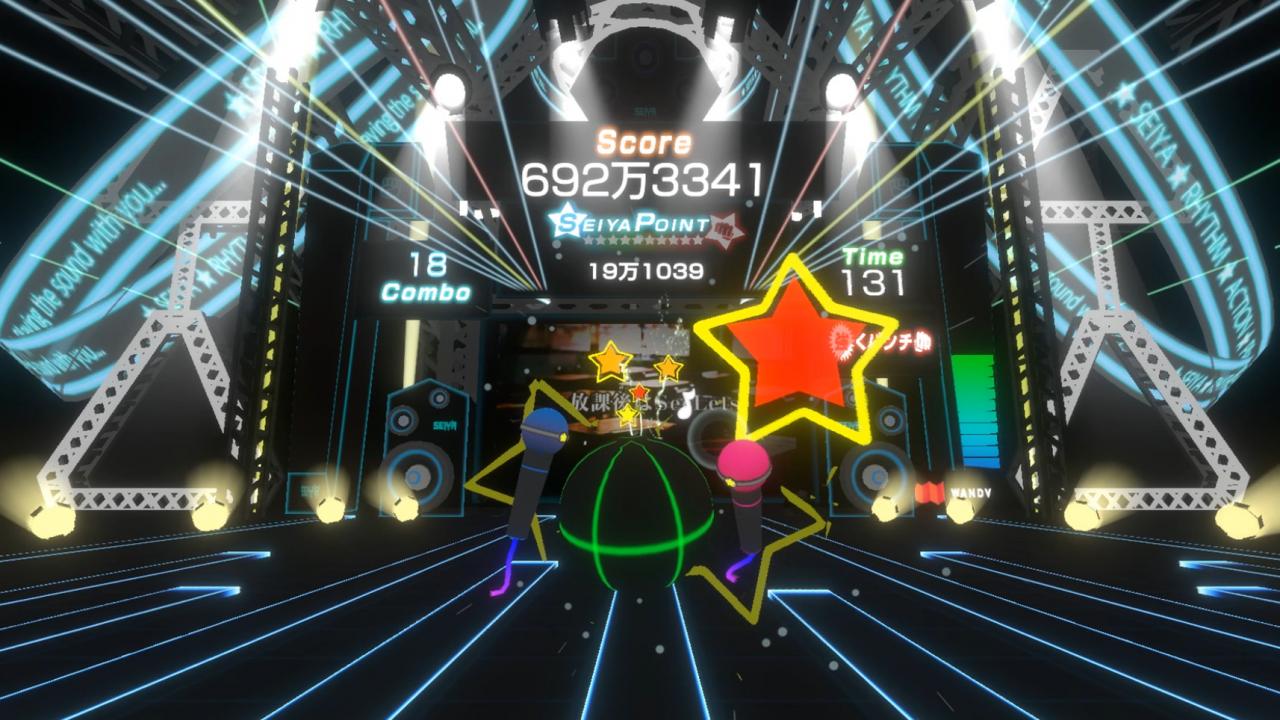
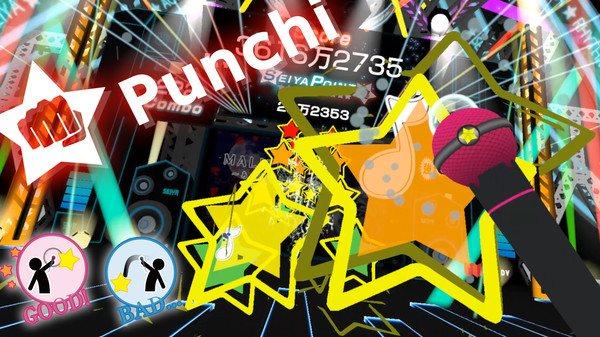
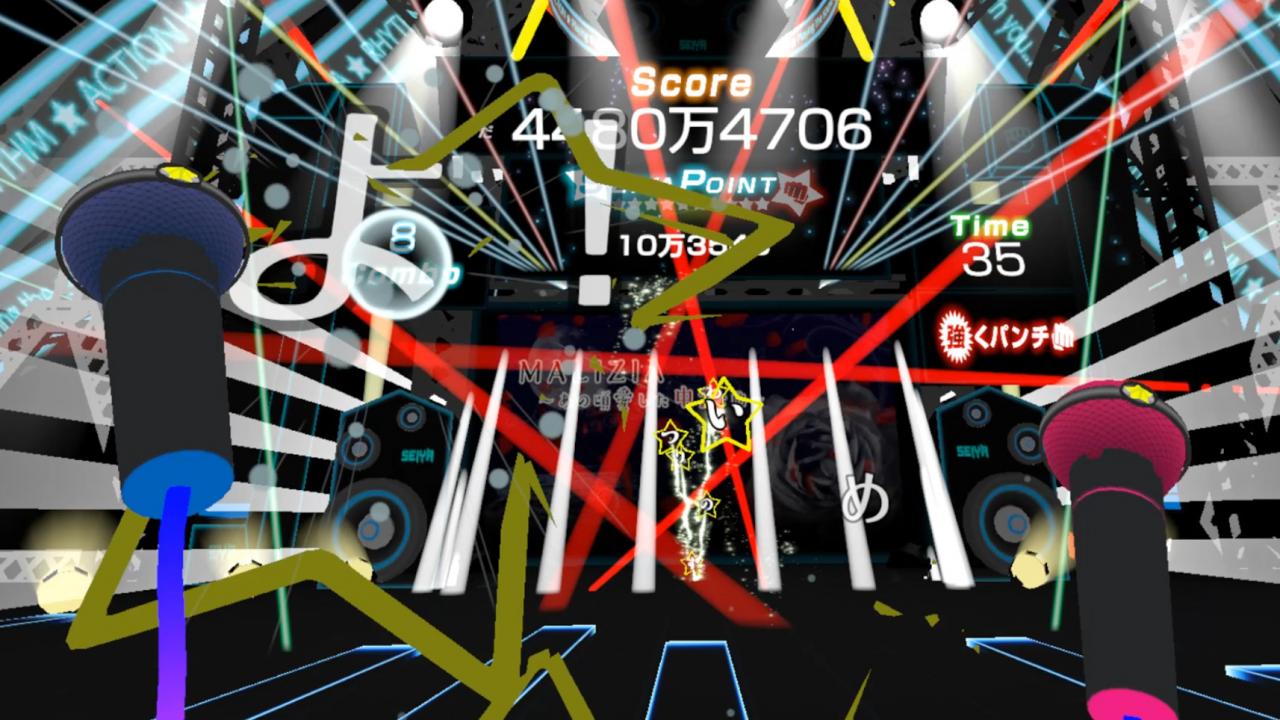
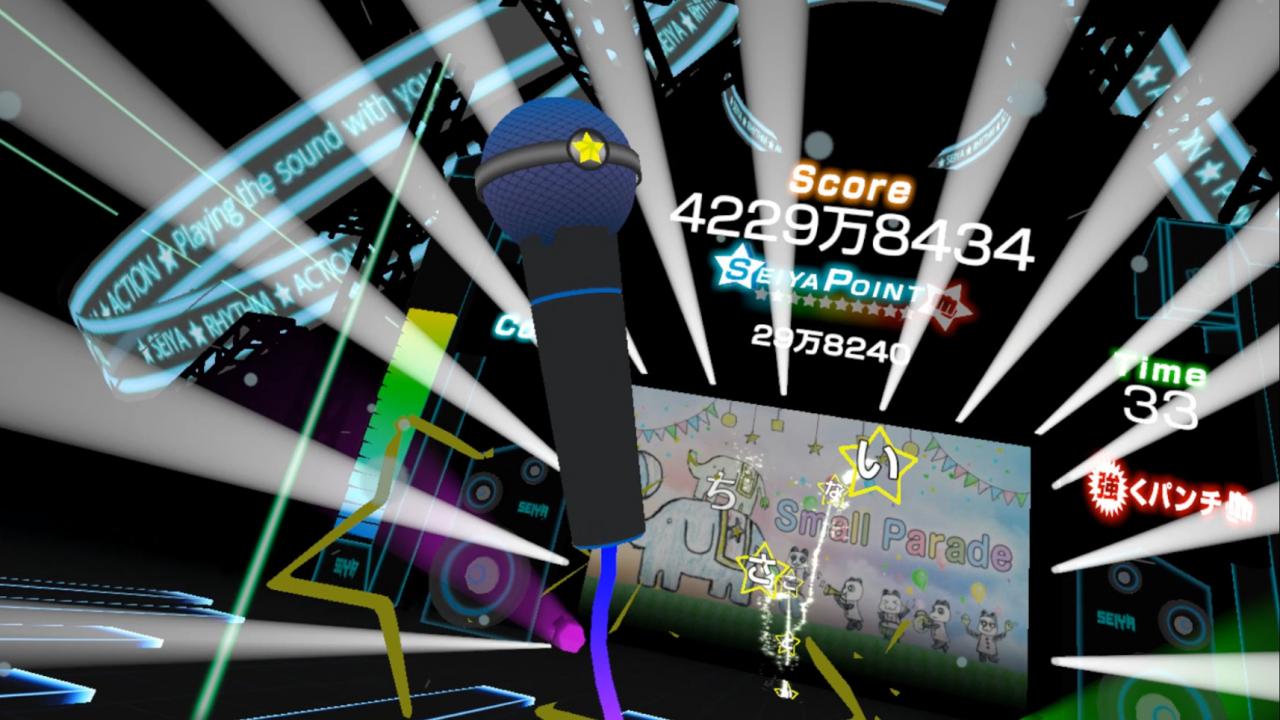
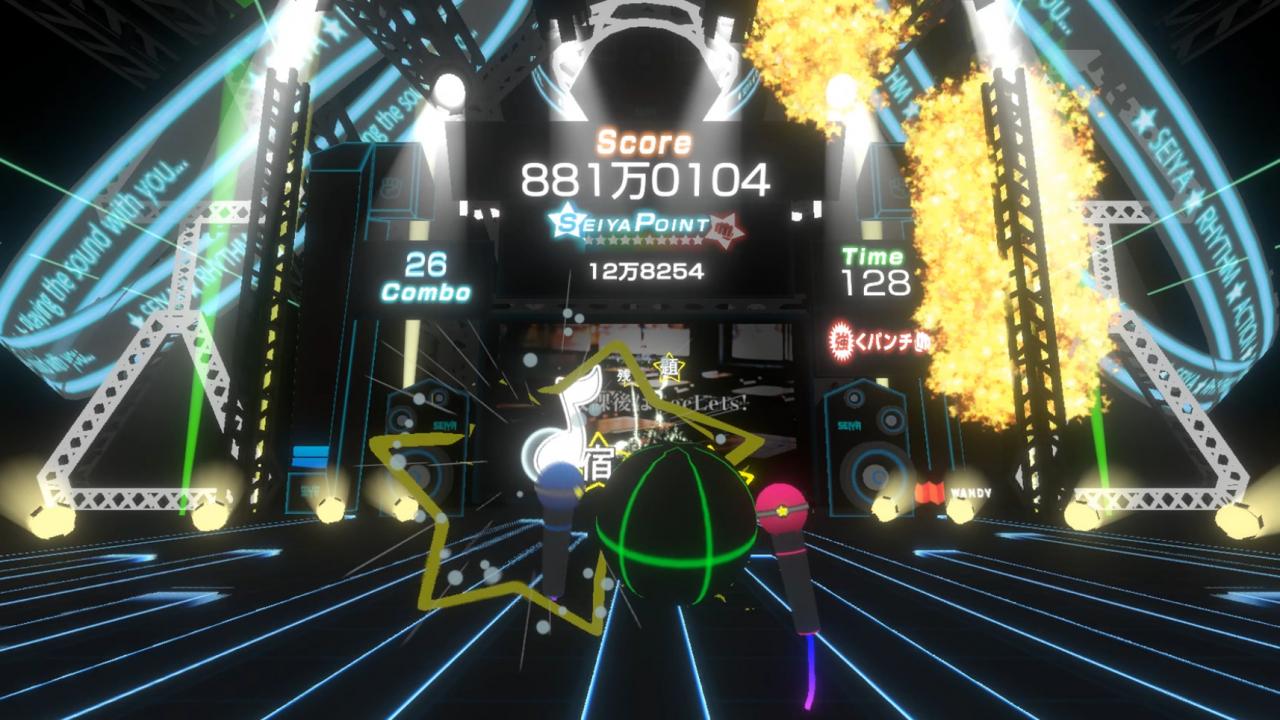
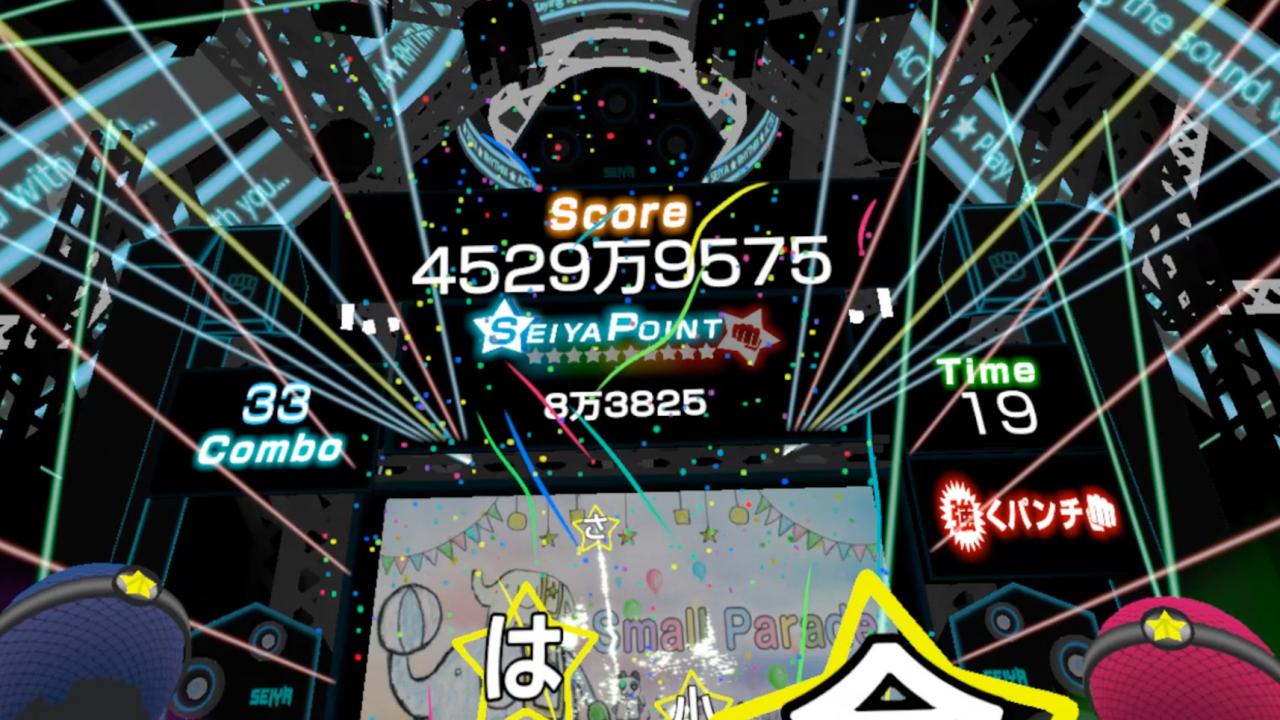
Play the melody by punching the lyrics and stars flying at you to the beat of the music!*The lyrics and songs are all in Japanese. About the Game VR RHYTHM ACTION SEIYA is not your average rhythm game where you just keep beat with the song -- it's a virtual reality music game where you can actually play the melody.Punching the flying stars coming out of the screen will play a note from an instrument, and lyric stars will sing the words.The game can even help you exercise since your score is based on how hard you punch. Features No confusing or complex controls like all the buttons on the Oculus Touch or Vive controllers, just punch and play.- 25 songs to play in total -- from EDM to pop rock.We plan to add songs in as time goes on with free updates! Play on a stage just like an actual venue with wonderful light shows to make you feel like you’re really there! A music game where you play the melody with your own two hands, rather than just keep the beat to the music.
Go to: http://store.steampowered.com/ and download STEAM client Click "Install Steam" (from the upper right corner) Install and start application, login with your Account name and Password (create one if you don't have). Please follow these instructions to activate a new retail purchase on Steam: Launch Steam and log into your Steam account. Click the Games Menu. Choose Activate a Product on Steam... Follow the onscreen instructions to complete the process. After successful code verification go to the "MY GAMES" tab and start downloading.