
OtherGlobal· Key
Ashampoo UnInstaller 11 Activation (2 PCs)
€2.32
+€0.23 cashback eligibility in Relic Coins
Check before you play
- Region
- Global
- Product type
- Key
- Genres
- Software
OtherGlobal· Key
€2.32
+€0.23 cashback eligibility in Relic Coins
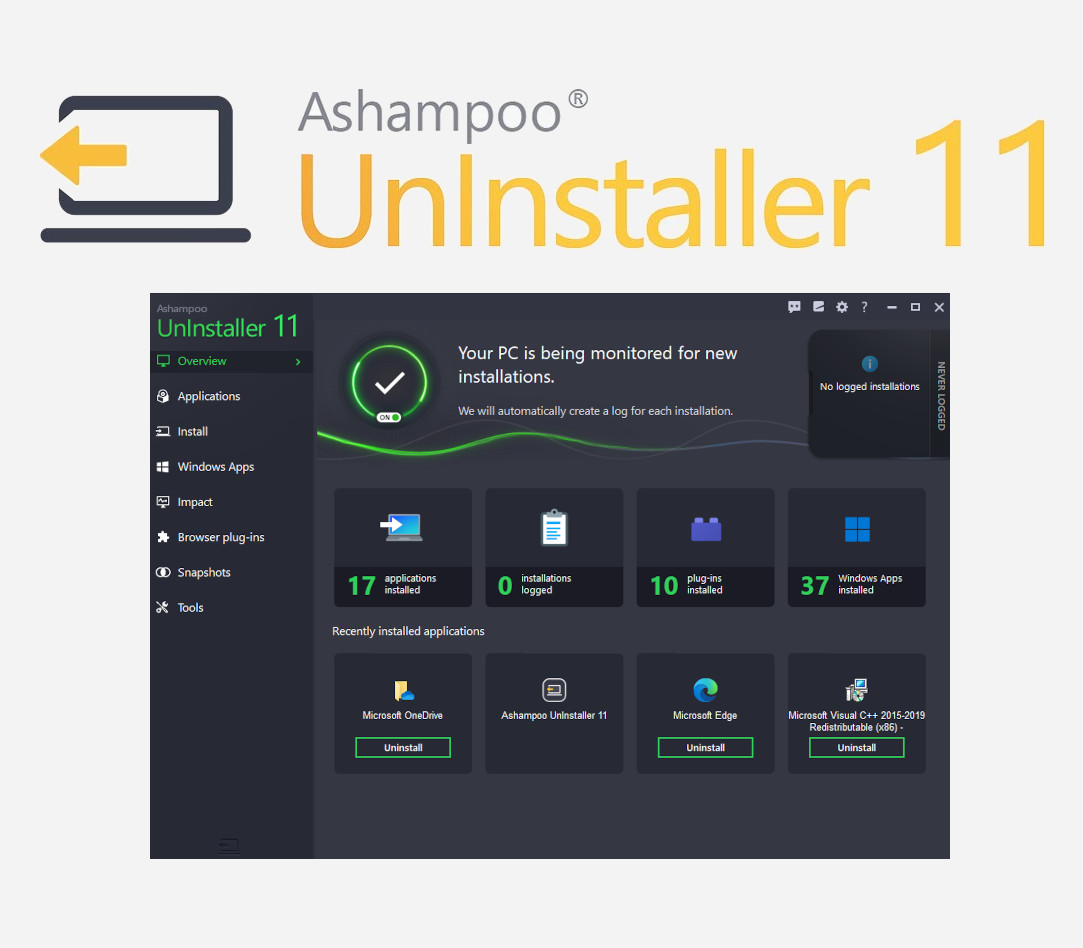
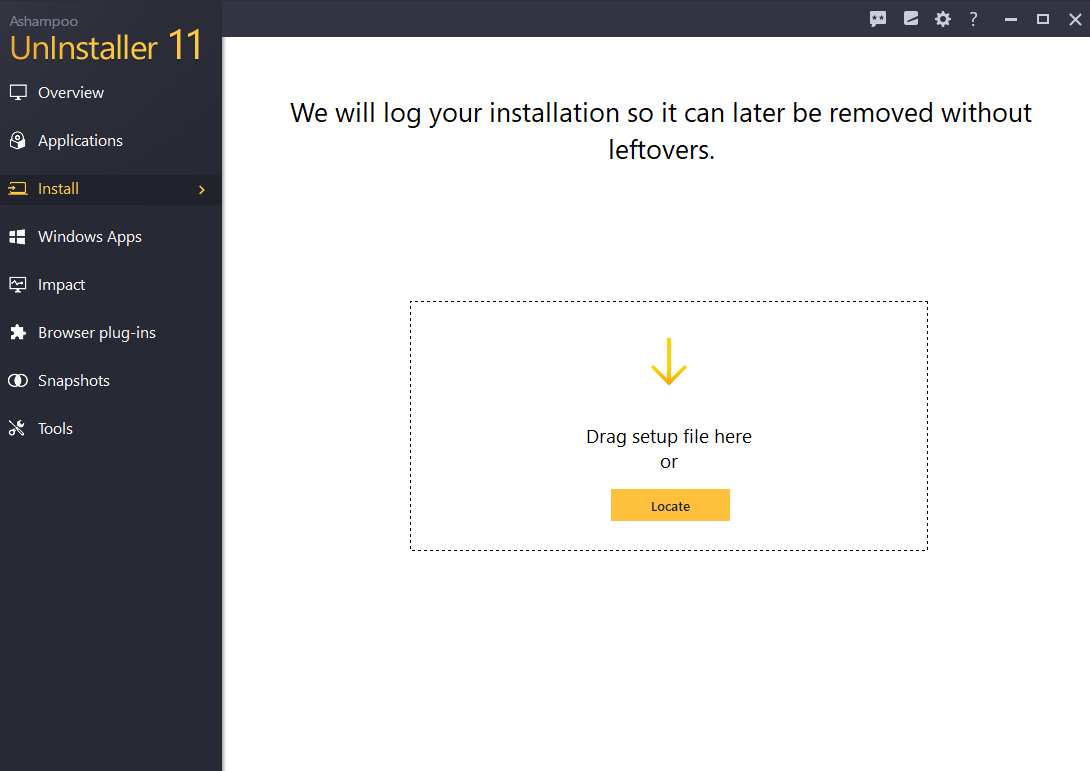
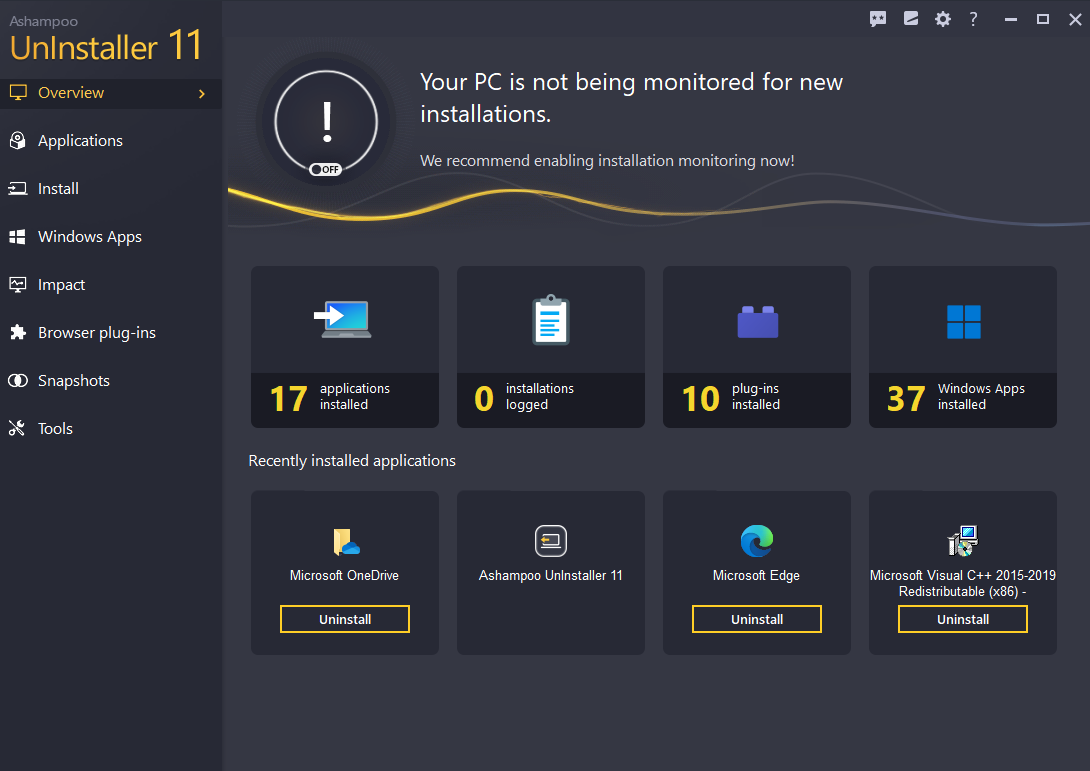
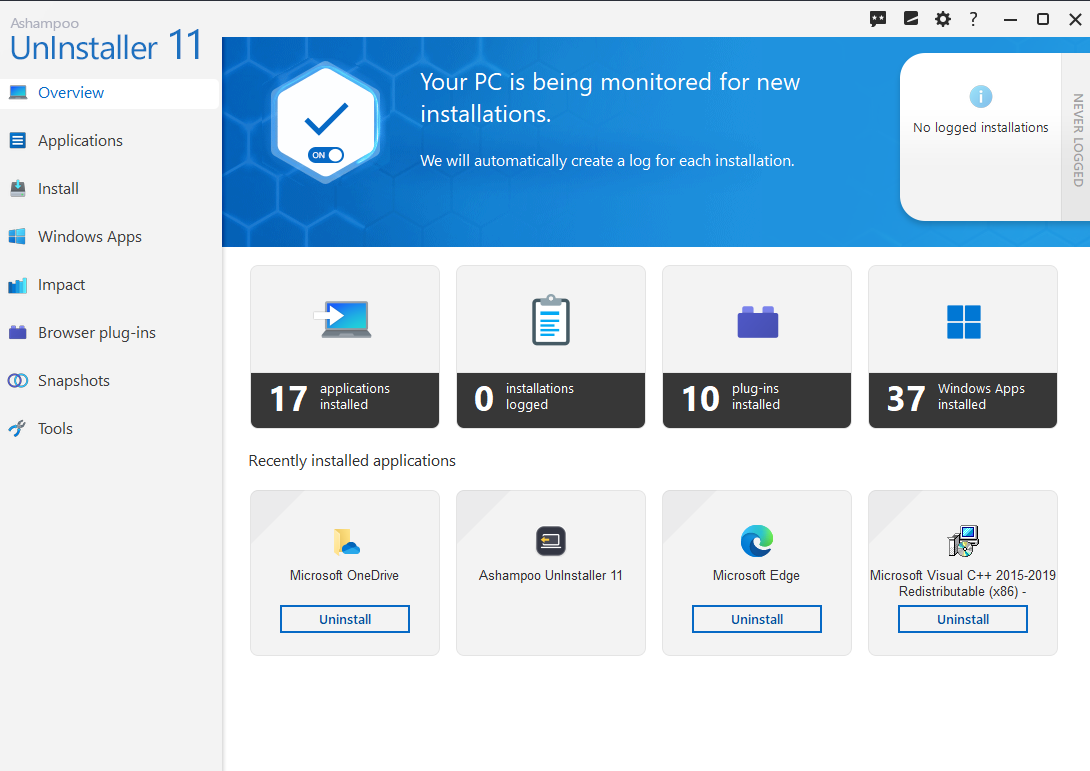
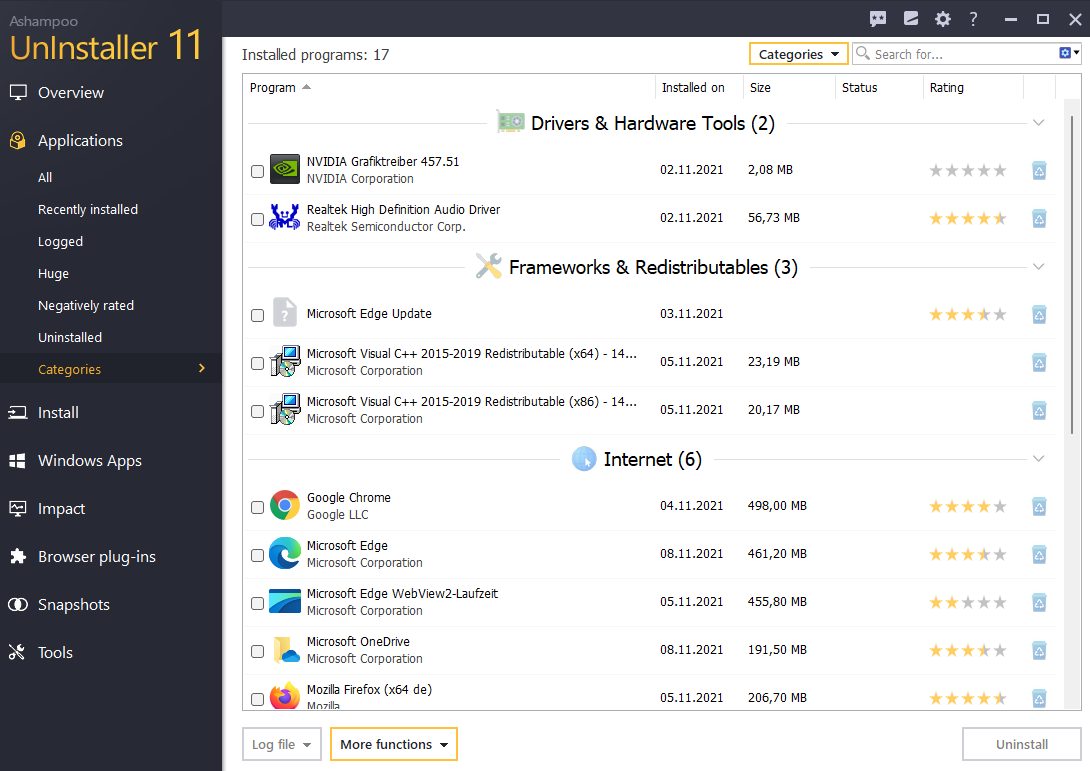
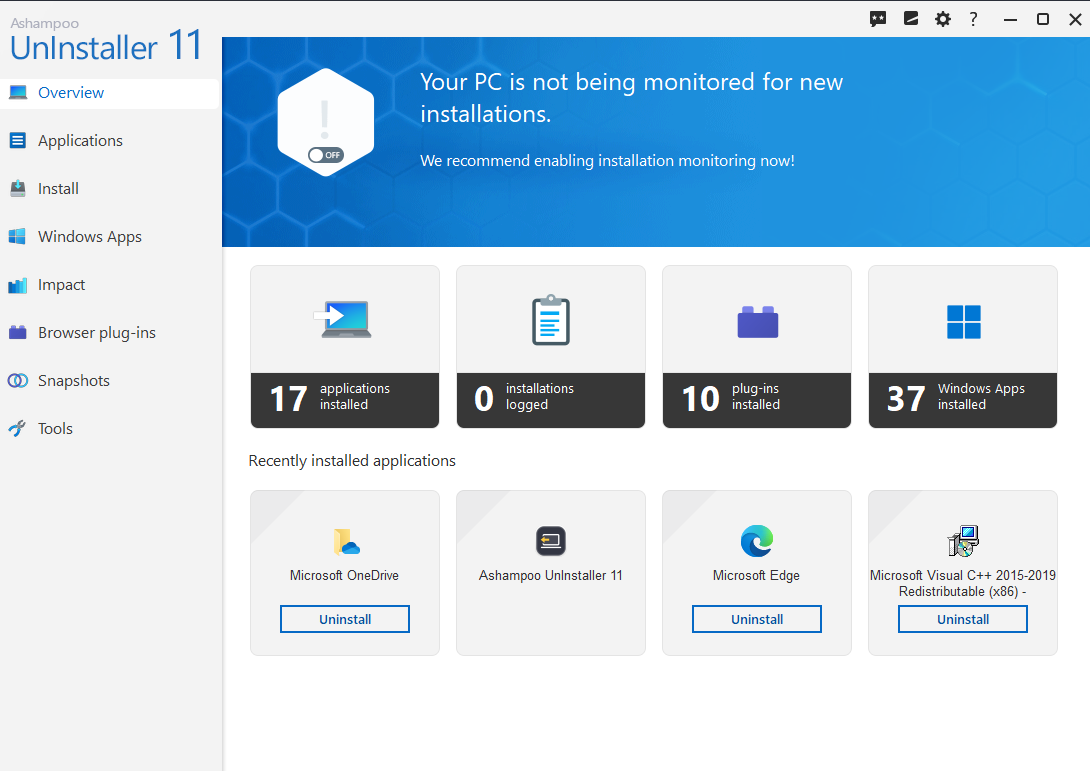
Automatically no chance for unwanted programs Remove software down to the last byte for a lean and clean Windows UnInstaller has not just users but fans! That's why we ran three surveys during its development to learn about your requests–and received thousands of answers! This helped us come up with features like Quick Uninstall (1-click uninstallations), manual log editing, improved cookie management and better tooltips. The community also inspired us to add a widescreen mode for low-res displays, the ability to trigger in-depth cleaning manually and to improve Registry analysis. All of these features were driven by user feedback! We're so grateful for your help and hope you'll enjoy the best Ashampoo® UnInstaller ever! The world's smartest installation guard! Installation monitoring in previous versions was good but Ashampoo® UnInstaller 11 blows them out of the water! Our latest installation guard detects different installer types and uses per-type optimization to track even the most minute modifications to your system. In most cases, logging will also start and stop automatically so you no longer have to lift a finger! In addition, the program can now tell fresh installations from updates to avoid erroneous logging! This lets UnInstaller monitor what goes on your PC even better! Review installed programs neatly arranged by category As systems get older, programs start to pile up making it harder to keep track of your software. UnInstaller 11 comes with a handy categories view that lists all of your installed software by category. The program recognizes your installed software applications automatically and sorts them into their respective categories. You can even categorize (very recent) unknown applications manually. And because the categories view is so useful, you can also set it as your UnInstaller start page!
Download your program https://www.ashampoo.com/en-us/uninstaller and follow the instruction during the installation.