Get 10% back in Relic Coins on every order
Warhammer: Vermintide 2 - Shadows Over Bögenhafen DLC cover

SteamGlobal· DLC

Warhammer: Vermintide 2 - Shadows Over Bögenhafen DLC

€2.61

+€0.26 cashback eligibility in Relic Coins

Check before you play

Platform
Steam
Region
Global
Product type
DLC

Check the required base game and edition before purchasing this add-on.

Developer
Twistplay
Publisher
Chilled Mouse
Supplier release date
2018-03-08
Genres
Action, Adventure, RPG, FPS

About this product

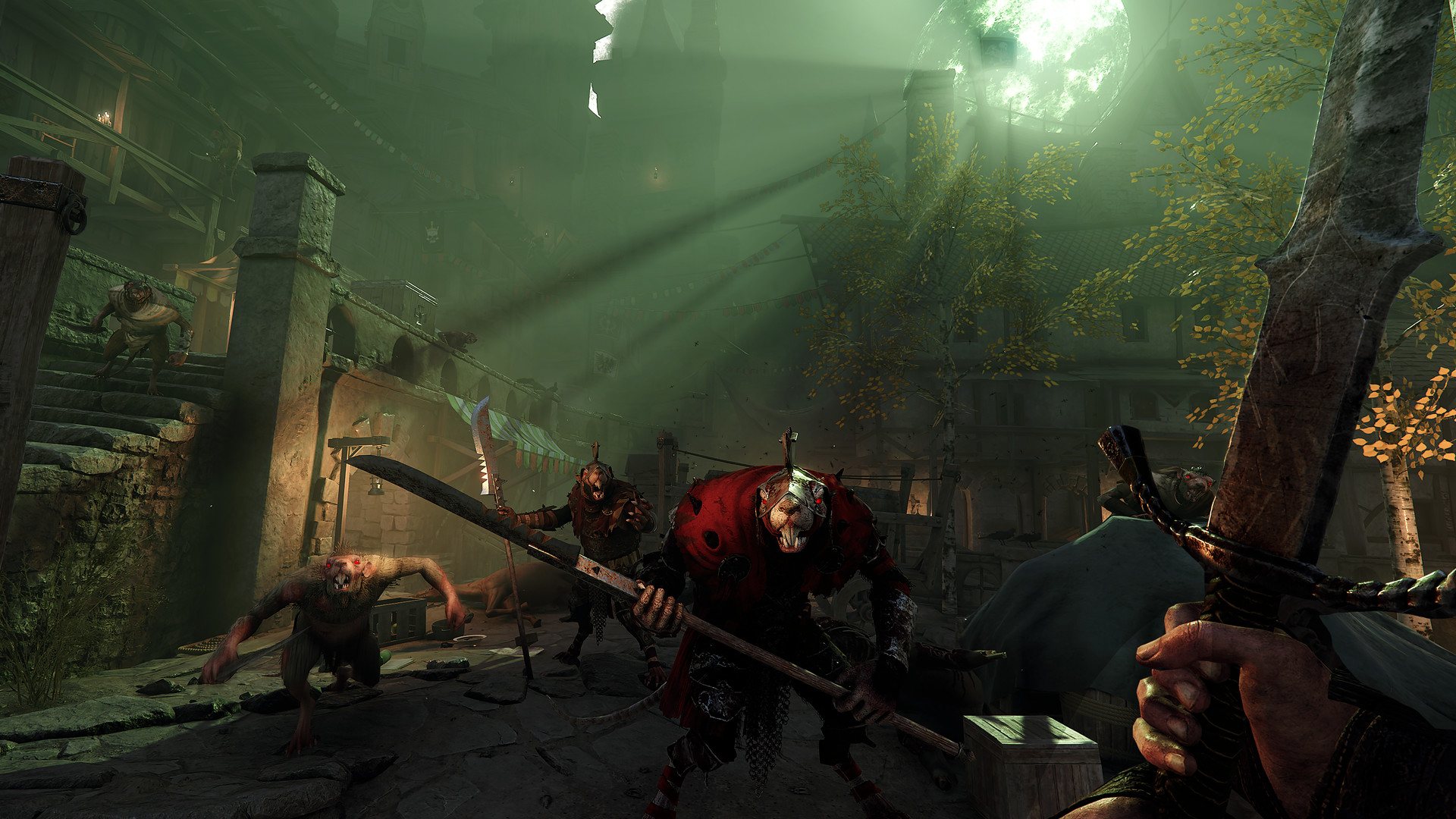
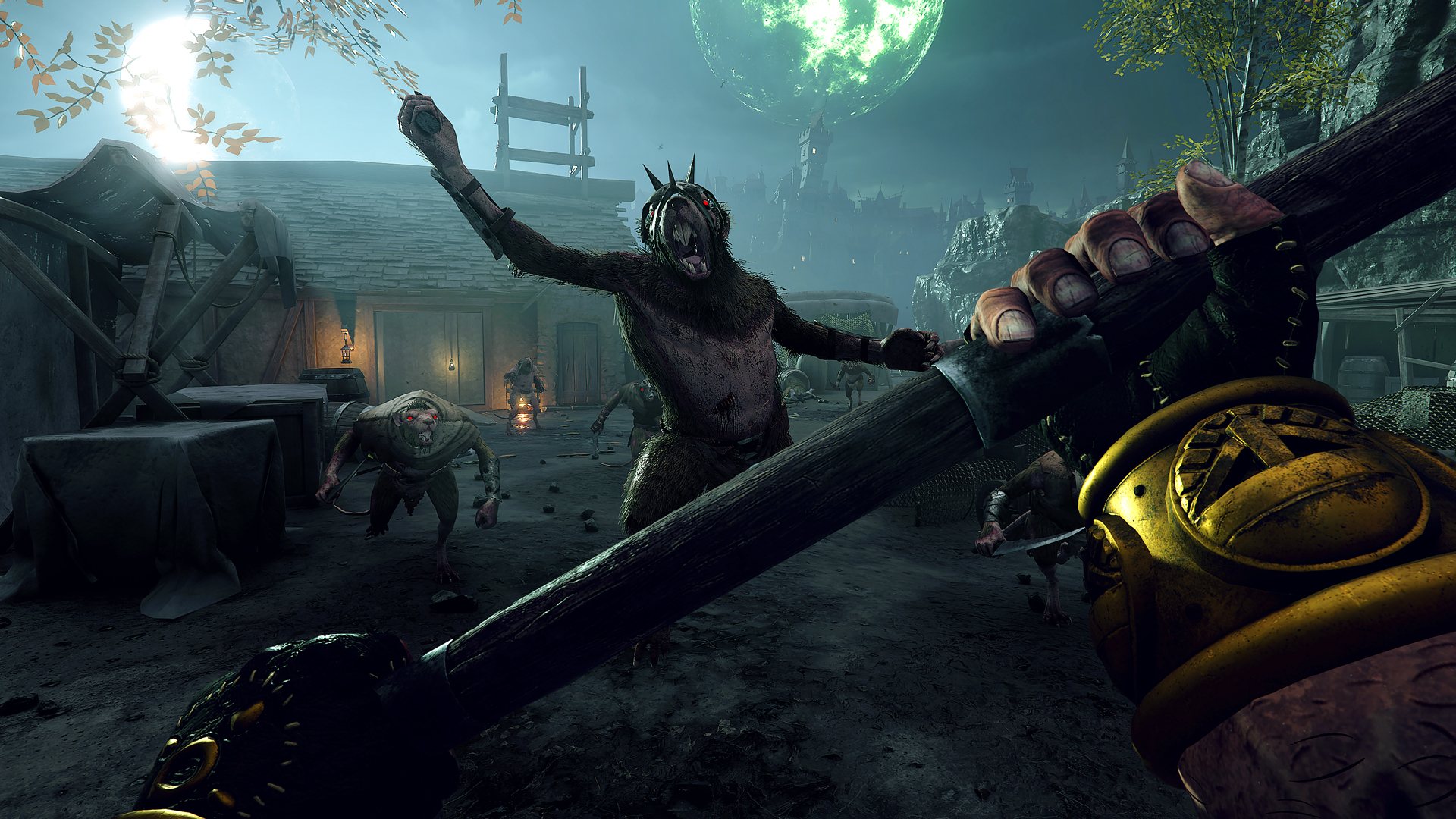
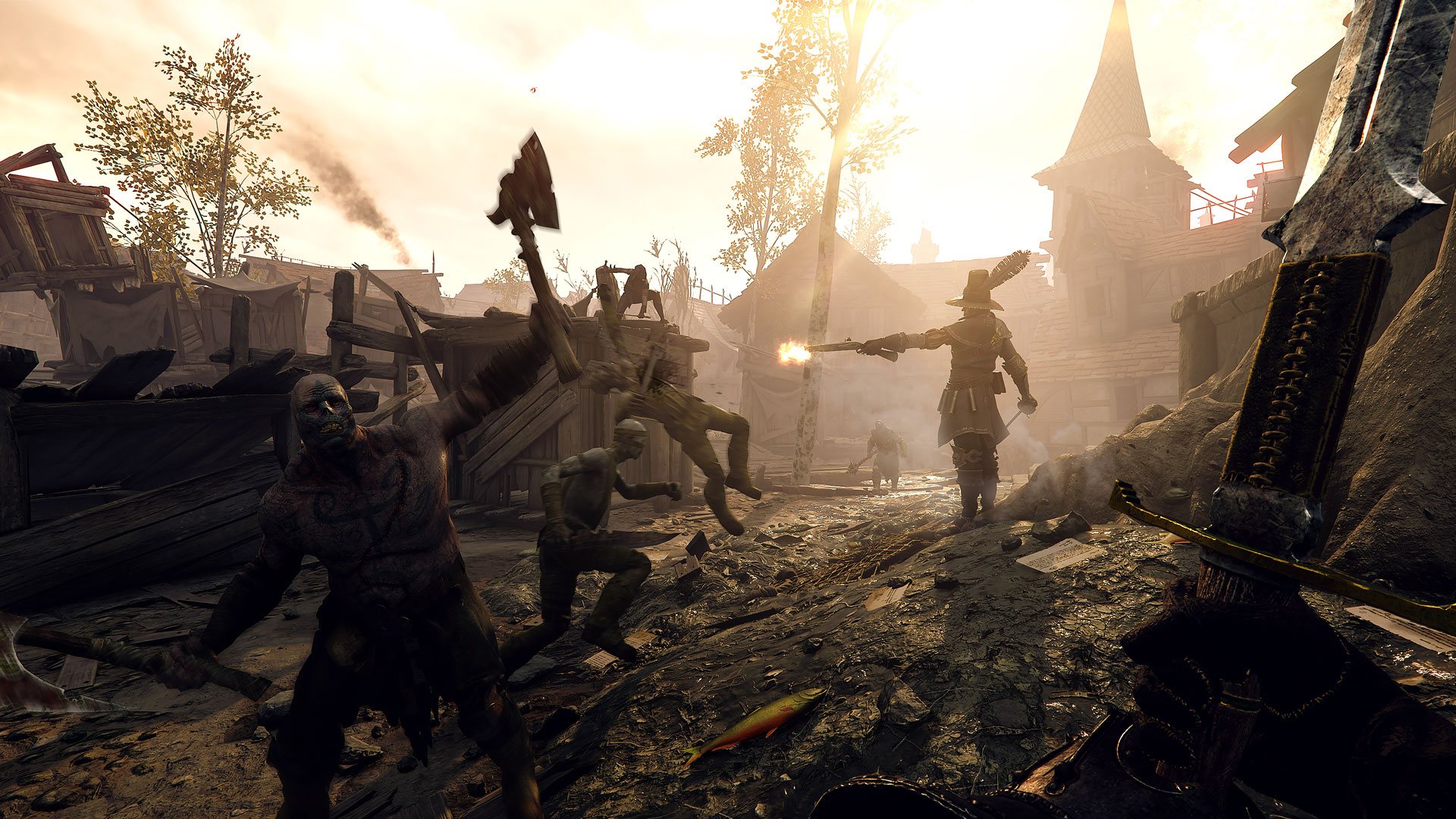
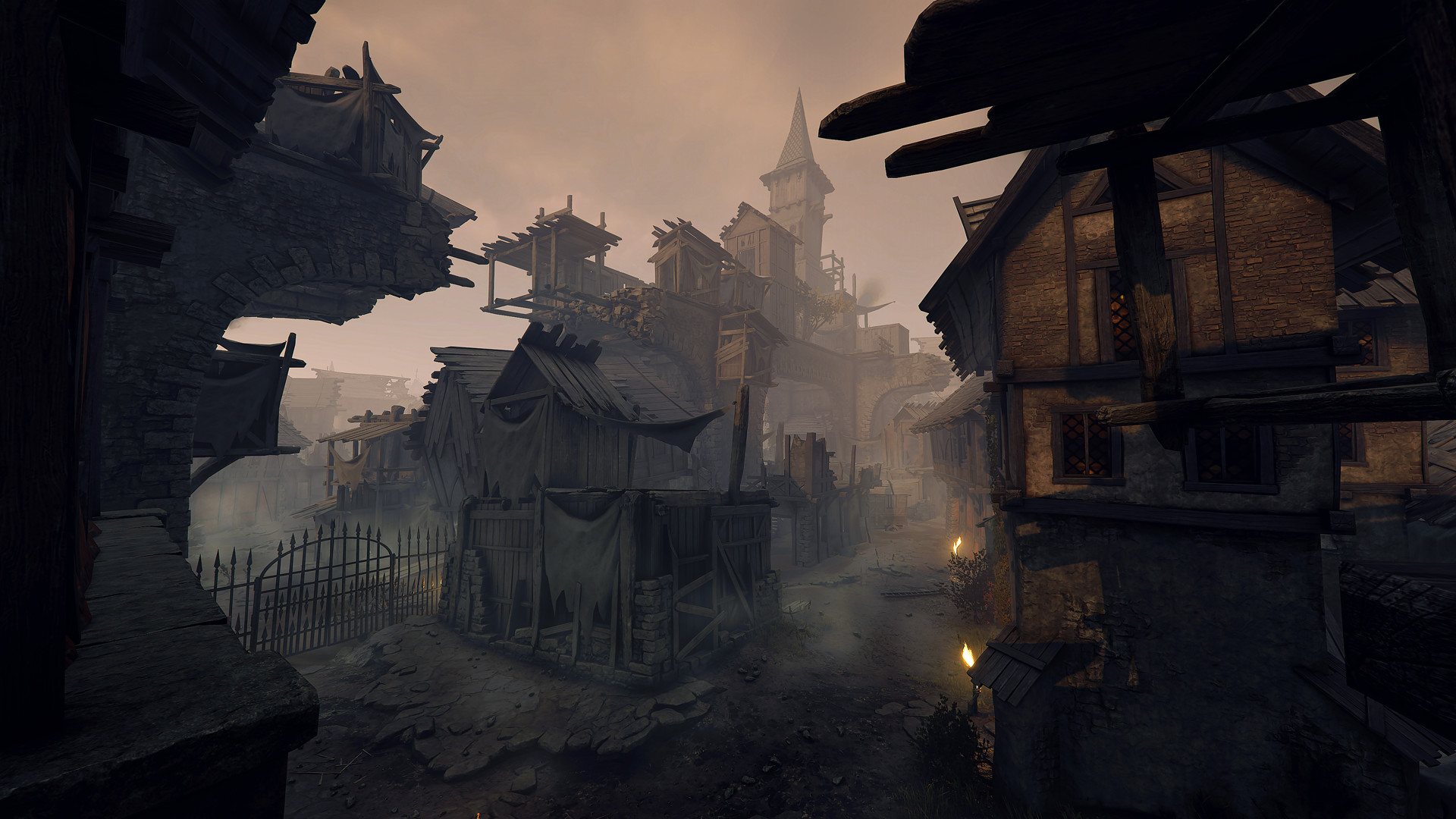
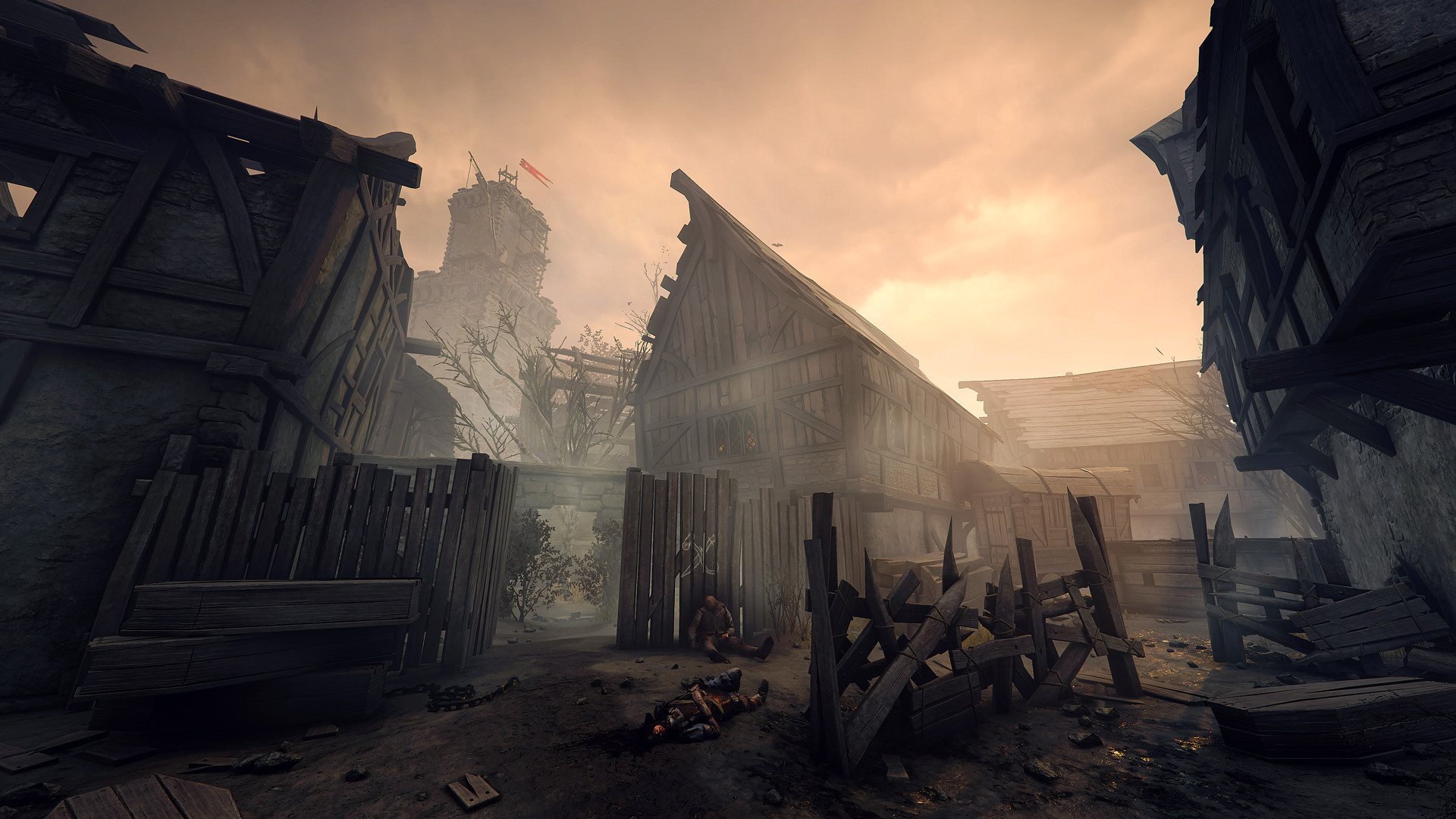
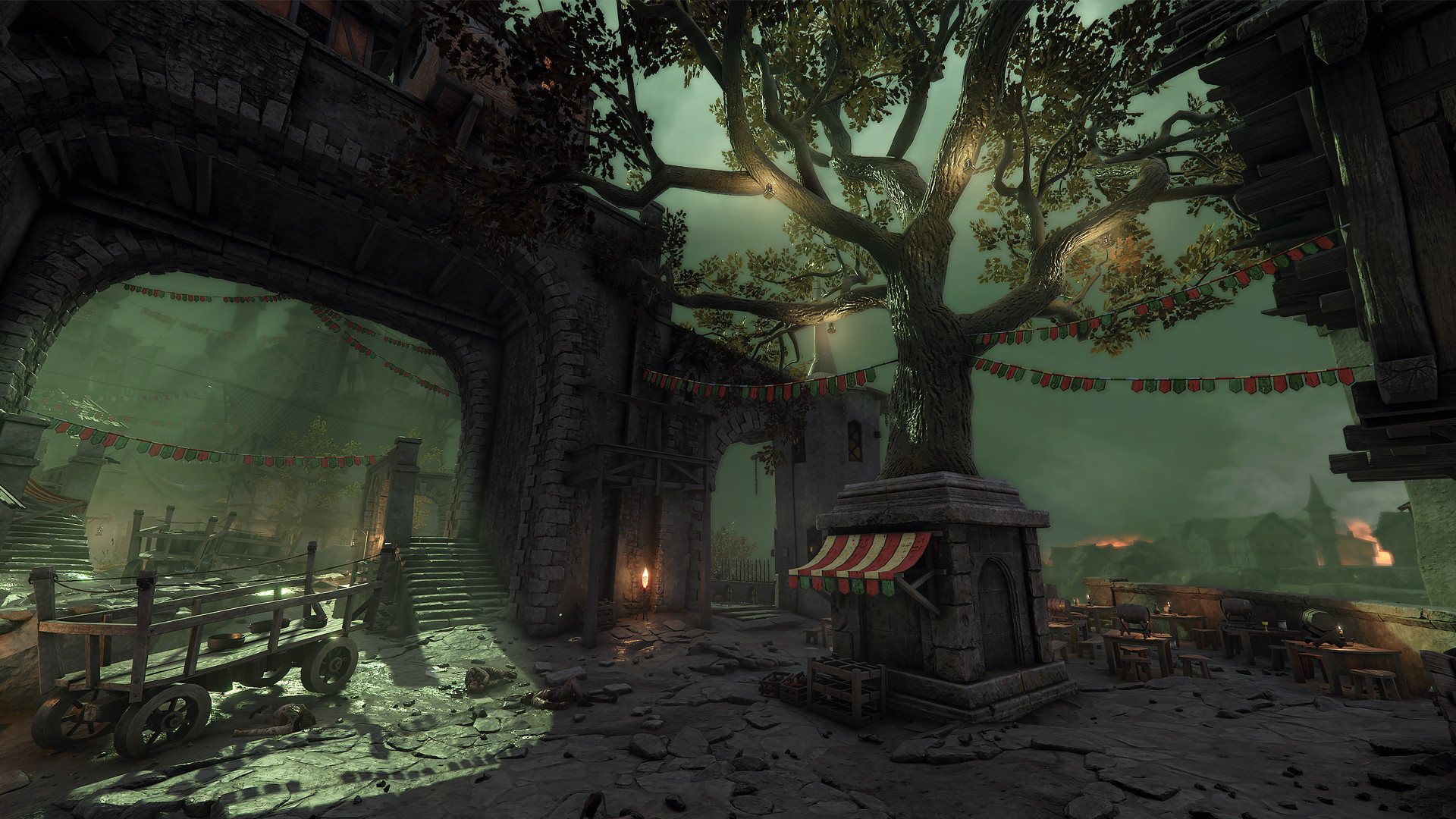
The Shadows Over Bögenhafen levels are free to play in Quickplay. When you purchase the DLC you will be able to create custom games and get access to all new quests, challenges and cosmetics. “The Dark Gods reach out for Bögenhafen. We shall see that they are thwarted.” The Blightreaper has come to Bögenhafen. A legendary Chaos runesword that has brought death and decay to the mercantile city - if Bögenhafen is to be saved, the Blightreaper must be seized and unmade... if such a task is even possible. Shadows Over Bögenhafen brings new content to Vermintide 2 with the impending destruction of the city of Bögenhafen. The heroes are tasked with investigating the source of the Nurgle infestation slowly consuming the city - starting in the disease-ridden slums The Pit and across the river in the Göttenplatz district. Features Two new levels set in Bögenhafen New cosmetics including hats, skins, portrait frames and illusions New quests and challenges

Warhammer: Vermintide 2 - Shadows Over Bögenhafen DLC screenshotWarhammer: Vermintide 2 - Shadows Over Bögenhafen DLC screenshotWarhammer: Vermintide 2 - Shadows Over Bögenhafen DLC screenshotWarhammer: Vermintide 2 - Shadows Over Bögenhafen DLC screenshotWarhammer: Vermintide 2 - Shadows Over Bögenhafen DLC screenshotWarhammer: Vermintide 2 - Shadows Over Bögenhafen DLC screenshot

How to redeem

  1. 1Check the required base game, platform and edition before purchasing.
  2. 2Find the code or supplier activation instructions in your confirmed order.
  3. 3Redeem on Steam using the supplied instructions, then install the add-on with the compatible base game.

Supplier instructions

Go to: http://store.steampowered.com/ and download STEAM client Click "Install Steam" (from the upper right corner) Install and start application, login with your Account name and Password (create one if you don't have). Please follow these instructions to activate a new retail purchase on Steam: Launch Steam and log into your Steam account. Click the Games Menu. Choose Activate a Product on Steam... Follow the onscreen instructions to complete the process. After successful code verification go to the "MY GAMES" tab and start downloading.

You might also like