

SteamGlobal· Gift
TowerFall Ascension
€13.07
+€1.31 cashback eligibility in Relic Coins
Check before you play
- Platform
- Steam
- Region
- Global
- Product type
- Gift
- Developer
- Extremely OK Games
- Publisher
- Extremely OK Games
- Genres
- Action, Indie, Fighting
SteamGlobal· Gift
€13.07
+€1.31 cashback eligibility in Relic Coins
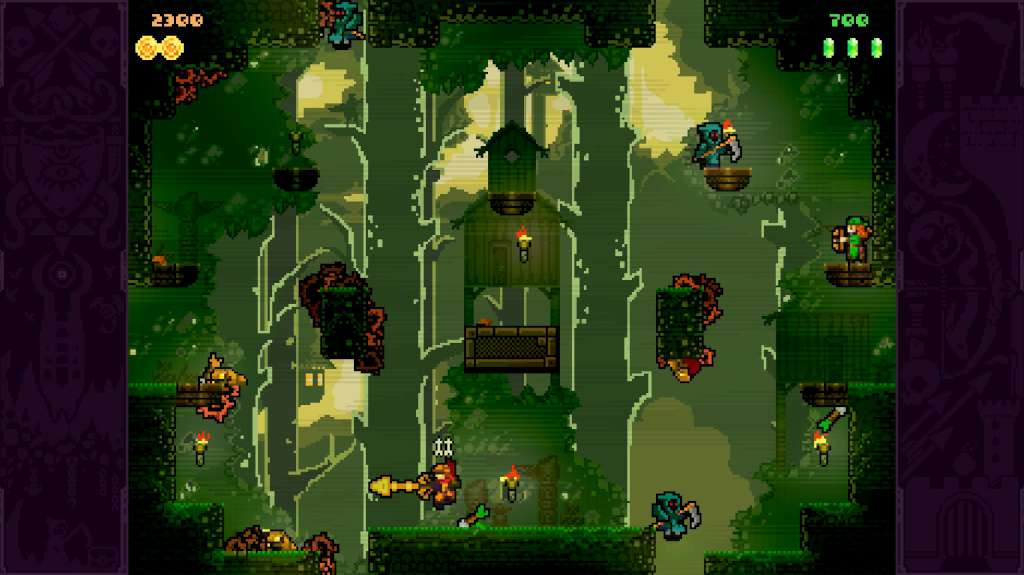
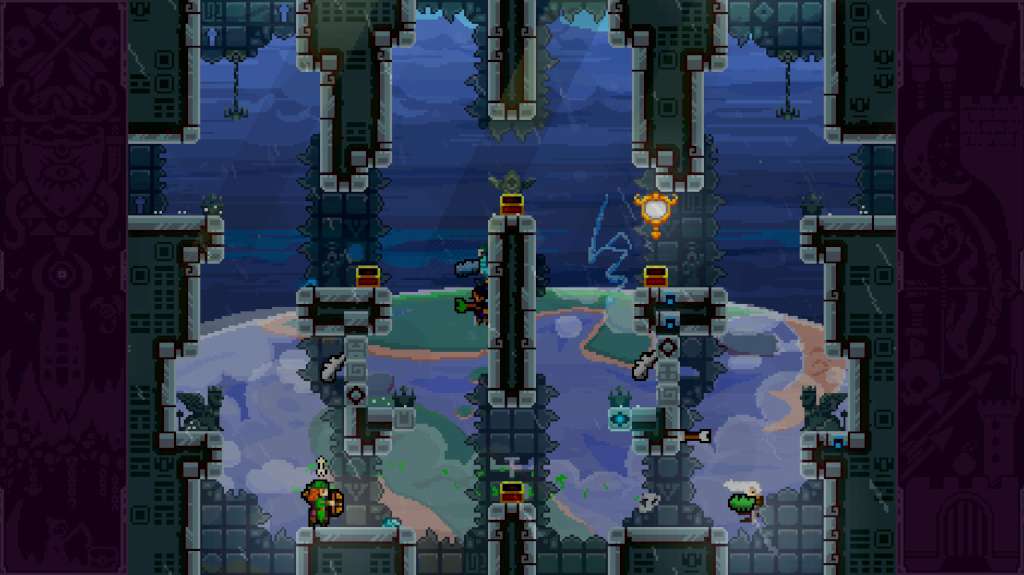
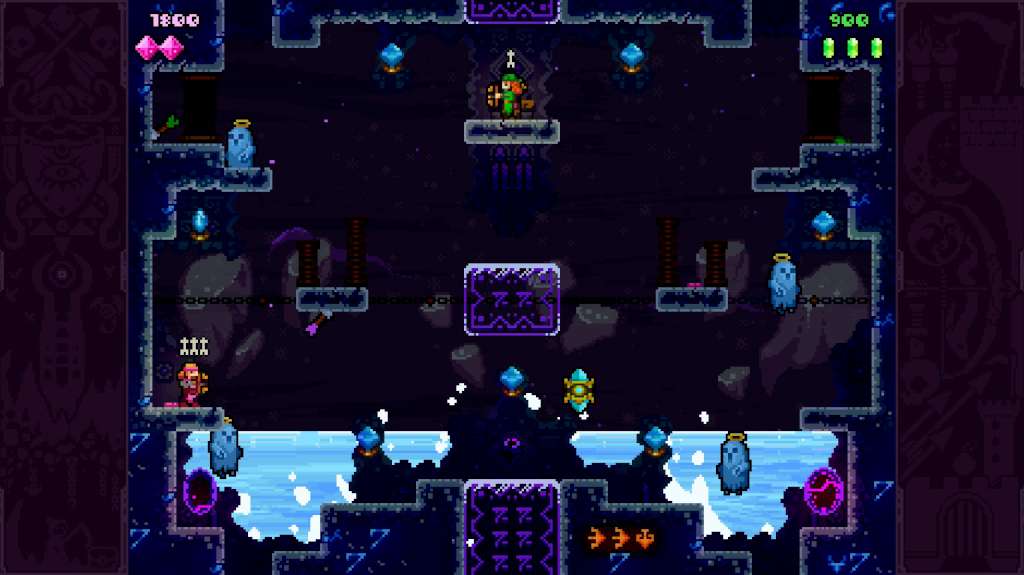
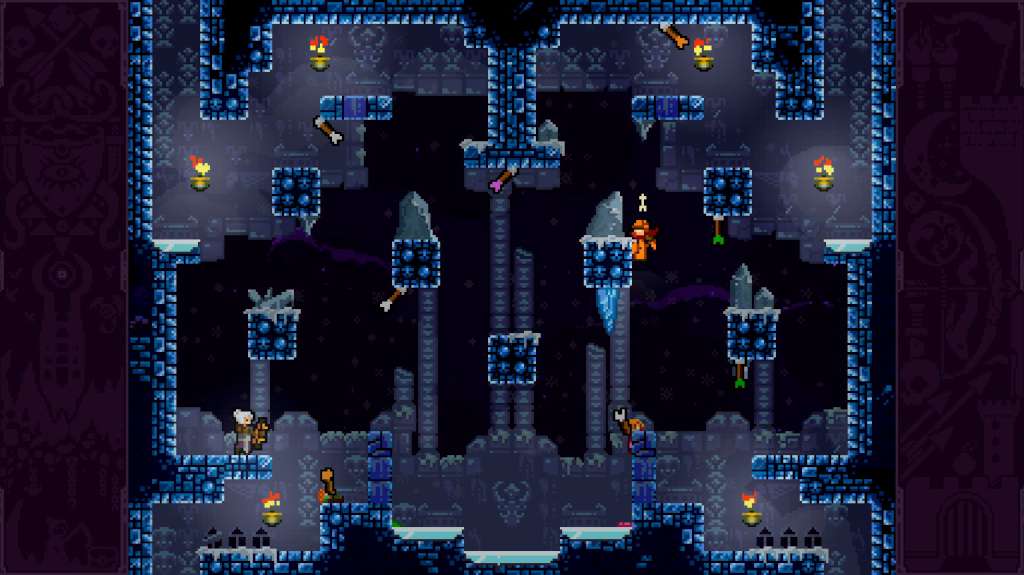
TowerFall Ascension Steam Gift Platform: Steam Release Date: 11 Mar 2014 Product Description TowerFall Ascension is the definitive version of the hit archery combat game. Inspired by classics from the golden age of couch multiplayer, it's a 4-player local party game centering around hilarious, intense versus matches. The core mechanics are simple and accessible, but hard to master and combat is fierce. Loot treasure chests for game-changing power-ups, master the art of catching arrows out of the air, or descend on your foes and stomp them into submission. TowerFall is best played competitively with friends, cross-legged on the floor within punching distance of each other. New in Ascension is the 1- or 2-player co-op Quest mode. Players work together, fighting off a variety of monsters and enemy archers across the land of TowerFall. It's a new adventure to explore when you don't have more friends handy to square off against. Features Brand new 1- or 2-player co-op Quest mode 50 additional Versus arenas, for a total of 120 unique maps More game-changing power-ups, such as Drill Arrows that burrow through walls 4 new unlockable, playable archers, for a total of 8 A huge list of variants to customize your matches - a total of 67 ways to mix things up Plenty of hidden secrets and surprises to discover with your friends System Requirements OS: Windows Vista or newer Processor: Intel Core i3 M380 Memory: 2 GB RAM Graphics: Intel HD 4400 DirectX: Version 10 Hard Drive: 400 MB available space

Go to: http://store.steampowered.com/ and download STEAM client Click "Install Steam" (from the upper right corner) Install and start application, login with your Account name and Password (create one if you don't have). Please follow these instructions to activate a new retail purchase on Steam: Launch Steam and log into your Steam account. Click the Games Menu. Choose Activate a Product on Steam... Follow the onscreen instructions to complete the process. After successful code verification go to the "MY GAMES" tab and start downloading.