Get 10% back in Relic Coins on every order
Hakuoki: Kyoto Winds - Deluxe Pack DLC cover

SteamGlobal· DLC

Hakuoki: Kyoto Winds - Deluxe Pack DLC

€1.29

+€0.13 cashback eligibility in Relic Coins

Check before you play

Platform
Steam
Region
Global
Product type
DLC

Check the required base game and edition before purchasing this add-on.

Developer
Idea Factory, Design Factory
Publisher
Idea Factory International
Supplier release date
2017-08-24
Genres
Adventure, Visual Novel, Dating Simulator
About this product

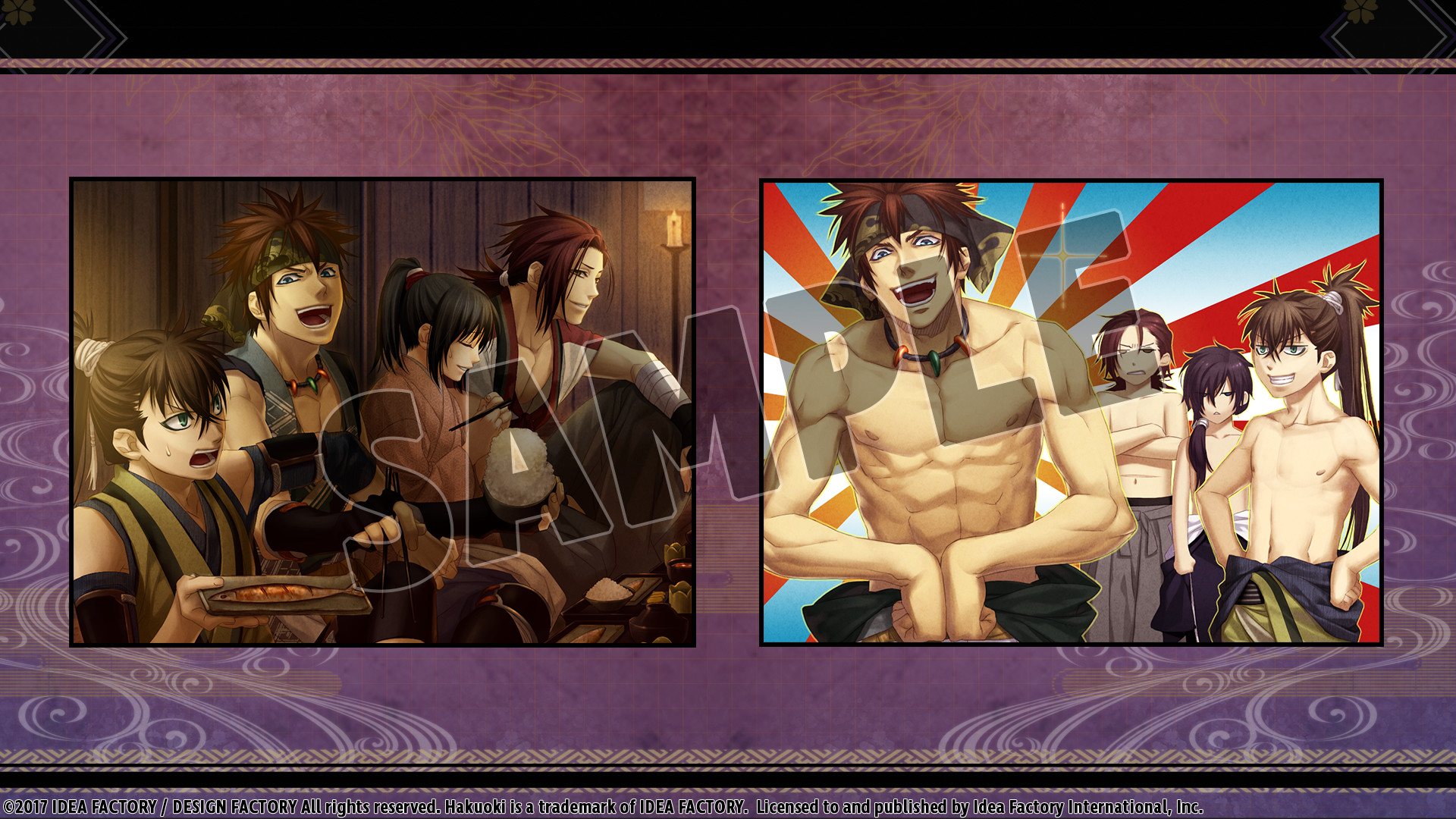
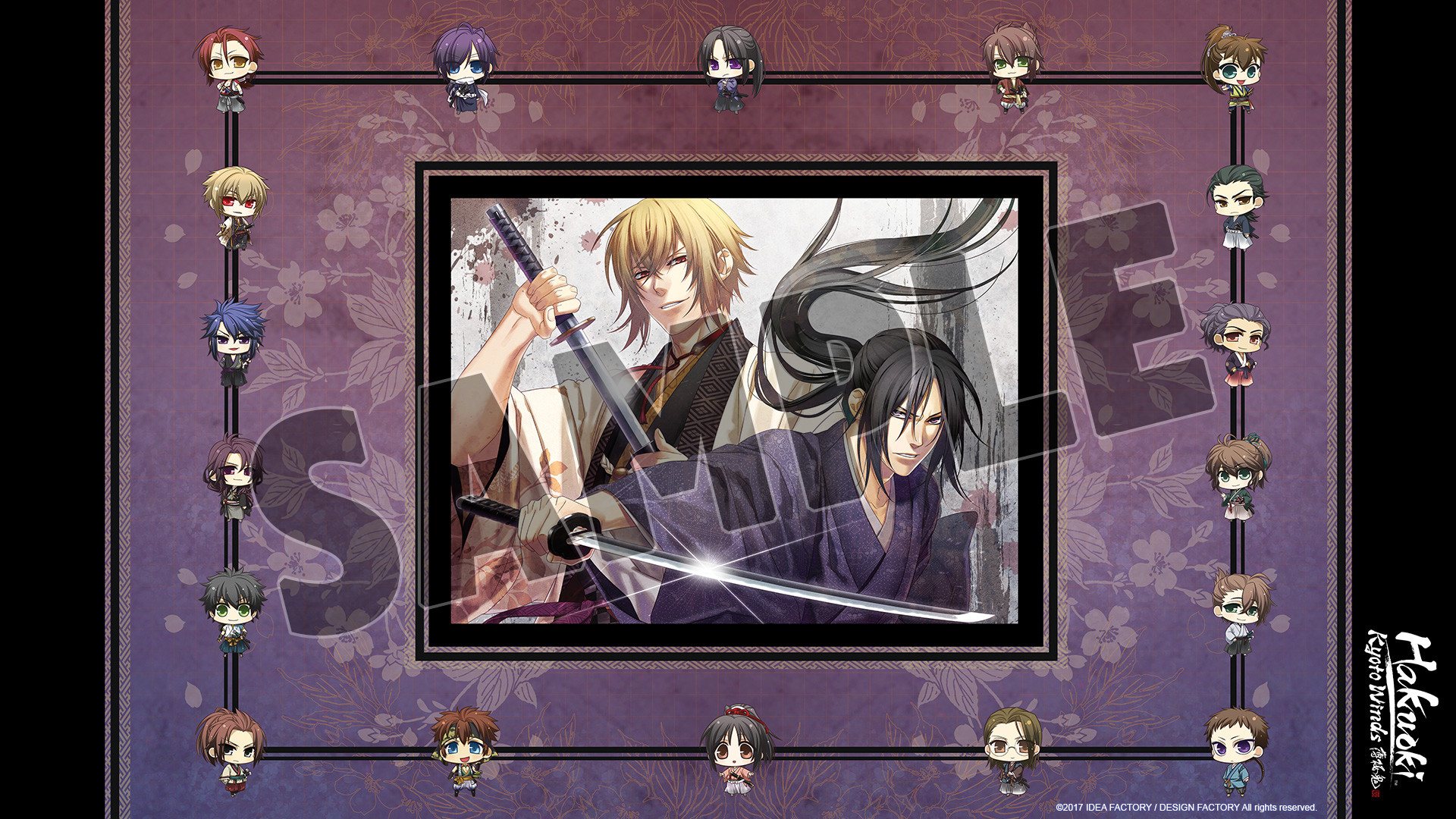
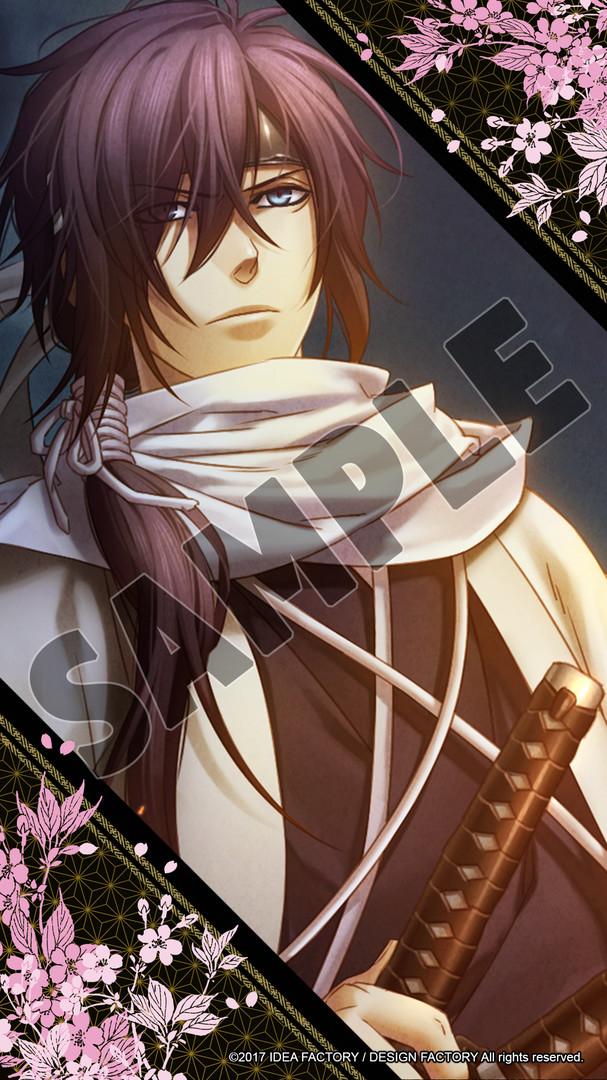
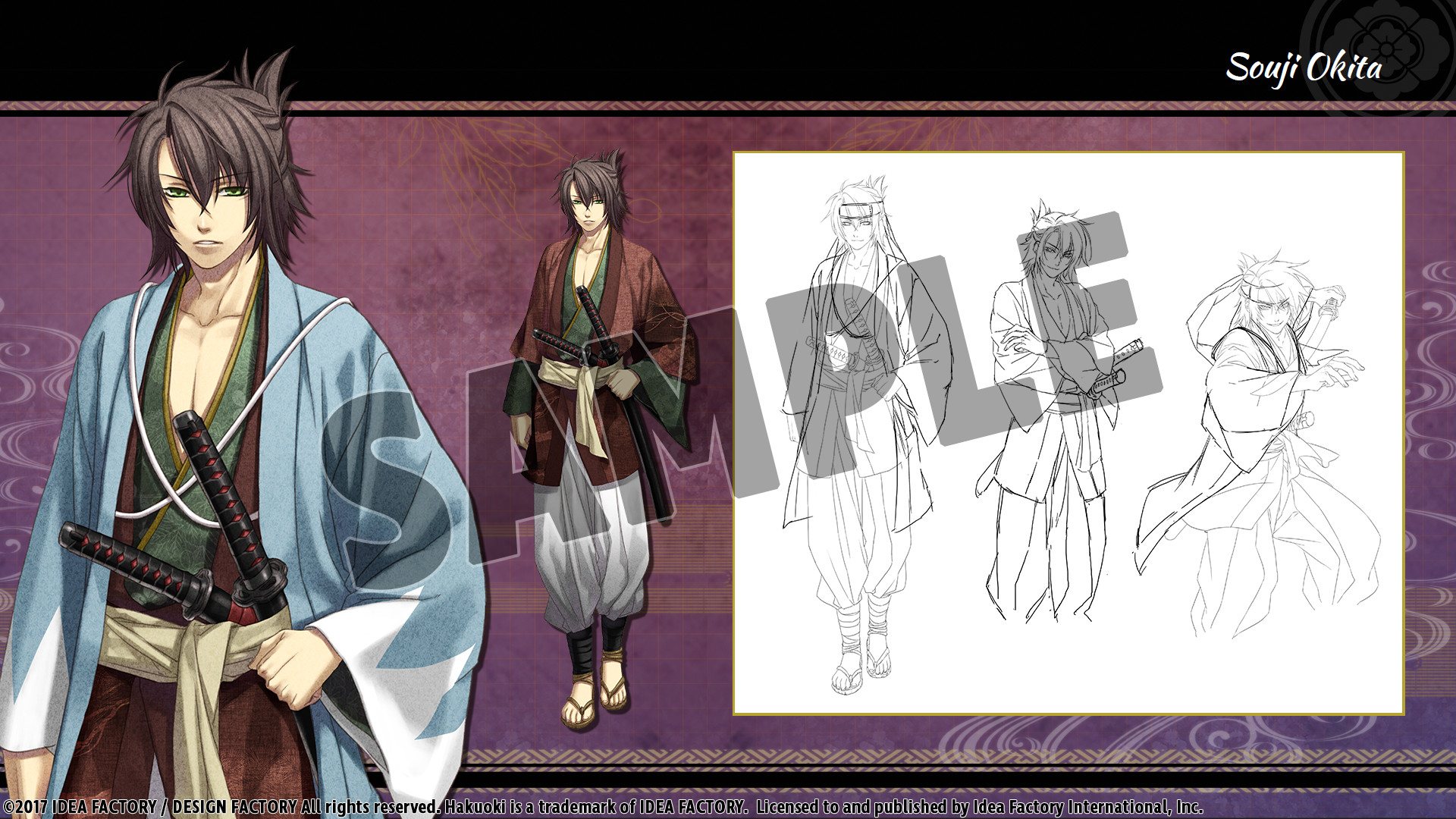
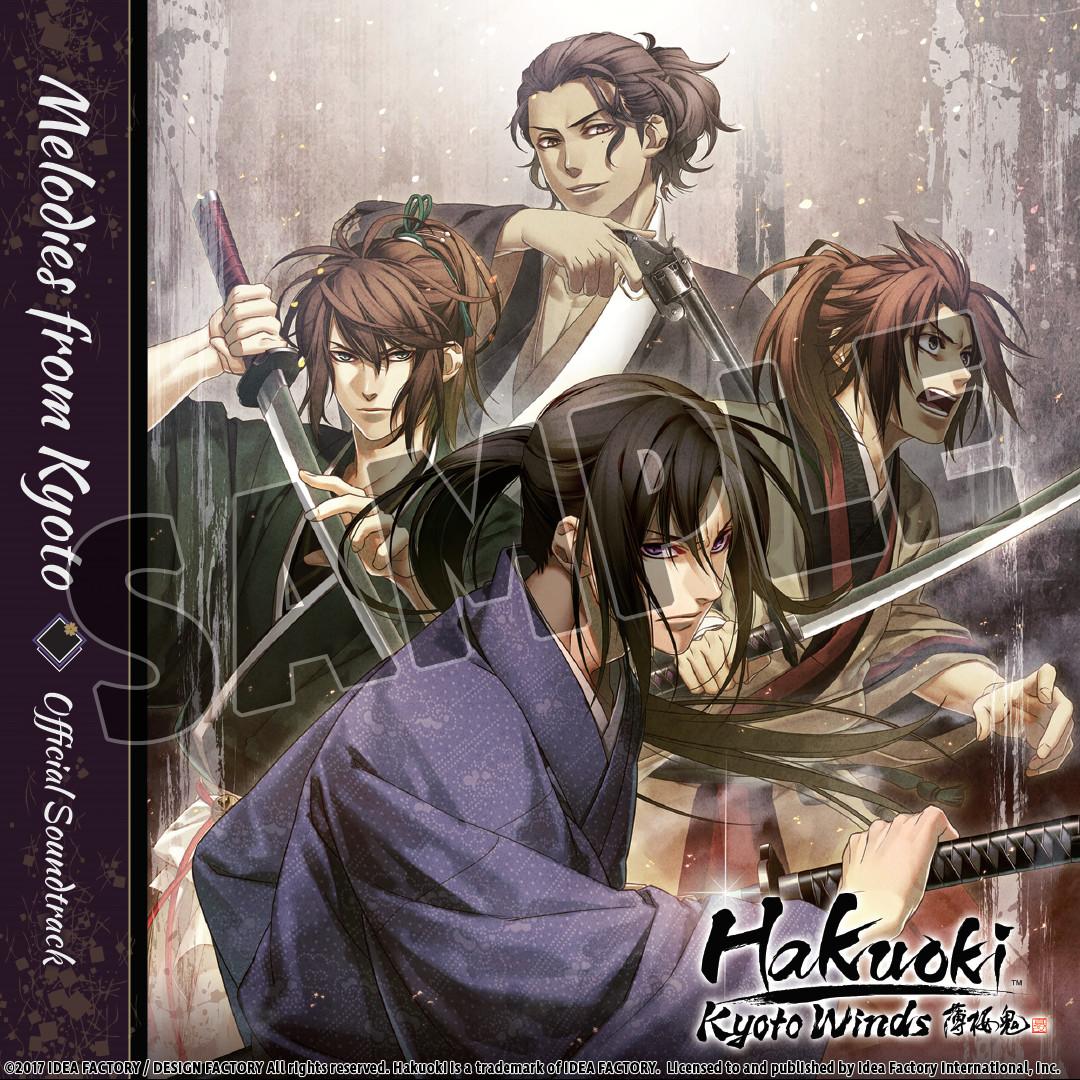
Bring your favorite bachelors home with this Deluxe Pack that includes wallpapers to decorate your PC and your phone! Deluxe Pack Includes: OST - 20 tracks to immerse yourself in the battles fought and the emotions felt in Kyoto. Event Scene Collection - 17 pages of gorgeous event scenes. PC Wallpaper - Add some beauty to your screen with 4 wallpapers. Mobile Wallpaper - Protect your mobile device with any 12 of your favorite bachelors. Character Art Collection - 13 pages showing rough sketches and full-color artwork of the beautiful characters. The Deluxe Pack contents will be downloaded into your steamapps > common > Hakuoki: Kyoto Winds > data > dlc > Deluxe Edition folder.

Hakuoki: Kyoto Winds - Deluxe Pack DLC screenshotHakuoki: Kyoto Winds - Deluxe Pack DLC screenshotHakuoki: Kyoto Winds - Deluxe Pack DLC screenshotHakuoki: Kyoto Winds - Deluxe Pack DLC screenshotHakuoki: Kyoto Winds - Deluxe Pack DLC screenshot

How to redeem

  1. 1Check the required base game, platform and edition before purchasing.
  2. 2Find the code or supplier activation instructions in your confirmed order.
  3. 3Redeem on Steam using the supplied instructions, then install the add-on with the compatible base game.

Supplier instructions

Go to: http://store.steampowered.com/ and download STEAM client Click "Install Steam" (from the upper right corner) Install and start application, login with your Account name and Password (create one if you don't have). Please follow these instructions to activate a new retail purchase on Steam: Launch Steam and log into your Steam account. Click the Games Menu. Choose Activate a Product on Steam... Follow the onscreen instructions to complete the process. After successful code verification go to the "MY GAMES" tab and start downloading.

You might also like