Get 10% back in Relic Coins on every order
Disneyland Adventures cover

SteamGlobal· Key

Disneyland Adventures

€4.86

+€0.49 cashback eligibility in Relic Coins

Check before you play

Platform
Steam
Region
Global
Product type
Key
Developer
Asobo Studio
Publisher
Microsoft Studios
Supplier release date
2018-09-14
Genres
Adventure, Simulation, Casual

About this product

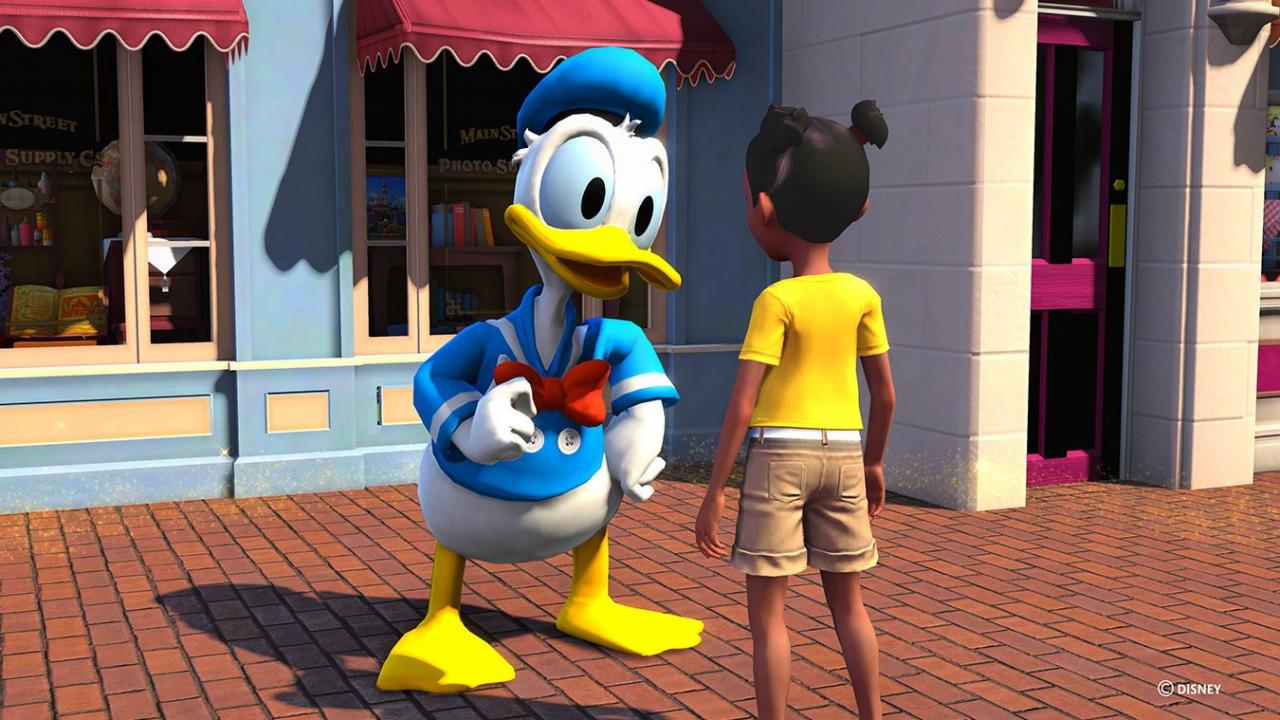
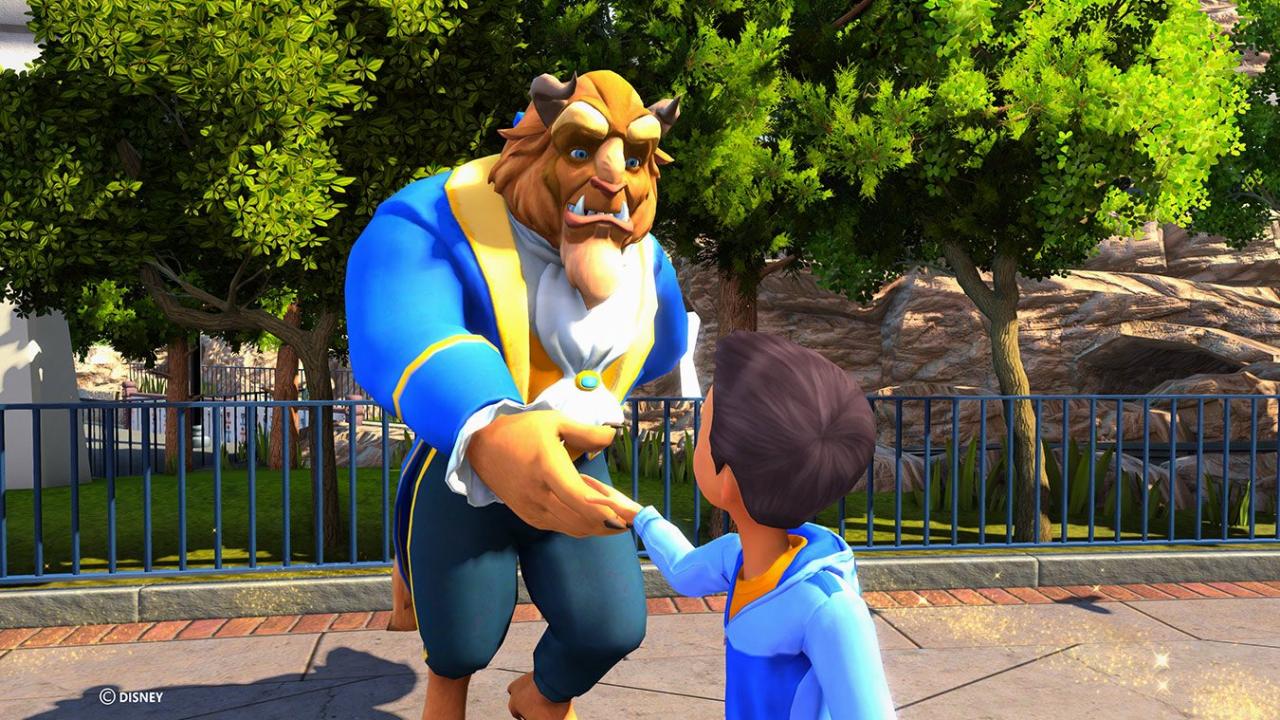
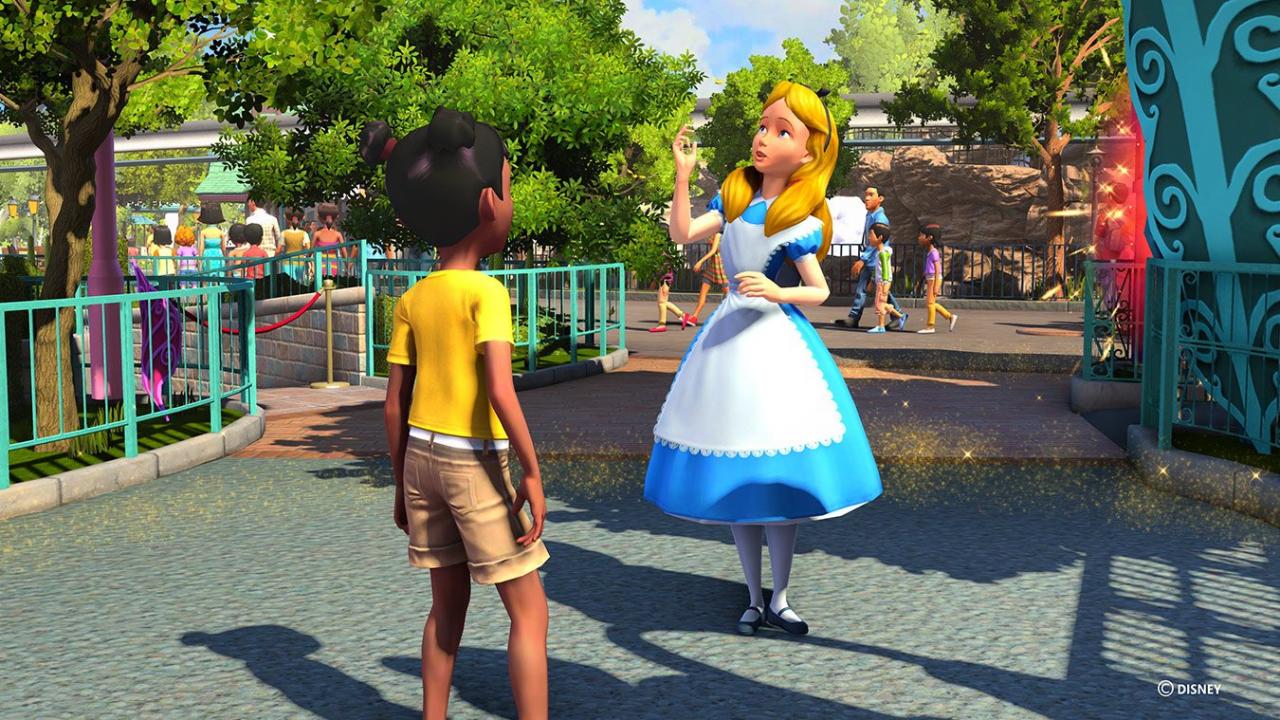
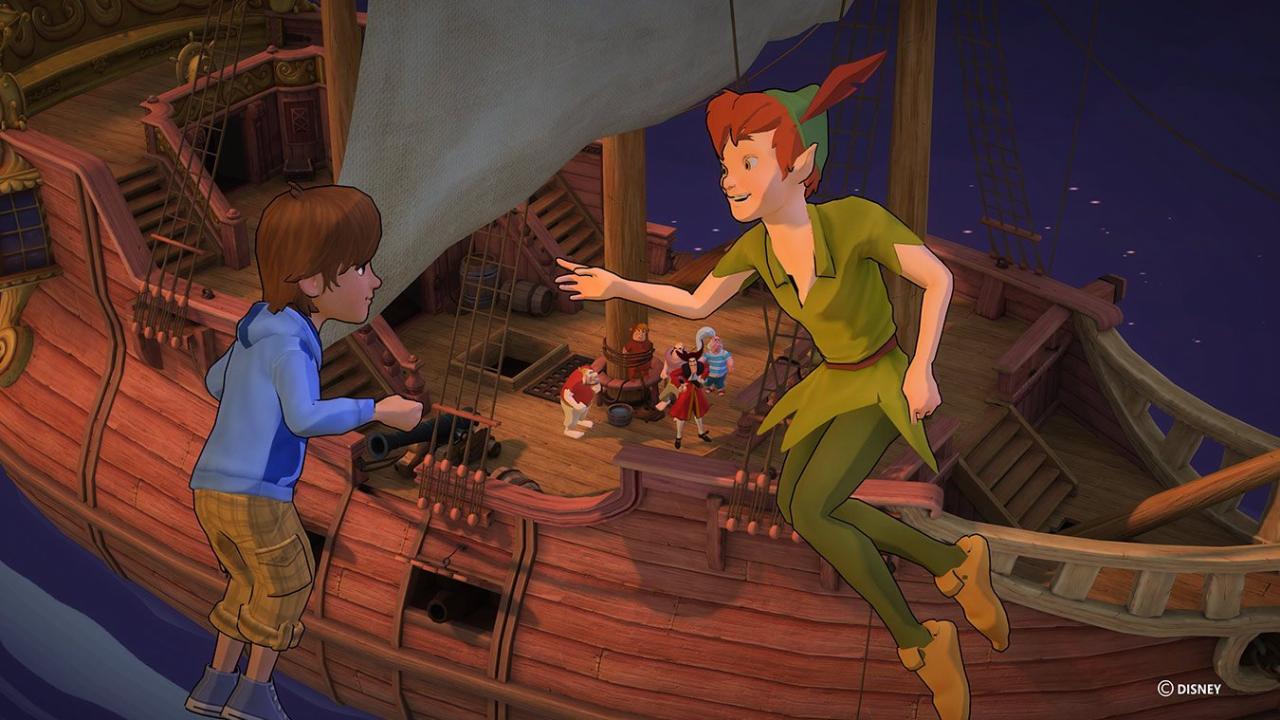
Experience the magic of Disneyland like never before! Take a journey where stories come to life and dreams come true, right in your living room! Explore Disneyland® park — from Main Street U.S.A. to Critter Country — join Peter Pan to battle Captain Hook, high-five Mickey Mouse or hug Snow White. Disneyland Adventures allows children, families and Disney fans of all ages to explore Disneyland park, step into adventures based on attractions, engage in challenging quests, and interact with beloved Disney characters. Features Create Memories - Whether it's your first time or hundredth time exploring Disneyland, relive your fondest memories or embark on new adventures Discover Disneyland park - Whether you want to go on an adventure in your favorite attraction or explore the entire park Enjoy 18 iconic attractions - Fly with Peter Pan and defeat Captain Hook in Peter Pan's Flight and ski the exhilarating slopes of the Matterhorn Meet the Characters - Share magical moments with your favorite Disney characters - hug your favorite princess, collect autographs and accept quests Collect and Unlock - Collect Disney-themed items and rewards as you make your way through the Park to discover locations and game experiences

Disneyland Adventures screenshotDisneyland Adventures screenshotDisneyland Adventures screenshotDisneyland Adventures screenshotDisneyland Adventures screenshotDisneyland Adventures screenshot

How to redeem

  1. 1Check your Steam account and the listed region before purchasing.
  2. 2Find your code and supplier activation instructions in your confirmed order.
  3. 3Open the redeem-code section on Steam, enter the code and follow the platform’s prompts.

Supplier instructions

Go to: http://store.steampowered.com/ and download STEAM client Click "Install Steam" (from the upper right corner) Install and start application, login with your Account name and Password (create one if you don't have). Please follow these instructions to activate a new retail purchase on Steam: Launch Steam and log into your Steam account. Click the Games Menu. Choose Activate a Product on Steam... Follow the onscreen instructions to complete the process. After successful code verification go to the "MY GAMES" tab and start downloading.

You might also like