Get 10% back in Relic Coins on every order
Last Tide cover

SteamGlobal· Key

Last Tide

€479.17

+€47.92 cashback eligibility in Relic Coins

Check before you play

Platform
Steam
Region
Global
Product type
Key
Developer
Digital Confectioners
Publisher
Digital Confectioners
Supplier release date
2018-08-27
Genres
Action, Indie, Third-Person Shooter, Survival

About this product

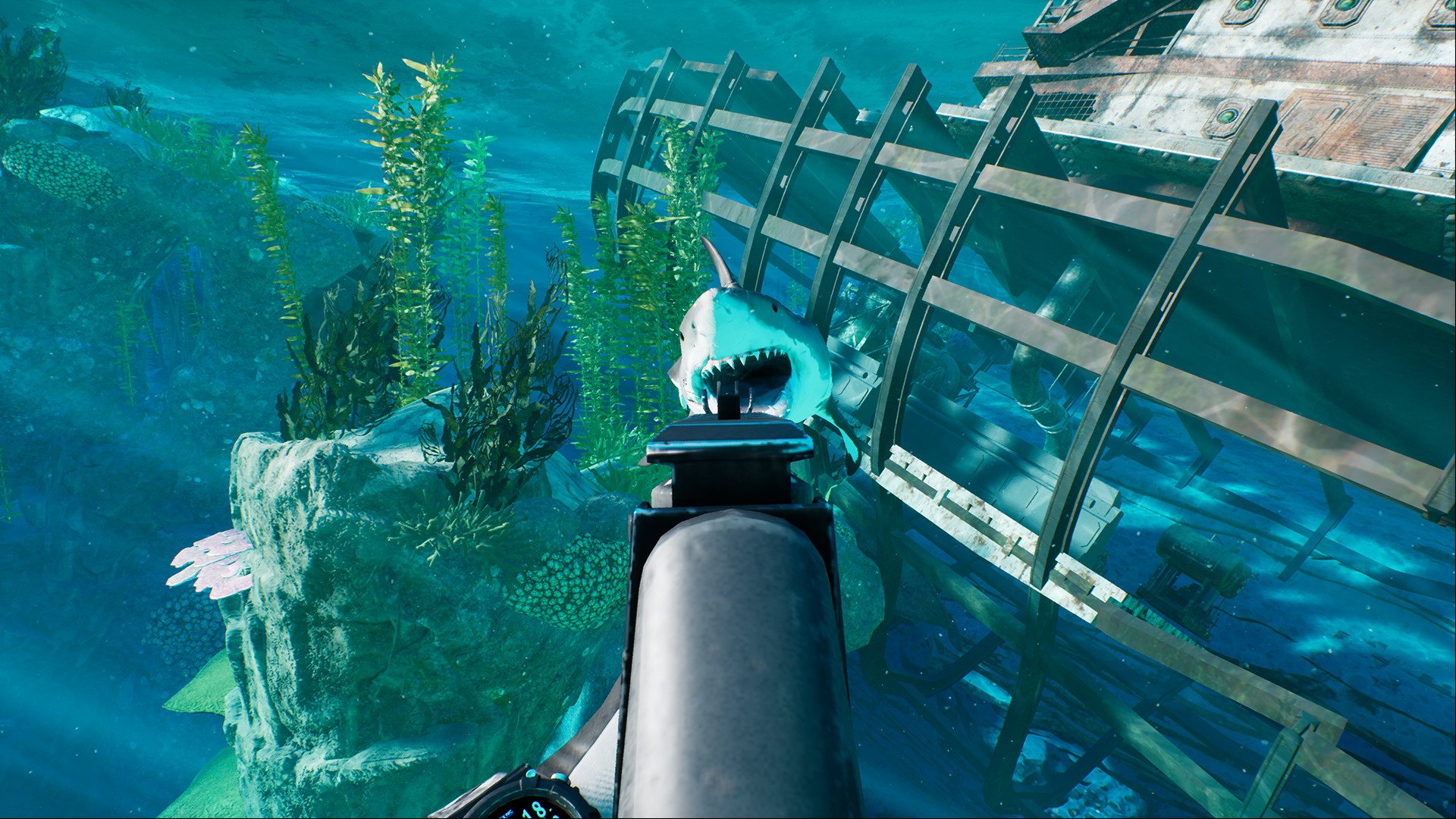
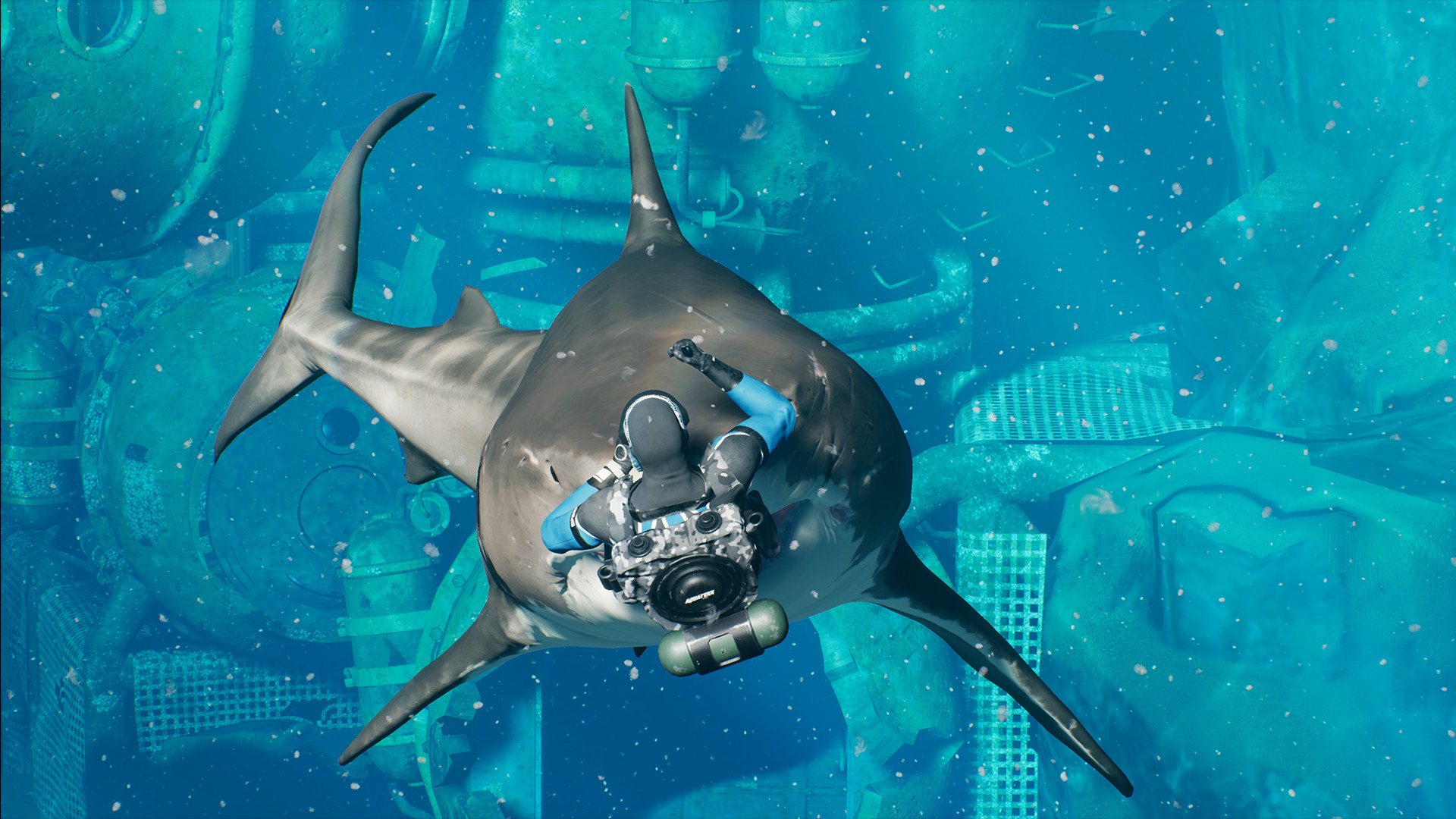
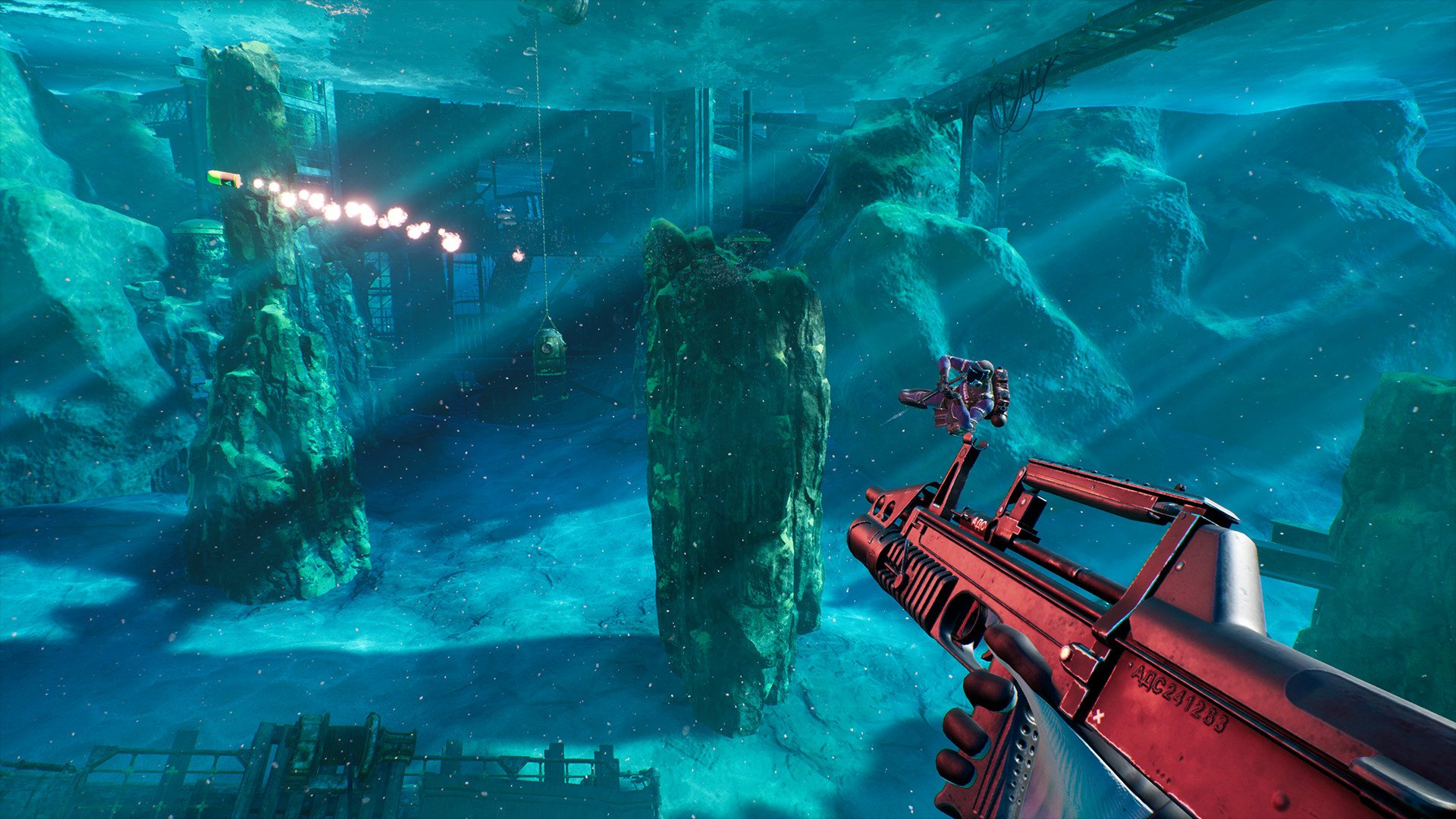
Last Tide is a battle royale shooter sending 100 divers to the depths of the ocean! Avoid bloodthirsty sharks, locate equipment, and do whatever it takes to be the last diver swimming! Features Vicious sharksBloodthirsty sharks are constantly circling closer and closer! Prepare to be stalked by a variety of the deadliest shark species, forcing you to stay on the move or come face-to-face with their razor-sharp teeth. Master the depthsMaster some of the world's most lethal underwater firearms and utilize the unique freedom of underwater movement to become an elite diver! Employ cunning tactics to take down enemy divers in thrilling and intense combat. Compete for gloryDive in alone or as a squad against other players in adrenaline filled matches to make your mark on the leaderboard! Challenge yourself to win against the odds by playing solo against other squads, or make yourself an easier target by finding and wearing the rare golden crown to earn bonus points! Scavenge the seasScavenge through aquatic environments like abandoned sea labs, sunken boats, beautiful reefs, and more to find the powerful gear required to take down your enemies! Depth charge destructionAvoid explosive depth charges dropping on the battlefield as they turn chaotic firefights into total mayhem!

Last Tide screenshotLast Tide screenshotLast Tide screenshotLast Tide screenshotLast Tide screenshotLast Tide screenshot

How to redeem

  1. 1Check your Steam account and the listed region before purchasing.
  2. 2Find your code and supplier activation instructions in your confirmed order.
  3. 3Open the redeem-code section on Steam, enter the code and follow the platform’s prompts.

Supplier instructions

Go to: http://store.steampowered.com/ and download STEAM client Click "Install Steam" (from the upper right corner) Install and start application, login with your Account name and Password (create one if you don't have). Please follow these instructions to activate a new retail purchase on Steam: Launch Steam and log into your Steam account. Click the Games Menu. Choose Activate a Product on Steam... Follow the onscreen instructions to complete the process. After successful code verification go to the "MY GAMES" tab and start downloading.

You might also like