Get 10% back in Relic Coins on every order
Ninjin: Clash of Carrots cover

SteamGlobal· Key

Ninjin: Clash of Carrots

€1.10

+€0.11 cashback eligibility in Relic Coins

Check before you play

Platform
Steam
Region
Global
Product type
Key
Developer
Pocket Trap
Publisher
Modus Games
Supplier release date
2018-09-04
Genres
Action, Adventure, RPG, Indie

About this product

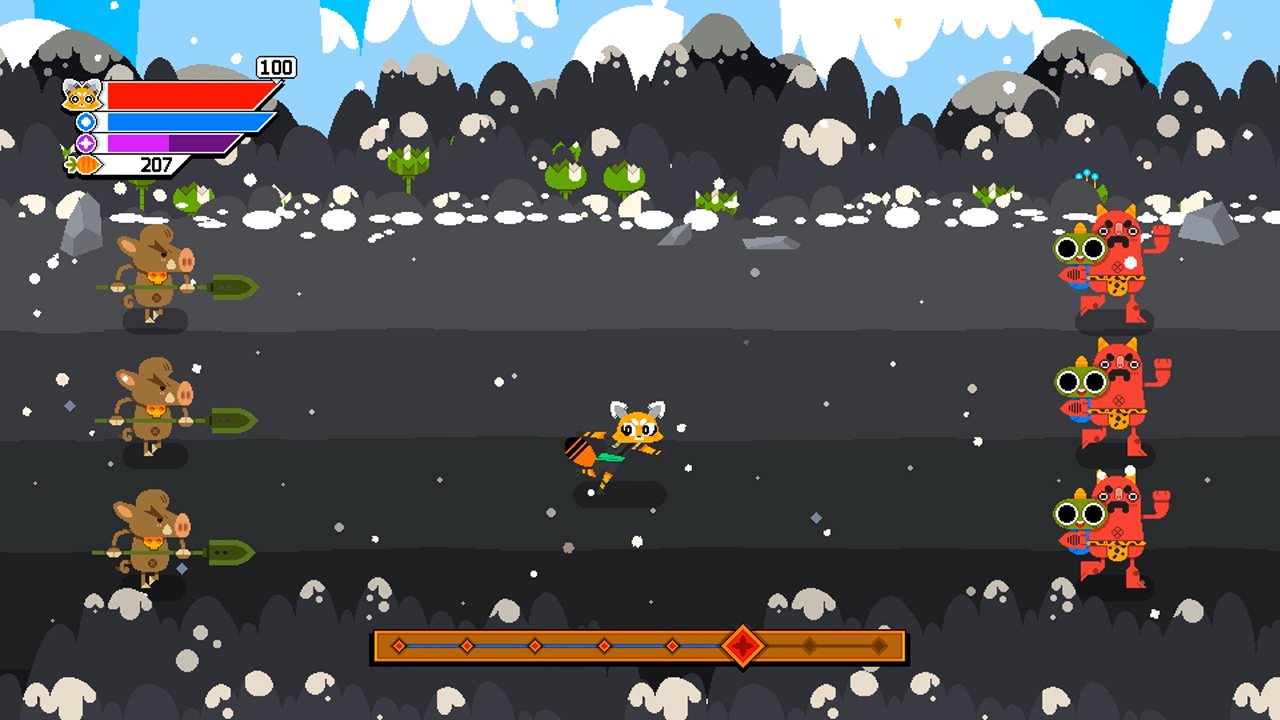
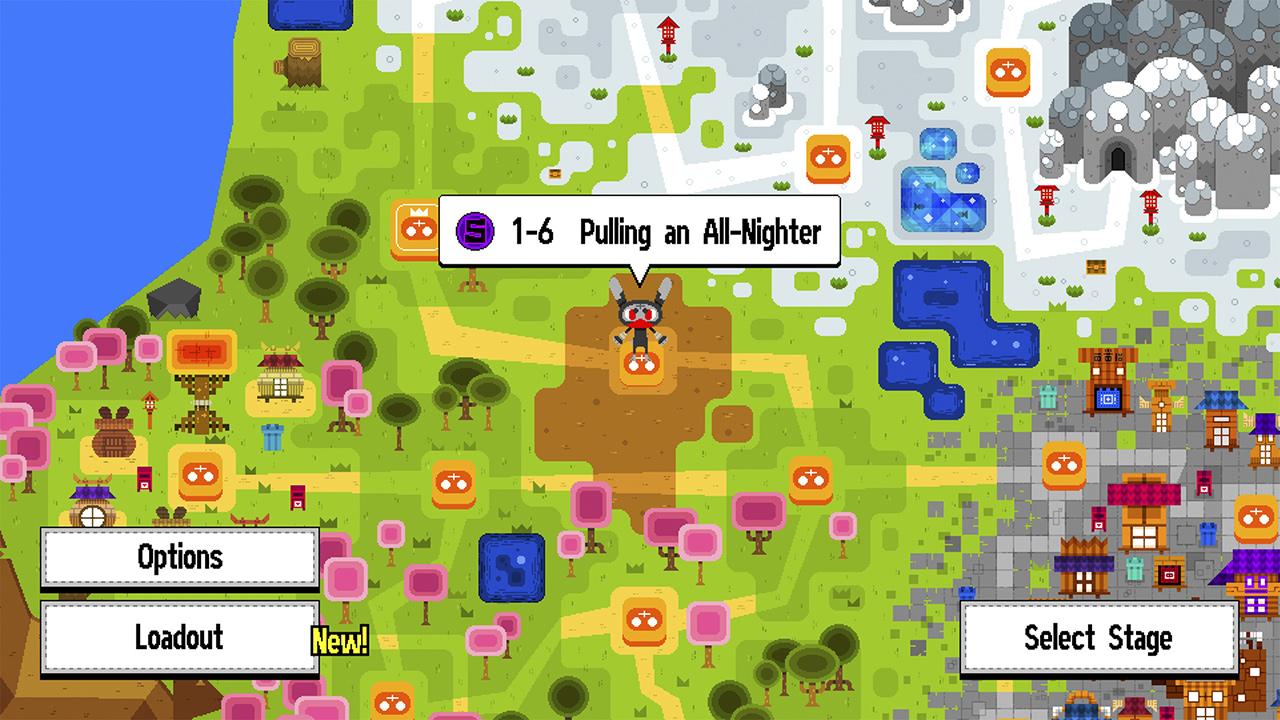
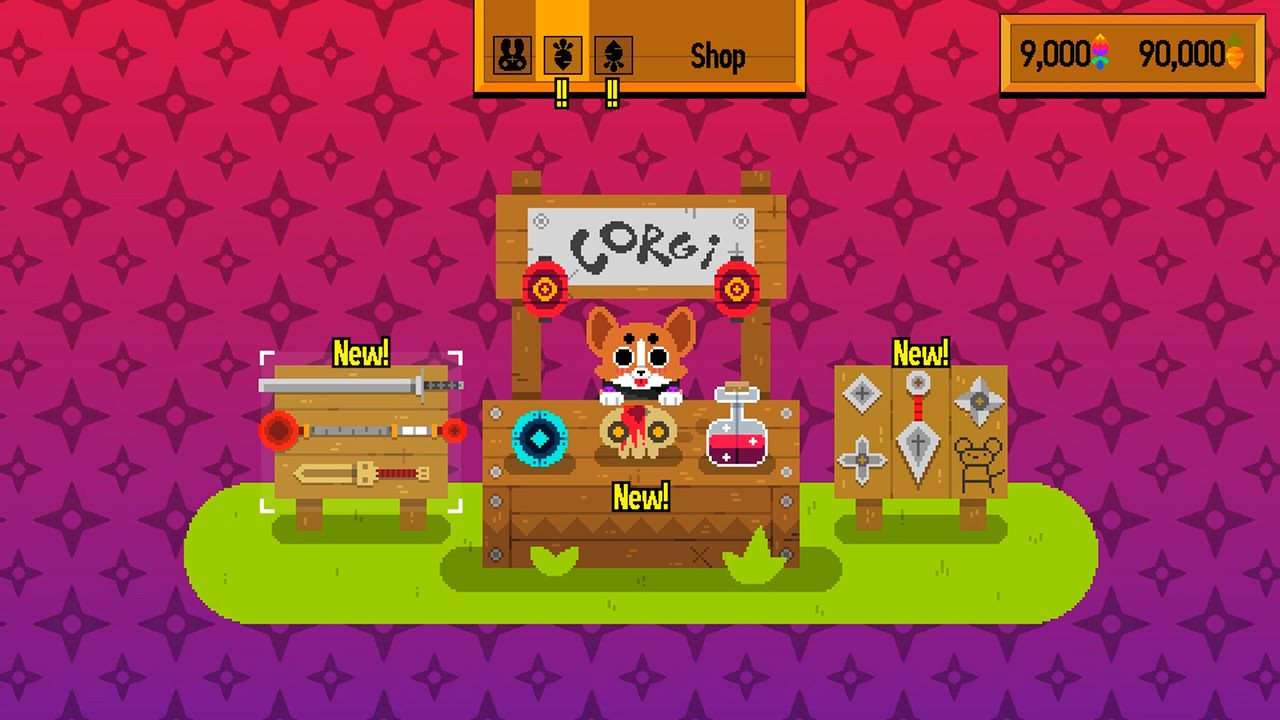
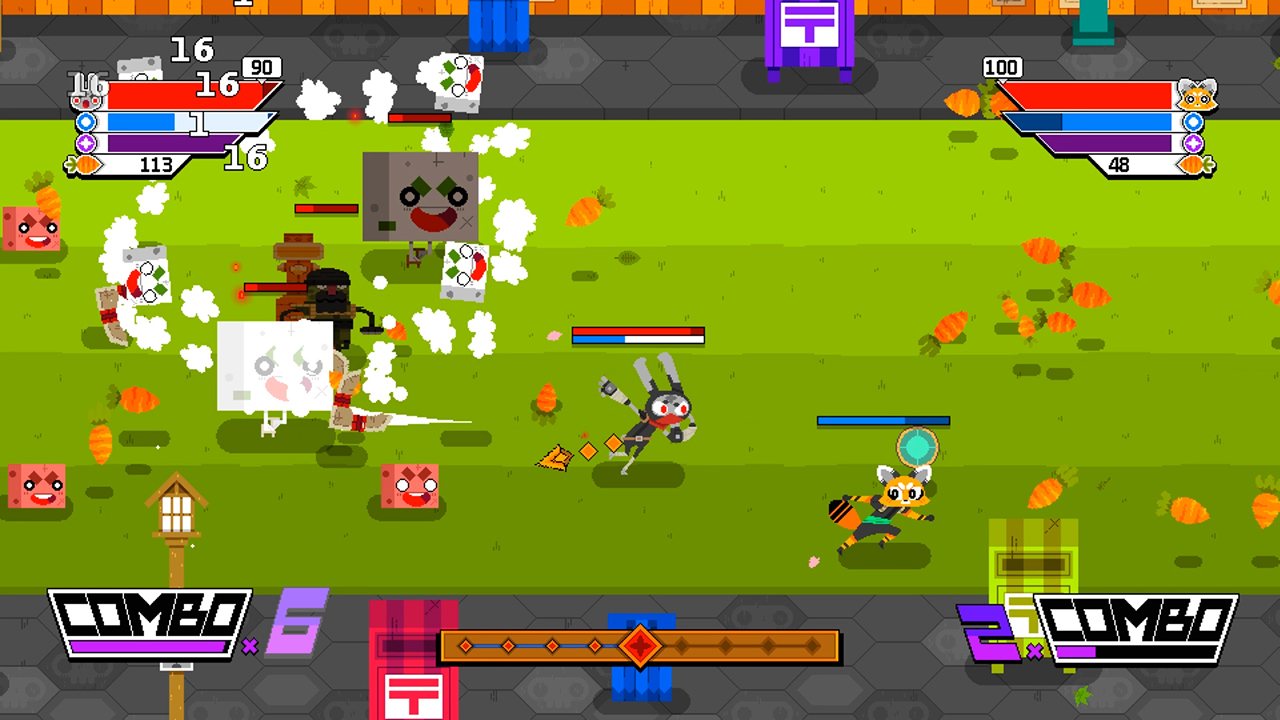
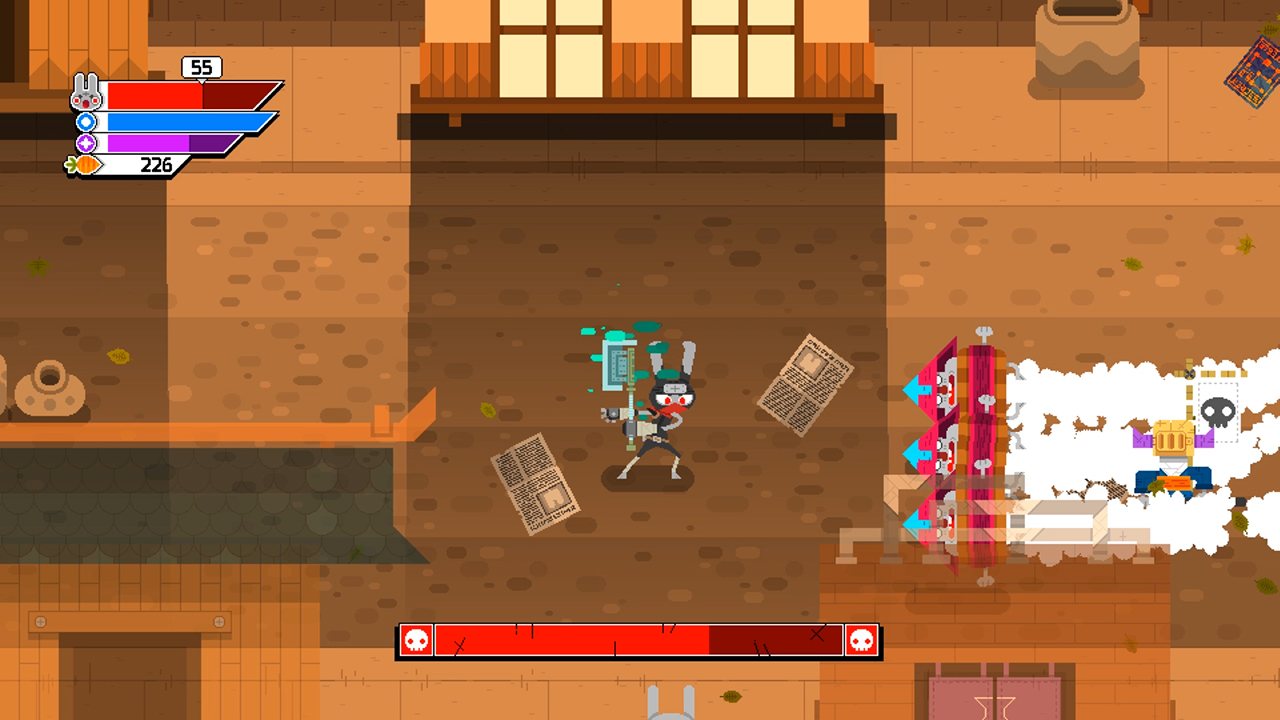
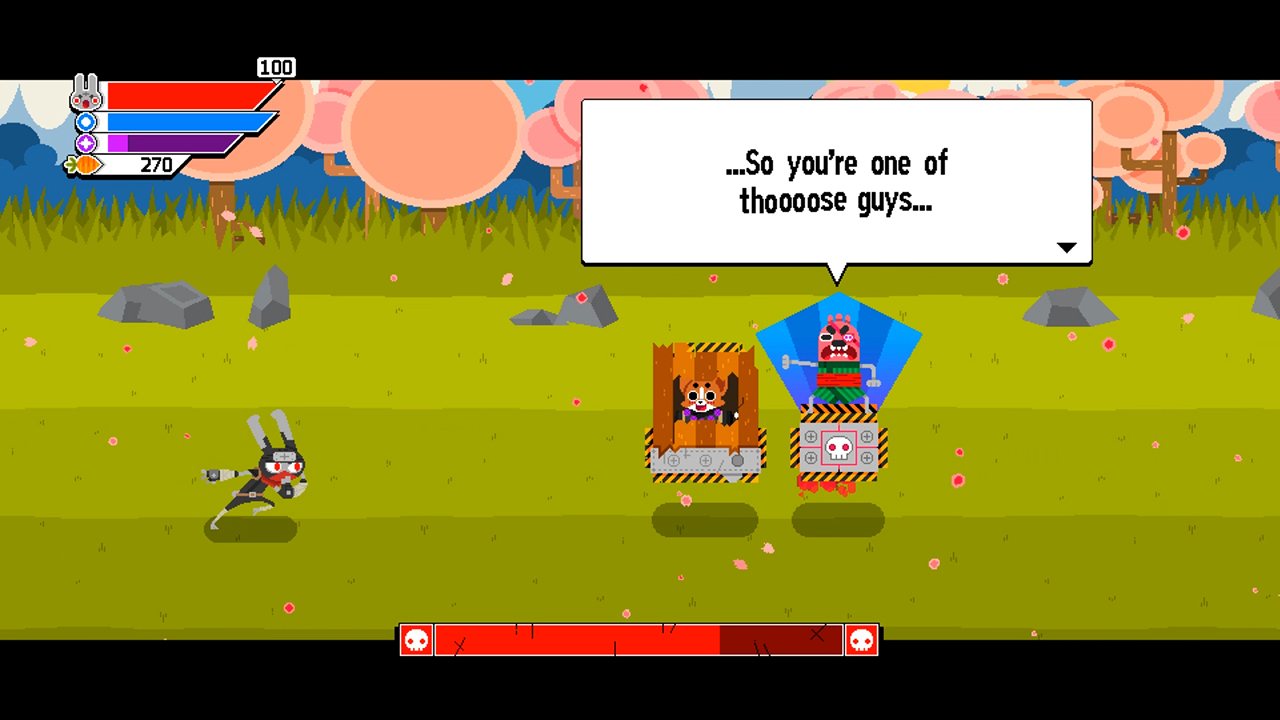
Ninjin: Clash of Carrots is an anime-inspired beat-‘em-up with a gaggle of varied enemies, deep customization…and ninjas! Play through side-scrolling worlds consisting of multiple stages and collect carrots stolen by the evil Shogun Moe! Carrots act as currency which can be redeemed in the Corgi Store for new equipment, or the Shady Shop for special weapons, masks and other customization items. Grab a friend to join you in 2-player online or local co-op. Featuring over 150 weapons, projectiles, upgrades, and more to modify the experience to each player’s preference, Ninjin: Clash of Carrots is an action-packed thrill-fest with a unique and immersive storyline, stylish environments, and exciting and frenetic gameplay! Ninjin also features a unique survival mode called “Oni TV Show” where players will fight endless waves of enemies for rare rewards. This mode also supports local and online co-op.

Ninjin: Clash of Carrots screenshotNinjin: Clash of Carrots screenshotNinjin: Clash of Carrots screenshotNinjin: Clash of Carrots screenshotNinjin: Clash of Carrots screenshotNinjin: Clash of Carrots screenshot

How to redeem

  1. 1Check your Steam account and the listed region before purchasing.
  2. 2Find your code and supplier activation instructions in your confirmed order.
  3. 3Open the redeem-code section on Steam, enter the code and follow the platform’s prompts.

Supplier instructions

Go to: http://store.steampowered.com/ and download STEAM client Click "Install Steam" (from the upper right corner) Install and start application, login with your Account name and Password (create one if you don't have). Please follow these instructions to activate a new retail purchase on Steam: Launch Steam and log into your Steam account. Click the Games Menu. Choose Activate a Product on Steam... Follow the onscreen instructions to complete the process. After successful code verification go to the "MY GAMES" tab and start downloading.

You might also like