
SteamGlobal· Key
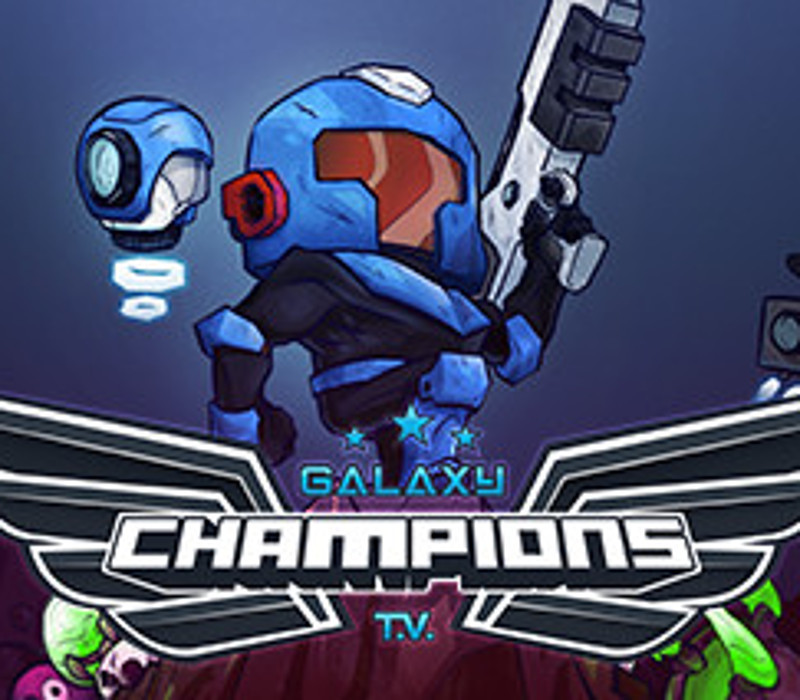
Galaxy Champions TV
€2.93
+€0.29 cashback eligibility in Relic Coins
Check before you play
- Platform
- Steam
- Region
- Global
- Product type
- Key
- Publisher
- Silesia Games
- Supplier release date
- 2018-09-06
- Genres
- Action, Indie
SteamGlobal· Key
€2.93
+€0.29 cashback eligibility in Relic Coins
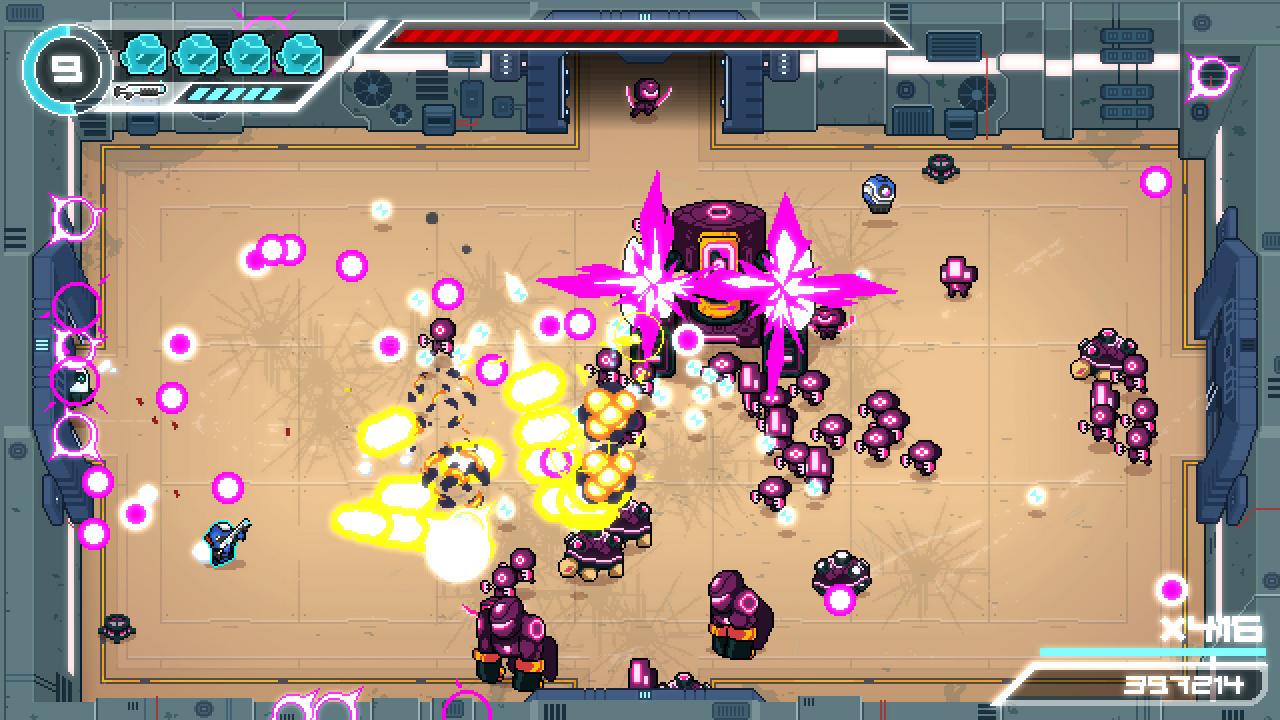
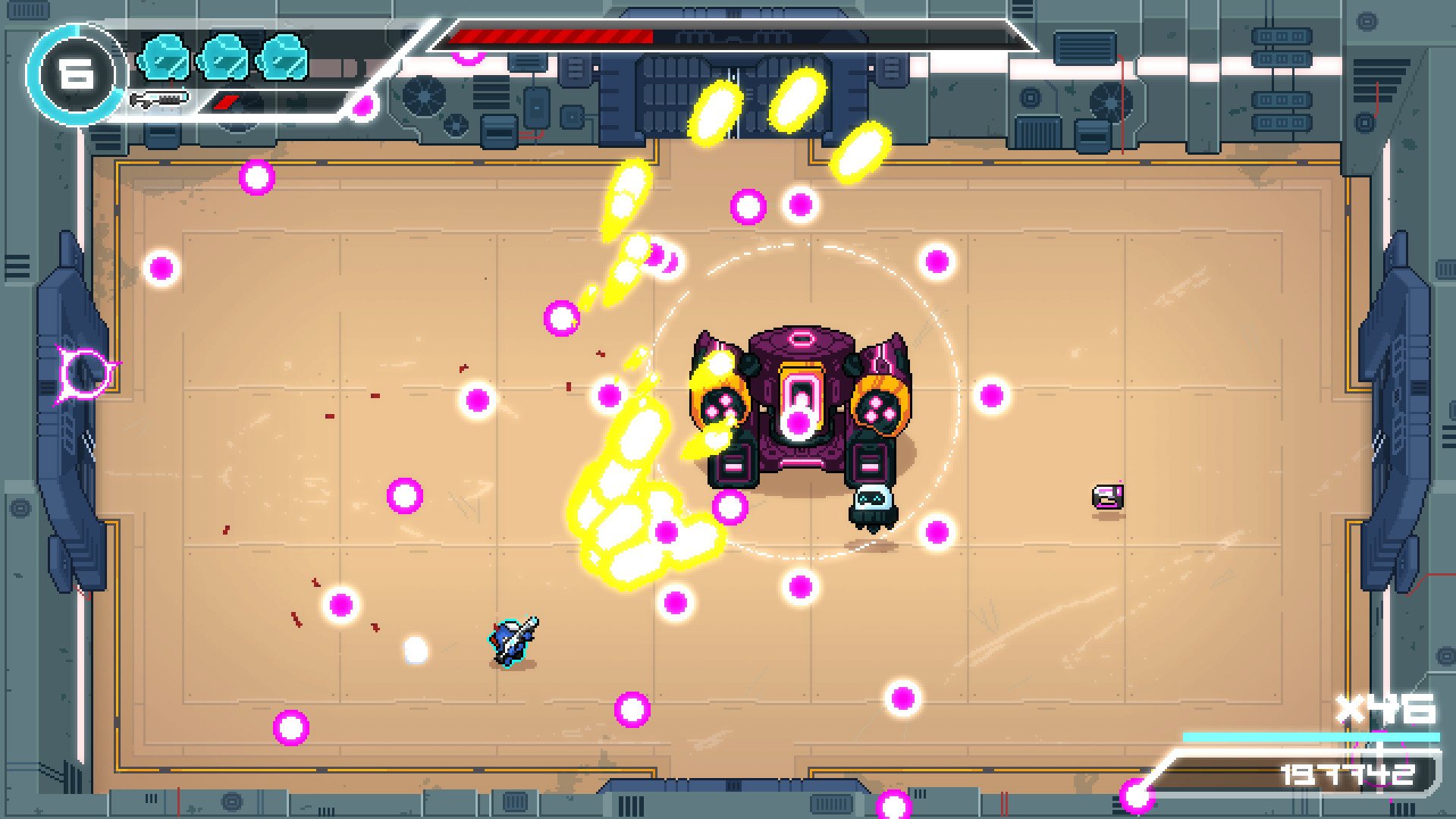
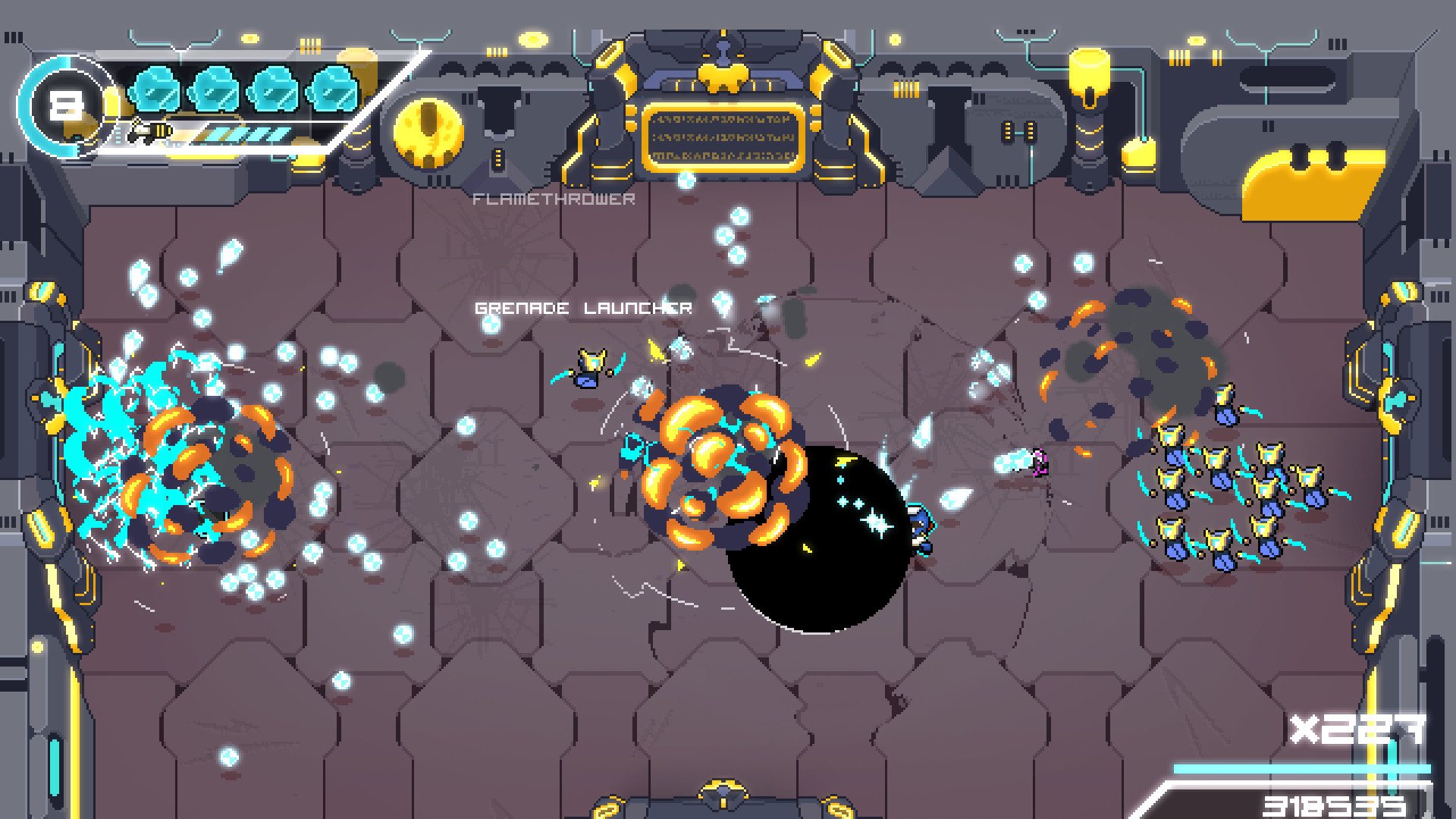
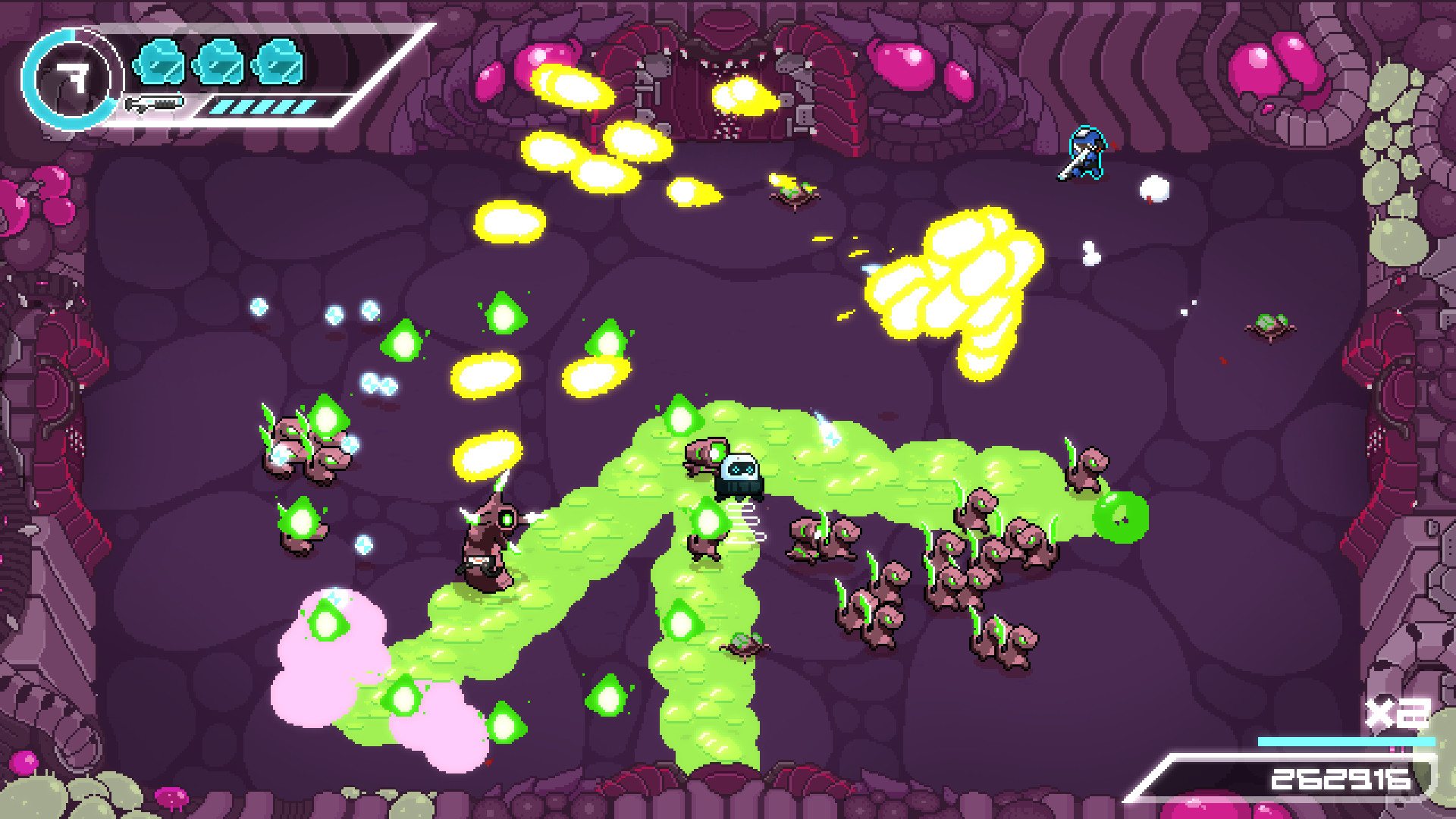
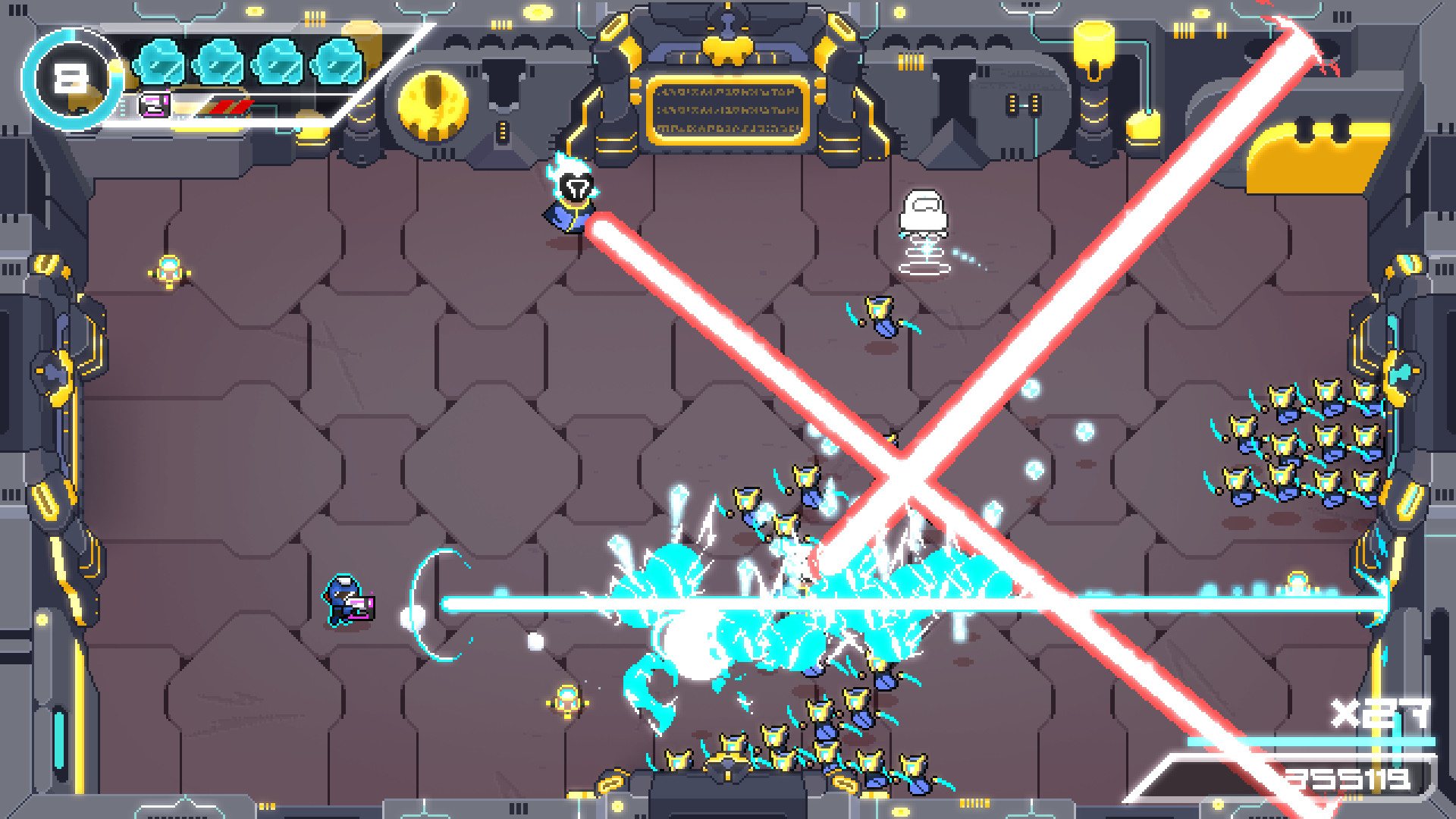
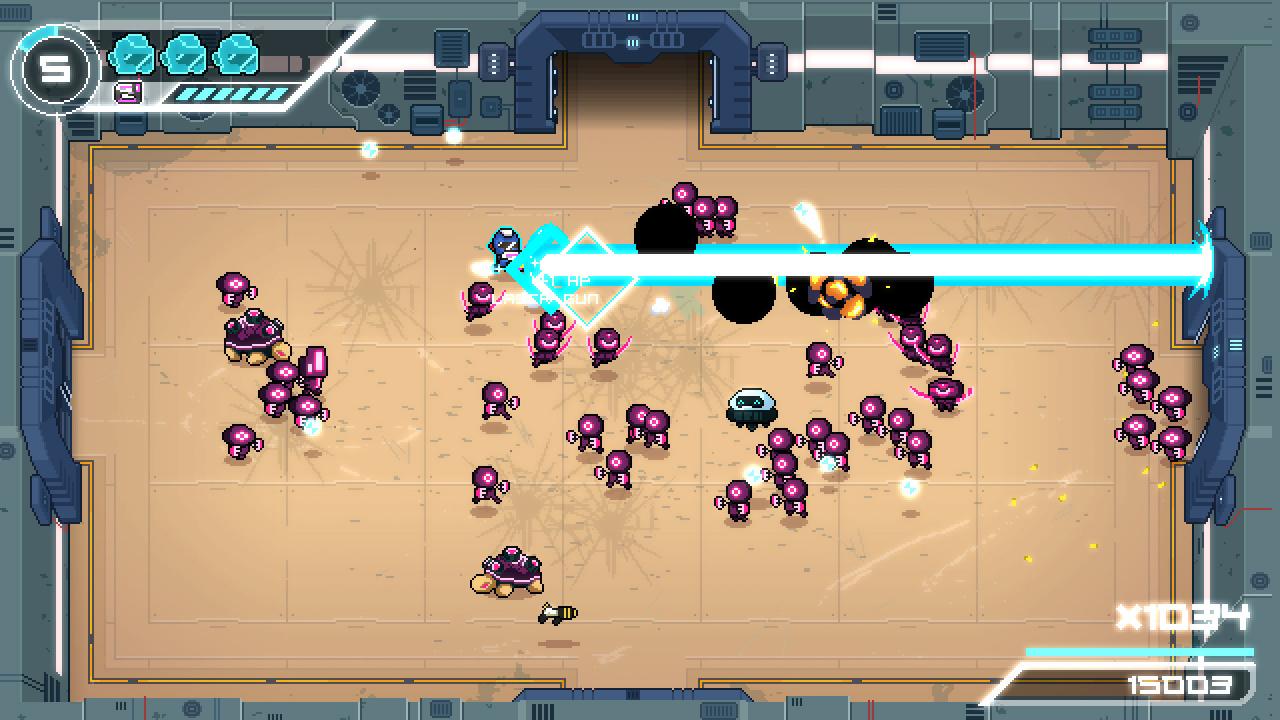
Galaxy Champions TV is a super intense top-down closed arena shooter game inspired by the classic arcade game Smash TV. Get powerful weapons, kill huge amount of enemies, level up, upgrade, find out your perfect build and beat all the bosses to become the champion of the most violent TV show of all time! Get ready! You are the next contestant! If you win you will become very rich and famous, but if you lose you will pay with your life. "Good luck! You'll need it!" Features Brutal fast paced run and gun gameplay. Be fast or die! 20+ stackable upgrades. Choose them wisely and find out your perfect build! 15+ powerful weapons (5 powerful upgradable weapons). 3 different planets. 15+ varieties of enemies. 3 insane boss battles. Daily challenge (global leaderboard). 2 players local coop mode. Don't fight alone! Win this show with your friends! Arcade score chaser style game!
Go to: http://store.steampowered.com/ and download STEAM client Click "Install Steam" (from the upper right corner) Install and start application, login with your Account name and Password (create one if you don't have). Please follow these instructions to activate a new retail purchase on Steam: Launch Steam and log into your Steam account. Click the Games Menu. Choose Activate a Product on Steam... Follow the onscreen instructions to complete the process. After successful code verification go to the "MY GAMES" tab and start downloading.