

SteamGlobal· Key
Domain Defense VR
€1.85
+€0.19 cashback eligibility in Relic Coins
Check before you play
- Platform
- Steam
- Region
- Global
- Product type
- Key
- Supplier release date
- 2017-05-11
- Genres
- Strategy, Indie, Casual
SteamGlobal· Key
€1.85
+€0.19 cashback eligibility in Relic Coins
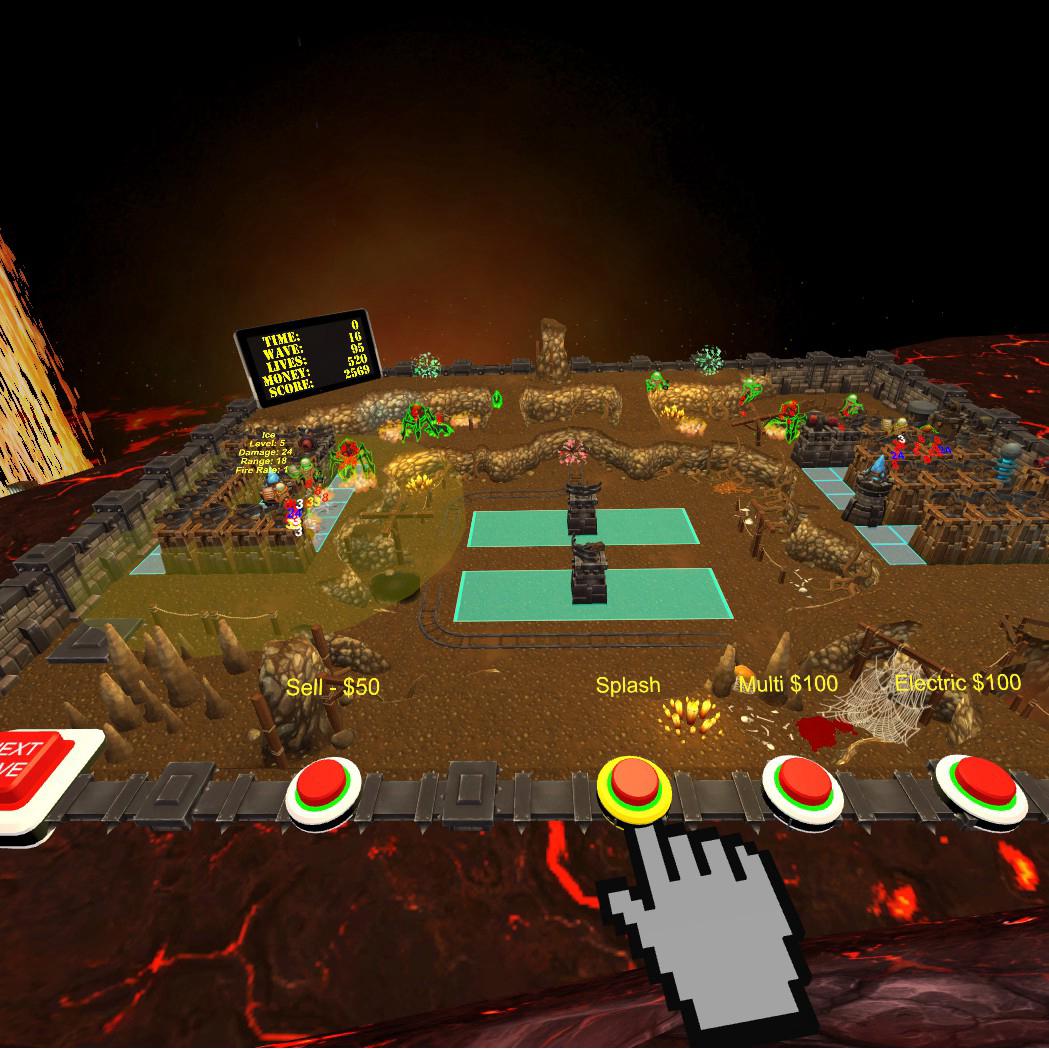
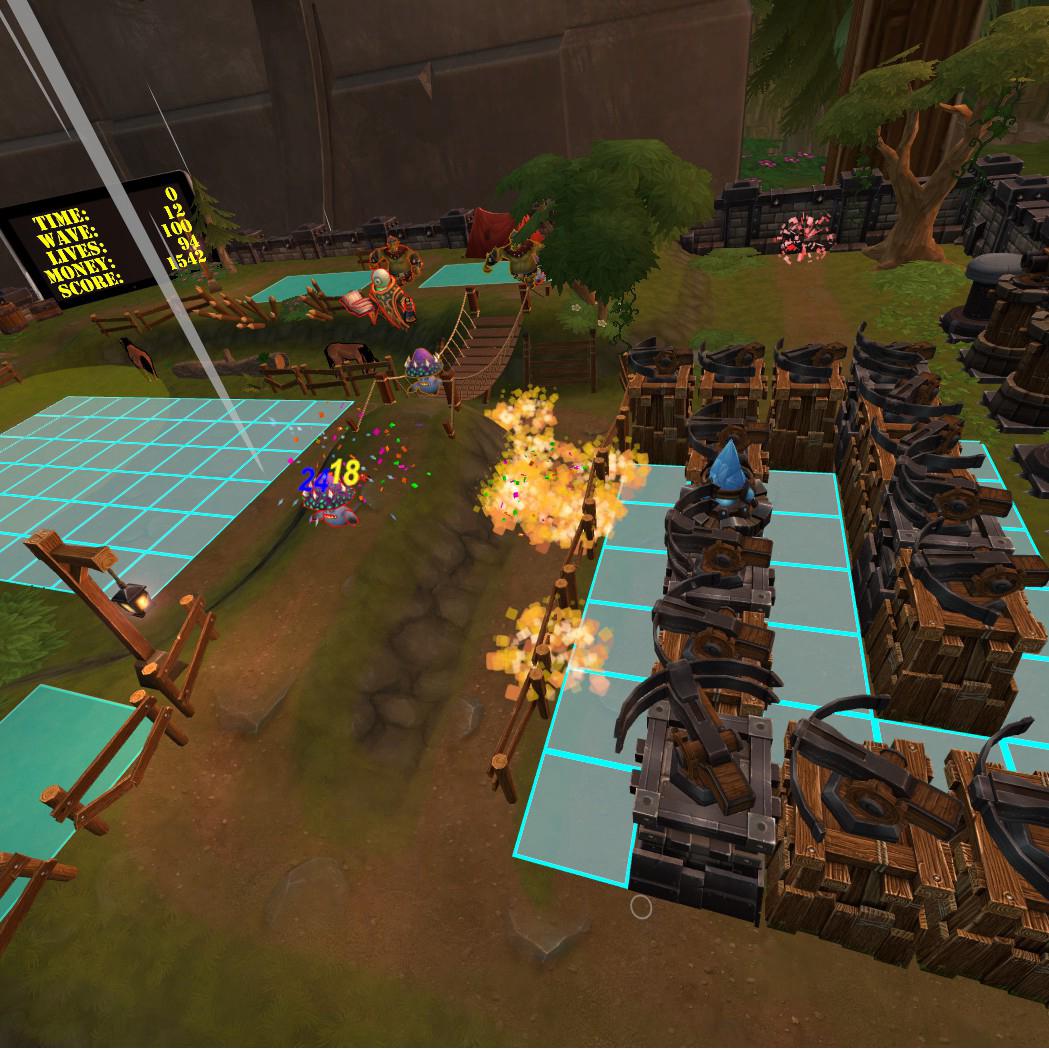
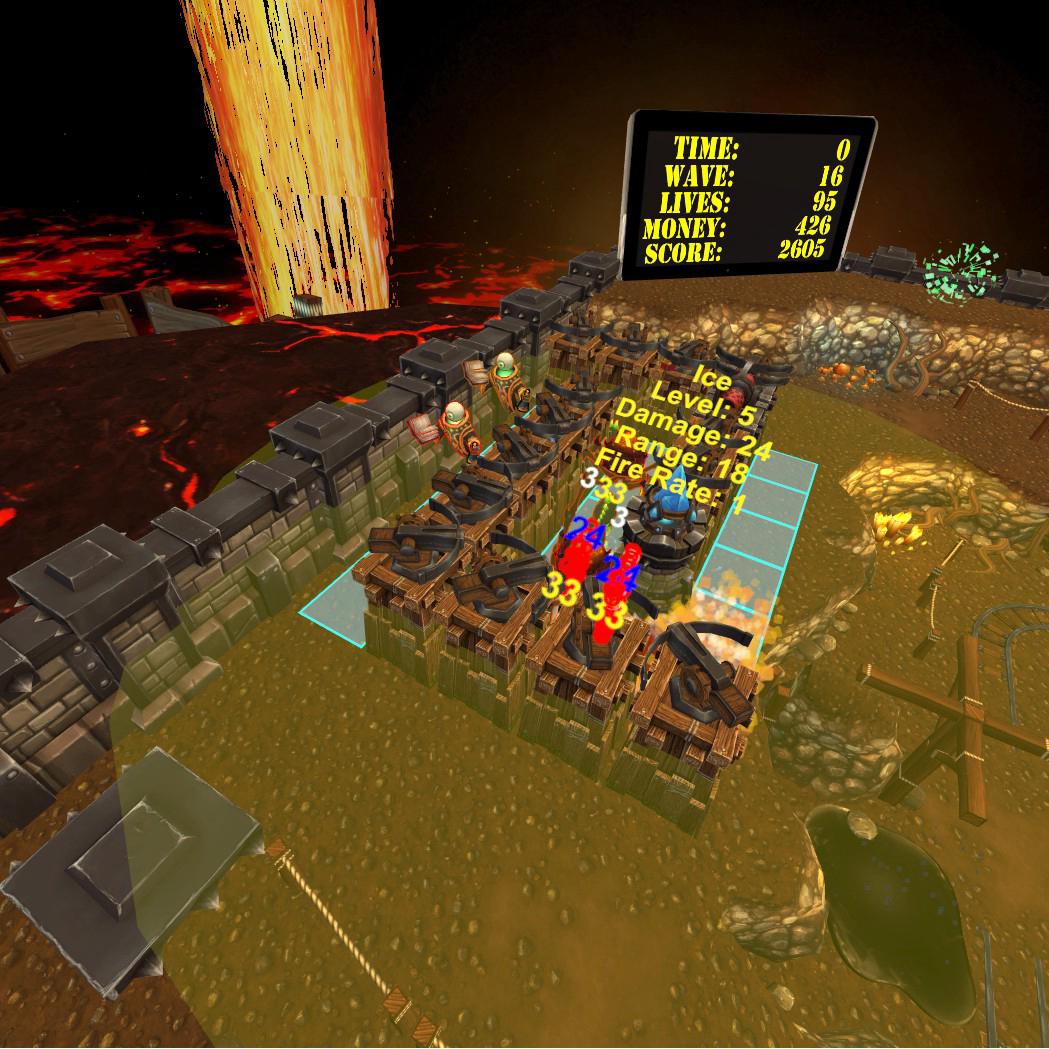
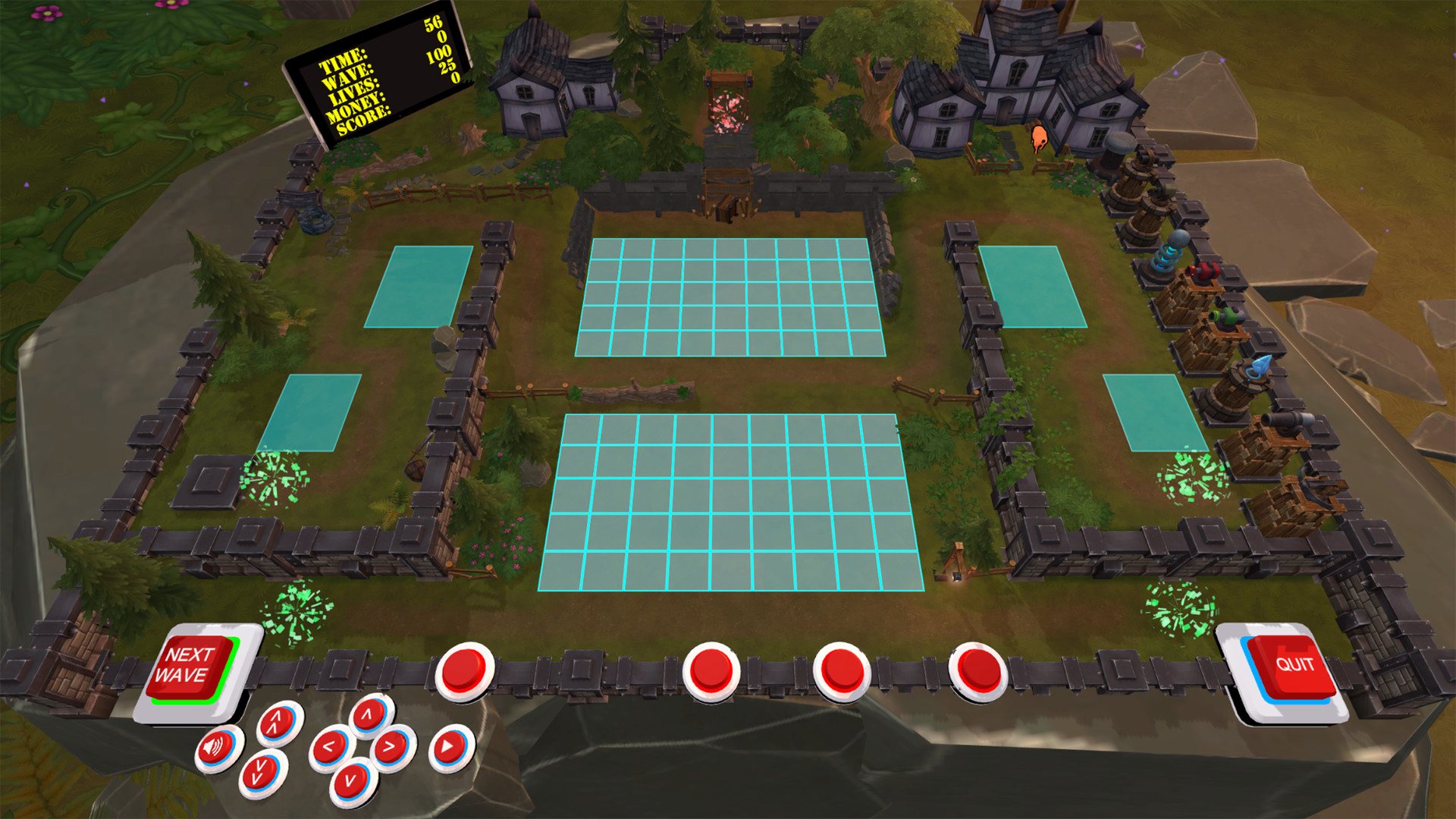
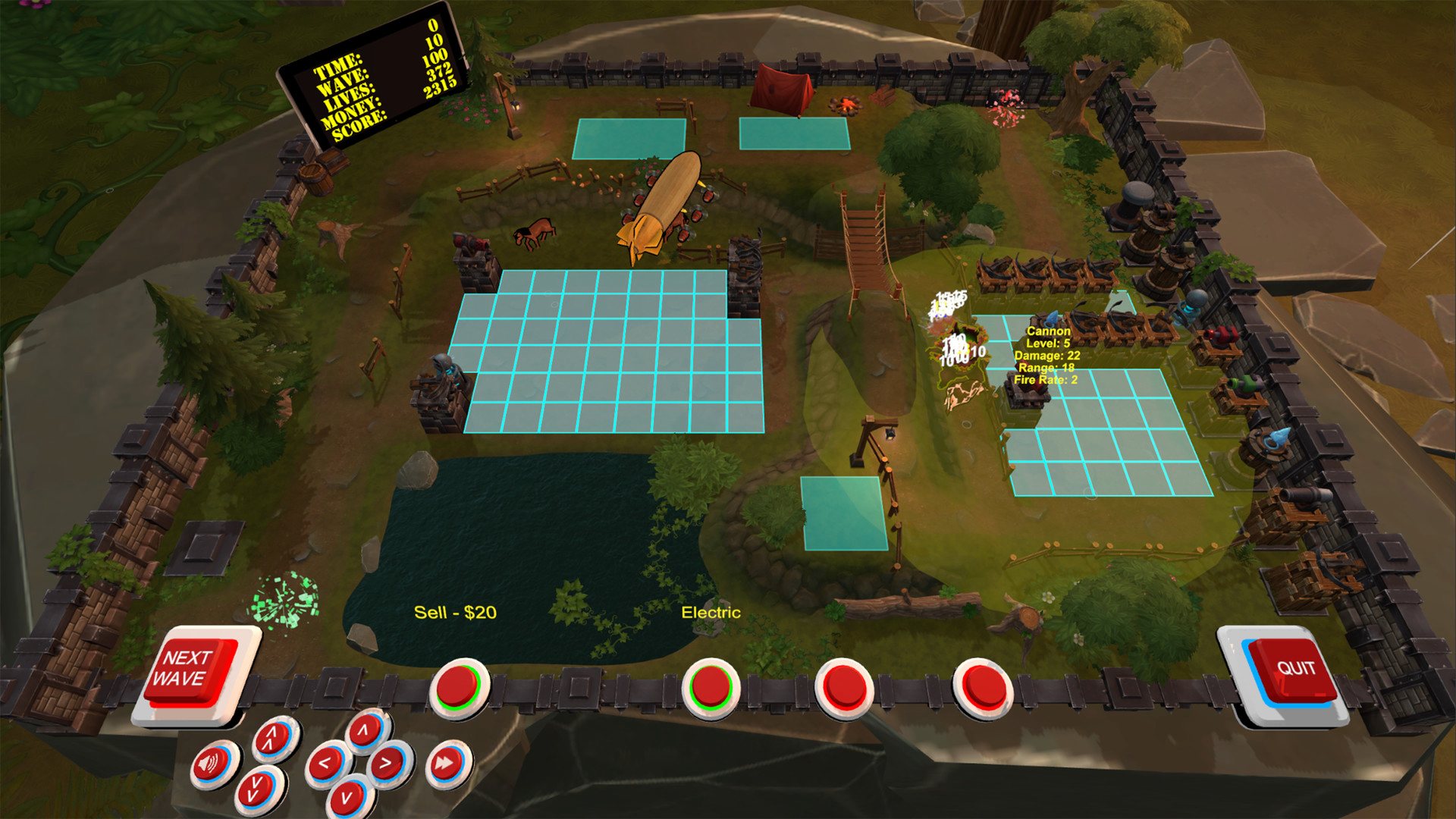
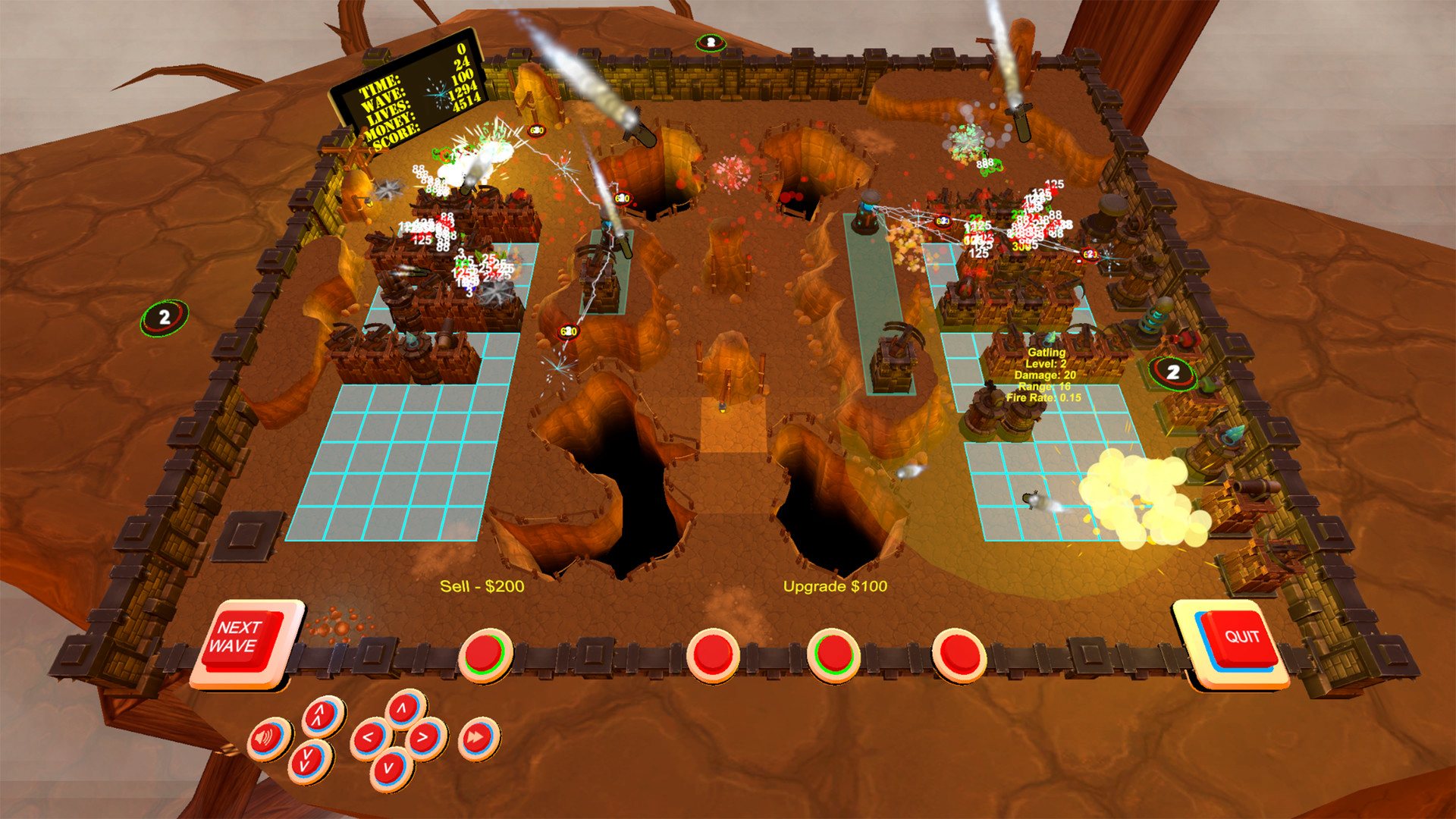
Domain Defense VR is a stand alone game that has been built from the ground up for virtual reality. This tabletop style tower defense game will have you defending each unique level against waves of enemies and bosses with an arsenal of towers and special abilities. The original Domain Defense game is not required to play. New Enemies Dozens of New Abilities. Bosses That Go Beyond The Map. Wave Buffs Including Armored, Element Resistance, UFOs, and More. New Levels Brand New Levels Built For Virtual Reality. Walk Around Your Table And Get As Close As You Want. Dynamic Weather Changes As You Progress. New Features Place fallen trees or animals to slow down enemies. Hard, Fast, and Endless modes. Keep track of your high scores! Specifically For Virtual Reality No GUI whatsoever! All buttons and information part of the game board. Play with a gamepad or if you have room to move around play with your motion controllers. You can use Steam VR or launch your OSVR or Oculus device using it's native API.
Go to: http://store.steampowered.com/ and download STEAM client Click "Install Steam" (from the upper right corner) Install and start application, login with your Account name and Password (create one if you don't have). Please follow these instructions to activate a new retail purchase on Steam: Launch Steam and log into your Steam account. Click the Games Menu. Choose Activate a Product on Steam... Follow the onscreen instructions to complete the process. After successful code verification go to the "MY GAMES" tab and start downloading.