

SteamGlobal· Key
Sweet Candy Mahjong
€0.83
+€0.08 cashback eligibility in Relic Coins
Check before you play
- Platform
- Steam
- Region
- Global
- Product type
- Key
- Developer
- EnsenaSoft
- Publisher
- EnsenaSoft
- Supplier release date
- 2016-09-30
- Genres
- Indie, Casual
SteamGlobal· Key
€0.83
+€0.08 cashback eligibility in Relic Coins
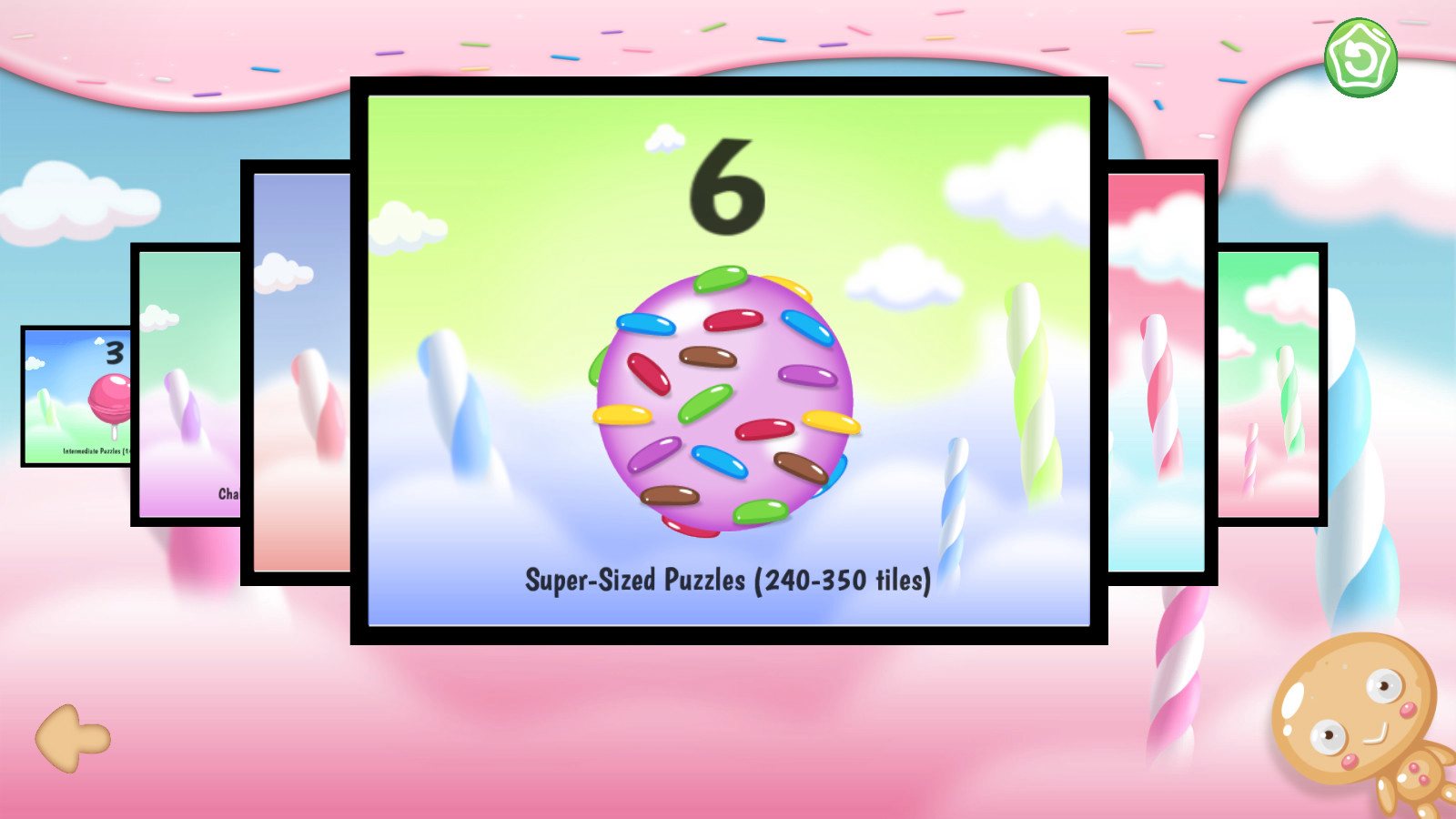
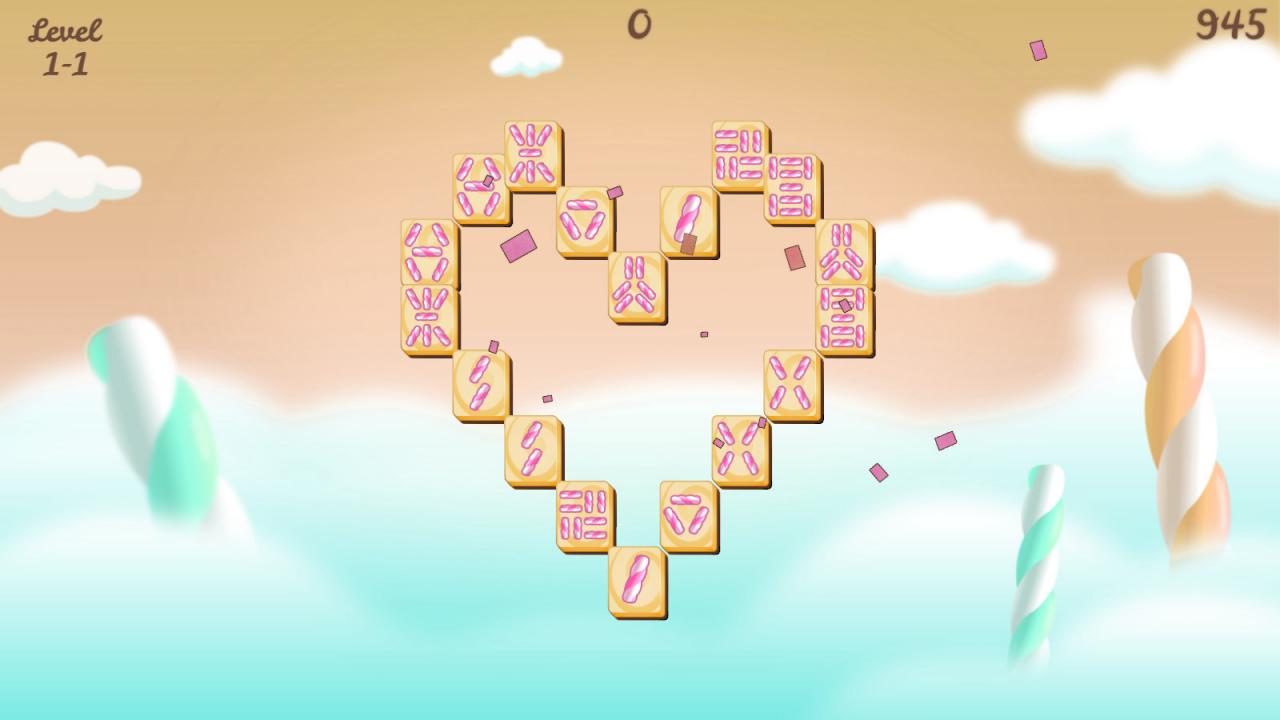
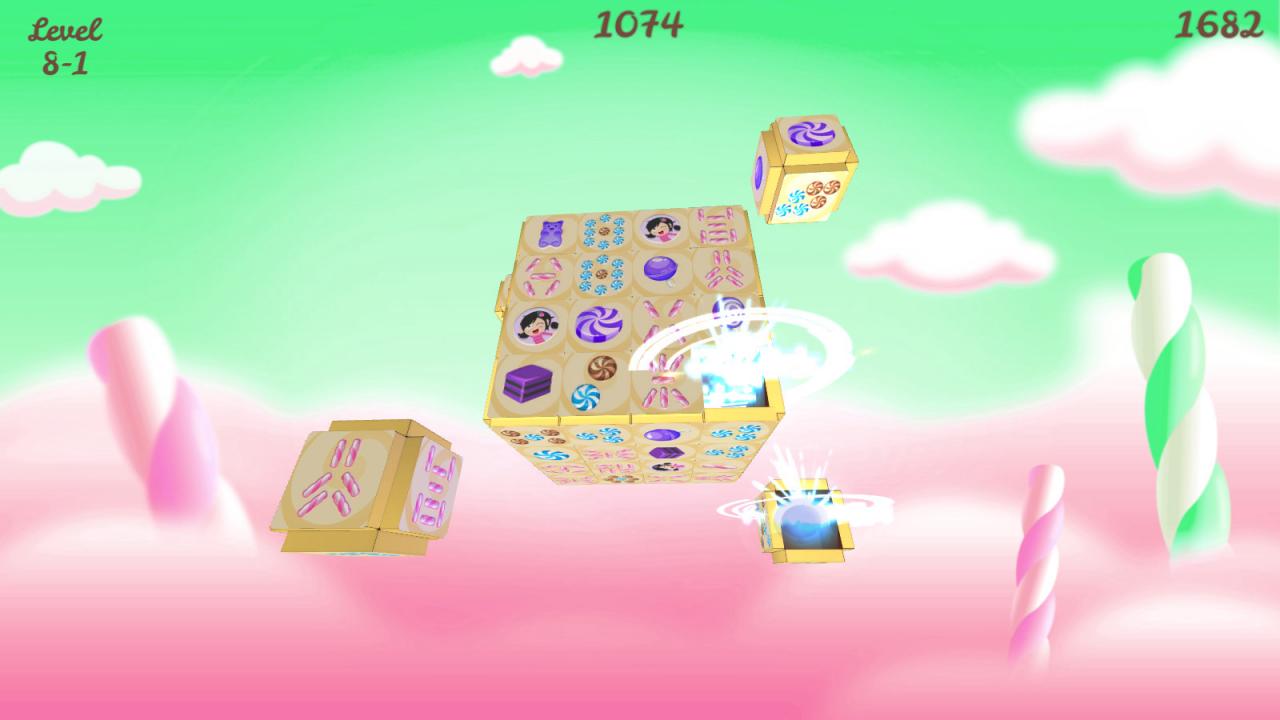
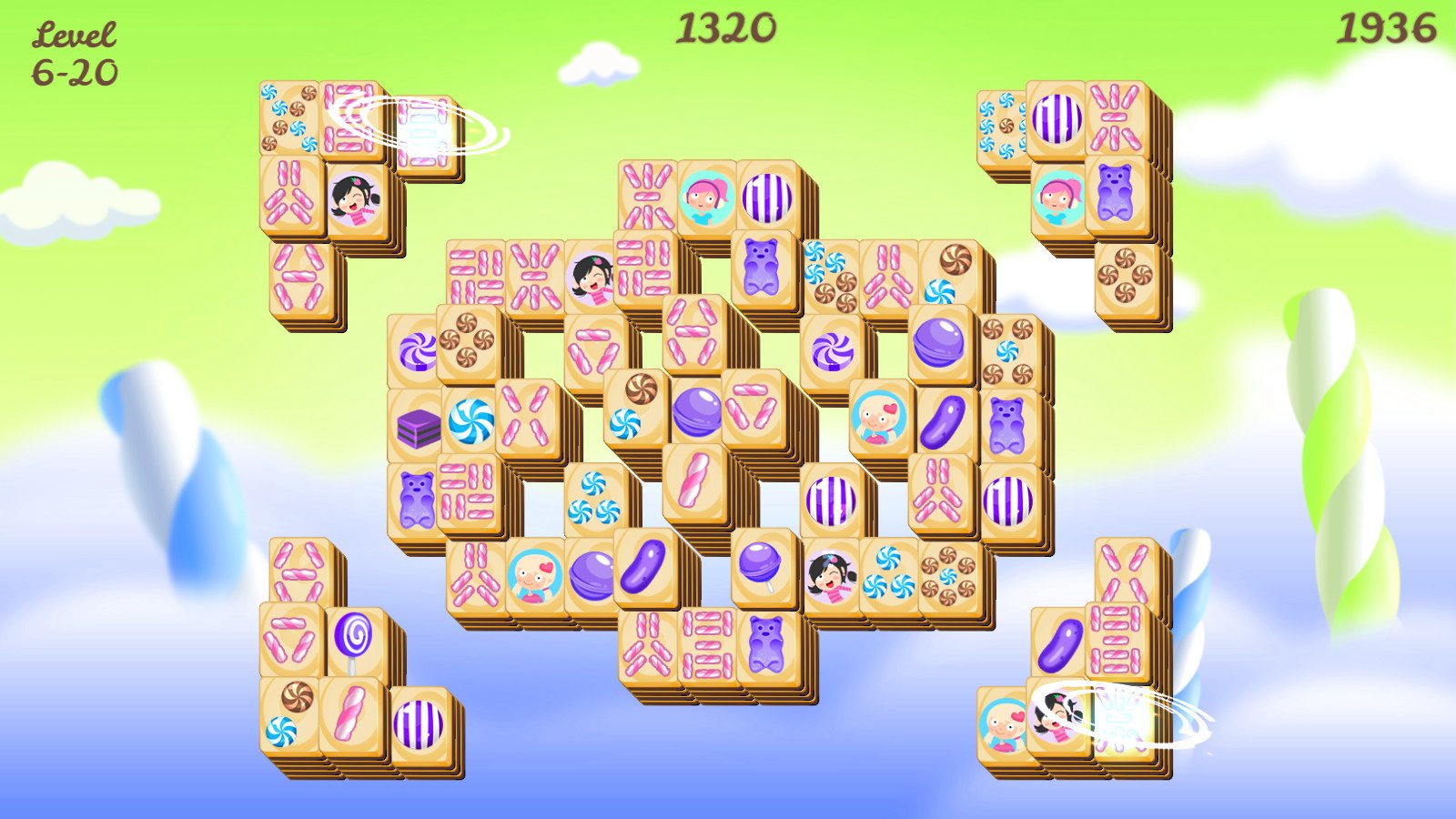
Sweet Candy Mahjong is the latest installment to the popular series of casual games by award-winning EnsenaSoft and is the sweetest Mahjong game you will ever play! Sweet Candy Mahjong includes 8 delicious mahjong-worlds with a total of 640 challenging puzzles in classic 2D and tasty 3D. Puzzles are laid out using random tile order, allowing you to replay many times with a new experience each session. An exciting scoring system, great sound effects and relaxing music adds to the fun. Suitable to players of all ages and experience levels, Sweet Candy Mahjongis a family-friendly game offering a modern rendition of the popular classic, and is a must-have game in your collection today. Features 640 Mahjong Puzzles To Solve 8 Worlds To Complete Intuitive Controls Classic 2D & Rich 3D Environments Random Tile Layout Optional Timed-Puzzles Great Graphics, Audio & Score


Go to: http://store.steampowered.com/ and download STEAM client Click "Install Steam" (from the upper right corner) Install and start application, login with your Account name and Password (create one if you don't have). Please follow these instructions to activate a new retail purchase on Steam: Launch Steam and log into your Steam account. Click the Games Menu. Choose Activate a Product on Steam... Follow the onscreen instructions to complete the process. After successful code verification go to the "MY GAMES" tab and start downloading.