Get 10% back in Relic Coins on every order
DISTRAINT Deluxe Edition (valid until April 2027) cover

SteamGlobal· Key

DISTRAINT Deluxe Edition (valid until April 2027)

€0.89

+€0.09 cashback eligibility in Relic Coins

Check before you play

Platform
Steam
Region
Global
Product type
Key
Developer
Jesse Makkonen
Publisher
Jesse Makkonen
Supplier release date
2015-10-21
Genres
Adventure, Indie, Casual

About this product

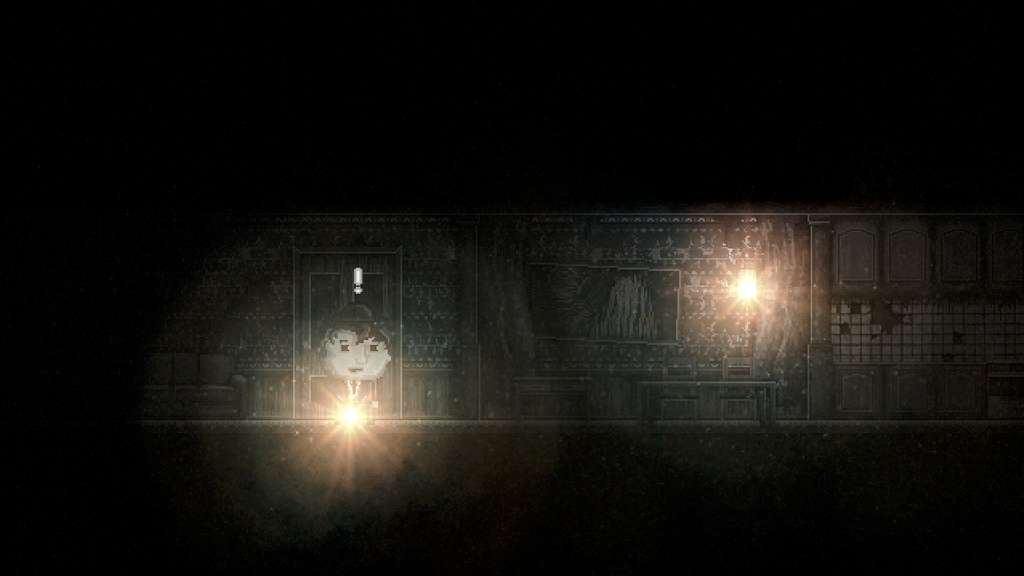
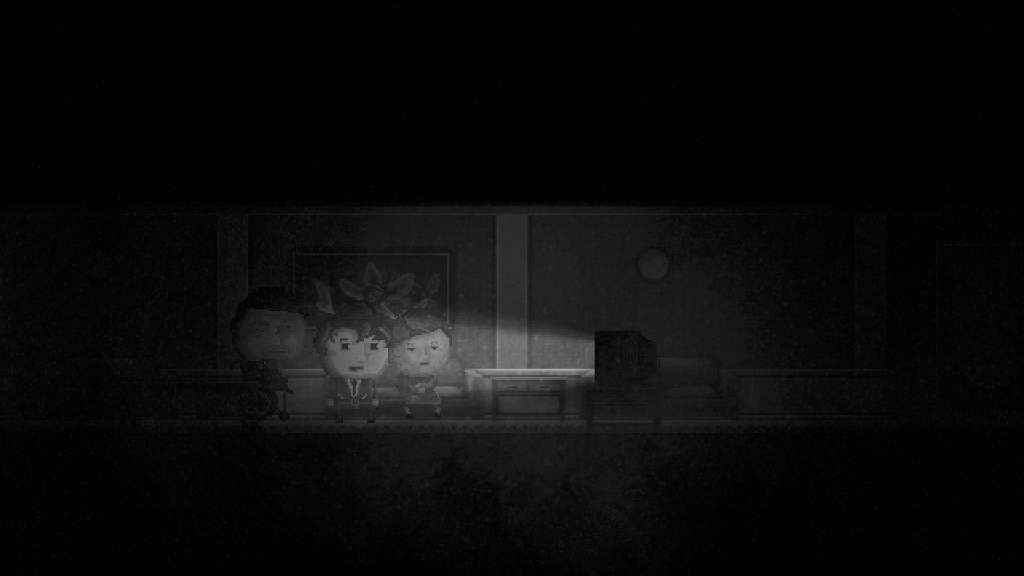
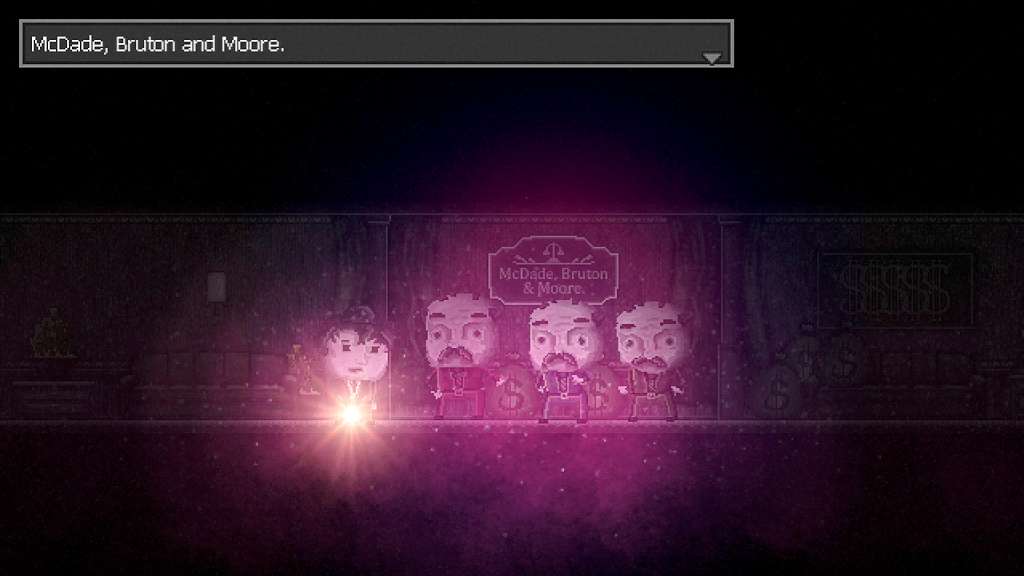
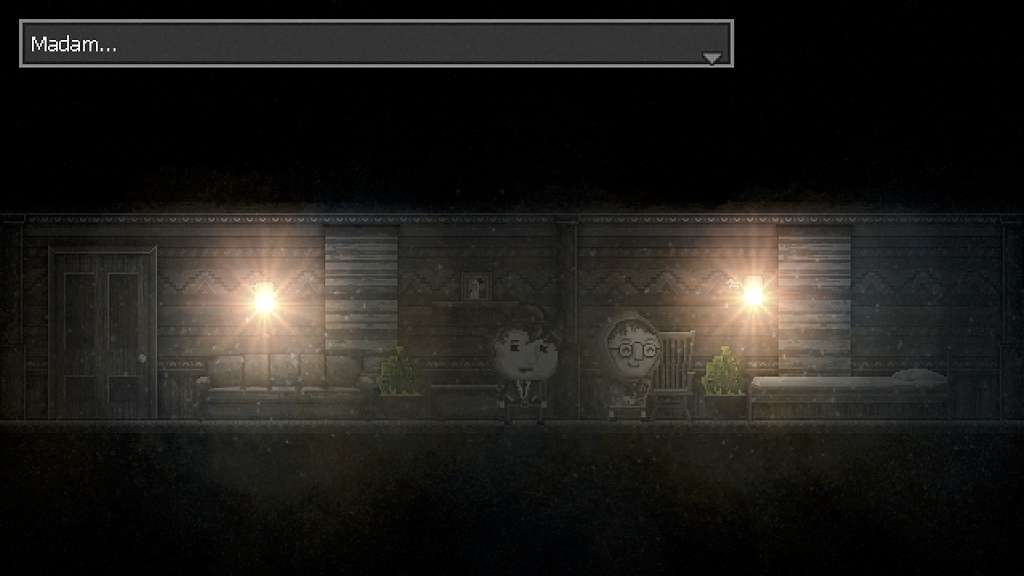
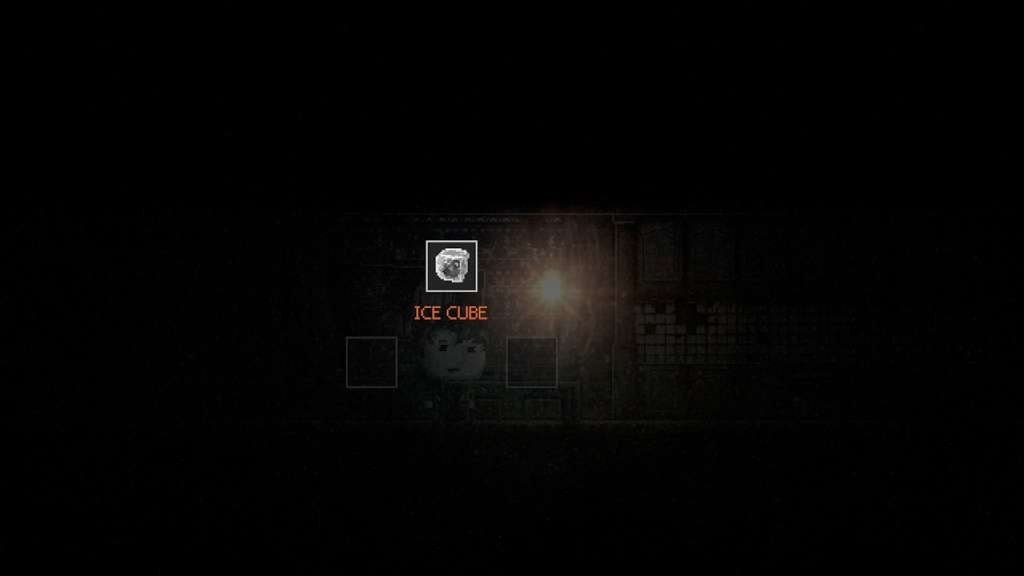
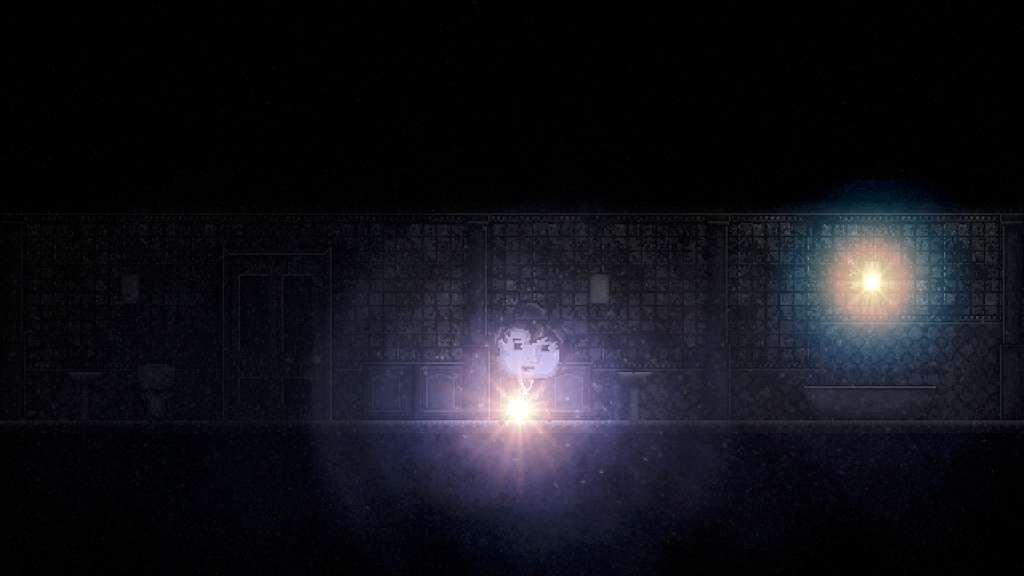
Deluxe Edition content: Dynamic coloring - Goodbye gray, hello color! No more lantern - Increased environmental lighting Enhanced animation, graphics, and lighting effects Refined audio for a better atmosphere Improved user interface DISTRAINT is a 2D psychological horror adventure game for PC. You step into the shoes of an ambitious young man named Price. In order to forge a partnership from a famous company, Price seizes the property of an elderly woman. In that very moment he finds out the price of his humanity. This is his story and the tale of his regrets... Features Side scrolling 2D with unique, hand drawn graphics Atmospheric music and sound design Minimalist interface so your focus never wavers from the experience Delve into a unique story full of intriguing twists One man effort - Graphics, animation, coding, music... You name it!

DISTRAINT Deluxe Edition (valid until April 2027) screenshotDISTRAINT Deluxe Edition (valid until April 2027) screenshotDISTRAINT Deluxe Edition (valid until April 2027) screenshotDISTRAINT Deluxe Edition (valid until April 2027) screenshotDISTRAINT Deluxe Edition (valid until April 2027) screenshotDISTRAINT Deluxe Edition (valid until April 2027) screenshot

How to redeem

  1. 1Check your Steam account and the listed region before purchasing.
  2. 2Find your code and supplier activation instructions in your confirmed order.
  3. 3Open the redeem-code section on Steam, enter the code and follow the platform’s prompts.

Supplier instructions

Go to: http://store.steampowered.com/ and download STEAM client Click "Install Steam" (from the upper right corner) Install and start application, login with your Account name and Password (create one if you don't have). Please follow these instructions to activate a new retail purchase on Steam: Launch Steam and log into your Steam account. Click the Games Menu. Choose Activate a Product on Steam... Follow the onscreen instructions to complete the process. After successful code verification go to the "MY GAMES" tab and start downloading.

You might also like