Get 10% back in Relic Coins on every order
Railroad Tycoon 3 (valid until April 2027) cover

SteamGlobal· Key

Railroad Tycoon 3 (valid until April 2027)

€0.99

+€0.10 cashback eligibility in Relic Coins

Check before you play

Platform
Steam
Region
Global
Product type
Key
Developer
MPS Labs
Publisher
MicroProse Software, Inc.
Supplier release date
2003-10-23
Genres
Strategy, Simulation

About this product

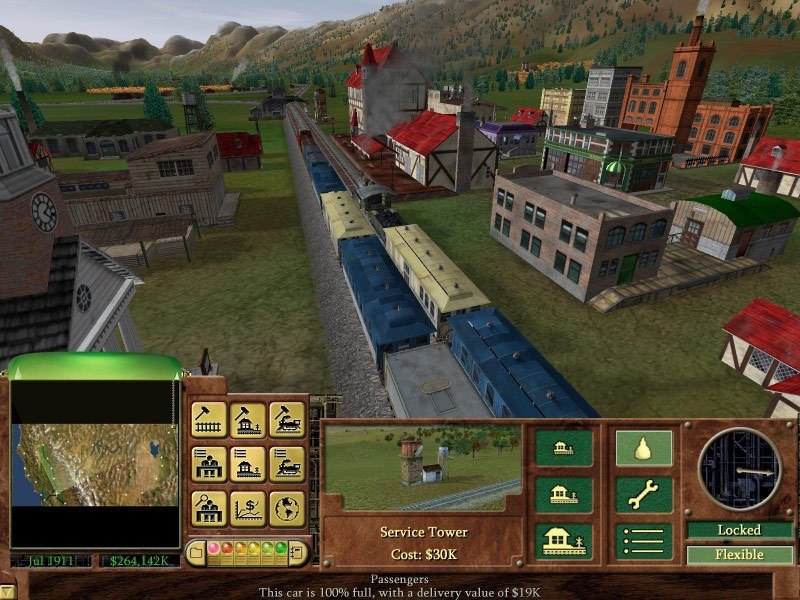
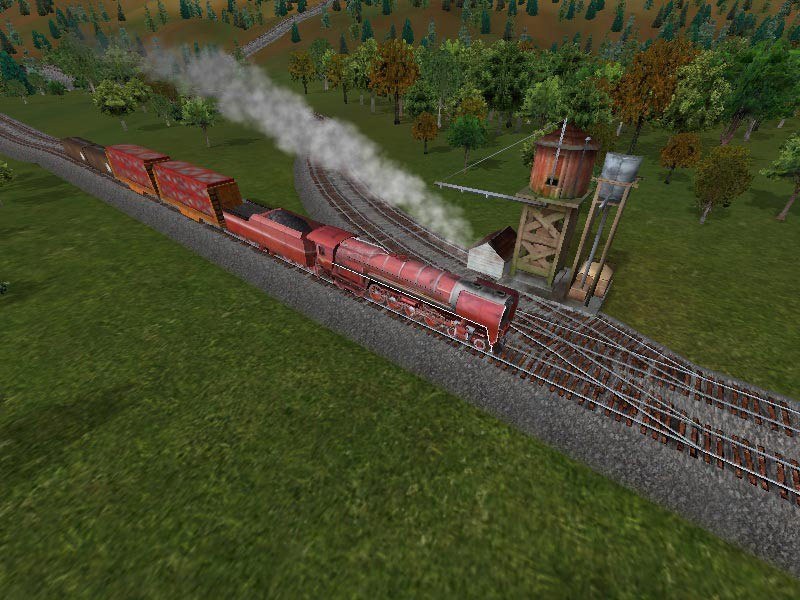
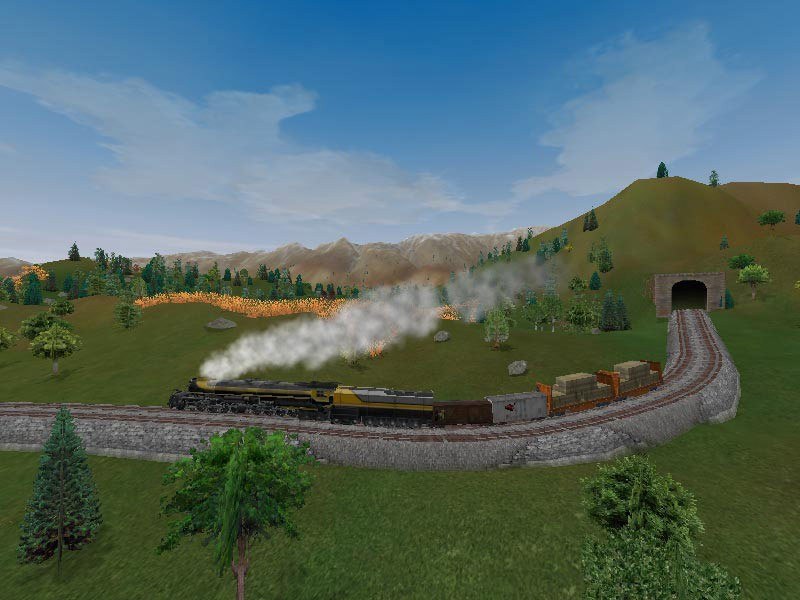
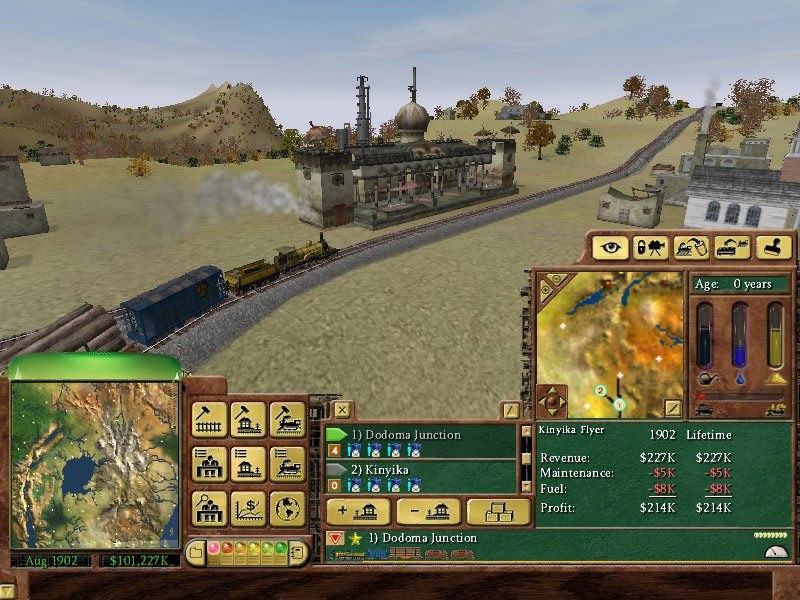
Railroad Tycoon 3 features 25 scenarios challenging players to recreate magnificent feats of railroading history from around the world. Players can lay track (including tunnels and overpasses), pick from over 40 locomotives from early steams to modern bullets, choose to haul over 35 types of cargo in a dynamic economy, and participate in an advanced stock market.The new 3-D engine takes the franchise to the next level, allowing smooth scaling from an 'eye in the sky' view of an entire continent down to super detailed close-up of a beautifully modeled train, building, or just the landscape. Railroad Tycoon 3 also includes more multiplayer support than its predecessor, integrating an on-line chat and matchmaking service. To top everything off, the game's soundtrack features another installment of some of the best authentic blues, bluegrass, and Americana music around.Multiplayer available in LAN mode only.

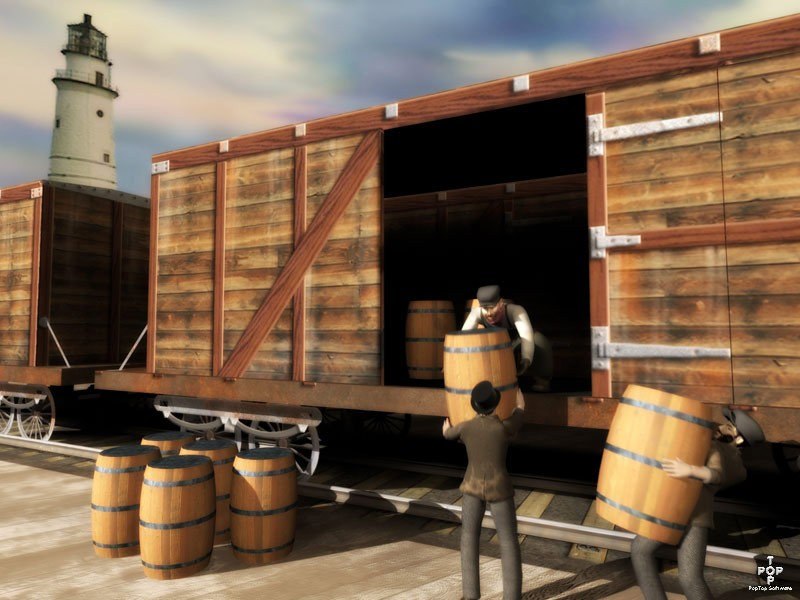
Railroad Tycoon 3 (valid until April 2027) screenshotRailroad Tycoon 3 (valid until April 2027) screenshotRailroad Tycoon 3 (valid until April 2027) screenshotRailroad Tycoon 3 (valid until April 2027) screenshotRailroad Tycoon 3 (valid until April 2027) screenshotRailroad Tycoon 3 (valid until April 2027) screenshot

How to redeem

  1. 1Check your Steam account and the listed region before purchasing.
  2. 2Find your code and supplier activation instructions in your confirmed order.
  3. 3Open the redeem-code section on Steam, enter the code and follow the platform’s prompts.

Supplier instructions

Go to: http://store.steampowered.com/ and download STEAM client Click "Install Steam" (from the upper right corner) Install and start application, login with your Account name and Password (create one if you don't have). Please follow these instructions to activate a new retail purchase on Steam: Launch Steam and log into your Steam account. Click the Games Menu. Choose Activate a Product on Steam... Follow the onscreen instructions to complete the process. After successful code verification go to the "MY GAMES" tab and start downloading.

You might also like