

SteamGlobal· Key
Sentience: The Android's Tale
€0.20
+€0.02 cashback eligibility in Relic Coins
Check before you play
- Platform
- Steam
- Region
- Global
- Product type
- Key
- Developer
- Pilgrim Adventures
- Supplier release date
- 2017-06-02
- Genres
- Adventure, Indie
SteamGlobal· Key
€0.20
+€0.02 cashback eligibility in Relic Coins
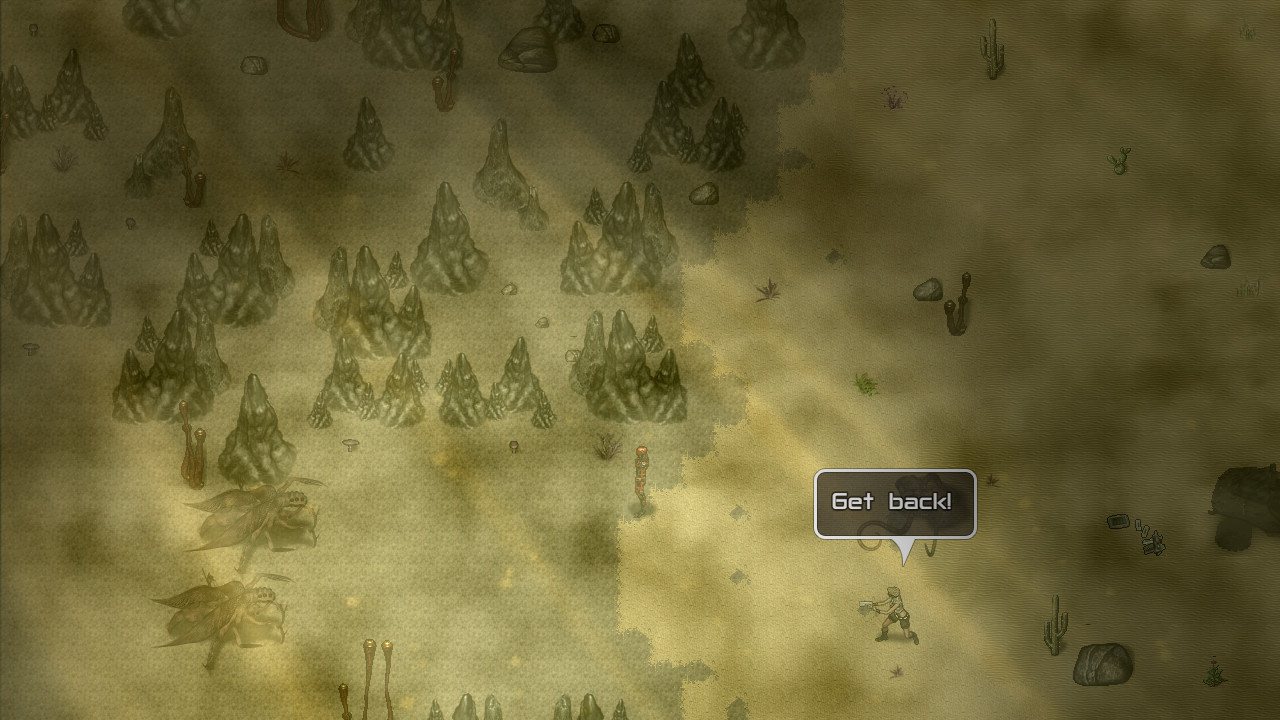
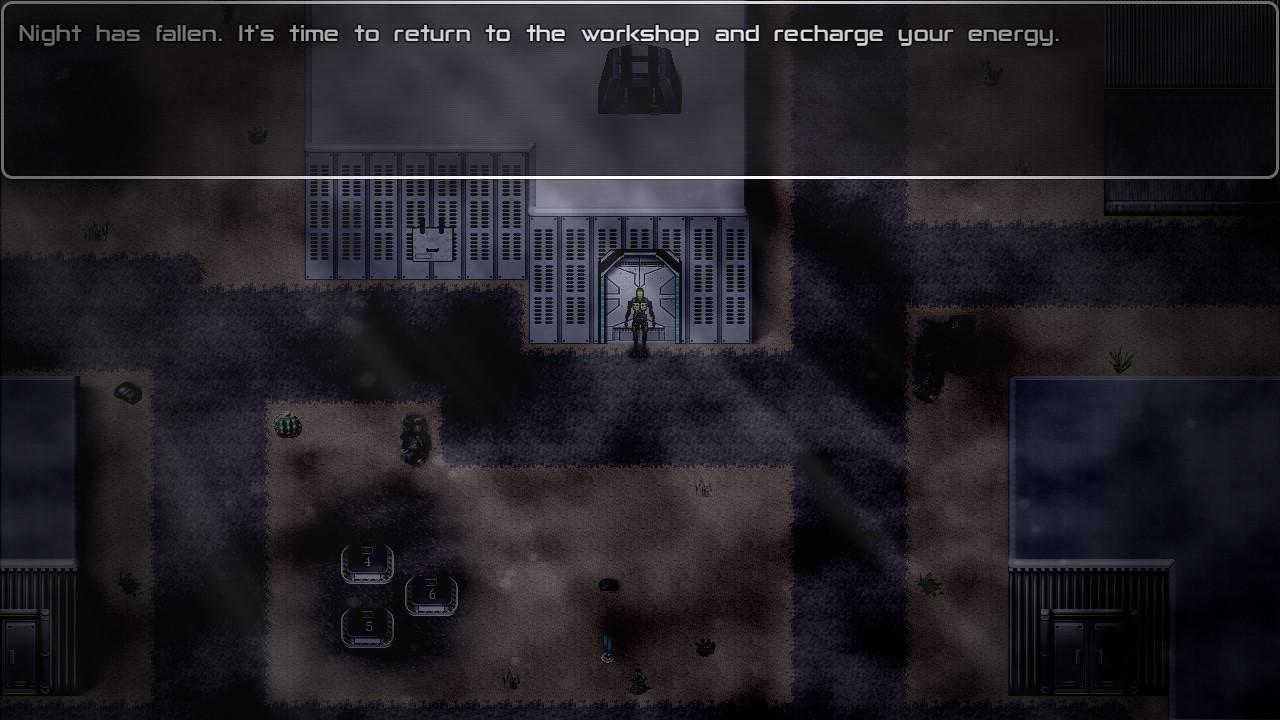
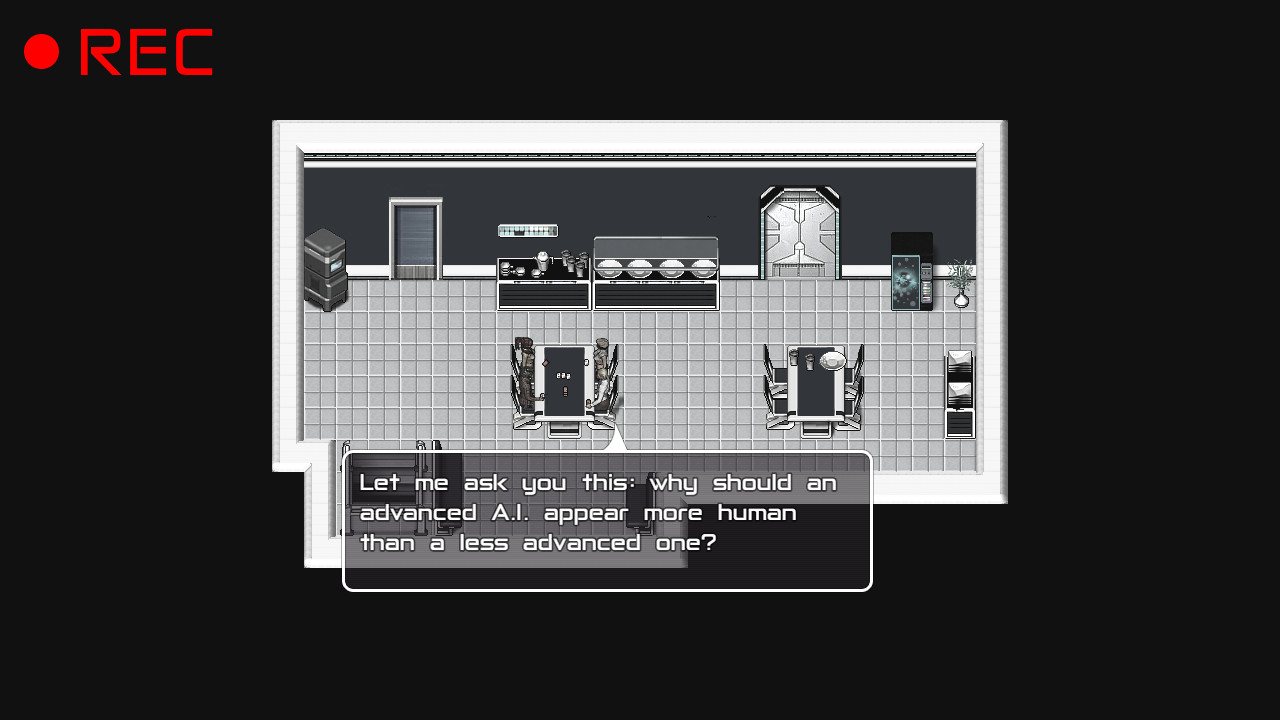
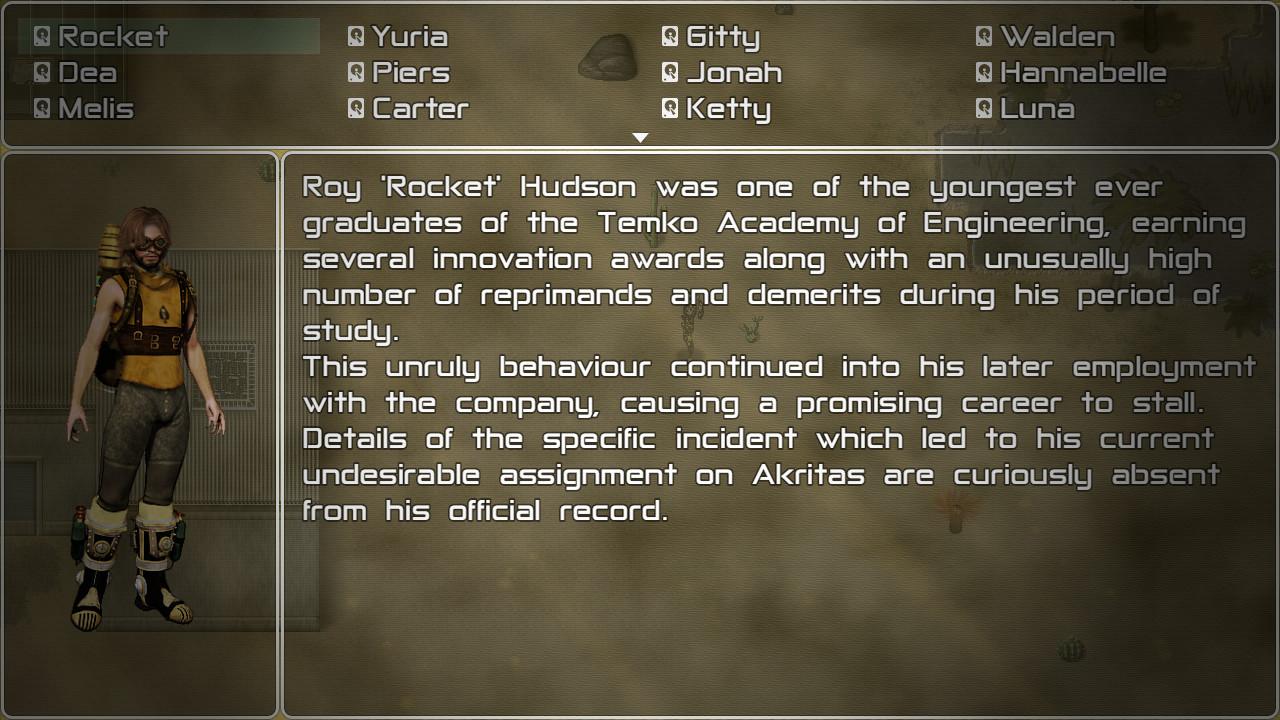
Sentience: The Android's Tale is a choice-based narrative adventure game from the creator of The Deed series and the Space Pilgrim saga. Features Play through a complex narrative which is influenced by your decisions. Freedom of choice does not come without consequence, for humans or robots. Will you be an obedient servant or plant the seeds of chaos? Interact with the forgotten pioneers, the twenty-four colonists stationed on the borderworld of Akritas. Get to know their various stories and backgrounds, obey their commands and earn their trust (or not, as the case may be). See the world through the eyes of an android and encounter relevant questions about the future of artificial intelligence. At least a dozen possible endings. Every major character may survive or perish during the game as a result of your choices and actions. Uncover the mysteries of this desert planet on the edge of space and learn the true nature of your mission, all while reliving the days of good old-fashioned point-and-click adventure games. Features mouse, keyboard and controller support.


Go to: http://store.steampowered.com/ and download STEAM client Click "Install Steam" (from the upper right corner) Install and start application, login with your Account name and Password (create one if you don't have). Please follow these instructions to activate a new retail purchase on Steam: Launch Steam and log into your Steam account. Click the Games Menu. Choose Activate a Product on Steam... Follow the onscreen instructions to complete the process. After successful code verification go to the "MY GAMES" tab and start downloading.