Get 10% back in Relic Coins on every order
OMSI 2 Add-On Wuppertal cover

SteamGlobal· Key

OMSI 2 Add-On Wuppertal

€23.13

+€2.31 cashback eligibility in Relic Coins

Check before you play

Platform
Steam
Region
Global
Product type
Key
Developer
MR-Software GbR
Publisher
Aerosoft GmbH
Supplier release date
2018-09-06
Genres
Simulation

About this product

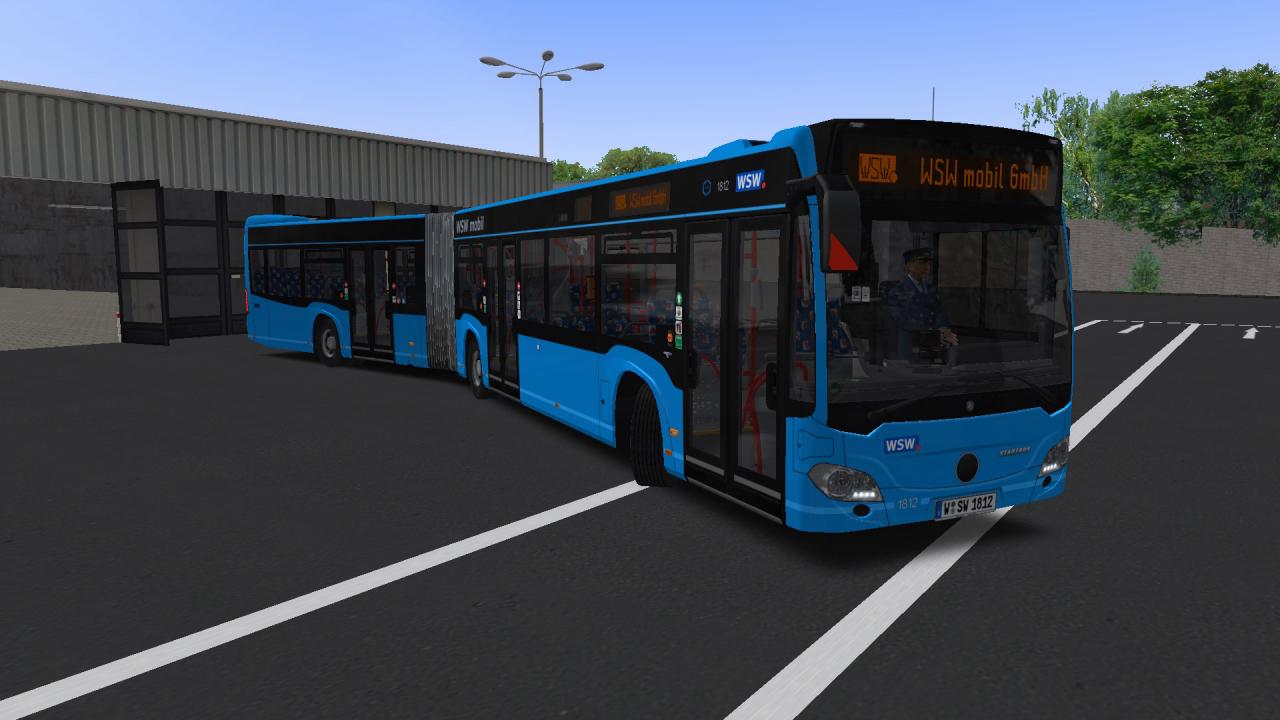
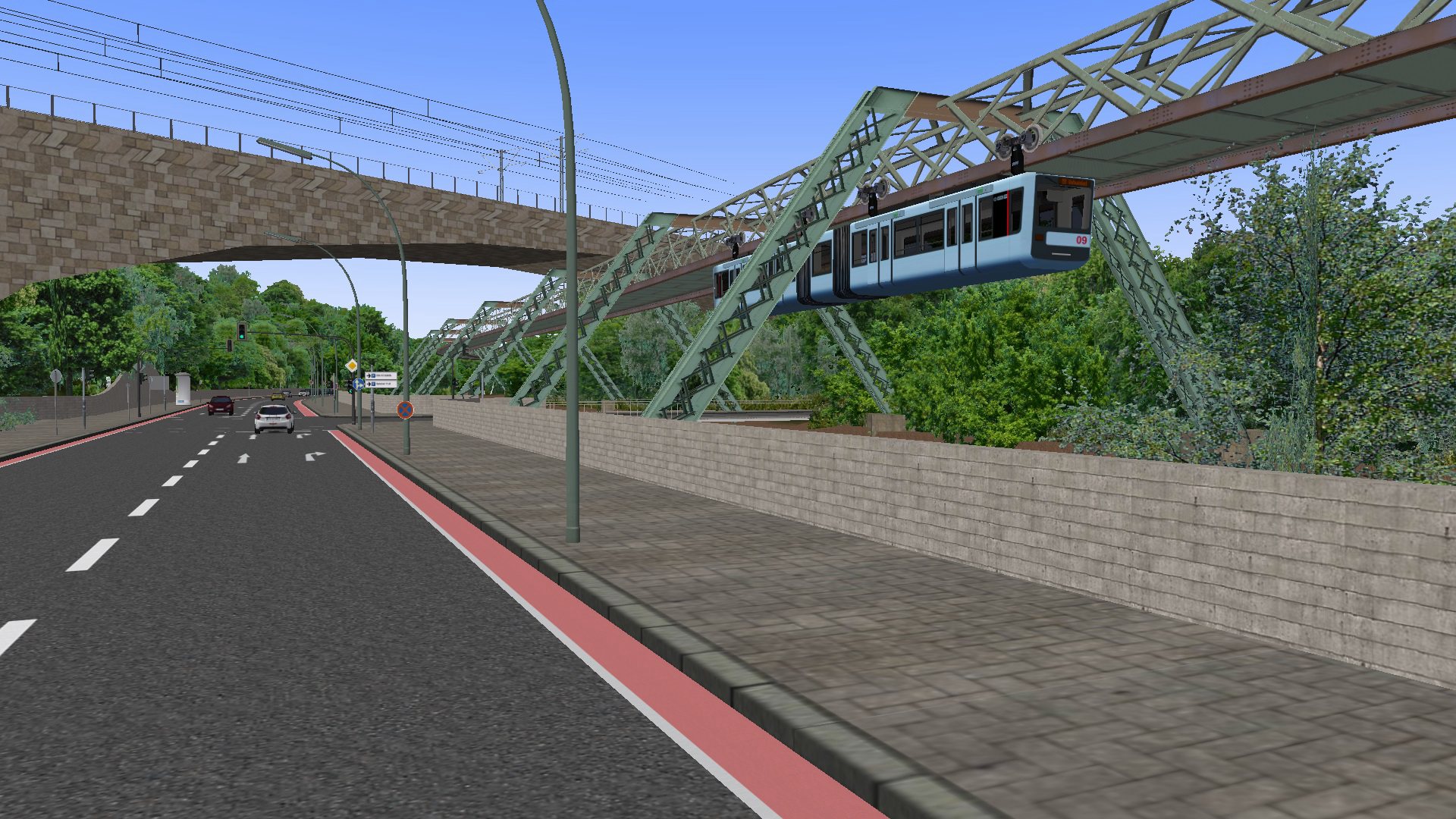
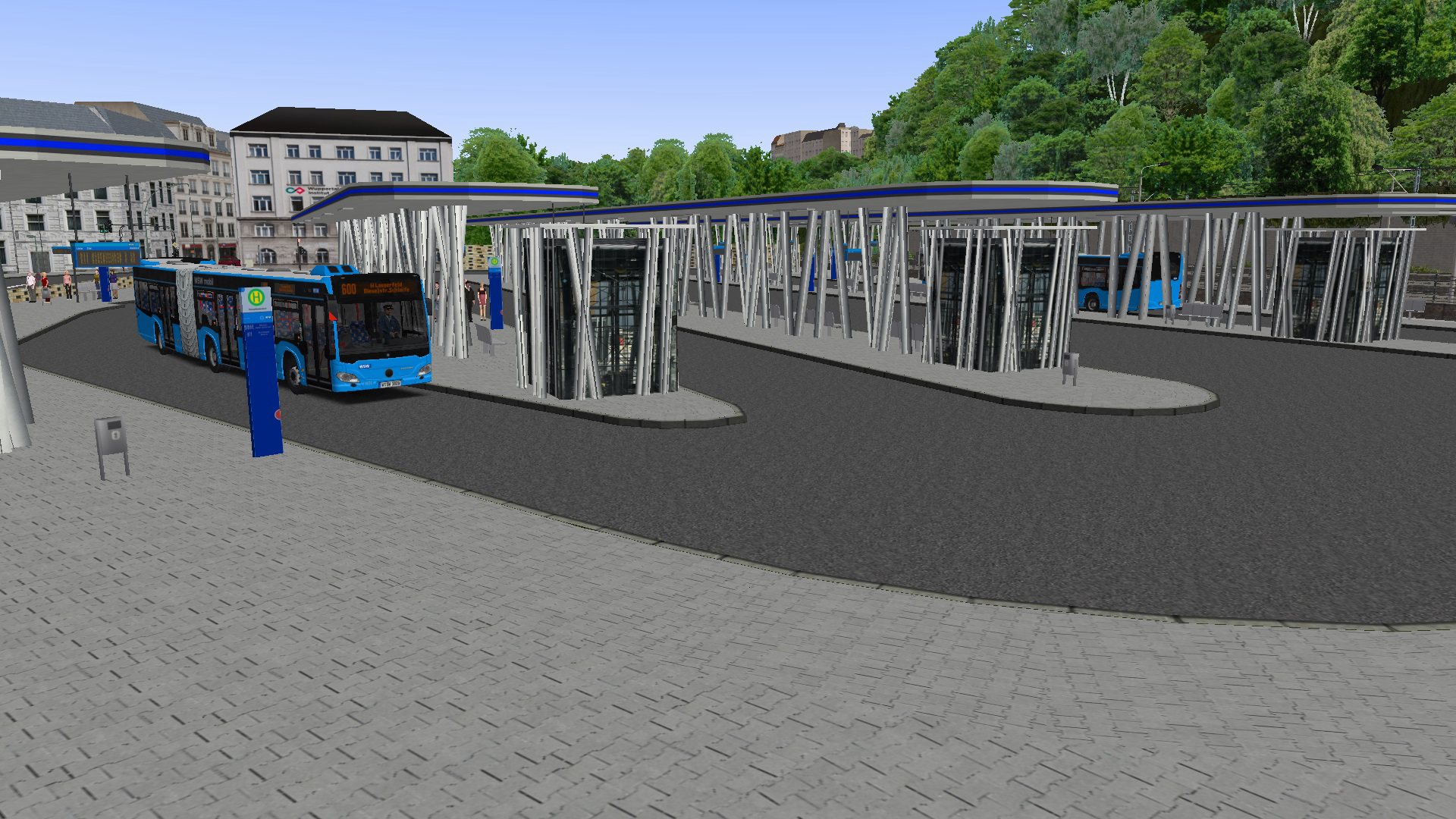
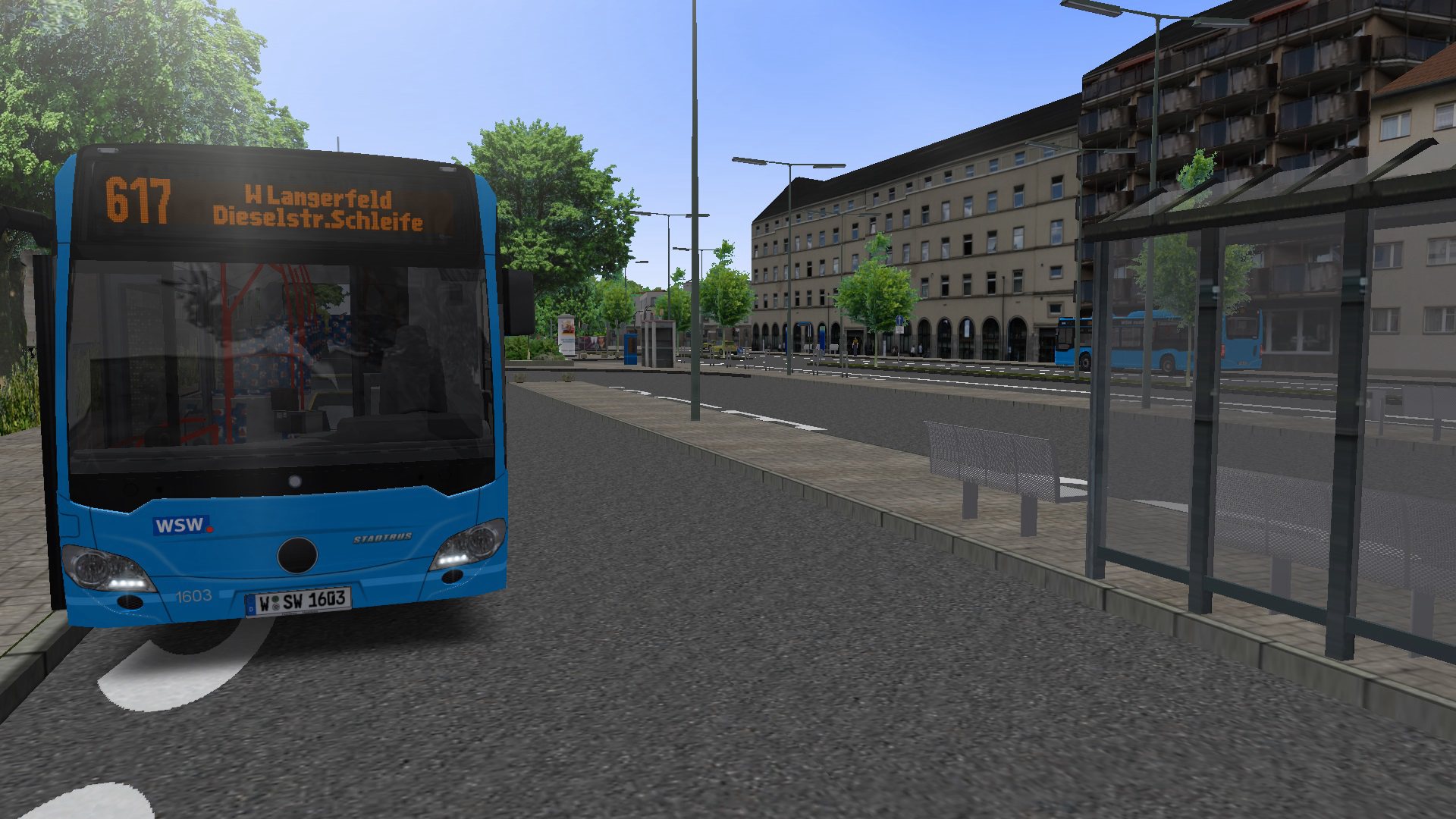
On the road in Wuppertal: With the new OMSI 2 Add-on Wuppertal you now have the opportunity to discover the “large green city” with lots of realistically modelled buildings along 21 km of route.On four real bus lines you bring your passengers through the city centre of Wuppertal that has been realised with numerous details. The city bus for this job is available in both solo and articulated variants and can be repainted individually using the several included paintings. Within the bus you will be able to hear original announcements due to the licences granted by the local transportation company WSW.As a special highlight, this add-on also includes the landmark of Wuppertal – the suspension railway. Along the drivable route you can discover the city from above, as well.Latest generation city bus in solo and articulated variantsDrivable suspension railway of the latest generation4 bus lines and 1 suspension railway lineOver 40 real AI routes21 km of available route through WuppertalOfficial licences of the WSWLicensed original announcements of the WSWReal schedule data of the WSWMany details along the routesMany paintingsVaried, realistic line layoutsMany realistic buildings from Wuppertal

OMSI 2 Add-On Wuppertal screenshotOMSI 2 Add-On Wuppertal screenshotOMSI 2 Add-On Wuppertal screenshotOMSI 2 Add-On Wuppertal screenshotOMSI 2 Add-On Wuppertal screenshotOMSI 2 Add-On Wuppertal screenshot

How to redeem

  1. 1Check your Steam account and the listed region before purchasing.
  2. 2Find your code and supplier activation instructions in your confirmed order.
  3. 3Open the redeem-code section on Steam, enter the code and follow the platform’s prompts.

Supplier instructions

Go to: http://store.steampowered.com/ and download STEAM client Click "Install Steam" (from the upper right corner) Install and start application, login with your Account name and Password (create one if you don't have). Please follow these instructions to activate a new retail purchase on Steam: Launch Steam and log into your Steam account. Click the Games Menu. Choose Activate a Product on Steam... Follow the onscreen instructions to complete the process. After successful code verification go to the "MY GAMES" tab and start downloading.

You might also like