Get 10% back in Relic Coins on every order
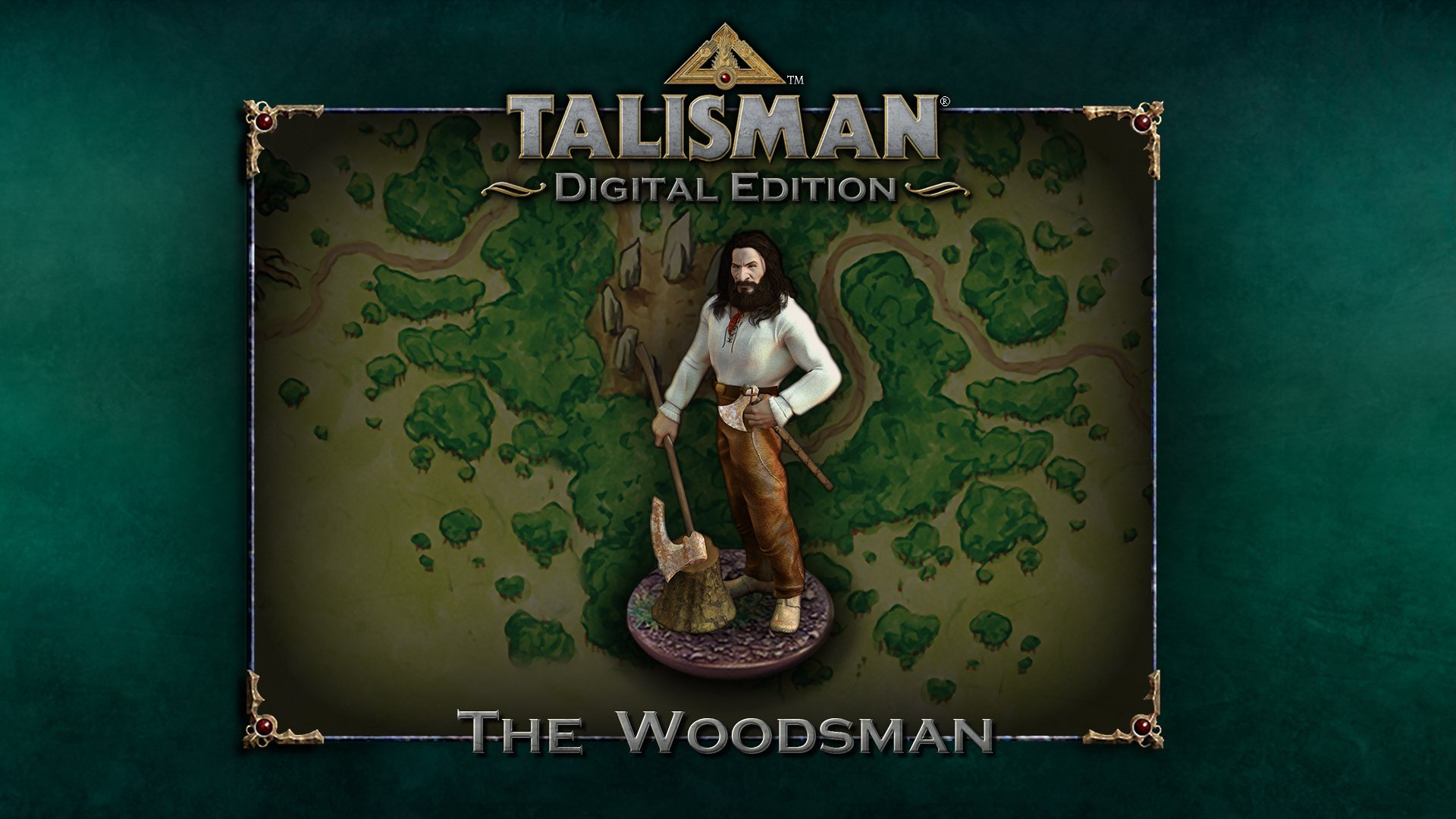
Talisman - Character Pack #17 - Woodsman DLC cover

SteamGlobal· DLC

Talisman - Character Pack #17 - Woodsman DLC

€0.36

+€0.04 cashback eligibility in Relic Coins

Check before you play

Platform
Steam
Region
Global
Product type
DLC

Check the required base game and edition before purchasing this add-on.

Developer
SLUG
Publisher
Games Workshop
Supplier release date
2018-04-19
Genres
Adventure, Strategy, RPG, Indie

About this product

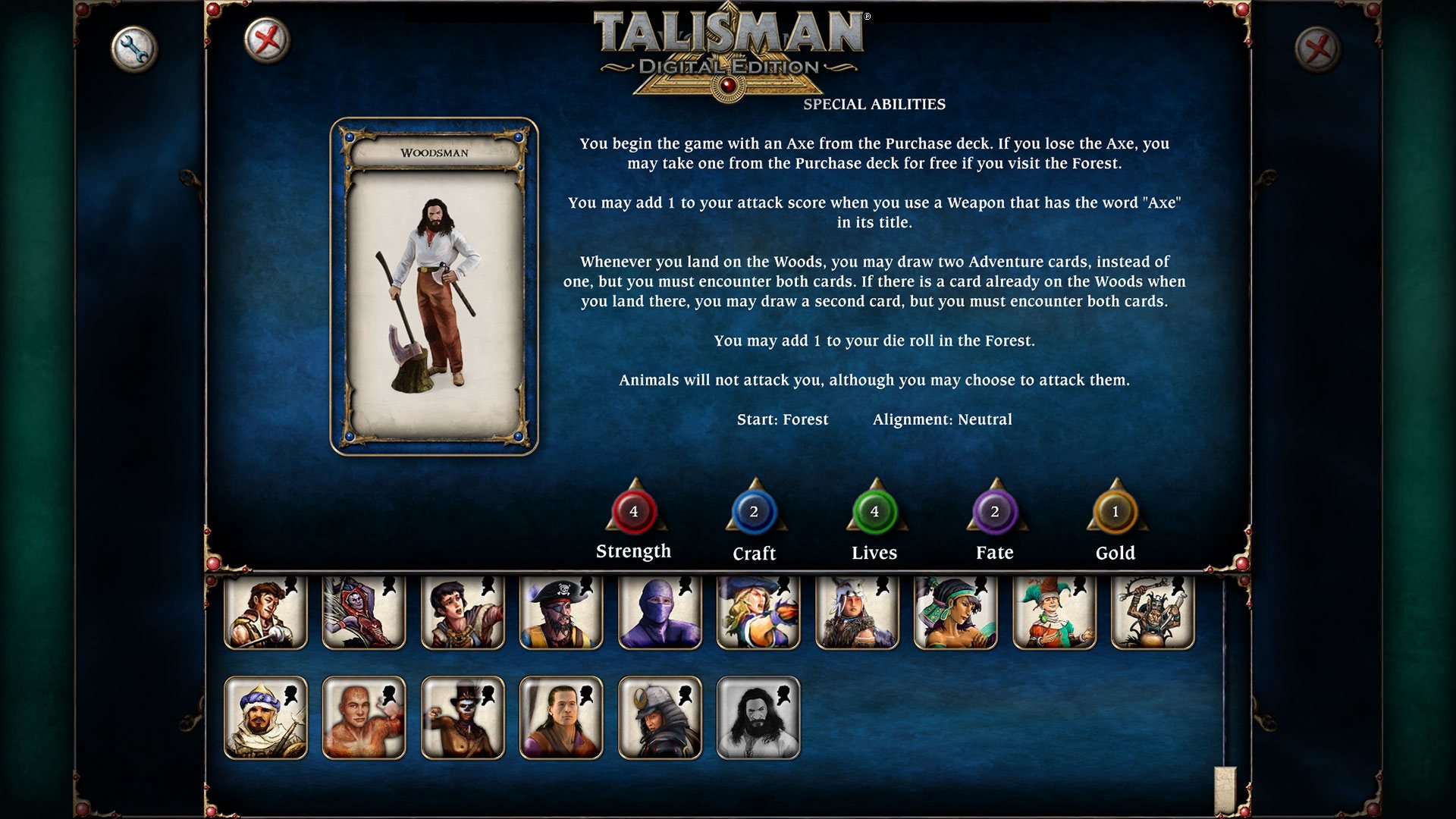
The Woodsman character pack for Talisman: Digital Edition.The Woodsman originally appeared in the 2nd Edition of Talisman over 30 years ago. Now, revised and updated, he makes his return to challenge for the Crown of Command. Character Stats: Strength: 4 Craft: 2 Lives: 4 Fate: 2 Gold: 1 Alignment: Neutral Starting Space: Forest Special Abilities: You begin the game with an Axe from the Purchase deck. If you lose the Axe, you may take one from the Purchase deck for free if you visit the Forest.You may add 1 to your attack score when you use a Weapon that has the word 'Axe' in its title.Whenever you land on the Woods, you may draw two Adventure cards, instead of one, but you must encounter both cards. If there is a card already on the Woods when you land there, you may draw a second card, but you must encounter both cards.You may add 1 to your die roll in the Forest.Animals will not attack you, although you may choose to attack them.

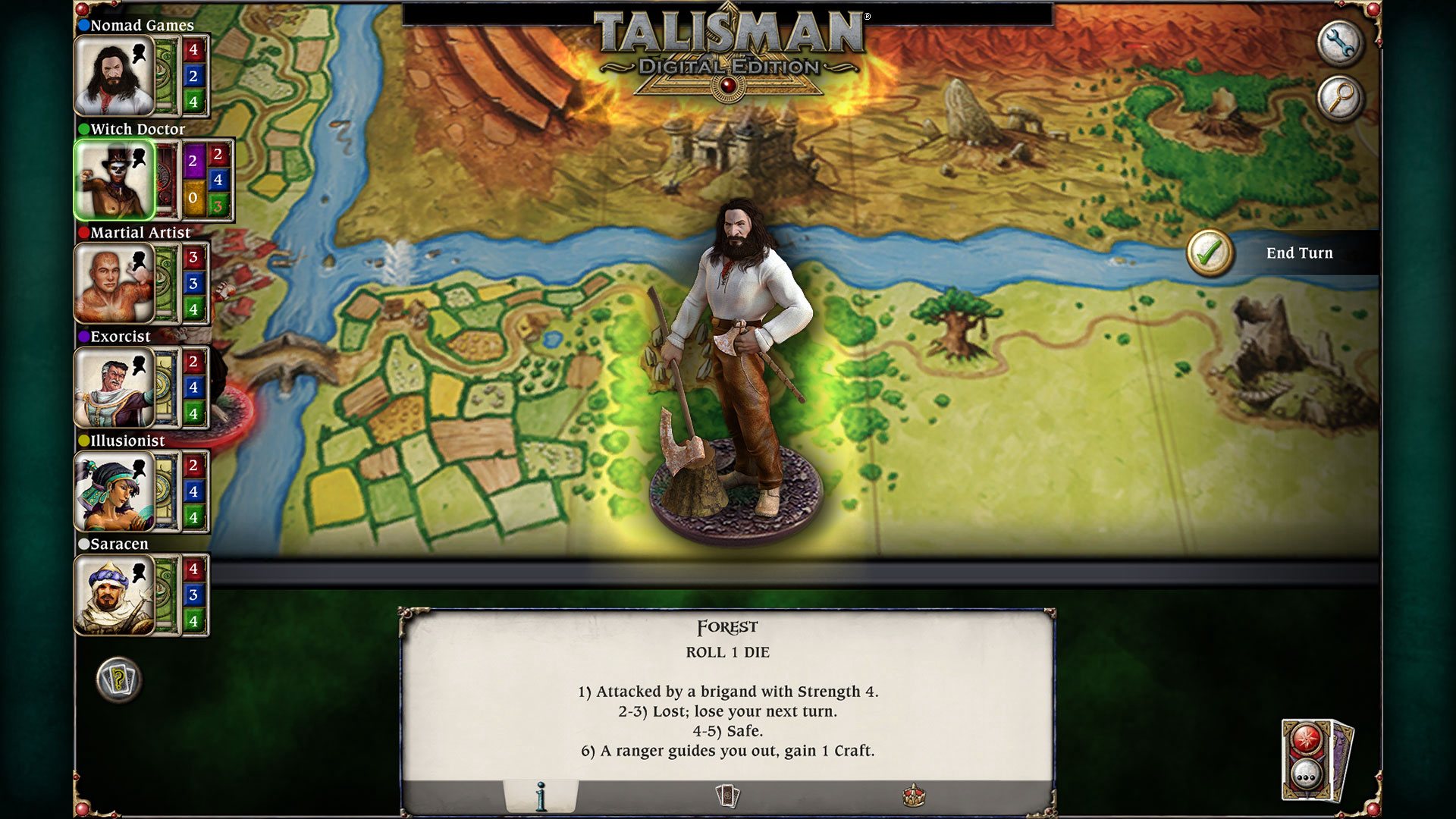
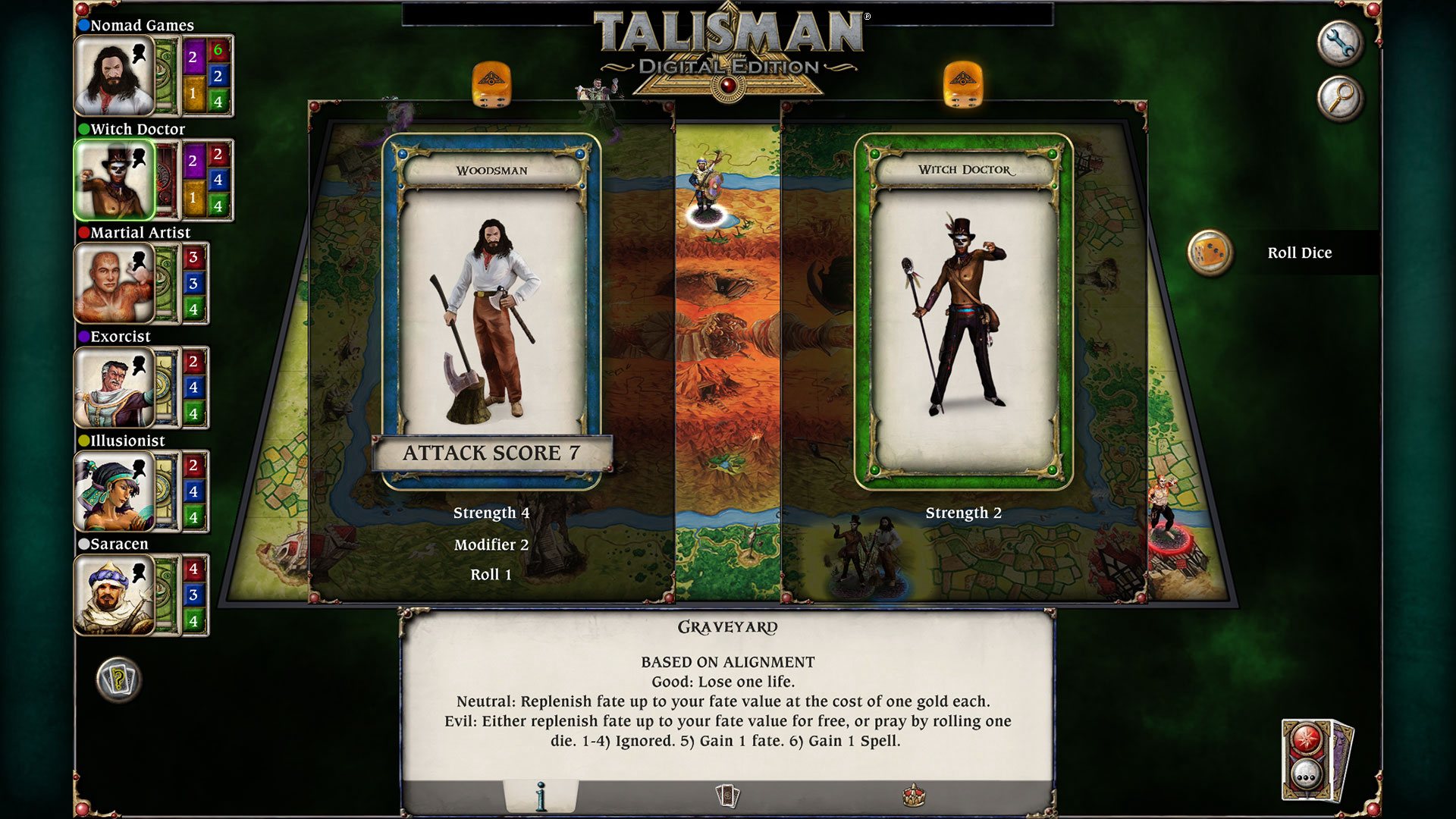
Talisman - Character Pack #17 - Woodsman DLC screenshotTalisman - Character Pack #17 - Woodsman DLC screenshotTalisman - Character Pack #17 - Woodsman DLC screenshotTalisman - Character Pack #17 - Woodsman DLC screenshotTalisman - Character Pack #17 - Woodsman DLC screenshot

How to redeem

  1. 1Check the required base game, platform and edition before purchasing.
  2. 2Find the code or supplier activation instructions in your confirmed order.
  3. 3Redeem on Steam using the supplied instructions, then install the add-on with the compatible base game.

Supplier instructions

Go to: http://store.steampowered.com/ and download STEAM client Click "Install Steam" (from the upper right corner) Install and start application, login with your Account name and Password (create one if you don't have). Please follow these instructions to activate a new retail purchase on Steam: Launch Steam and log into your Steam account. Click the Games Menu. Choose Activate a Product on Steam... Follow the onscreen instructions to complete the process. After successful code verification go to the "MY GAMES" tab and start downloading.

You might also like