Get 10% back in Relic Coins on every order
LEGO Batman 2: DC Super Heroes cover

SteamGlobal· Key

LEGO Batman 2: DC Super Heroes

€1.44

+€0.14 cashback eligibility in Relic Coins

Check before you play

Platform
Steam
Region
Global
Product type
Key
Developer
TT Games
Publisher
Warner Bros. Interactive Entertainment
Supplier release date
2012-06-22
Genres
Action, Adventure

About this product

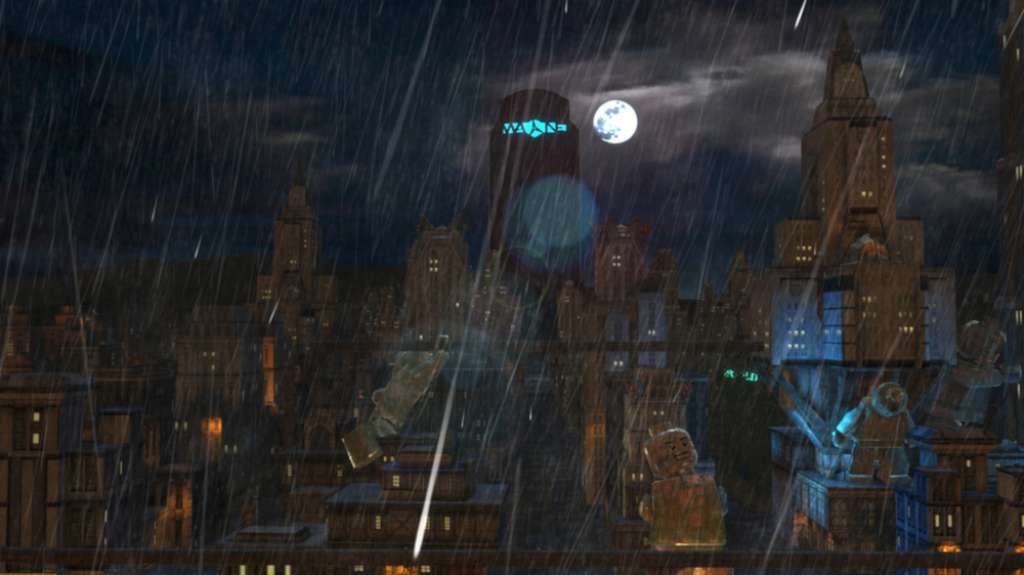
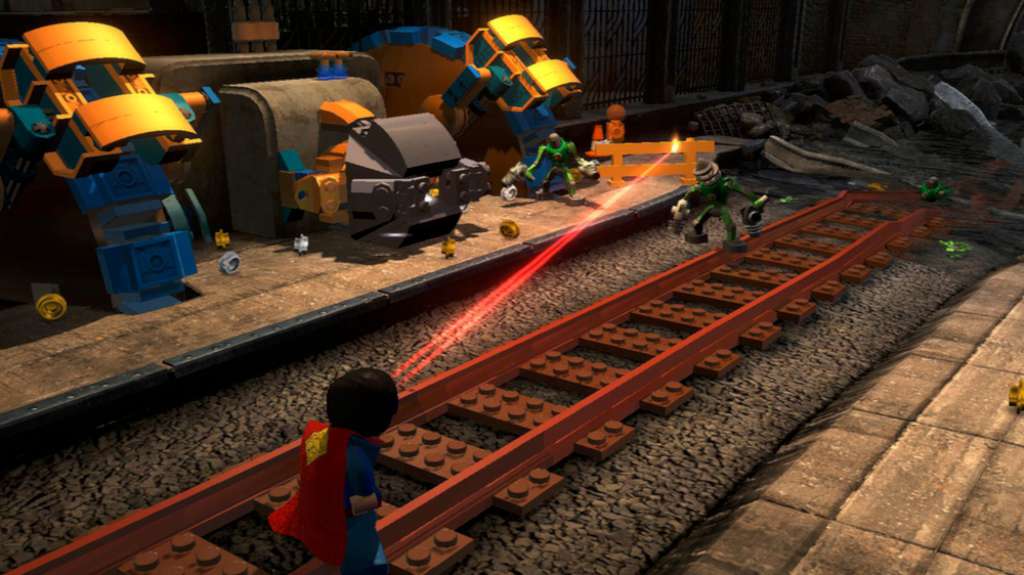
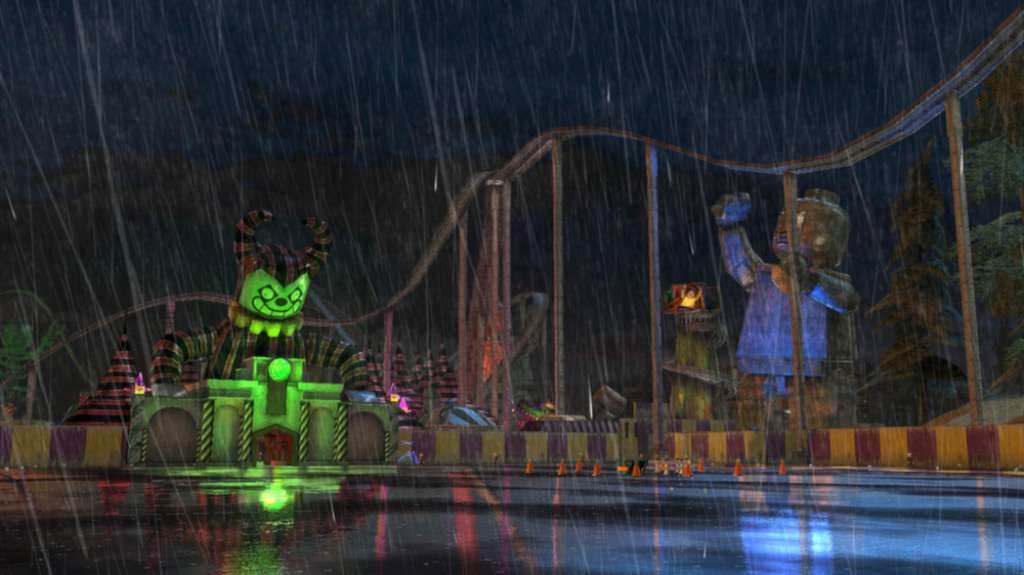
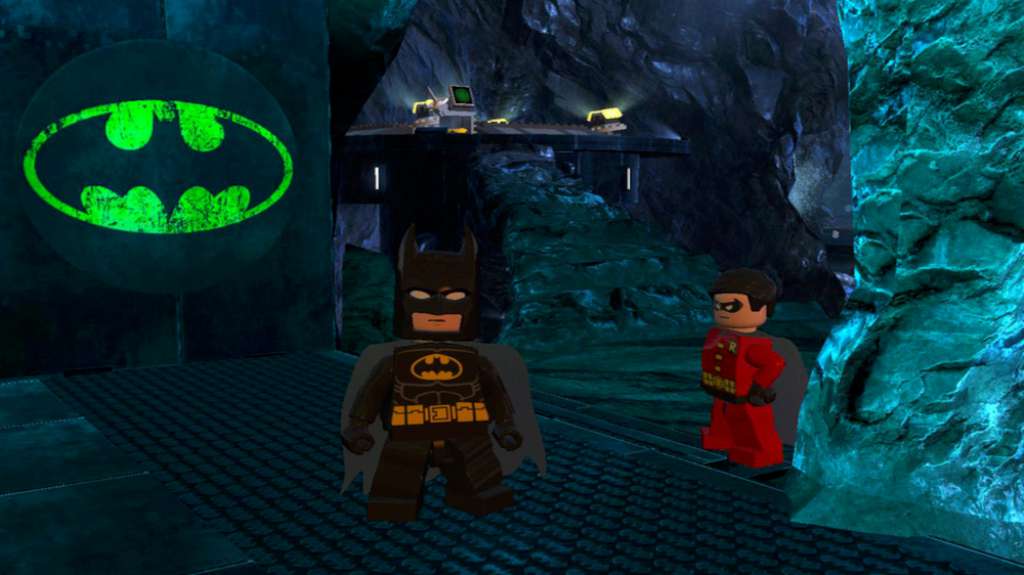
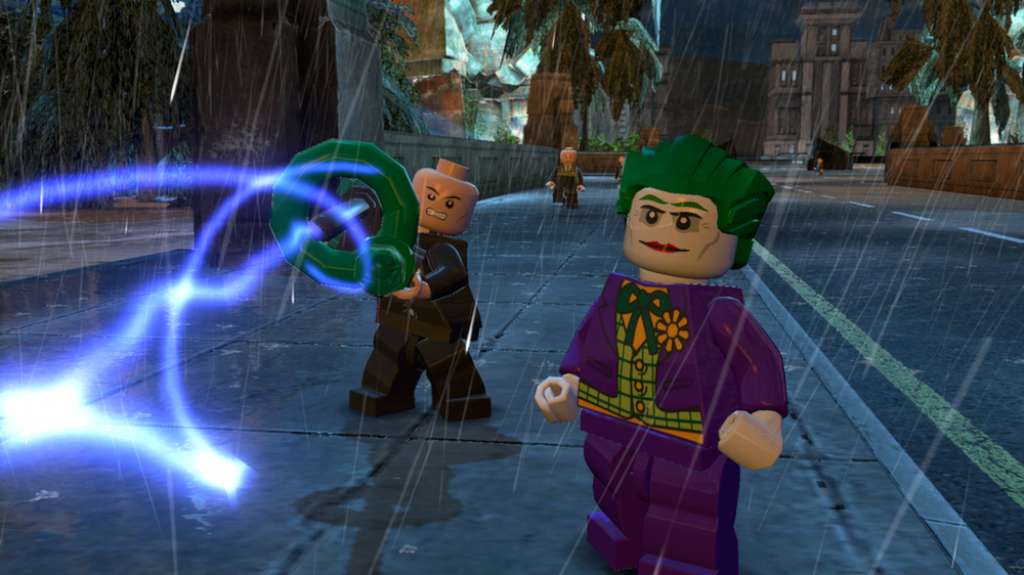
Legends Unite! The Dynamic Duo of Batman and Robin join other famous super heroes from the DC Universe including Superman, Wonder Woman and Green Lantern to save Gotham City from destruction at the hands of the notorious villains Lex Luthor and the Joker. Features Collect 50 DC Comics characters and flex your new super abilities--soar through the air with free-roaming flight, freeze and push objects with Super-Breath, and heat up and cut holes through objects with Heat Vision. Master new suits and gadgets such as Batman’s Power Suit and Robin’s Hazard Suit equipped with a Pressure Cannon that can absorb and dispense hazardous liquids. Players can also explore Gotham City by walking, flying or unlocking and controlling a variety of cool vehicles including the Batmobile, Batwing and Batboat. For the first time in a LEGO video game, hear the LEGO characters talk! Enjoy the game with friends and family using easy drop-in/drop-out co-op play that features dynamic split screen.

LEGO Batman 2: DC Super Heroes screenshotLEGO Batman 2: DC Super Heroes screenshotLEGO Batman 2: DC Super Heroes screenshotLEGO Batman 2: DC Super Heroes screenshotLEGO Batman 2: DC Super Heroes screenshotLEGO Batman 2: DC Super Heroes screenshot

How to redeem

  1. 1Check your Steam account and the listed region before purchasing.
  2. 2Find your code and supplier activation instructions in your confirmed order.
  3. 3Open the redeem-code section on Steam, enter the code and follow the platform’s prompts.

Supplier instructions

Go to: http://store.steampowered.com/ and download STEAM client Click "Install Steam" (from the upper right corner) Install and start application, login with your Account name and Password (create one if you don't have). Please follow these instructions to activate a new retail purchase on Steam: Launch Steam and log into your Steam account. Click the Games Menu. Choose Activate a Product on Steam... Follow the onscreen instructions to complete the process. After successful code verification go to the "MY GAMES" tab and start downloading.

You might also like