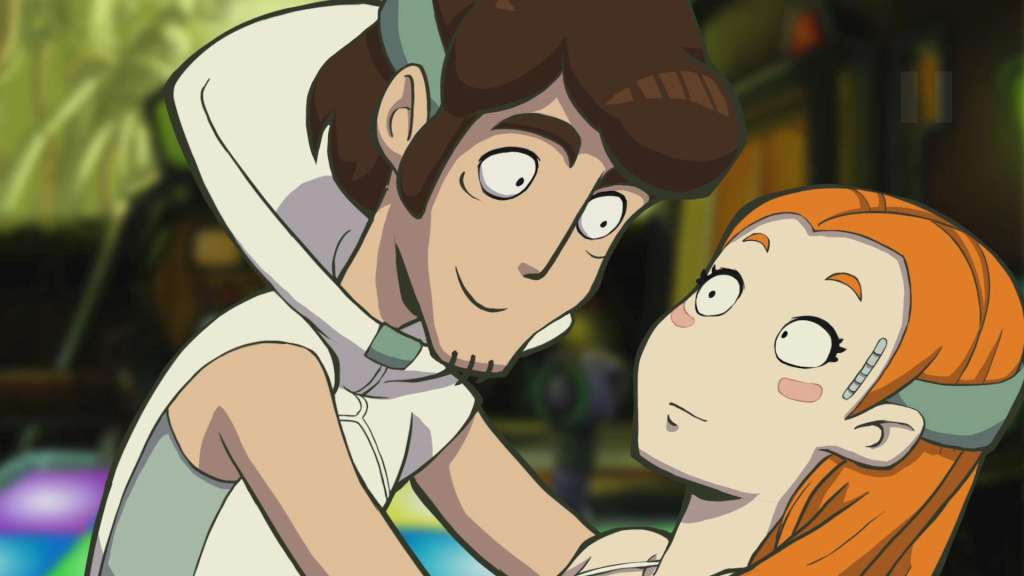
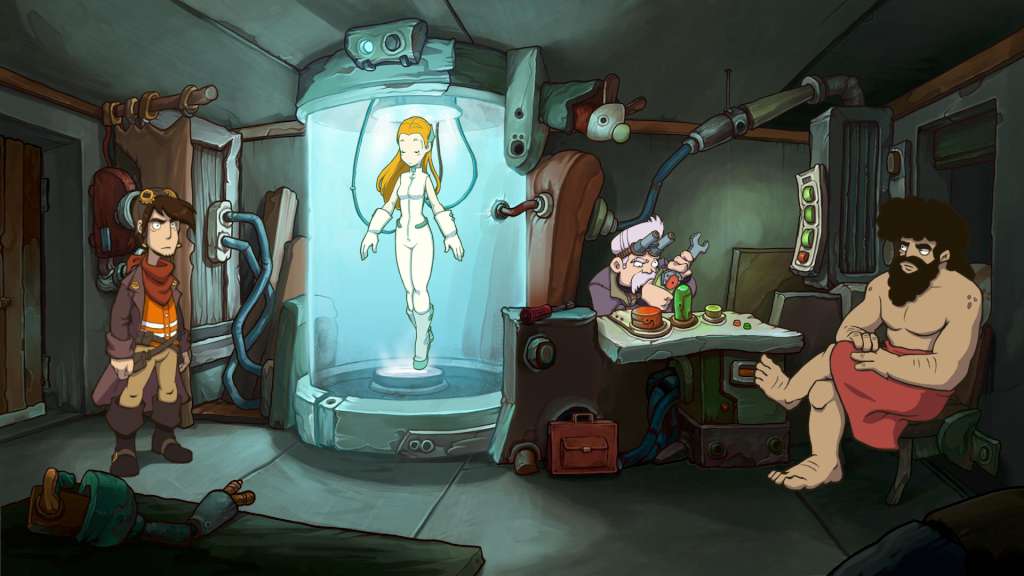
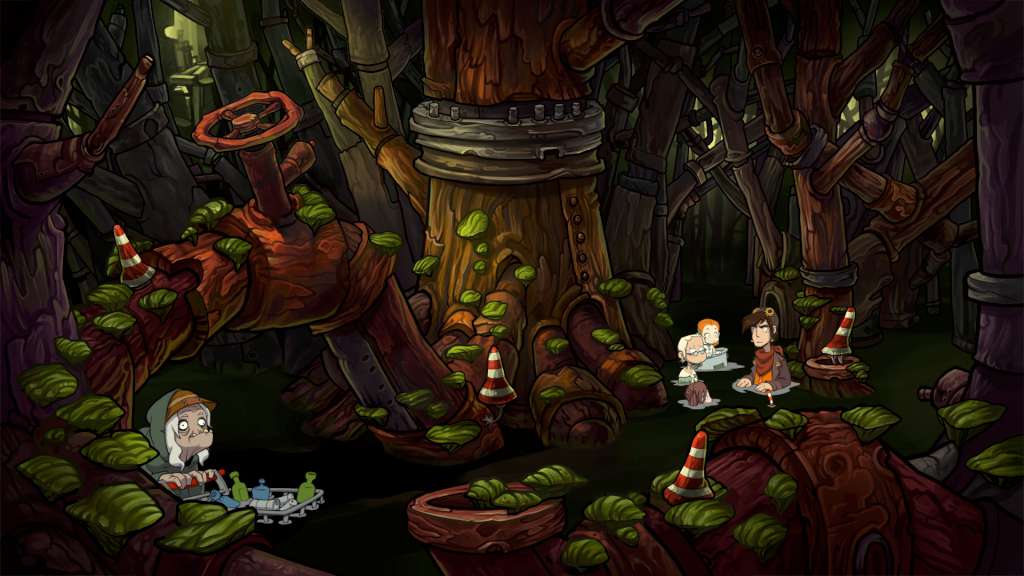
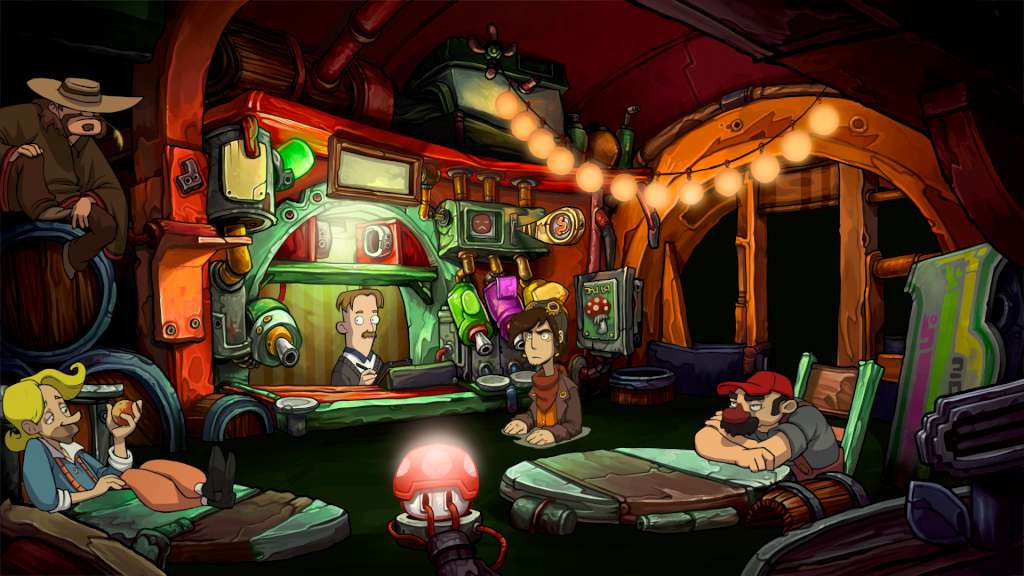
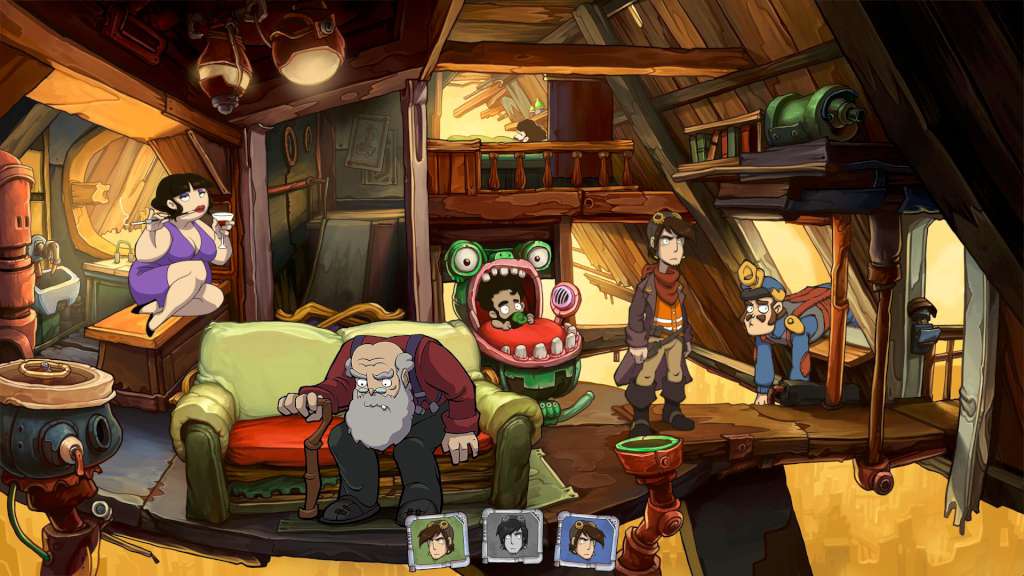
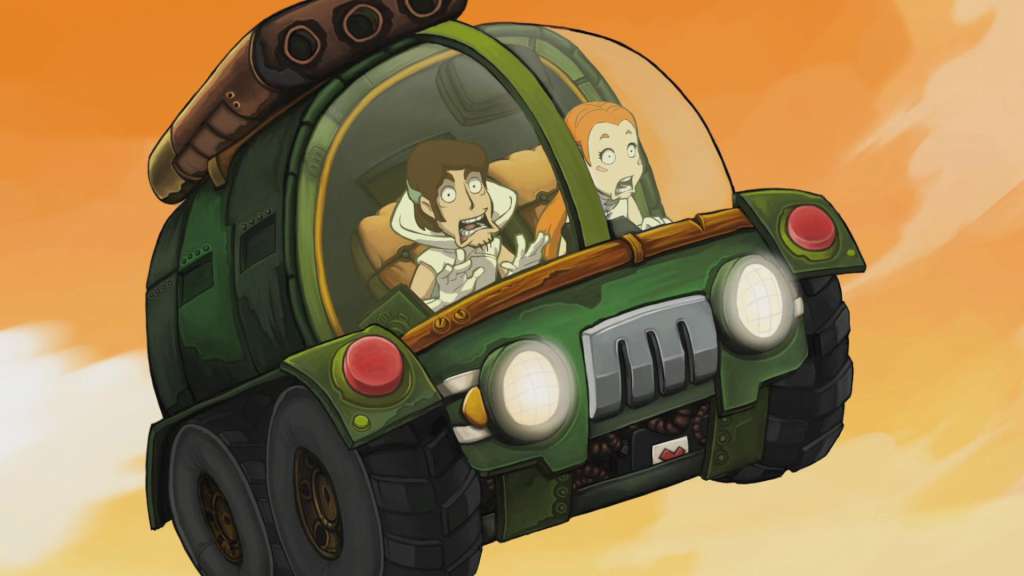
More chaos, more destruction, more Rufus. Not one, not two, but three Rufuses cause all kinds of crazy mayhem in the long-awaited adventure comedy Goodbye Deponia: The Organon plans the destruction of Deponia, the lovely Goal has (once again) disappeared, and anti-hero Rufus just can't seem to stop getting in his own way. All inventor and free spirit Rufus wanted to do was to get off the junkyard planet of Deponia and move to Elysium, the paradise orbiting Deponia as a spaceship reserved for the highest echelons of society. Goal, the ex-Elysian girl that Rufus has fallen head over heels for, still seems to be the key to his endeavor...and to the elevator that will get him to space. Finally, Rufus has come up with a seemingly perfect plan. And yet, everything that could possibly go wrong suddenly does go wrong. Rufus finds himself (initially in disguise) on a highway cruiser amongst stern-faced officials of the Organon, while Goal goes missing. When Rufus stumbles upon a cloning machine, he believes to have found his way out. A clone copy is supposed to help him out of his predicament. But an "inexplicable" error causes complications and Goal slips from our hero's reach once again. Now, he has to solve three major problems: He needs to find Goal again, reach Elysium and prevent the destruction of the entire planet of Deponia by the hand of the Organon. Three problems that only three Rufuses could solve – and thus, the luckless inventor decides to clone himself! This leads to crazy ramifications for the player: In Goodbye Deponia, the player occasionally needs to control all three Rufuses, using them to complete tasks together – despite Rufus stumbling over himself so often. Goodbye Deponia is the epic conclusion to the Deponia trilogy and sequel to the best German game of 2013 (German Computer Game Awards). The award-winning Deponia series comprises of three wacky tales of adventure from the junkyard planet Deponia. These classic point & click romps not only delight comedy fans and adventure veterans, but also newcomers to the genre. The humorous Deponia series impresses with beautiful, hand-drawn 2D comic graphics, sarcastic dialogues and plenty of black humor. It has received numerous press awards, among them the German Computer Game Award (Deutscher Computerspielpreis) and many other German developer awards. Features A classic point & click adventure in a unique world, in the tradition of Douglas Adams, Terry Pratchett and Matt Groening From the makers of Memoria, Edna & Harvey: The Breakout, A New Beginning and Edna & Harvey: Harvey's New Eyes An epic conclusion to the iconic Deponia series Unique comic style with hand-drawn HD 2D graphics Cutscenes set to music with lovingly realized animations