Get 10% back in Relic Coins on every order
ZONE OF THE ENDERS THE 2nd RUNNER : M∀RS Activated cover

SteamRu Vpn· Key

ZONE OF THE ENDERS THE 2nd RUNNER : M∀RS Activated

€21.84

+€2.18 cashback eligibility in Relic Coins

Check before you play

Platform
Steam
Region
Ru Vpn
Product type
Key
Developer
Konami Computer Entertainment Japan
Publisher
Konami
Supplier release date
2018-09-04
Genres
Action

About this product

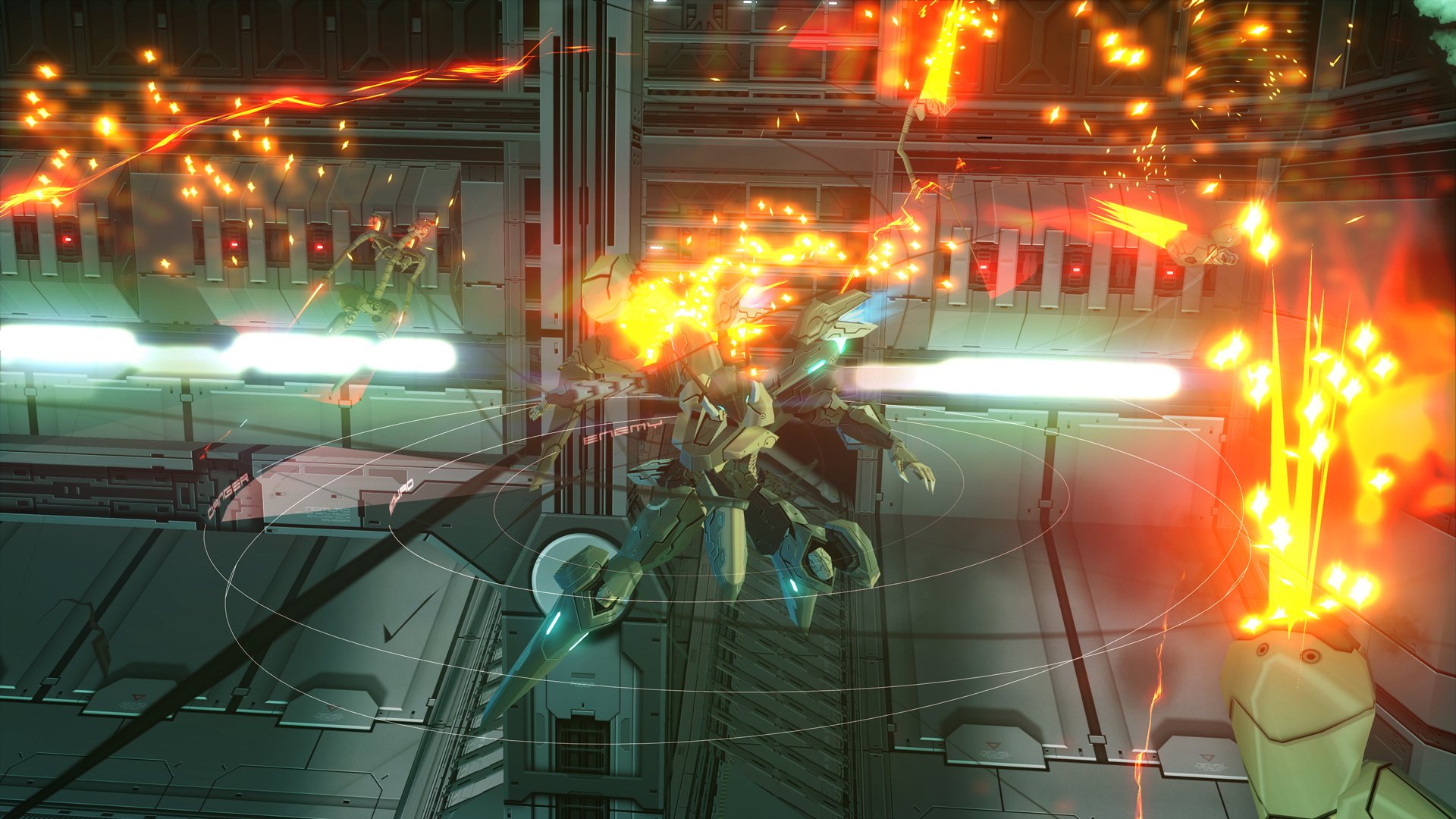
JEHUTY lives. And there, ANUBIS thrives. ZONE OF THE ENDERS THE 2nd RUNNER returns with 4K and VR support on Steam. Relive the experience ZONE OF THE ENDERS THE 2nd RUNNER - M∀RS as a full-length remaster of the classic fast-paced 3D robot action game, recreated in VR, native 4K and in full surround sound. Enter JEHUTY’s cockpit and fly through Martian skies! The year is 2174 and the despotic BAHRAM military organisation is using new Orbital Frames robot technology to secure its grip on Mars and Earth. Seizing control of the JEHUTY Orbital Frame, the player is the last hope for the stricken planets. Strike deep at the heart of the BAHRAM army with unrivalled powers! The version released in your region does not support Japanese language.「ANUBIS ZONE OF THE ENDERS : M∀RS(アヌビス ゾーン・オブ・エンダーズ: マーズ)」is the title for the Japanese region. 「ZONE OF THE ENDERS THE 2nd RUNNER : M∀RS」is the title for regions other than Japan. *Recommended system requirements assume the game is being played in 1920 x 1080 resolution.*For proper performance when playing in VR, a NVIDIA GeForce GTX 1060 or higher graphics card is required.

ZONE OF THE ENDERS THE 2nd RUNNER : M∀RS Activated screenshotZONE OF THE ENDERS THE 2nd RUNNER : M∀RS Activated screenshotZONE OF THE ENDERS THE 2nd RUNNER : M∀RS Activated screenshotZONE OF THE ENDERS THE 2nd RUNNER : M∀RS Activated screenshotZONE OF THE ENDERS THE 2nd RUNNER : M∀RS Activated screenshotZONE OF THE ENDERS THE 2nd RUNNER : M∀RS Activated screenshot

How to redeem

  1. 1Check your Steam account and the listed region before purchasing.
  2. 2Find your code and supplier activation instructions in your confirmed order.
  3. 3Open the redeem-code section on Steam, enter the code and follow the platform’s prompts.

Supplier instructions

Go to: http://store.steampowered.com/ and download STEAM client Click "Install Steam" (from the upper right corner) Install and start application, login with your Account name and Password (create one if you don't have). Please follow these instructions to activate a new retail purchase on Steam: Launch Steam and log into your Steam account. Click the Games Menu. Choose Activate a Product on Steam... Follow the onscreen instructions to complete the process. After successful code verification go to the "MY GAMES" tab and start downloading.

You might also like