

SteamGlobal· Key
Dance Collider VR
€4.21
+€0.42 cashback eligibility in Relic Coins
Check before you play
- Platform
- Steam
- Region
- Global
- Product type
- Key
- Publisher
- Freemergency
- Supplier release date
- 2018-09-27
- Genres
- Action, Indie, Casual, VR Games
SteamGlobal· Key
€4.21
+€0.42 cashback eligibility in Relic Coins
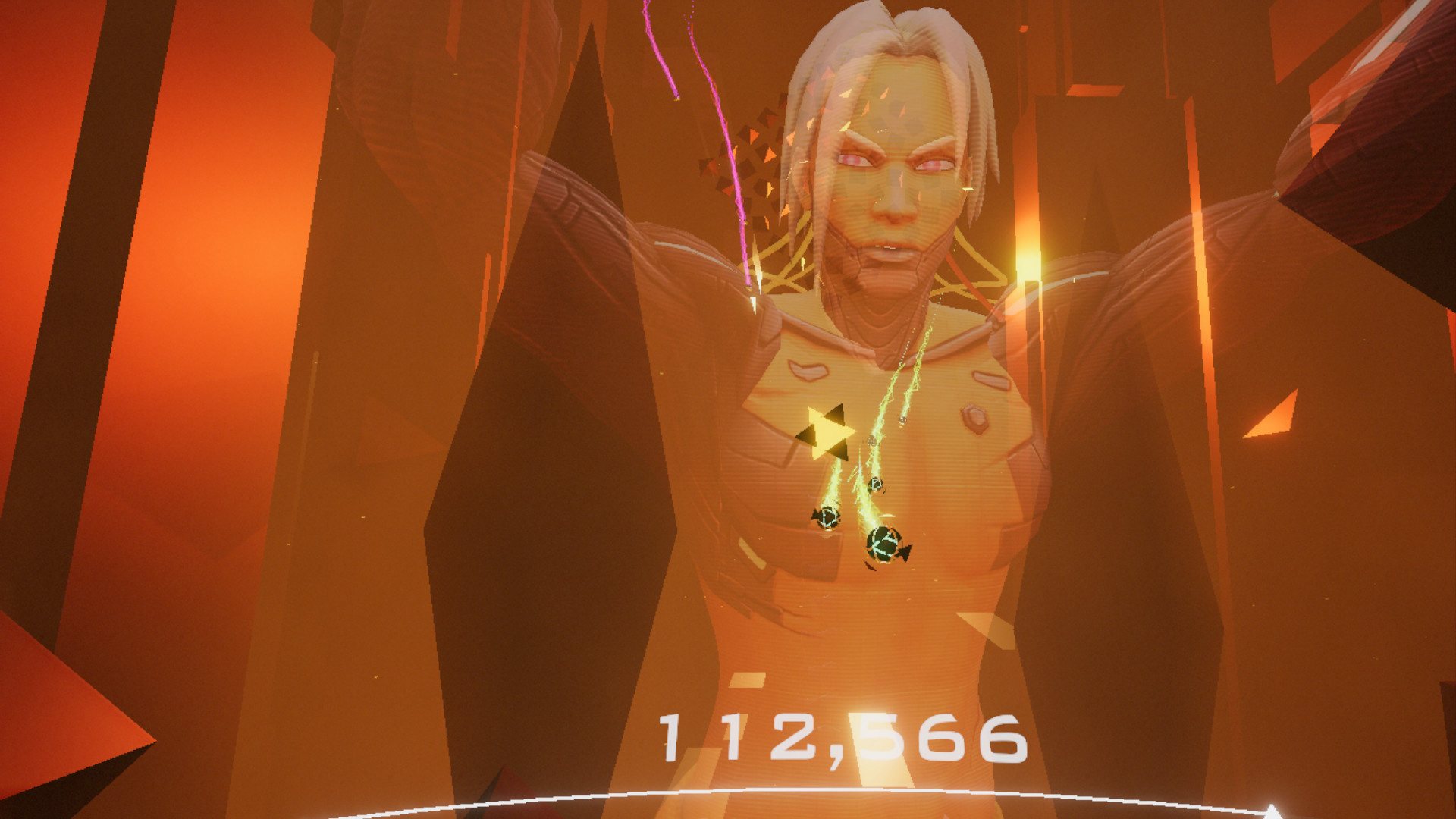
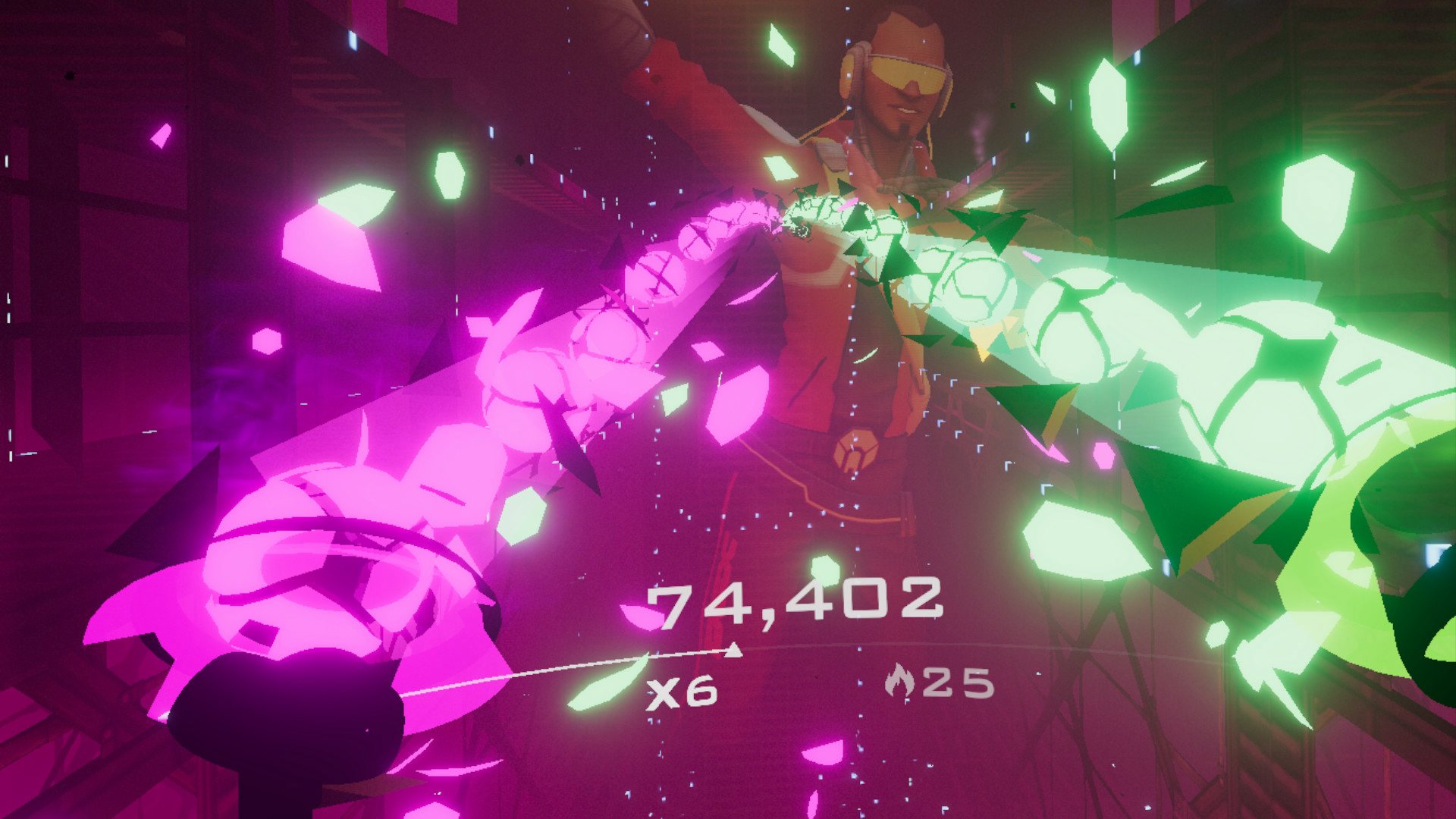
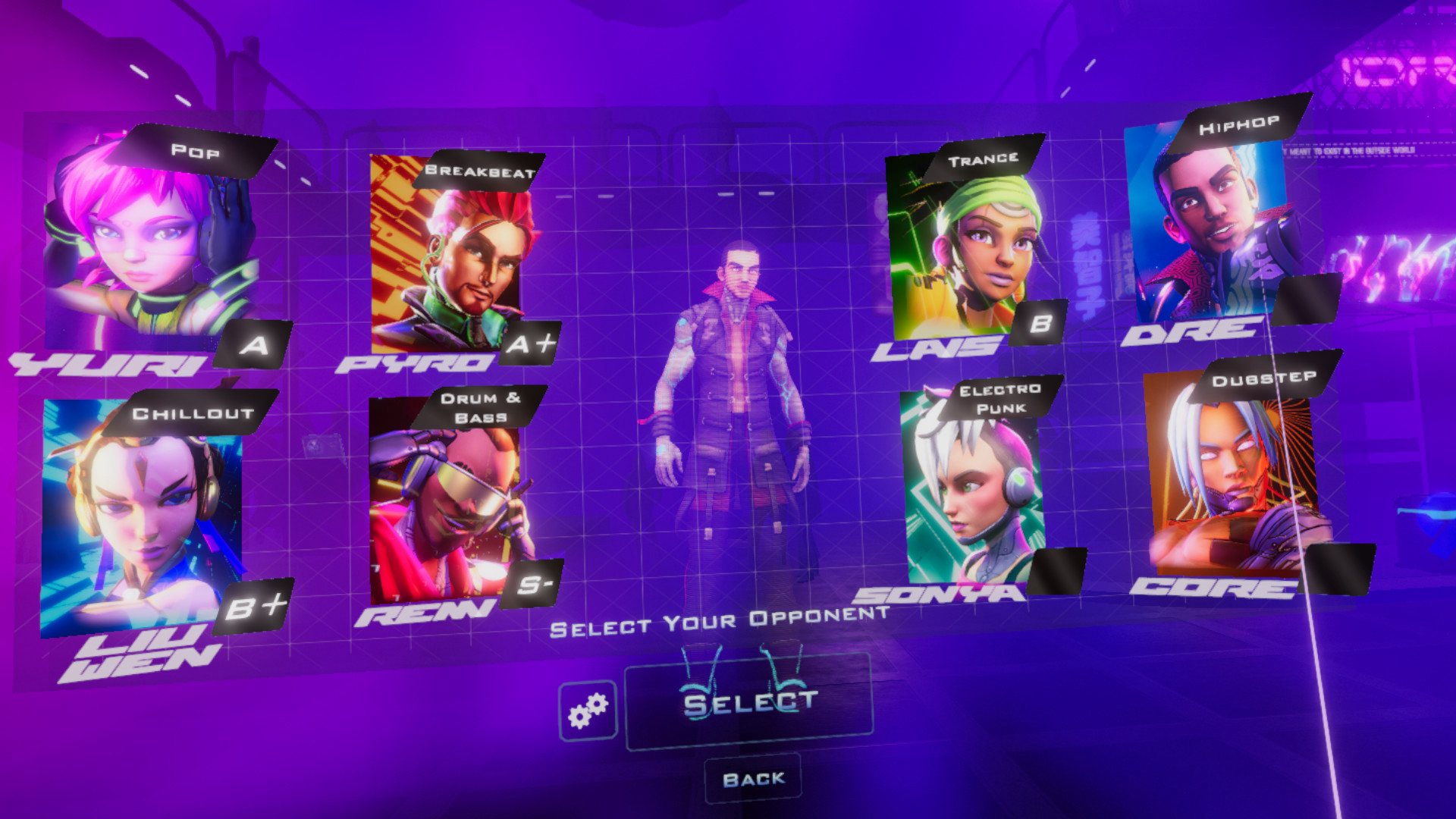
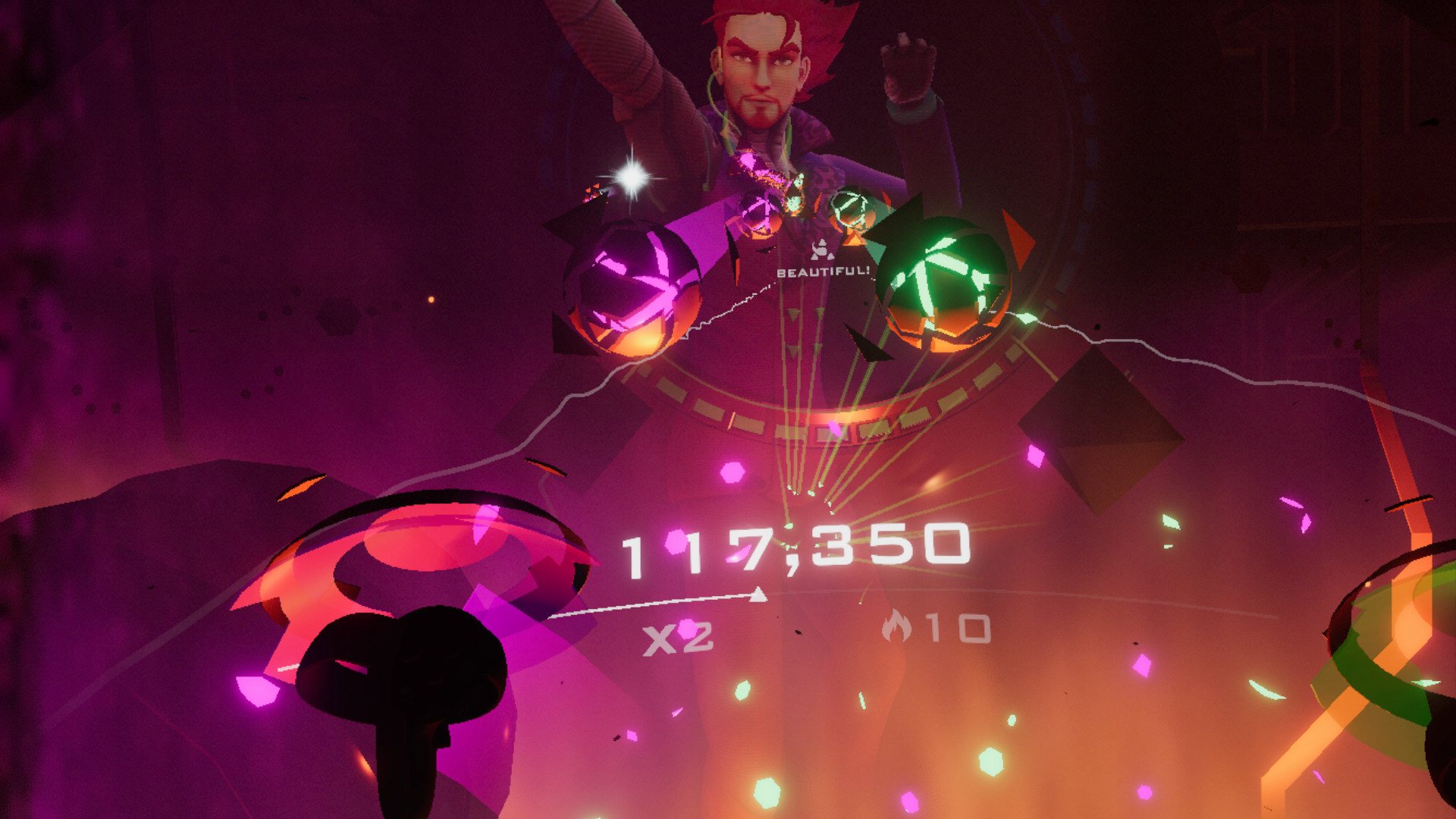
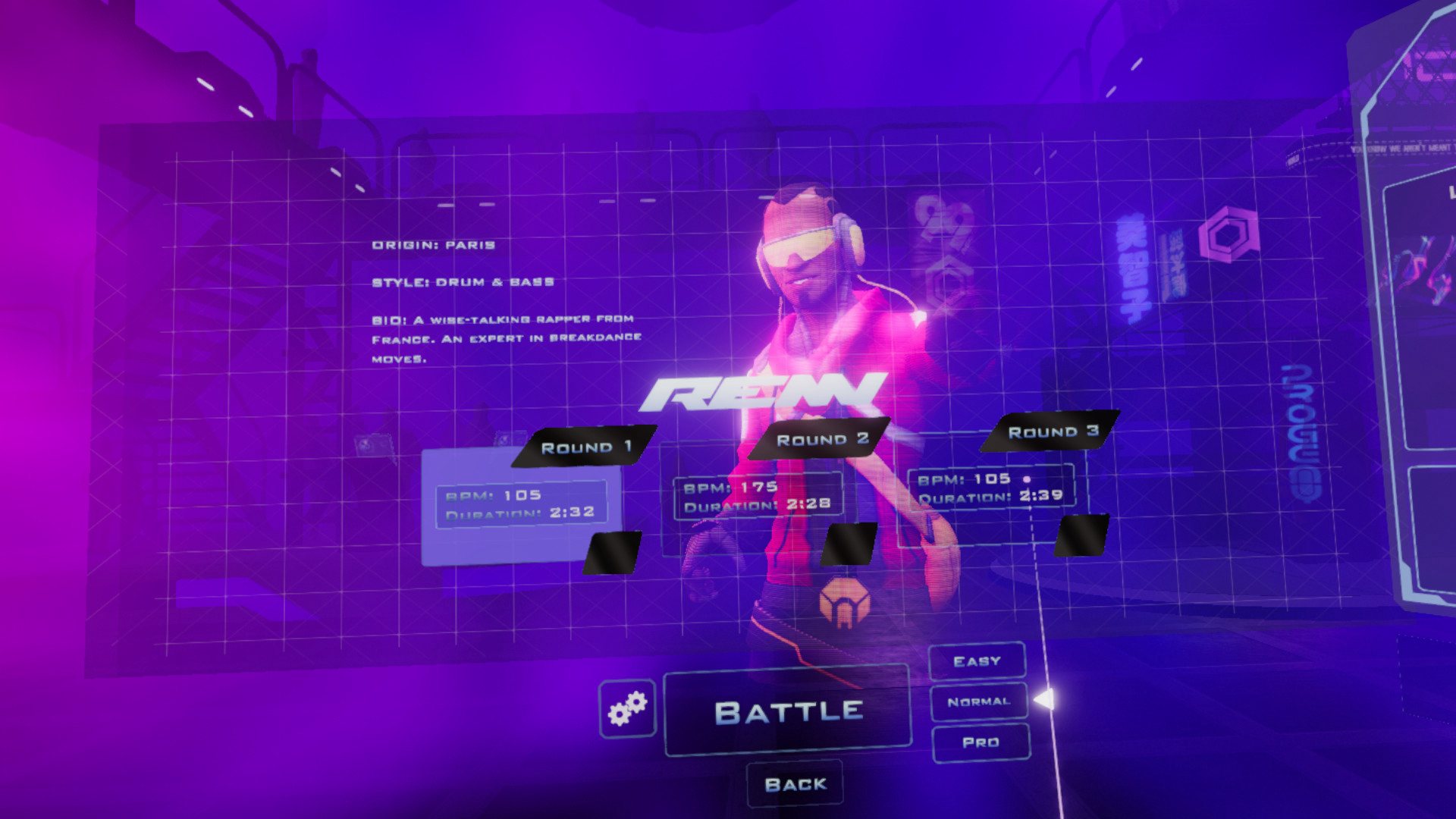
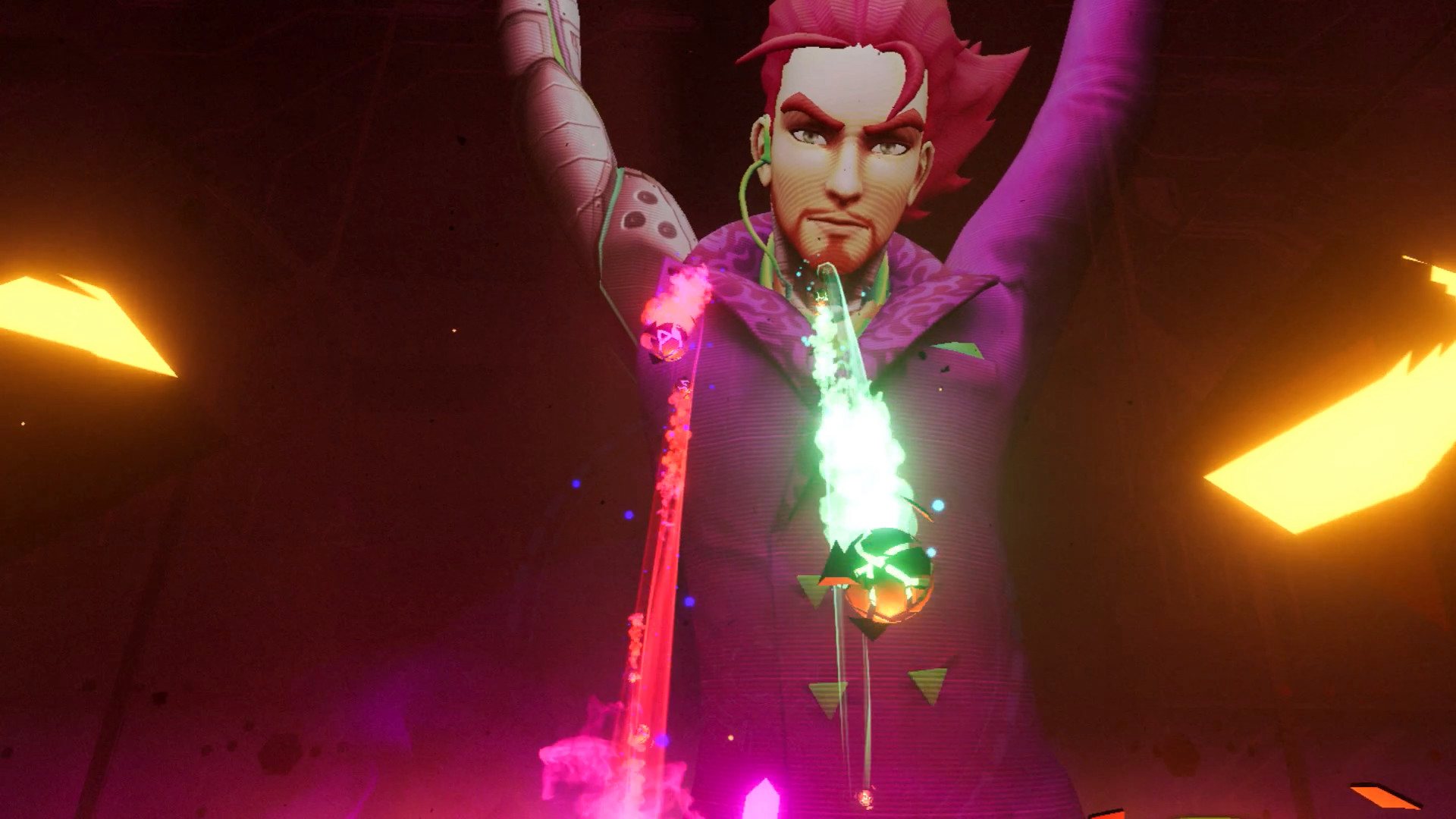
Dance Collider is the ultimate dance and rhythm game for VR. Dance-off against eight unique characters each with their own music and dance style. Perfect your technique and strike at incoming nodes to get your body moving. Set in 24th century, dance battles take place in a series of vivid futuristic arenas complete with vibrant light-shows to give players a truly epic sensory experience. With 24 dance battles to master, the action never stops. Features Intense arcade dance action for VR. Energetic dance patterns that will have you working up a sweat. Hand-crafted battles set to original music by Canadian artist F-777. 8 characters to challenge, each with their own distinct style. Unique, motion captured dances for every song. Can you survive each character's signature move? Make your mark on global and local leaderboards. Multiple difficulties to test even the toughest players. Rack up your points and shoot for an S rank.
Go to: http://store.steampowered.com/ and download STEAM client Click "Install Steam" (from the upper right corner) Install and start application, login with your Account name and Password (create one if you don't have). Please follow these instructions to activate a new retail purchase on Steam: Launch Steam and log into your Steam account. Click the Games Menu. Choose Activate a Product on Steam... Follow the onscreen instructions to complete the process. After successful code verification go to the "MY GAMES" tab and start downloading.