

SteamGlobal· Key
Paper Dungeons
€1.62
+€0.16 cashback eligibility in Relic Coins
Check before you play
- Platform
- Steam
- Region
- Global
- Product type
- Key
- Developer
- Agent Mega
- Publisher
- Agent Mega
- Genres
- Adventure, RPG, Indie
SteamGlobal· Key
€1.62
+€0.16 cashback eligibility in Relic Coins
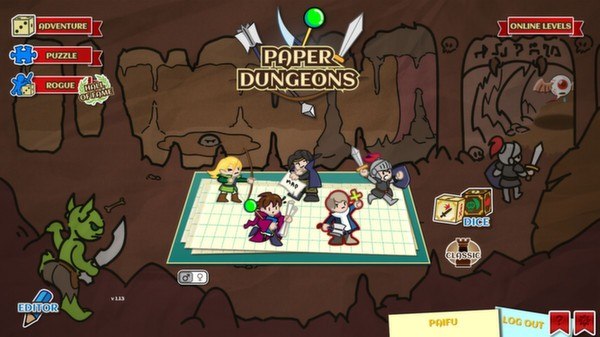
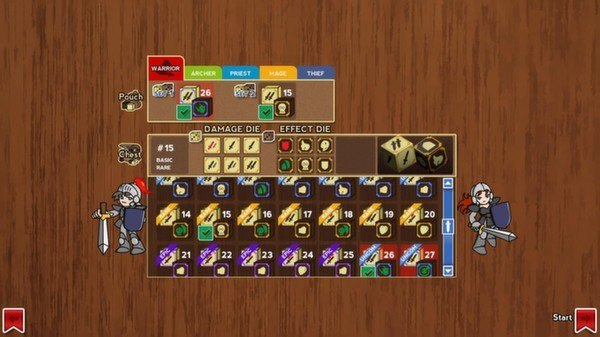
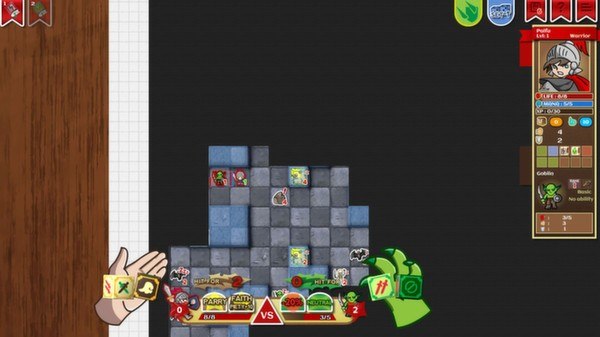
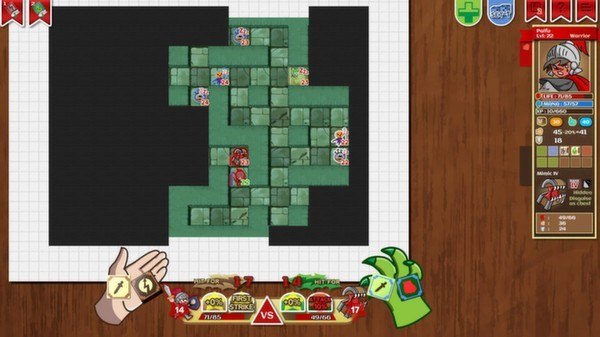
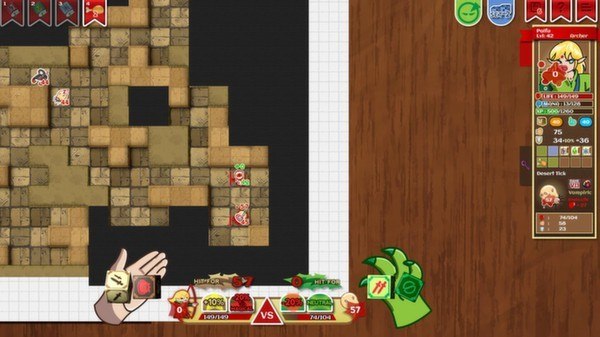
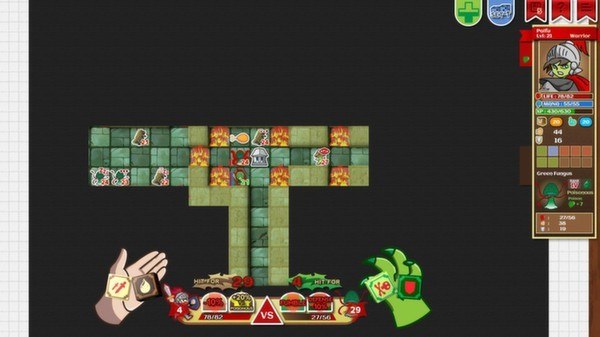
Paper Dungeons Steam Key Platform: Steam Languages: English Release Date: 26 Mar 2014 Product Description Paper Dungeons is a fantasy board-game boosted by online content. With the ability to create and share online your own levels, you are up for an infinite replay value! The game is visualized as a classic tabletop board-game with dice and tokens. You can destroy walls and auto-heal as you uncover new dungeon tiles, which widens your choice of moves. Features Supports high resolution with native 1080p graphics. Big campaign of 125 Adventure levels and 31 Puzzle levels. 5 character classes (warrior/archer/priest/mage/thief), male and female, each with a unique gameplay. Dozens of different dice sets to improve your character. 80+ monster types. 4 different starting zones, each with specific monsters and bosses, 3 sizes of dungeon and special boss stages. A comprehensive EDITOR, to create your own dungeons and publish them online. ONLINE LEVELS feature, to play user's created content in Adventure or Puzzle modes. System Requirements PC System Requirements OS: Windows XP Processor: Single Core 1.6 Ghz Memory: 1024 MB RAM Graphics: 512 Mb non integrated DirectX: Version 9.0c Network: Broadband Internet connection Hard Drive: 500 MB available space Sound Card: Direct X Compatible Linux System Requirements OS: Linux Kernal 3.2 32 & 64 bits Processor: Single Core 1.6 Ghz Memory: 1024 MB RAM Graphics: 512 Mb non integrated Network: Broadband Internet connection Hard Drive: 500 MB available space Additional Notes: Tested on Ubuntu with nvidia drivers.
Go to: http://store.steampowered.com/ and download STEAM client Click "Install Steam" (from the upper right corner) Install and start application, login with your Account name and Password (create one if you don't have). Please follow these instructions to activate a new retail purchase on Steam: Launch Steam and log into your Steam account. Click the Games Menu. Choose Activate a Product on Steam... Follow the onscreen instructions to complete the process. After successful code verification go to the "MY GAMES" tab and start downloading.