Get 10% back in Relic Coins on every order
American Truck Simulator - Oregon DLC cover

SteamGlobal· DLC

American Truck Simulator - Oregon DLC

€7.60

+€0.76 cashback eligibility in Relic Coins

Check before you play

Platform
Steam
Region
Global
Product type
DLC

Check the required base game and edition before purchasing this add-on.

Developer
SCS Software
Publisher
SCS Software
Supplier release date
2018-10-04
Genres
Simulation, Indie

About this product

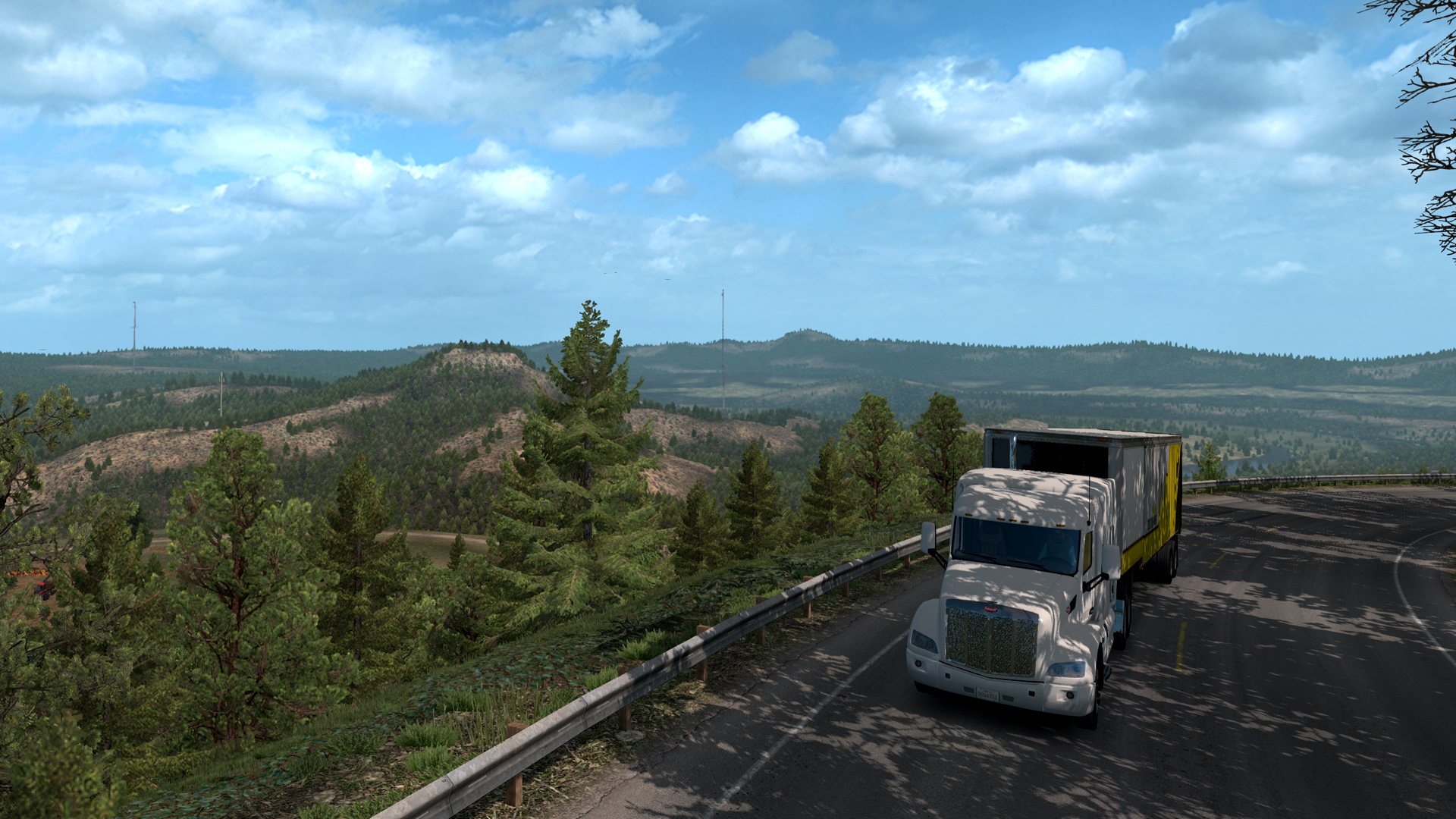
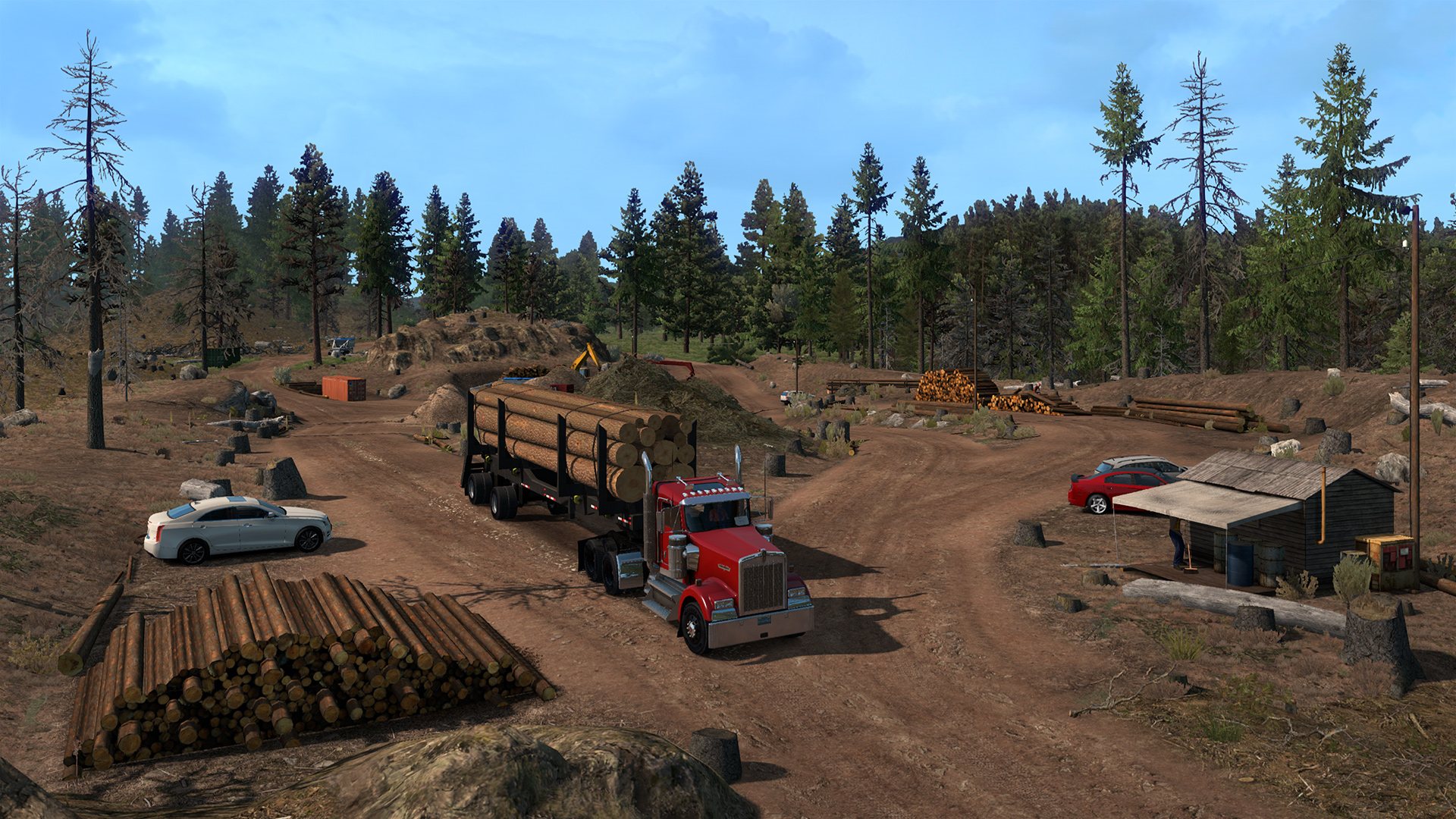
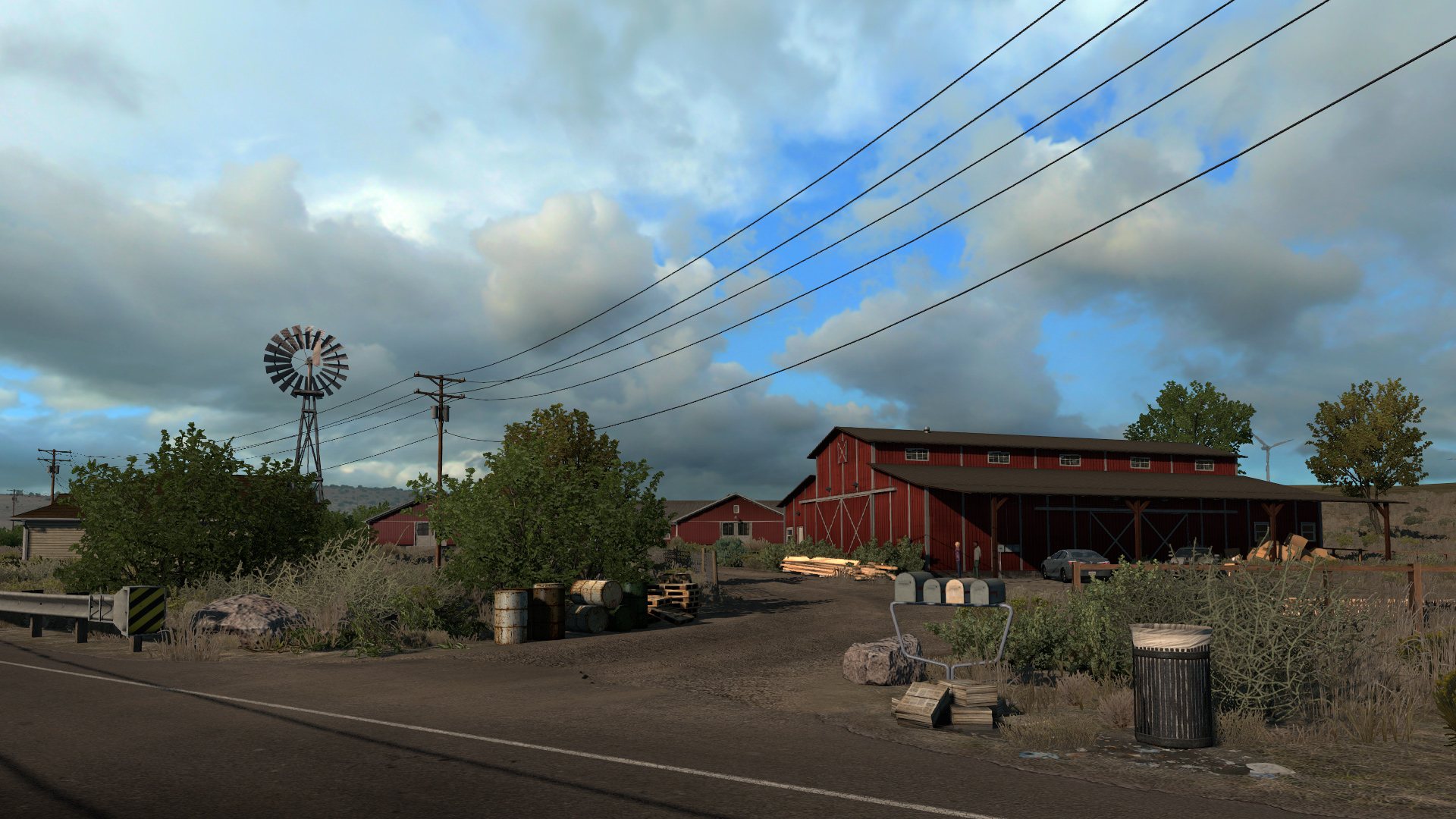
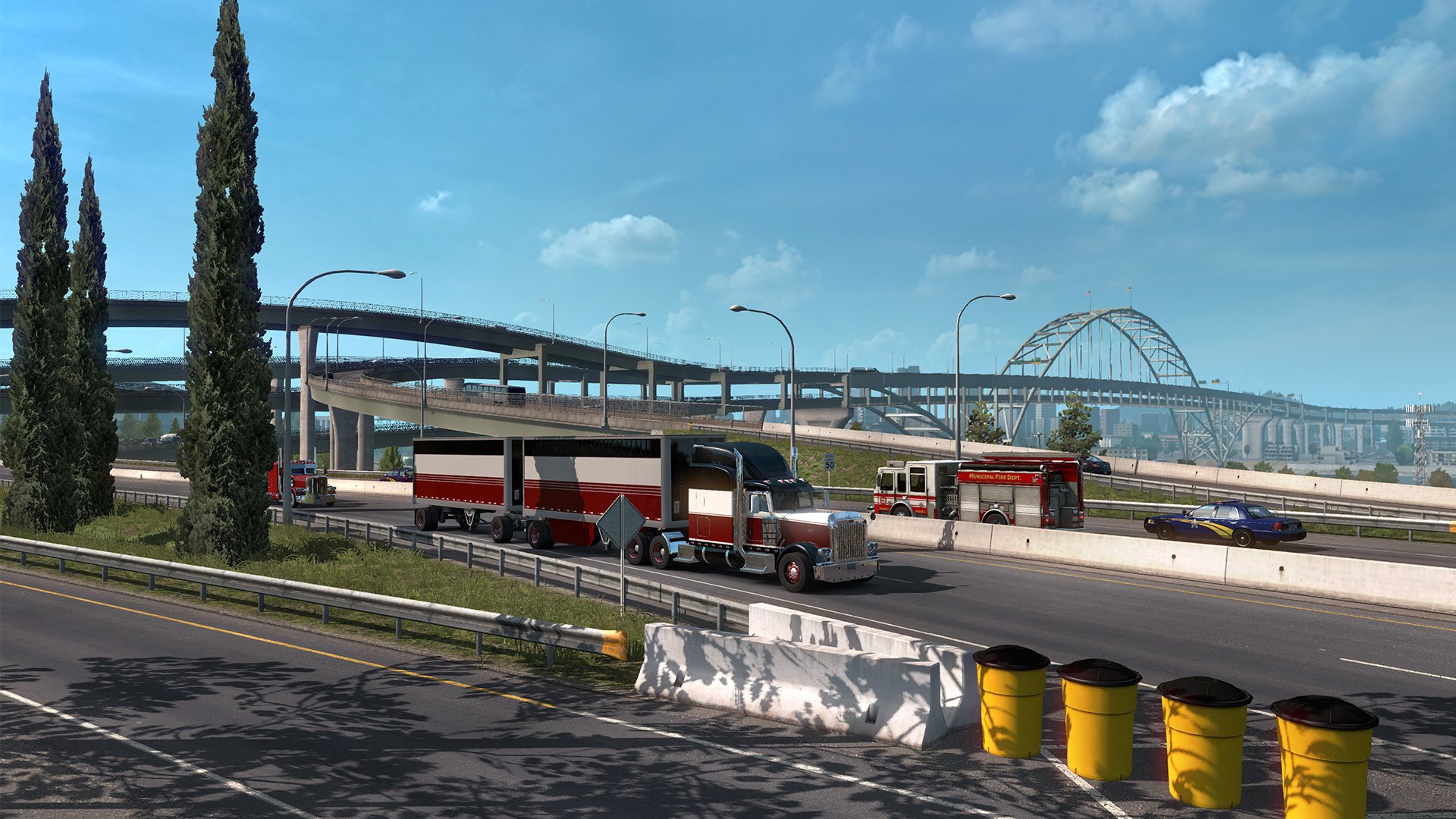
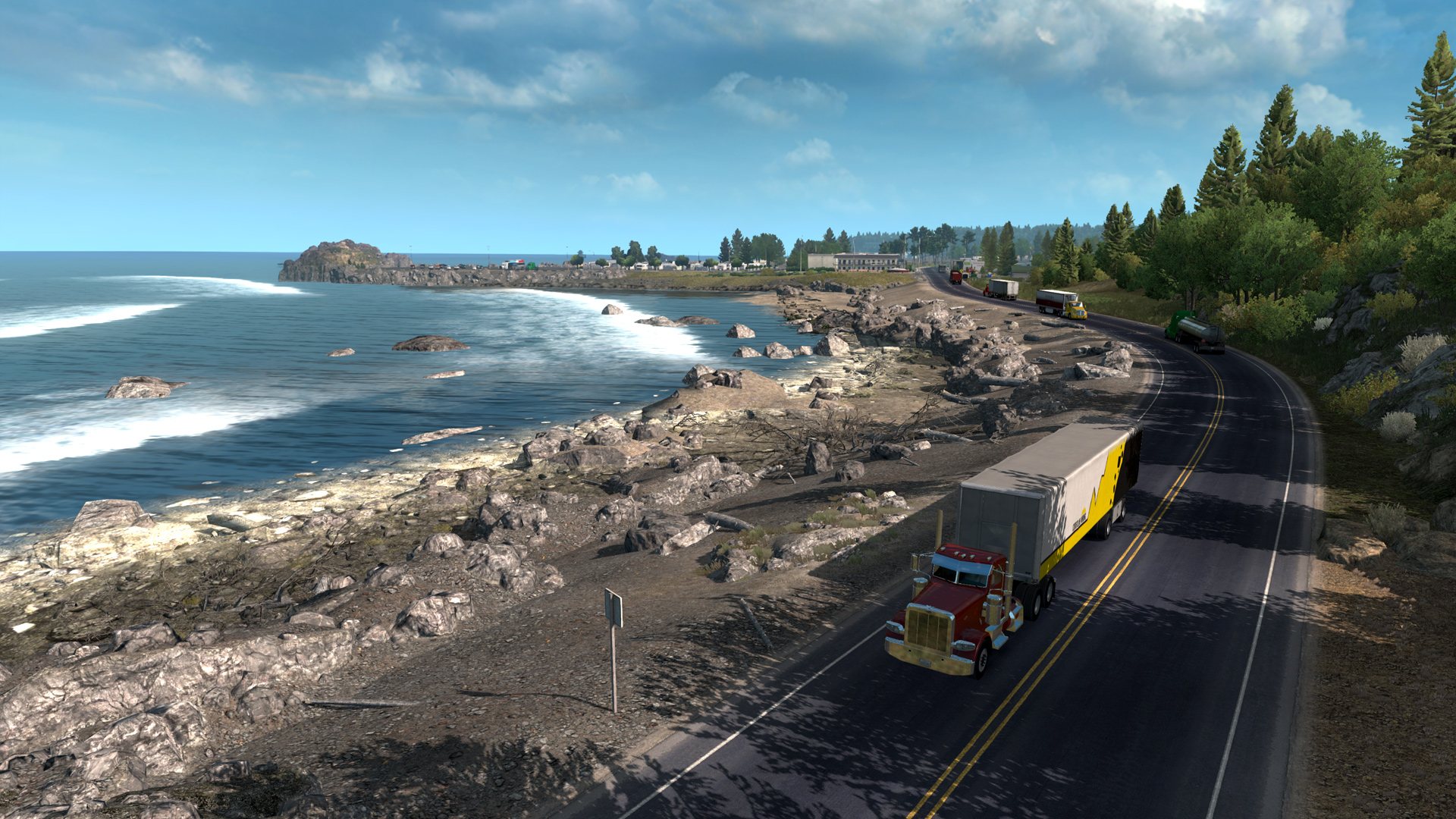
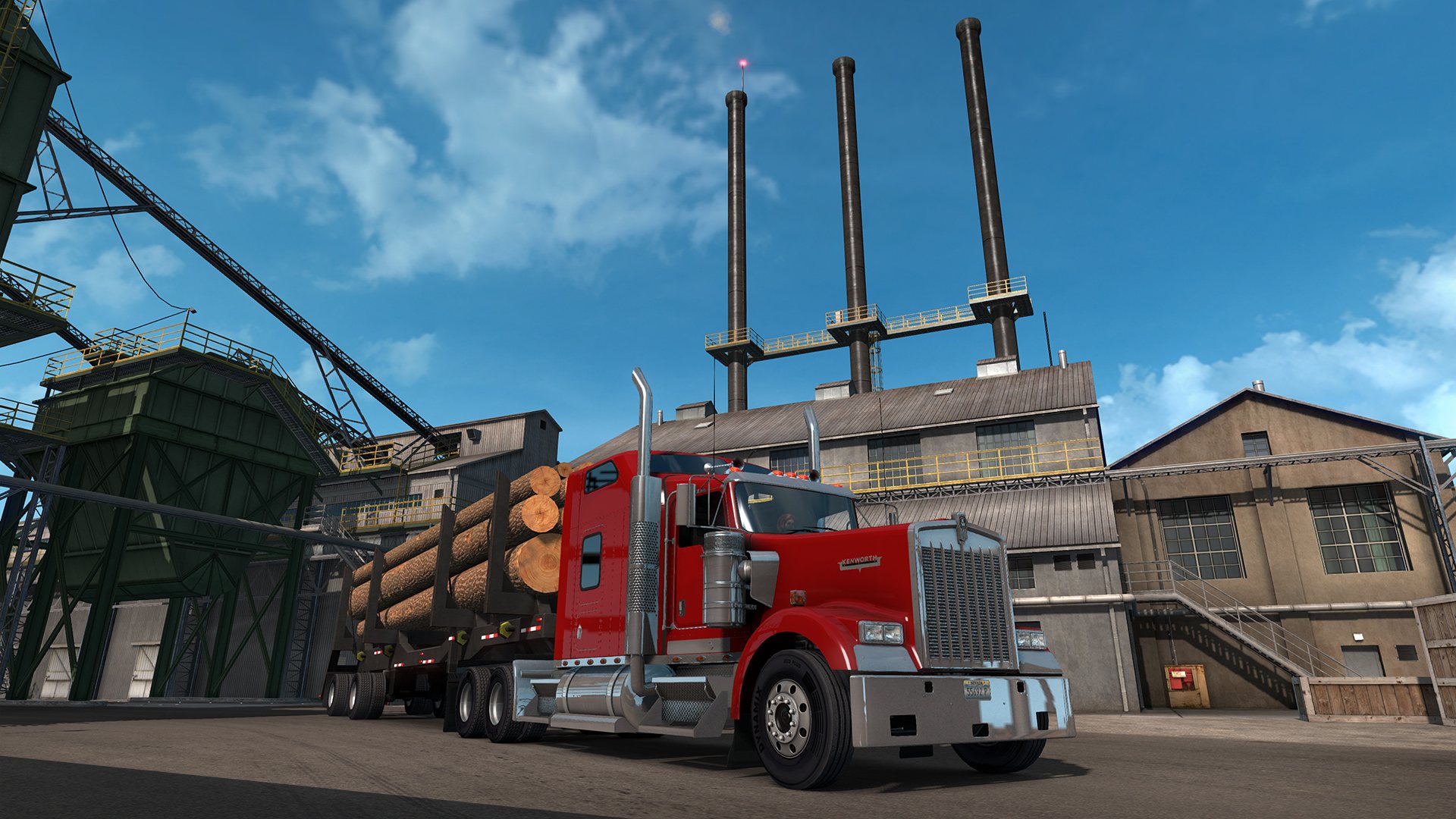
Go down the road to experience the wild beauty of "Beaver State" Oregon. The evergreen natural scenery will go along with the deserted country side but also dense city areas like Portland or Salem. Vast forests are covering roughly 60 percent of the state and together with many rivers form the typical western Oregon nature but also important part of state economics.It is one of the most geographically diverse states in Northwest region the U.S. It is the 9th largest and, with a population of 4 million, 27th most populous state. Its natural beauty includes deep forests, plenty of water areas and rivers, but also volcanoes, high deserts, and arid scrublands. Features Over 5, 000 miles of new in-game roads 14 major cities, including Portland, Salem, and Eugene 13 large custom rest/truck stops for parking and refueling Lots of smaller rest areas and motels around the roads 700+ completely new 3D assets 25 unique, complex and realistic custom-built junctions and Interstate interchanges 17 new local company docks and industries Well-known landmarks both natural and man-made - Mt. Hood, Thor's Well, Crater Lake, Crooked River Valley, Yaquina Head Lighthouse, Youngs Bay Bridge ... Oregon-bound achievements to unlock

American Truck Simulator - Oregon DLC screenshotAmerican Truck Simulator - Oregon DLC screenshotAmerican Truck Simulator - Oregon DLC screenshotAmerican Truck Simulator - Oregon DLC screenshotAmerican Truck Simulator - Oregon DLC screenshotAmerican Truck Simulator - Oregon DLC screenshot

How to redeem

  1. 1Check the required base game, platform and edition before purchasing.
  2. 2Find the code or supplier activation instructions in your confirmed order.
  3. 3Redeem on Steam using the supplied instructions, then install the add-on with the compatible base game.

Supplier instructions

Go to: http://store.steampowered.com/ and download STEAM client Click "Install Steam" (from the upper right corner) Install and start application, login with your Account name and Password (create one if you don't have). Please follow these instructions to activate a new retail purchase on Steam: Launch Steam and log into your Steam account. Click the Games Menu. Choose Activate a Product on Steam... Follow the onscreen instructions to complete the process. After successful code verification go to the "MY GAMES" tab and start downloading.

You might also like