Get 10% back in Relic Coins on every order
Zoo Tycoon: Ultimate Animal Collection cover

SteamChina· Key

Zoo Tycoon: Ultimate Animal Collection

€11.14

+€1.11 cashback eligibility in Relic Coins

Check before you play

Platform
Steam
Region
China
Product type
Key
Developer
Blue Fang Games
Publisher
Microsoft
Supplier release date
2017-10-31
Genres
Simulation

About this product

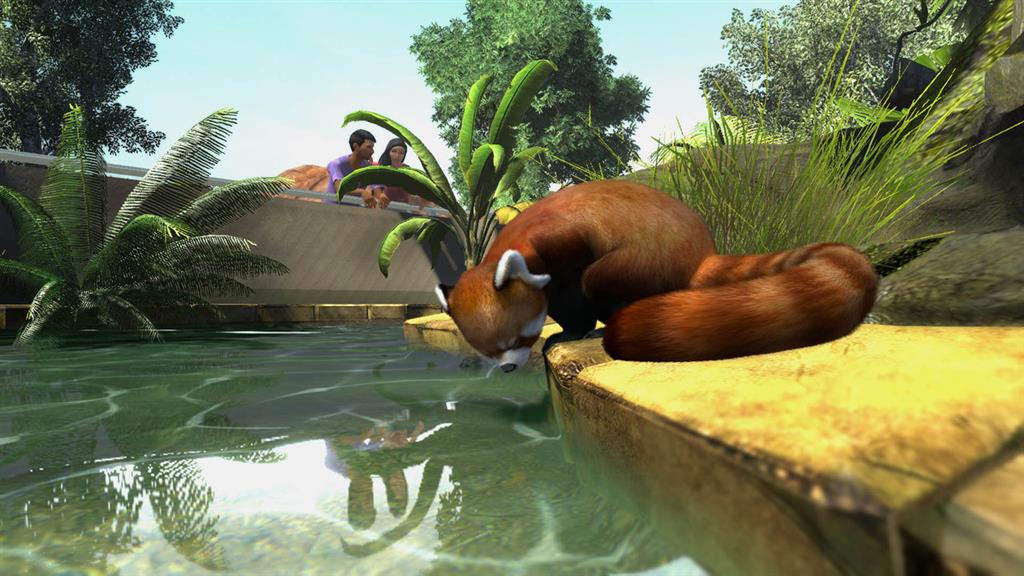
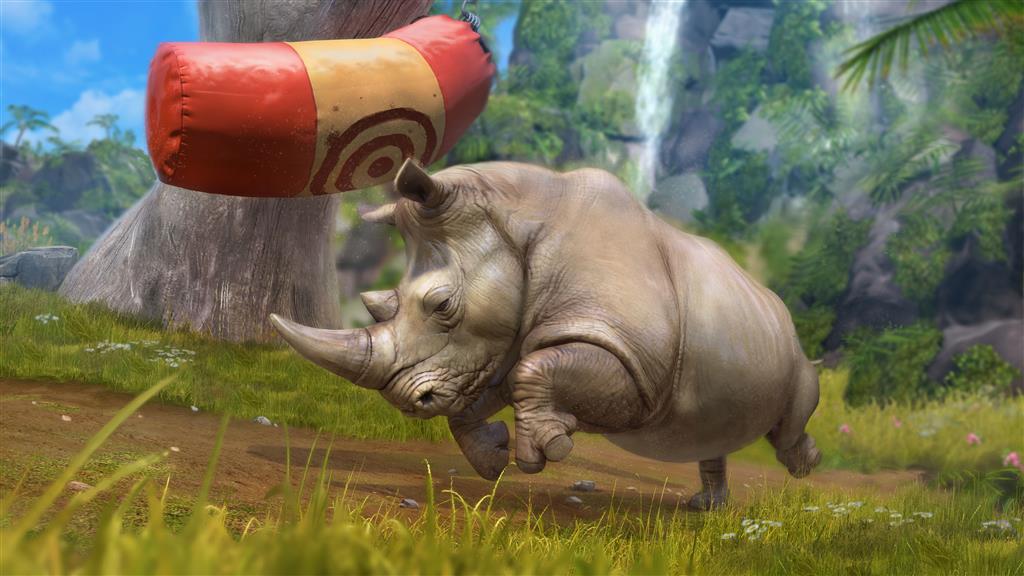
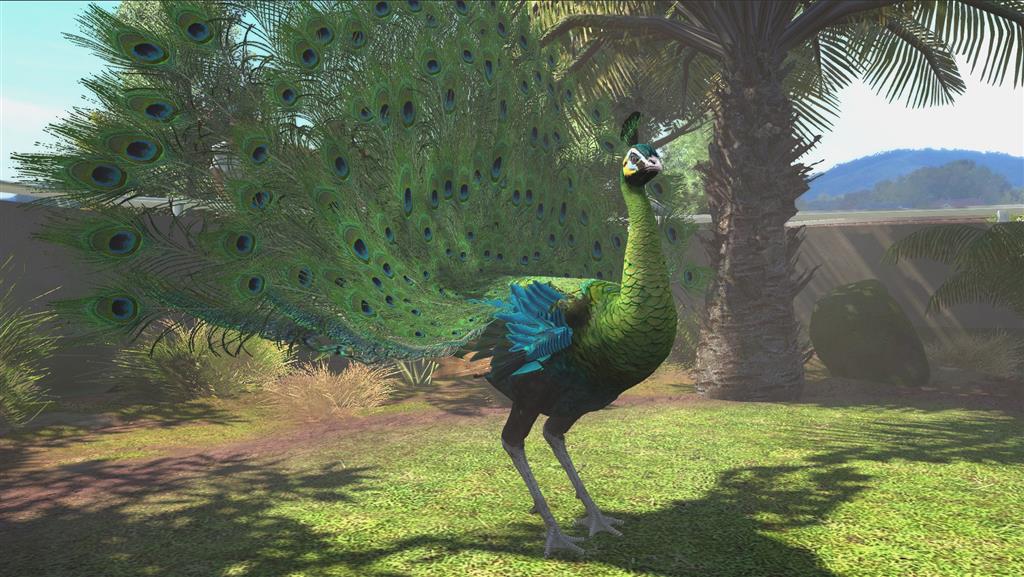
The wildly popular Zoo Tycoon series gets set to crank up the excitement, challenge, and fun of building the ultimate zoo. Let your imagination run wild with Zoo Tycoon: Ultimate Animal Collection! Choose from almost 200 visually stunning animals and the largest, most detailed selection of environments ever, then build, manage, and maintain your dream zoo alone or with up to four players. This zoo simulation will charm animal lovers of all ages. Features Get up close and personal with nearly 200 visually stunning animals from around the globe Create the Zoo of your dreams with the biggest, most detailed environments ever utilizing intuitive yet powerful controls designed for Zoo Tycoon fans of all ages It’s your zoo – design and manage your ideal zoo from intuitive road construction to the ability to adjust the enclosures and decorate them. The choice is yours! Extended Campaign Mode lets you become the ultimate zoo tycoon by completing 30 exciting scenarios all around the world! Specialized Challenge Mode features 20 specialized zoos. Collect all the species and transfer animals from one of your zoos to another! But beware of the crises that can strike at any time! Build and share your Zoo with up to four people

Zoo Tycoon: Ultimate Animal Collection screenshotZoo Tycoon: Ultimate Animal Collection screenshotZoo Tycoon: Ultimate Animal Collection screenshotZoo Tycoon: Ultimate Animal Collection screenshotZoo Tycoon: Ultimate Animal Collection screenshotZoo Tycoon: Ultimate Animal Collection screenshot

How to redeem

  1. 1Check your Steam account and the listed region before purchasing.
  2. 2Find your code and supplier activation instructions in your confirmed order.
  3. 3Open the redeem-code section on Steam, enter the code and follow the platform’s prompts.

Supplier instructions

Go to: http://store.steampowered.com/ and download STEAM client Click "Install Steam" (from the upper right corner) Install and start application, login with your Account name and Password (create one if you don't have). Please follow these instructions to activate a new retail purchase on Steam: Launch Steam and log into your Steam account. Click the Games Menu. Choose Activate a Product on Steam... Follow the onscreen instructions to complete the process. After successful code verification go to the "MY GAMES" tab and start downloading.

You might also like