Get 10% back in Relic Coins on every order
Journey of a Roach cover

SteamChina· Key

Journey of a Roach

€0.82

+€0.08 cashback eligibility in Relic Coins

Check before you play

Platform
Steam
Region
China
Product type
Key
Developer
Koboldgames
Publisher
Daedalic Entertainment
Supplier release date
2014-04-11
Genres
Adventure, Indie

About this product

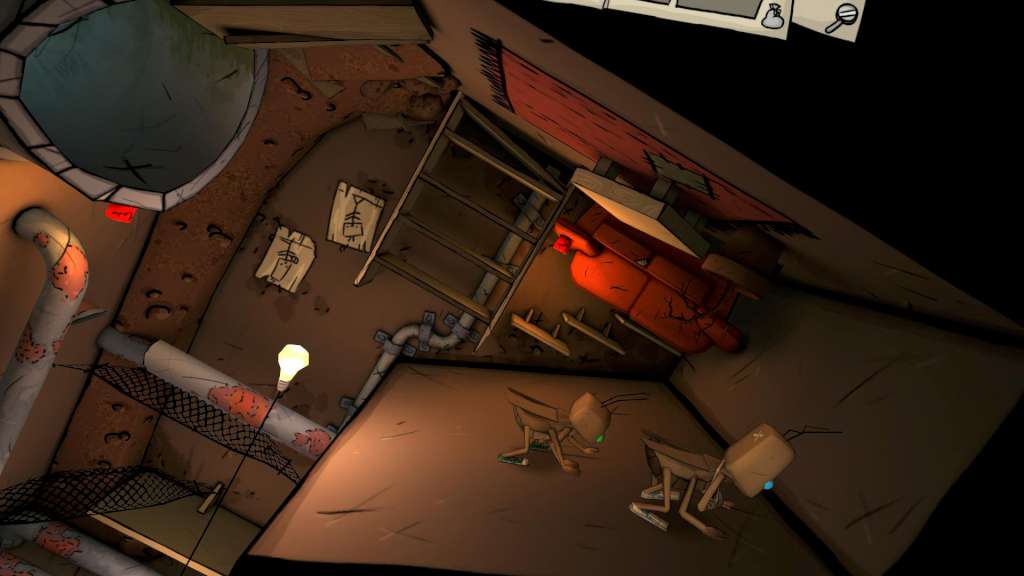
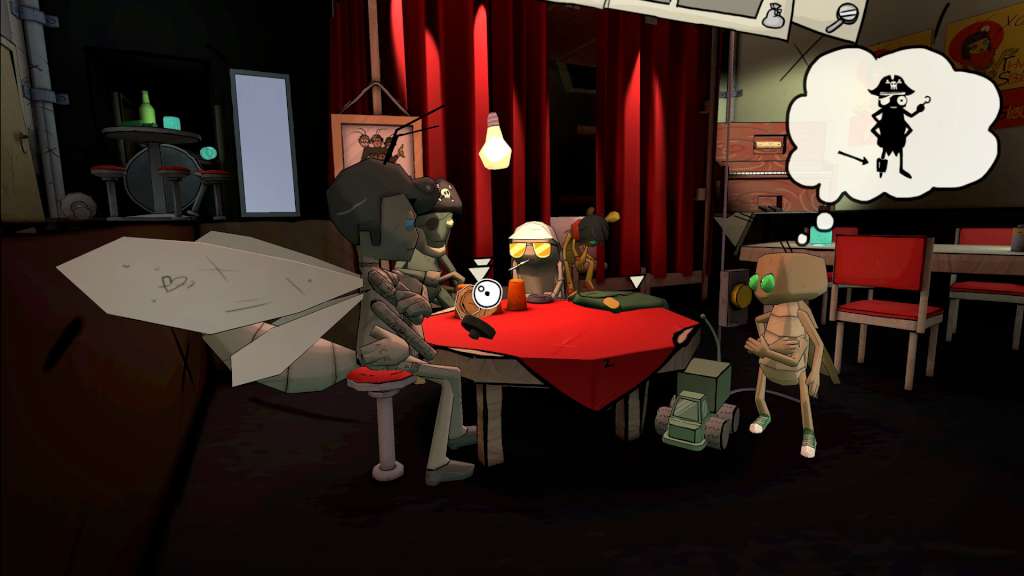
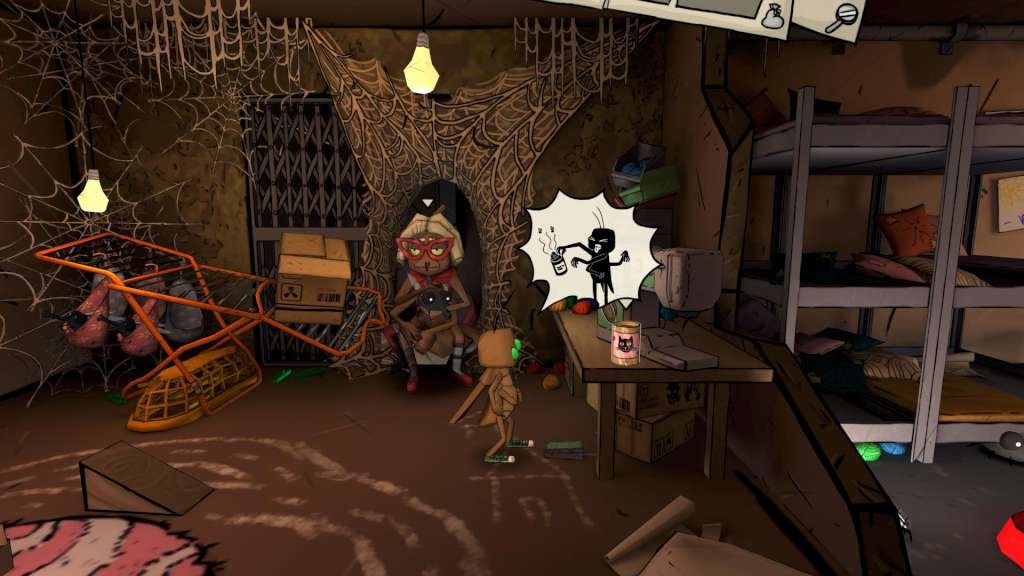
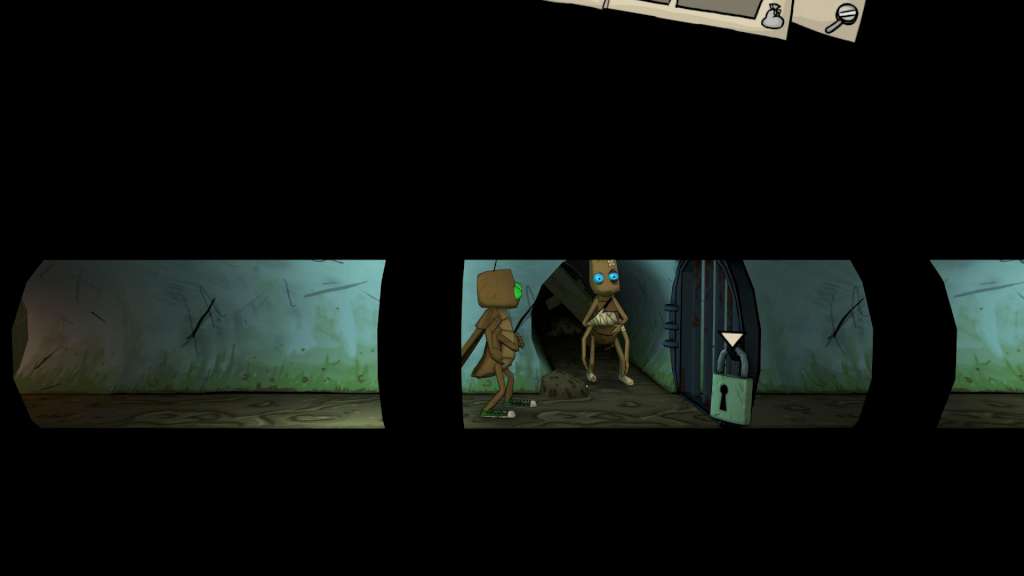
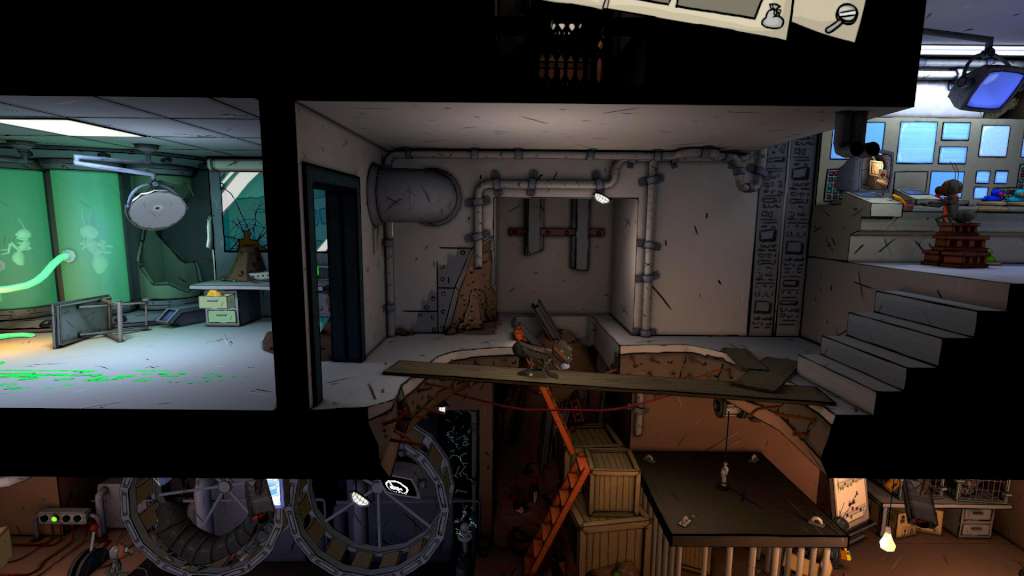
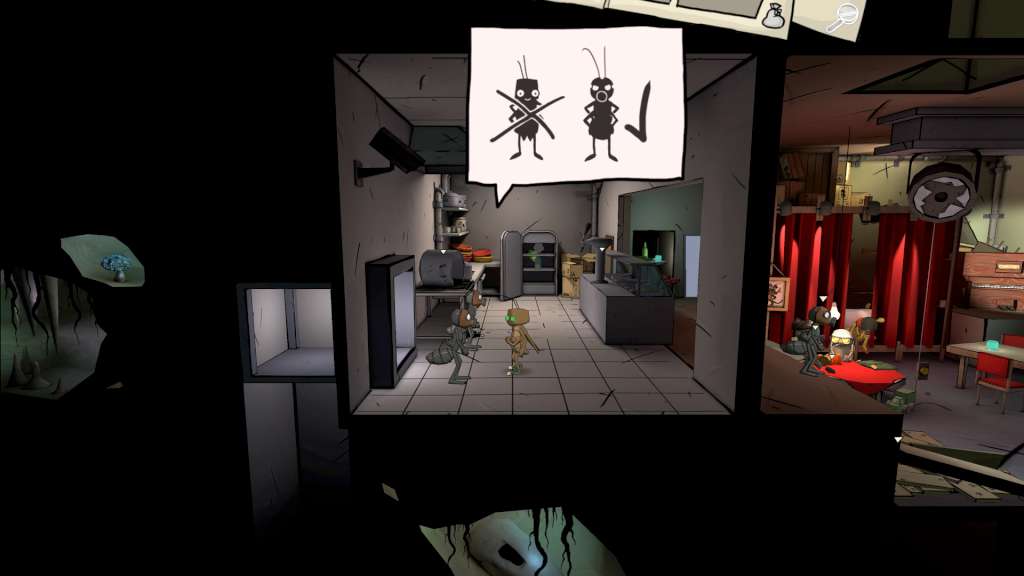
Nuclear war, post apocalypse, barren and lifeless wastelands. Lifeless? Not so much! Mutated insects have made their home in a bomb shelter and they're set on exploring the world. Let this point&click adventure welcome you to a hilariously bizarre end time world and join the roaches Jim and Bud on their journey to the surface. Journey of a Roach tells the story of two roach-buddies, who want nothing but see the surface world. On their way up, they meet all kinds of bizarre and ludicrous insects inhabiting the post-apocalyptic earth. In atmospheric 3D point&click adventure style you'll take control of Jim the roach through the bomb shelter, effortlessly crawling your way along walls and ceilings. This innovative and dynamic game mechanic creates opportunities for a wholly new puzzle design. Fondly designed speechballoons offer an unconventional new dialogue experience and the soundtrack delivers and atmospheric, post-apocalyptic mood. Features Point&click Adventure in a unique environment Crawl along walls and ceilings, exploring secret underground Innovative controls create dynamic game mechanics Atmospheric 3D comic style world Two charming, memorable protagonists with humorous, nonverbal means of communication

Journey of a Roach screenshotJourney of a Roach screenshotJourney of a Roach screenshotJourney of a Roach screenshotJourney of a Roach screenshotJourney of a Roach screenshot

How to redeem

  1. 1Check your Steam account and the listed region before purchasing.
  2. 2Find your code and supplier activation instructions in your confirmed order.
  3. 3Open the redeem-code section on Steam, enter the code and follow the platform’s prompts.

Supplier instructions

Go to: http://store.steampowered.com/ and download STEAM client Click "Install Steam" (from the upper right corner) Install and start application, login with your Account name and Password (create one if you don't have). Please follow these instructions to activate a new retail purchase on Steam: Launch Steam and log into your Steam account. Click the Games Menu. Choose Activate a Product on Steam... Follow the onscreen instructions to complete the process. After successful code verification go to the "MY GAMES" tab and start downloading.

You might also like