Get 10% back in Relic Coins on every order
What Remains of Edith Finch LATAM cover

SteamAmericas· Key

What Remains of Edith Finch LATAM

€3.24

+€0.32 cashback eligibility in Relic Coins

Check before you play

Platform
Steam
Region
Americas
Product type
Key
Developer
Giant Sparrow
Publisher
Annapurna Interactive
Supplier release date
2017-04-25
Genres
Adventure, Indie

About this product

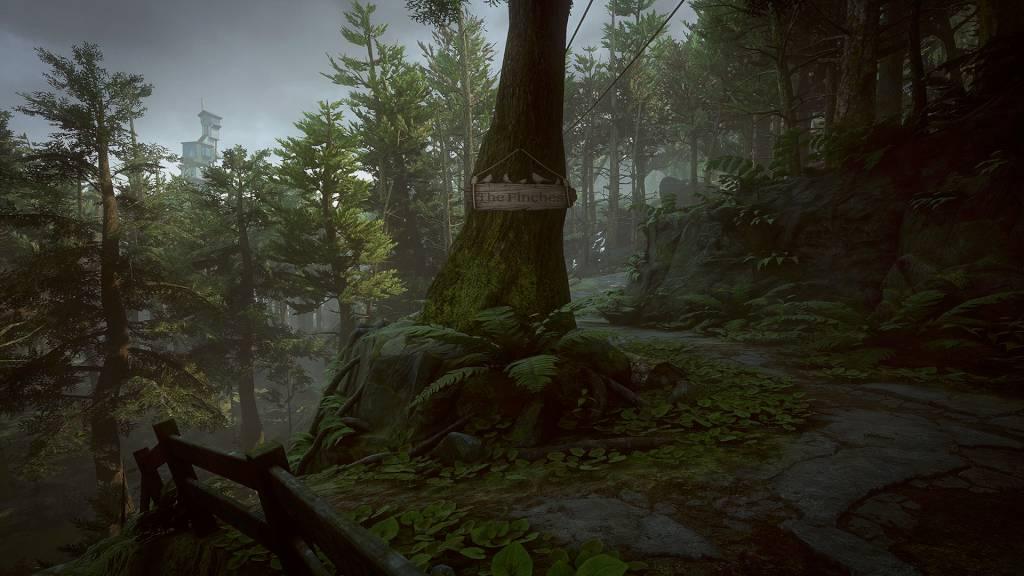
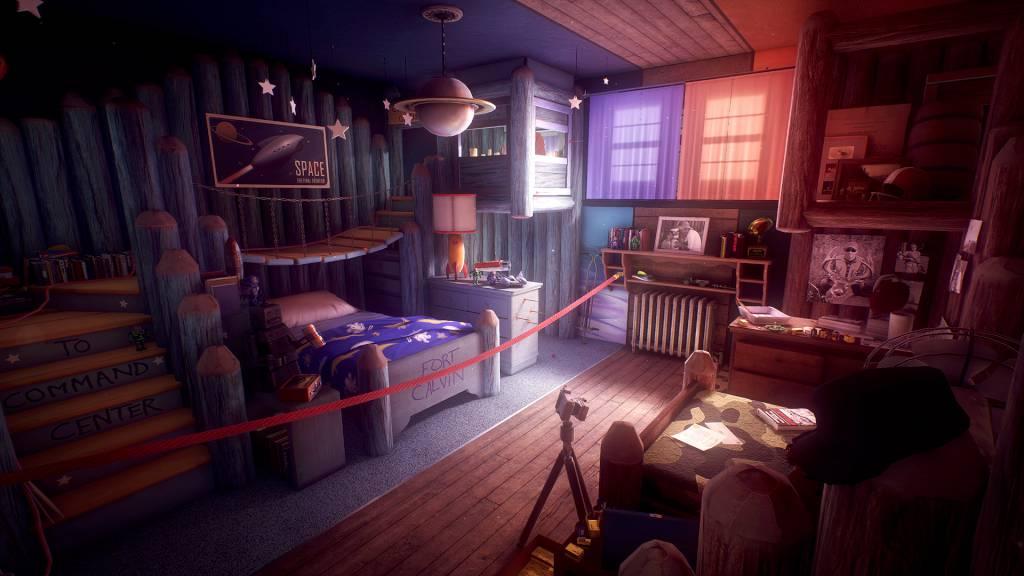
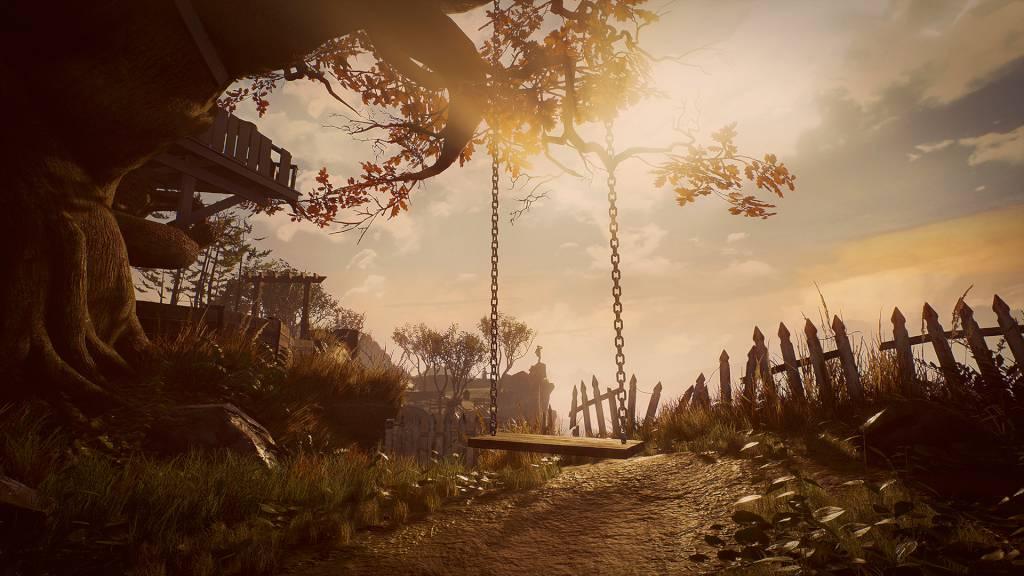
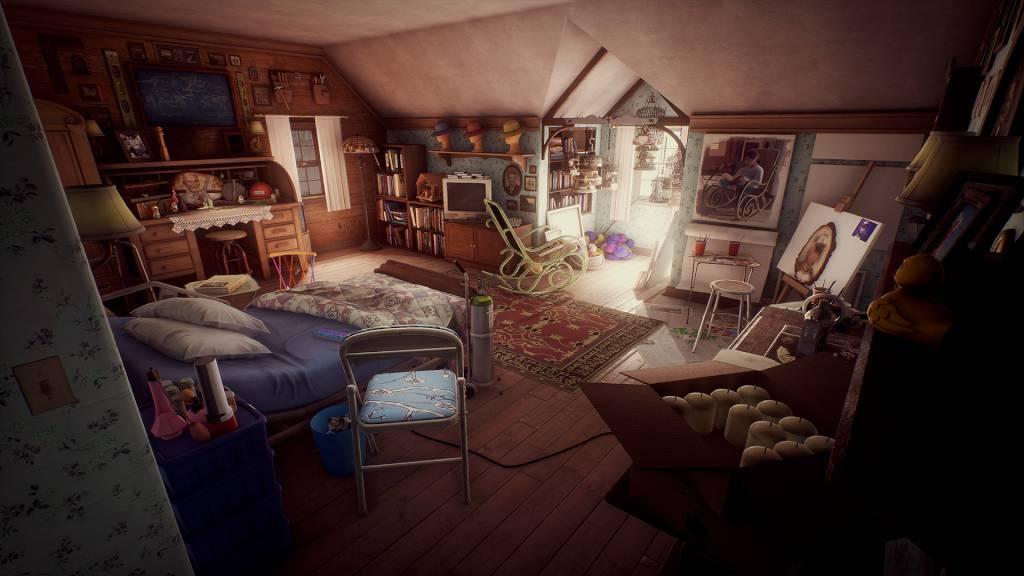
What Remains of Edith Finch is a collection of strange tales about a family in Washington state. As Edith, you'll explore the colossal Finch house, searching for stories as she explores her family history and tries to figure out why she's the last one in her family left alive. Each story you find lets you experience the life of a new family member on the day of their death, with stories ranging from the distant past to the present day. The gameplay and tone of the stories are as varied as the Finches themselves. The only constants are that each is played from a first-person perspective and that each story ends with that family member's death. Ultimately, it's a game about what it feels like to be humbled and astonished by the vast and unknowable world around us. Created by Giant Sparrow, the team behind the first-person painting game The Unfinished Swan.

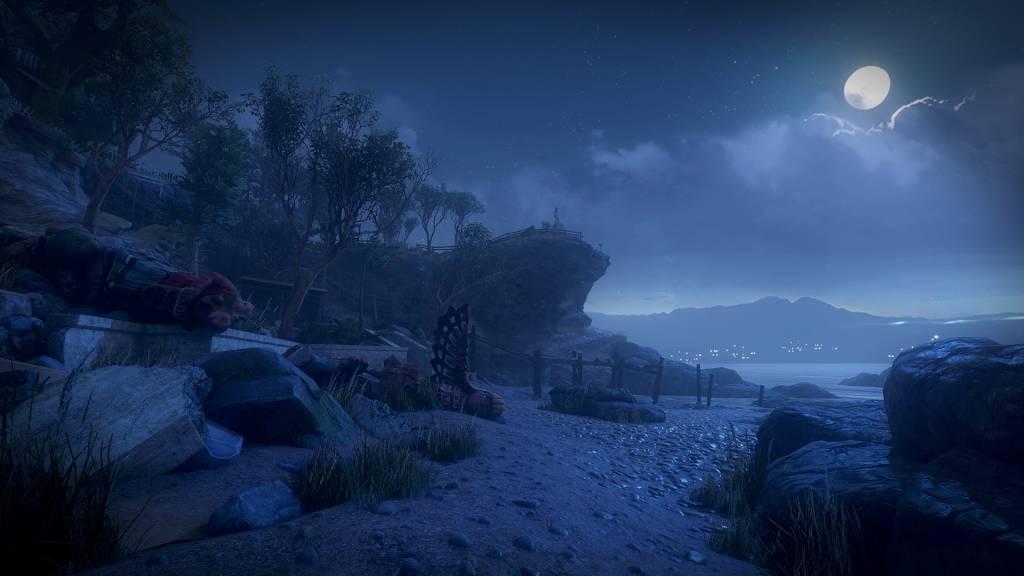
What Remains of Edith Finch LATAM screenshotWhat Remains of Edith Finch LATAM screenshotWhat Remains of Edith Finch LATAM screenshotWhat Remains of Edith Finch LATAM screenshotWhat Remains of Edith Finch LATAM screenshot

How to redeem

  1. 1Check your Steam account and the listed region before purchasing.
  2. 2Find your code and supplier activation instructions in your confirmed order.
  3. 3Open the redeem-code section on Steam, enter the code and follow the platform’s prompts.

Supplier instructions

Go to: http://store.steampowered.com/ and download STEAM client Click "Install Steam" (from the upper right corner) Install and start application, login with your Account name and Password (create one if you don't have). Please follow these instructions to activate a new retail purchase on Steam: Launch Steam and log into your Steam account. Click the Games Menu. Choose Activate a Product on Steam... Follow the onscreen instructions to complete the process. After successful code verification go to the "MY GAMES" tab and start downloading.

You might also like