Get 10% back in Relic Coins on every order
Surviving Mars - Season Pass DLC cover

SteamGlobal· DLC

Surviving Mars - Season Pass DLC

€17.97

+€1.80 cashback eligibility in Relic Coins

Check before you play

Platform
Steam
Region
Global
Product type
DLC

Check the required base game and edition before purchasing this add-on.

Developer
Haemimont Games
Publisher
Paradox Interactive
Supplier release date
2018-03-15
Genres
Strategy, Simulation

About this product

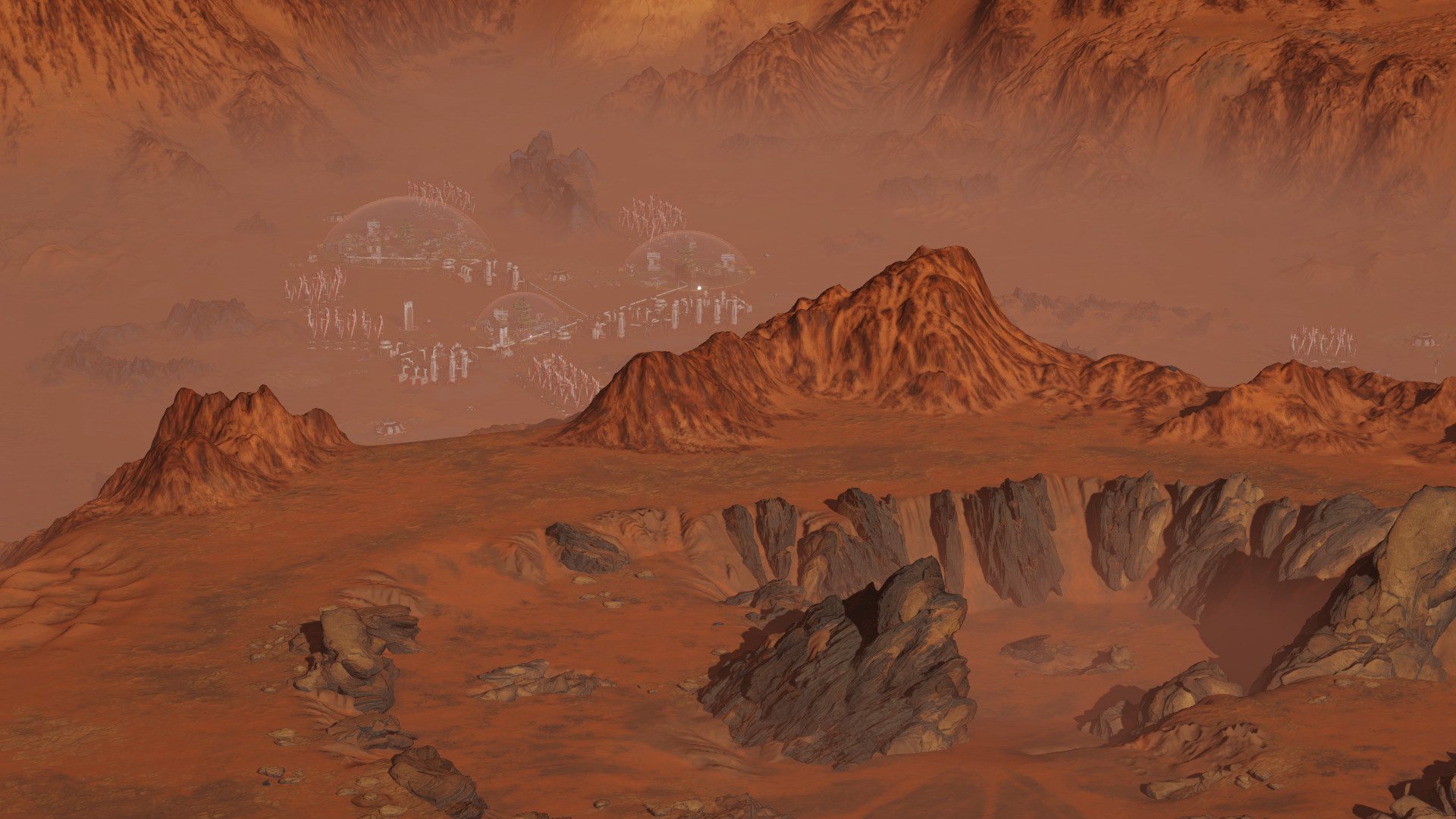
Save money on content for this game by purchasing the Season Pass. Content can be downloaded from Steam when available. Surviving Mars is a sci-fi city builder all about colonizing Mars and surviving the process. Choose a space agency for resources and financial support before determining a location for your colony. Build domes and infrastructure, research new possibilities and utilize drones to unlock more elaborate ways to shape and expand your settlement. Cultivate your own food, mine minerals or just relax by the bar after a hard day’s work. Most important of all, though, is keeping your colonists alive. Not an easy task on a strange new planet. The Season Pass will add two full expansions and two content packs to Surviving Mars in the months following launch. Save with the Season Pass and never miss a single addition -- each one is yours to download as soon as it arrives.

Surviving Mars - Season Pass DLC screenshotSurviving Mars - Season Pass DLC screenshotSurviving Mars - Season Pass DLC screenshotSurviving Mars - Season Pass DLC screenshotSurviving Mars - Season Pass DLC screenshotSurviving Mars - Season Pass DLC screenshot

How to redeem

  1. 1Check the required base game, platform and edition before purchasing.
  2. 2Find the code or supplier activation instructions in your confirmed order.
  3. 3Redeem on Steam using the supplied instructions, then install the add-on with the compatible base game.

Supplier instructions

Go to: http://store.steampowered.com/ and download STEAM client Click "Install Steam" (from the upper right corner) Install and start application, login with your Account name and Password (create one if you don't have). Please follow these instructions to activate a new retail purchase on Steam: Launch Steam and log into your Steam account. Click the Games Menu. Choose Activate a Product on Steam... Follow the onscreen instructions to complete the process. After successful code verification go to the "MY GAMES" tab and start downloading.

You might also like