

Steam· Key
WORLD OF FINAL FANTASY TR
€23.30
+€2.33 cashback eligibility in Relic Coins
Check before you play
- Platform
- Steam
- Product type
- Key
- Developer
- Square Enix
- Publisher
- Square Enix
- Supplier release date
- 2017-11-21
- Genres
- RPG
Steam· Key
€23.30
+€2.33 cashback eligibility in Relic Coins
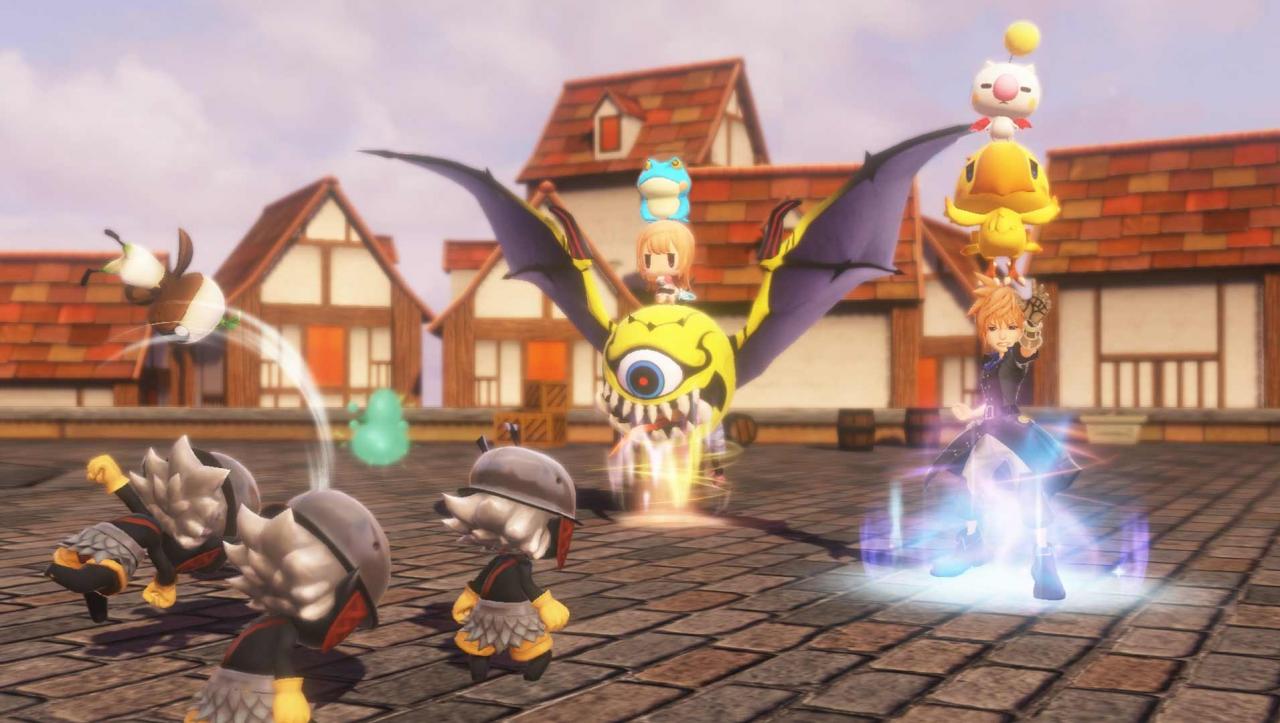
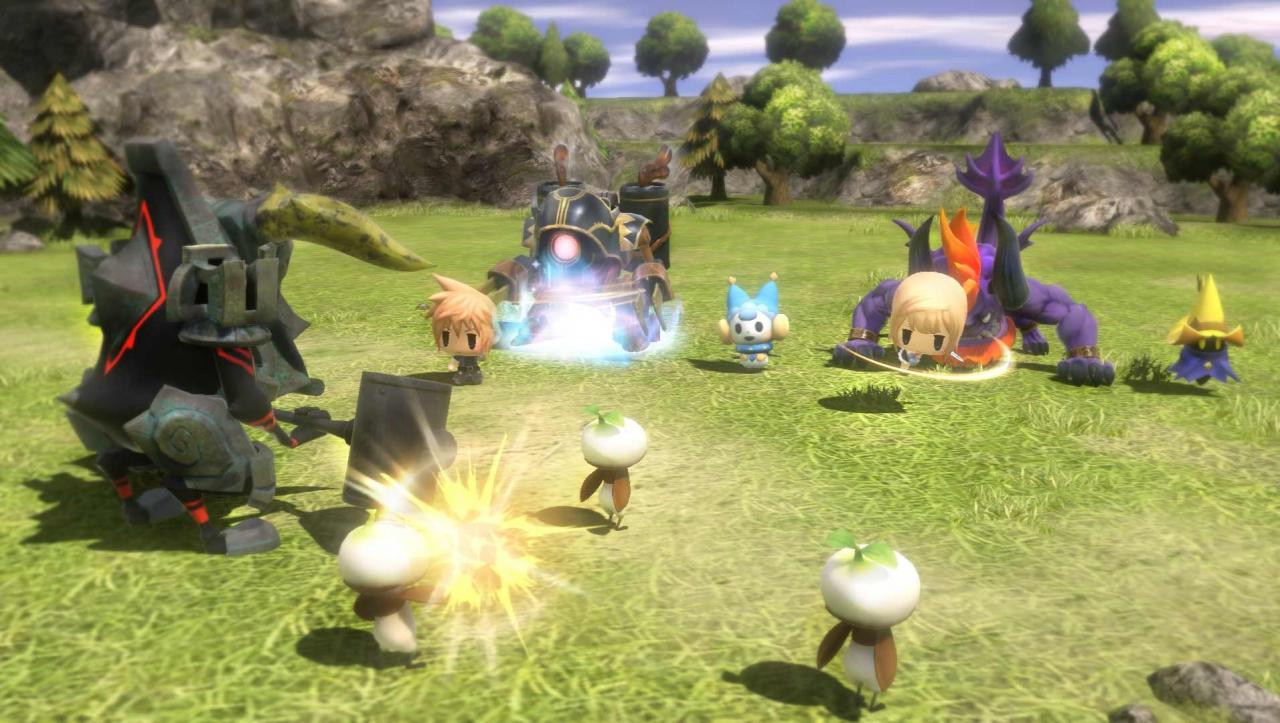
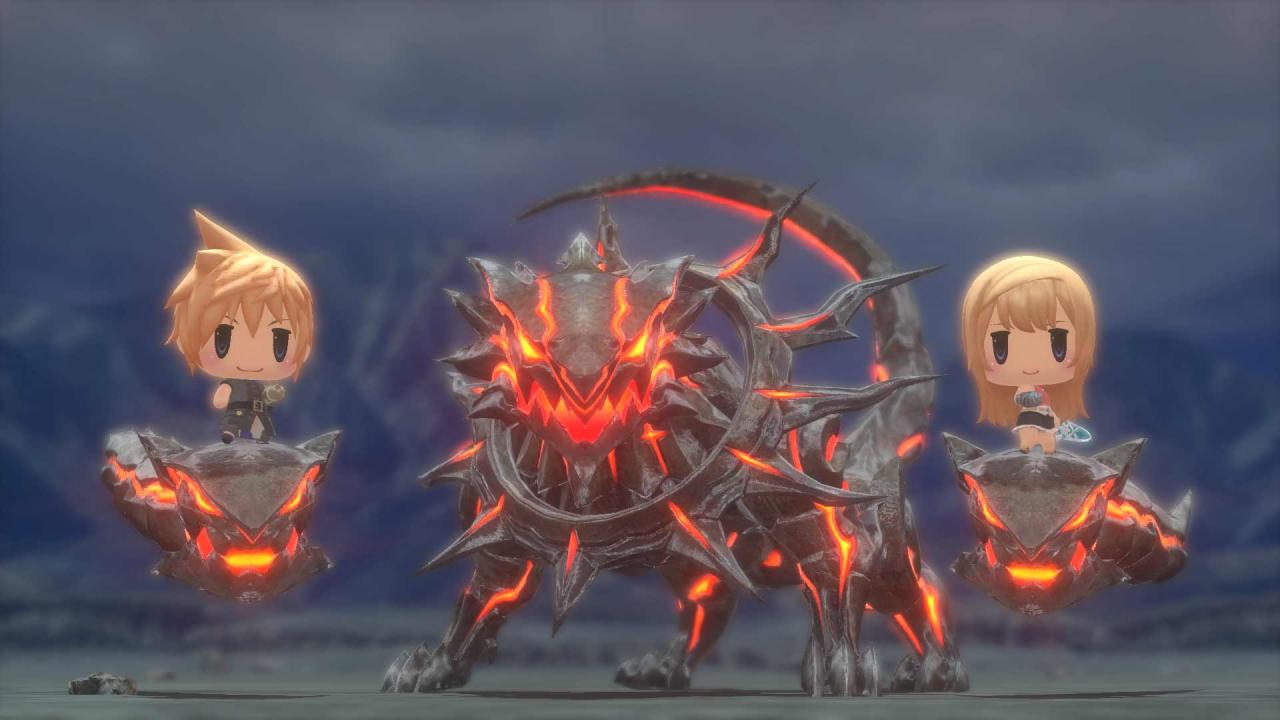
CAPTURE, CUSTOMISE AND EVOLVE! Embark on a magical journey with siblings Reynn and Lann as they explore the vast land of Grymoire to rediscover their past and save the future. With charming and stylised visuals, players will capture, customise and evolve iconic creatures by stacking them to form adorable yet strategic monster towers. The memorable legends of FINAL FANTASY come to life in this imaginative, colourful world as an epic story fit for the smallest of heroes unfolds. Features A New Twist on Classic Battles: master an all new battle system where players can utilise their captured monsters to create powerful towers of monsters to fight foes. Use the monsters´ size, element, and order effectively to win the battle! Capture, Customise and Evolve: strategise over endless customisation options by turning creatures into ability-boosting magicite, leveling and evolving them to gain new specialisations, or simply ride them to travel faster over the vast landscapes of this enchanting world. A World of Vertical Possibility: Explore vertically stacked dungeons and use your Mirages to get past obstacles and progress. In the tall and towering world of Grymoire, the sky is truly the limit!


Go to: http://store.steampowered.com/ and download STEAM client Click "Install Steam" (from the upper right corner) Install and start application, login with your Account name and Password (create one if you don't have). Please follow these instructions to activate a new retail purchase on Steam: Launch Steam and log into your Steam account. Click the Games Menu. Choose Activate a Product on Steam... Follow the onscreen instructions to complete the process. After successful code verification go to the "MY GAMES" tab and start downloading.