Get 10% back in Relic Coins on every order
BioShock Infinite - Burial at Sea Episode 2 cover

SteamGlobal· Key

BioShock Infinite - Burial at Sea Episode 2

€1.66

+€0.17 cashback eligibility in Relic Coins

Check before you play

Platform
Steam
Region
Global
Product type
Key
Developer
Irrational Games
Publisher
2K Games
Supplier release date
2014-03-25
Genres
Action, FPS, Story rich

About this product

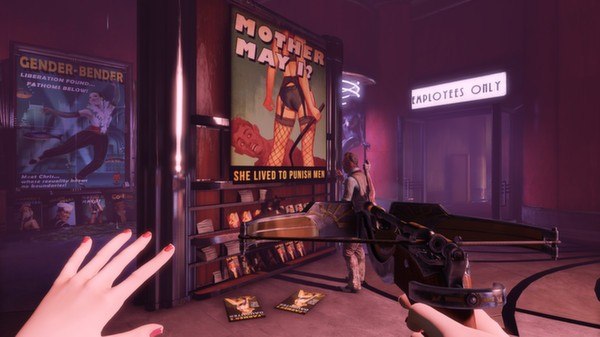
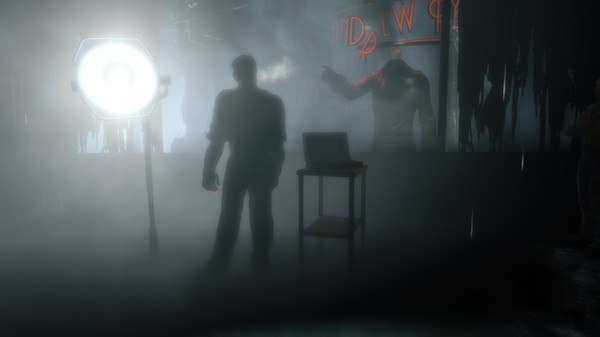
See the world through Elizabeth’s eyes in BioShock Infinite: Burial at Sea – Episode Two. Set immediately after the conclusion of Burial at Sea – Episode One, this final episode puts you in the role of Elizabeth as she journeys through Rapture in an effort to rescue the little sister she abandoned. Developed by Irrational Games, the studio behind the original BioShock and BioShock Infinite, this continuation of the Burial at Sea saga features parts of Rapture you’ve never seen before, incudes modified stealth-oriented gameplay that brings you new weapons and plasmids, and involves nearly every major character from the original BioShock and BioShock Infinite. BioShock Infinite: Burial at Sea - Episode Two is the last of three BioShock Infinite add-on packs and it concludes the storyline of BioShock Infinite and Burial at Sea. This pack is included in the BioShock Infinite Season Pass and will contain new Achievements.

BioShock Infinite - Burial at Sea Episode 2 screenshotBioShock Infinite - Burial at Sea Episode 2 screenshotBioShock Infinite - Burial at Sea Episode 2 screenshotBioShock Infinite - Burial at Sea Episode 2 screenshotBioShock Infinite - Burial at Sea Episode 2 screenshot

How to redeem

  1. 1Check your Steam account and the listed region before purchasing.
  2. 2Find your code and supplier activation instructions in your confirmed order.
  3. 3Open the redeem-code section on Steam, enter the code and follow the platform’s prompts.

Supplier instructions

Go to: http://store.steampowered.com/ and download STEAM client Click "Install Steam" (from the upper right corner) Install and start application, login with your Account name and Password (create one if you don't have). Please follow these instructions to activate a new retail purchase on Steam: Launch Steam and log into your Steam account. Click the Games Menu. Choose Activate a Product on Steam... Follow the onscreen instructions to complete the process. After successful code verification go to the "MY GAMES" tab and start downloading.

You might also like