Get 10% back in Relic Coins on every order
Dark Shadows - Army of Evil cover

SteamGlobal· Key

Dark Shadows - Army of Evil

€0.77

+€0.08 cashback eligibility in Relic Coins

Check before you play

Platform
Steam
Region
Global
Product type
Key
Developer
Burian Media Enterprises
Publisher
Burian Media Enterprises
Supplier release date
2004-03-11
Genres
Action, RPG, Indie

About this product

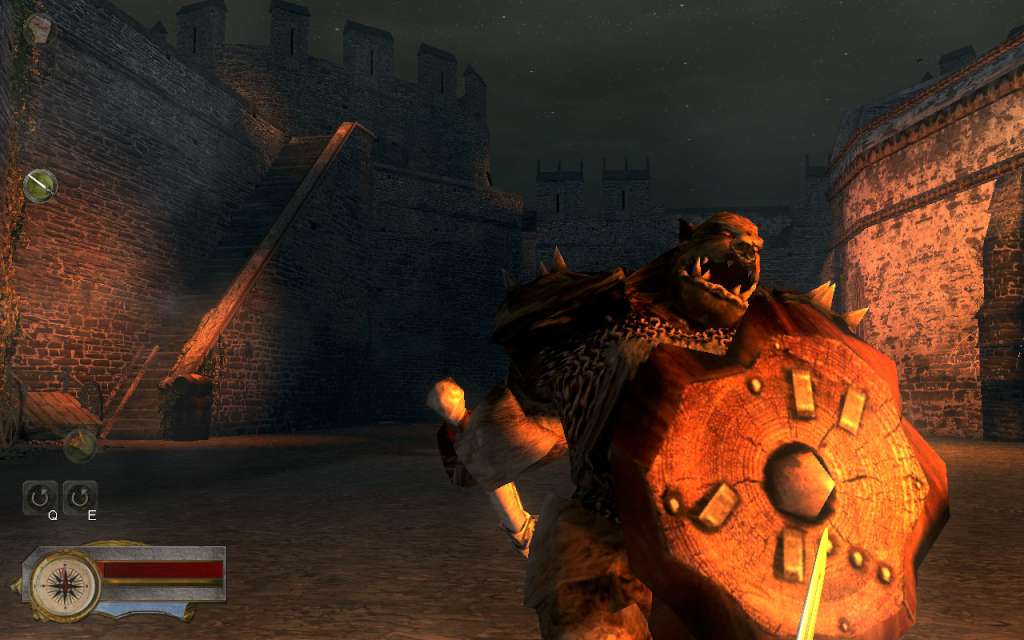
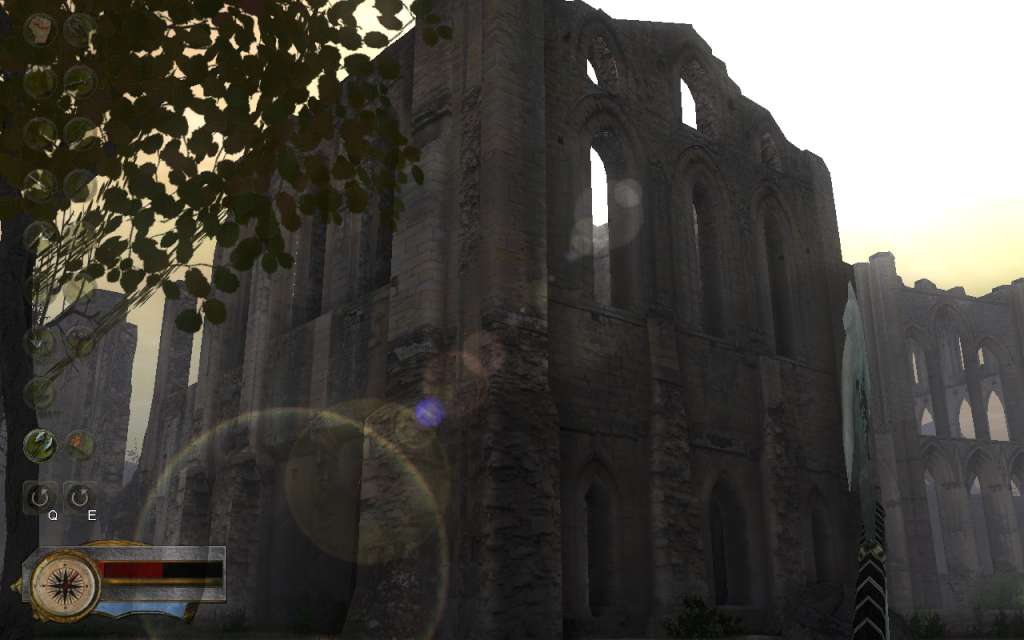
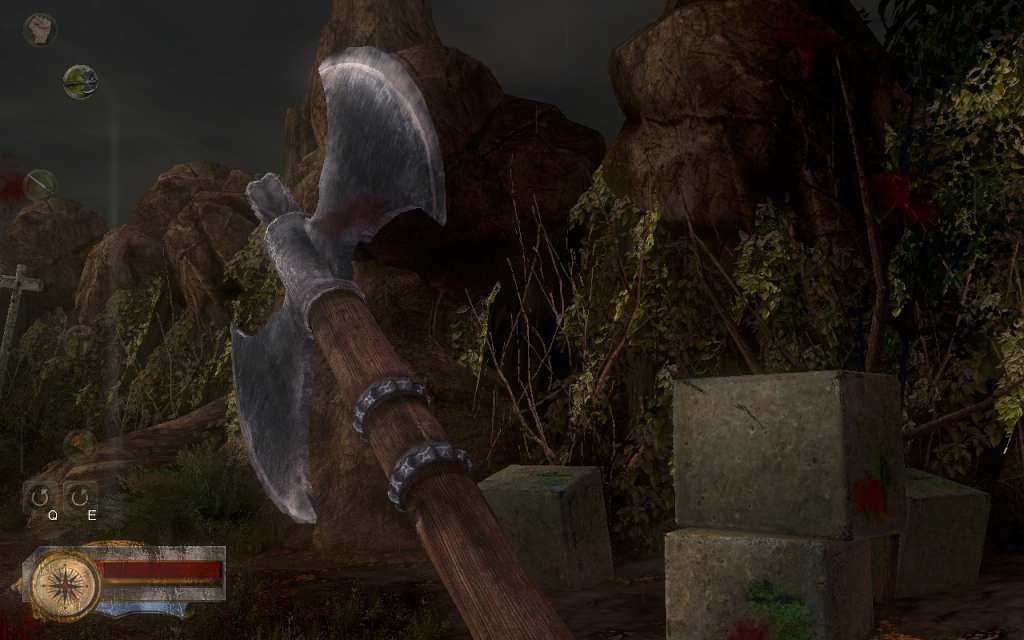
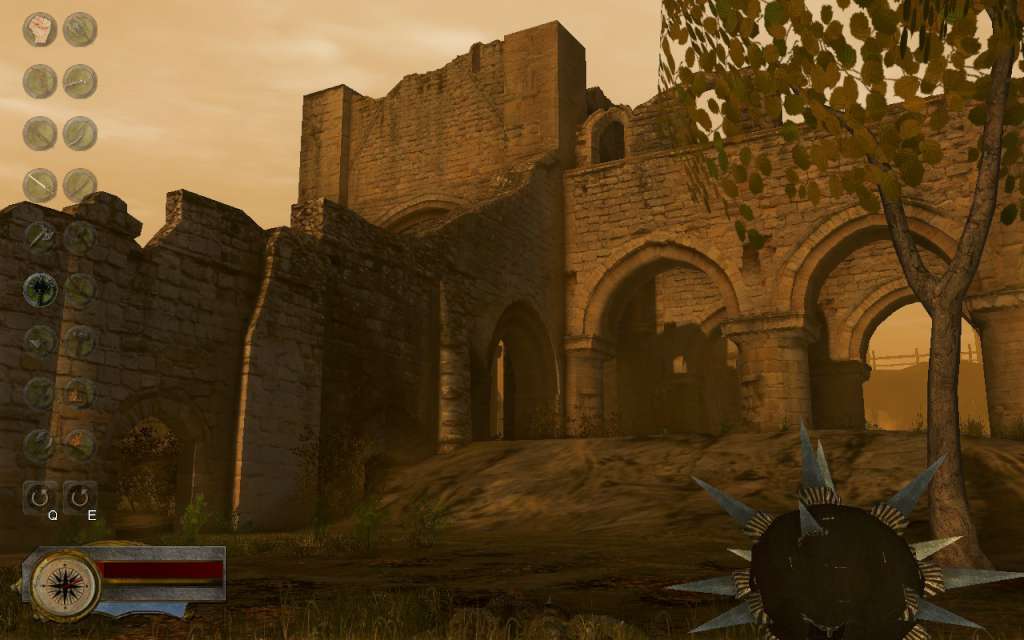
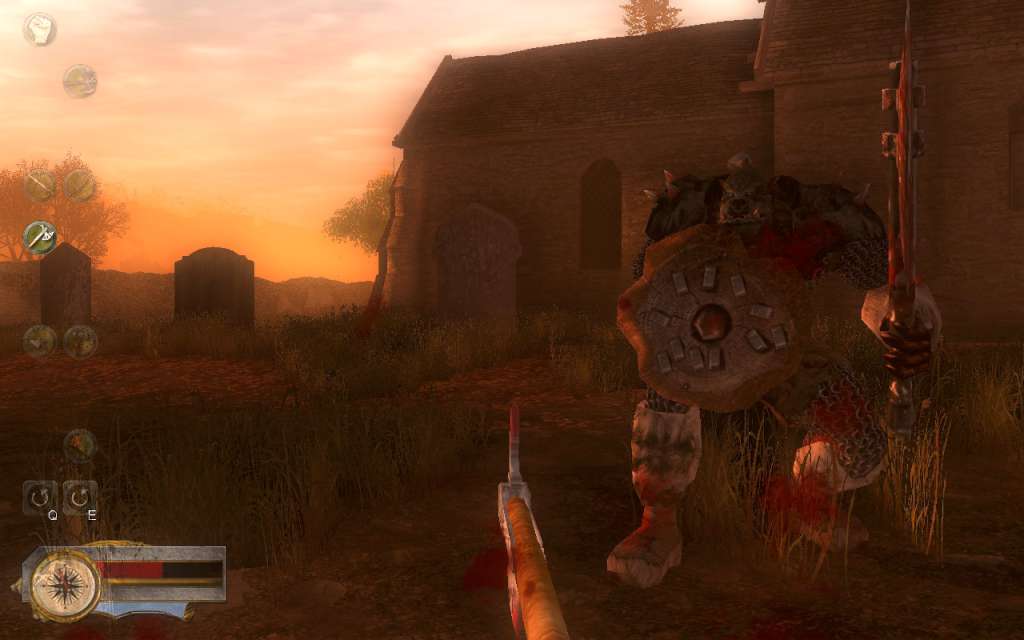
Dark Shadows - Army of Evil is a Classic Medieval Fantasy First Person - Hack and Slash Game with a kind of old school look.September 1362:An army of evil, named "Dark Shadows", have been ravaging the country like a plague of locusts for over a year and are frightening the people with their scary get-up. Most people still think they are monsters. But they are only in disguise. While you were away these monsters stormed the castle. A woman named Katerina has been kidnapped. It is not just any woman. You are in love with her. They’ve also taken all the gold. All the taxes. And weapons! You are the only one who can help Katarina. You must hurry and follow them before they do something to her.Classic Hack and Slash Game:The player fights his way through 19 levels. Various weapons will be available. They can be found in different levels. Everything begins moderately and you need to find some keys and a sword. After the first level the game turns into a hack'n slash game. Most of the time, the player has to fight against enemies. But he has to do also other little things and must solve certain problems. You need keyboard and mouse.This game is an indie game with a kind of old school look. It is also supporting SSAO and Bloom Shader effects. Features 19 Levels and 18 Weapons Single Player 3D Realtime Cinematic Blood Splatter Scenes

Dark Shadows - Army of Evil screenshotDark Shadows - Army of Evil screenshotDark Shadows - Army of Evil screenshotDark Shadows - Army of Evil screenshotDark Shadows - Army of Evil screenshotDark Shadows - Army of Evil screenshot

How to redeem

  1. 1Check your Steam account and the listed region before purchasing.
  2. 2Find your code and supplier activation instructions in your confirmed order.
  3. 3Open the redeem-code section on Steam, enter the code and follow the platform’s prompts.

Supplier instructions

Go to: http://store.steampowered.com/ and download STEAM client Click "Install Steam" (from the upper right corner) Install and start application, login with your Account name and Password (create one if you don't have). Please follow these instructions to activate a new retail purchase on Steam: Launch Steam and log into your Steam account. Click the Games Menu. Choose Activate a Product on Steam... Follow the onscreen instructions to complete the process. After successful code verification go to the "MY GAMES" tab and start downloading.

You might also like