Get 10% back in Relic Coins on every order
Darkest Dungeon Soundtrack DLC cover

SteamGlobal· DLC

Darkest Dungeon Soundtrack DLC

€1.20

+€0.12 cashback eligibility in Relic Coins

Check before you play

Platform
Steam
Region
Global
Product type
DLC

Check the required base game and edition before purchasing this add-on.

Developer
Red Hook Studios
Publisher
Red Hook Studios
Supplier release date
2016-01-19
Genres
Strategy, RPG, Indie, Music / Soundtrack

About this product

Original 'Darkest Dungeon' score by veteran composer Stuart Chatwood. This DLC contains all 25 tracks (MP3/FLAC) from across all the Darkest Dungeon releases. Recently Updated to include the 2 new Butcher's Circus tracks!Stuart Chatwood previously composed music appearing on the soundtracks for eight Prince of Persia games developed by Ubisoft: Prince of Persia: The Sands of Time (2003), Warrior Within (2004), The Two Thrones (2005), Battles of Prince of Persia (2005), Revelations (2005), Rival Swords (2007), Prince of Persia (2008), and The Fallen King (2008). He also is well-known as the bass guitar and keyboard player for the Canadian rock band 'The Tea Party'. The Tea Party are known for fusing together musical styles of both the Eastern and Western worlds, in what they call Moroccan roll

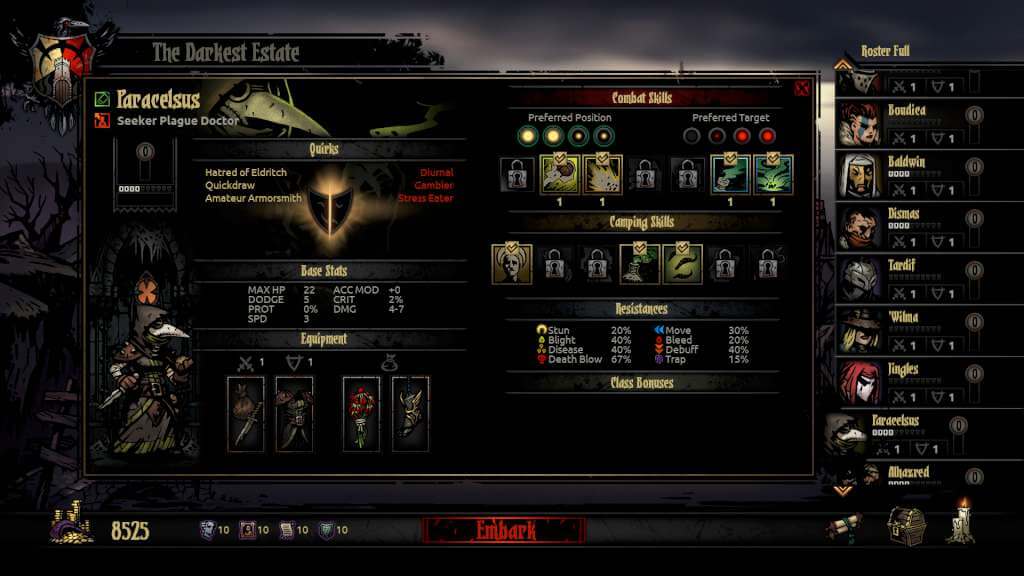
Darkest Dungeon Soundtrack DLC screenshotDarkest Dungeon Soundtrack DLC screenshotDarkest Dungeon Soundtrack DLC screenshotDarkest Dungeon Soundtrack DLC screenshotDarkest Dungeon Soundtrack DLC screenshotDarkest Dungeon Soundtrack DLC screenshot

How to redeem

  1. 1Check the required base game, platform and edition before purchasing.
  2. 2Find the code or supplier activation instructions in your confirmed order.
  3. 3Redeem on Steam using the supplied instructions, then install the add-on with the compatible base game.

Supplier instructions

Go to: http://store.steampowered.com/ and download STEAM client Click "Install Steam" (from the upper right corner) Install and start application, login with your Account name and Password (create one if you don't have). Please follow these instructions to activate a new retail purchase on Steam: Launch Steam and log into your Steam account. Click the Games Menu. Choose Activate a Product on Steam... Follow the onscreen instructions to complete the process. After successful code verification go to the "MY GAMES" tab and start downloading.

You might also like