Get 10% back in Relic Coins on every order
The Sims 4 - Vintage Glamour Stuff DLC cover

Xbox OneGlobal· DLC

The Sims 4 - Vintage Glamour Stuff DLC

€8.91

+€0.89 cashback eligibility in Relic Coins

Check before you play

Platform
Xbox One
Region
Global
Product type
DLC

Check the required base game and edition before purchasing this add-on.

Developer
Electronic Arts
Publisher
Electronic Arts
Supplier release date
2017-11-17
Genres
RPG, Simulation, Casual

About this product

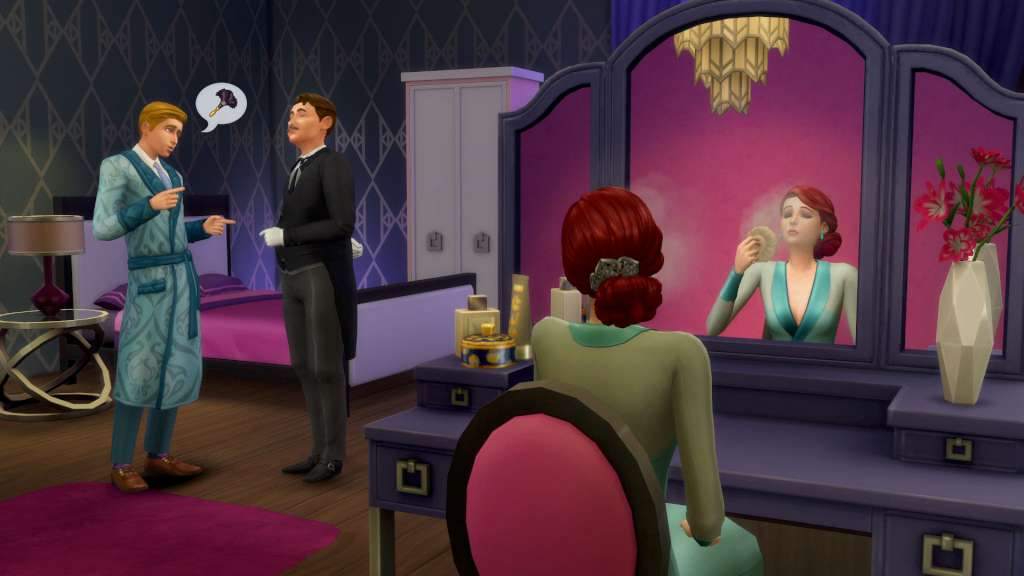
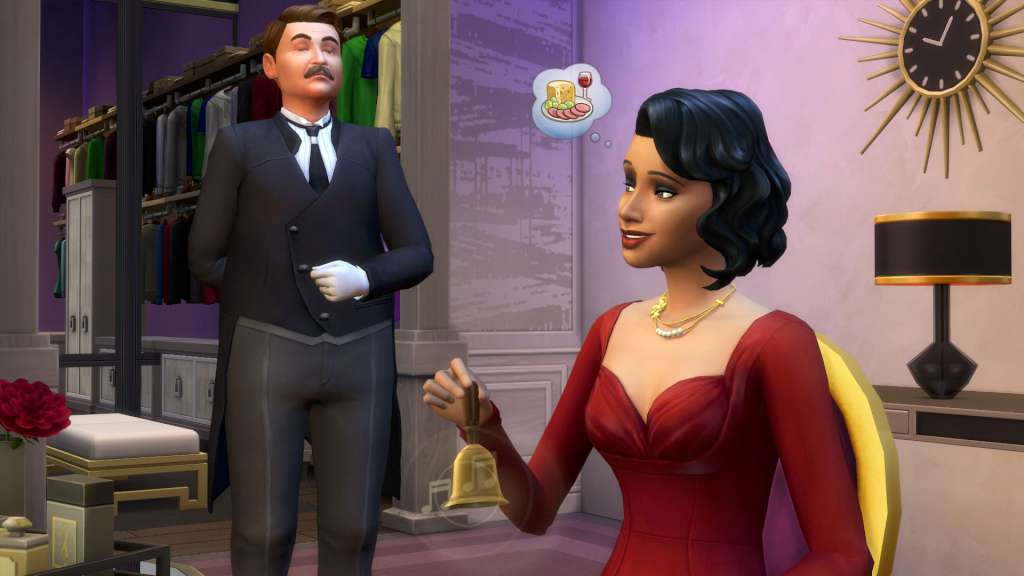
It's time for your Sims to live luxuriously with The Sims 4 Vintage Glamour Stuff. Dress Sims in stunning vintage fashions and accessories, then try on makeup at the vanity table. Adorn your Sim's home with high-end furnishings and even hire a butler to fulfill their every need. Features Stunning vintage fashion. Drape your Sims in classic Hollywood inspired fashion that's as elegant as it is timeless. Accessorize with sparkling diamond jewelry and choose ravishing hairstyles that'll turn heads wherever they go. All-new vanity table. Sims can use the vanity table to primp before a night out or practice their flirty advances. Give your Sims an entirely new look, or quickly apply makeup that will last all evening long. Hire a personal butler. Summon your Sim's live-in butler with the ring of a bell. They'll cook meals, tidy up, greet guests and fulfill almost any request. Make sure to give the butler praise to receive quicker service that'll keep your Sims in the lap of luxury.

The Sims 4 - Vintage Glamour Stuff DLC screenshotThe Sims 4 - Vintage Glamour Stuff DLC screenshotThe Sims 4 - Vintage Glamour Stuff DLC screenshot

How to redeem

  1. 1Check the required base game, platform and edition before purchasing.
  2. 2Find the code or supplier activation instructions in your confirmed order.
  3. 3Redeem on Xbox One using the supplied instructions, then install the add-on with the compatible base game.

Supplier instructions

Go to https://www.xbox.com Login to your account Hover over your account link (the top right of the screen) a menu will appear, click on the "Redeem Code" button. On the next page, click "Redeem" Enter your code Click "Confirm" Click "Confirm" again to assign the key to your account.

You might also like