

SteamGlobal· Key
Nimble Writer
€186.47
+€18.65 cashback eligibility in Relic Coins
Check before you play
- Platform
- Steam
- Region
- Global
- Product type
- Key
- Developer
- Nimble Tools
- Publisher
- Nimble Tools
- Supplier release date
- 2015-04-21
SteamGlobal· Key
€186.47
+€18.65 cashback eligibility in Relic Coins
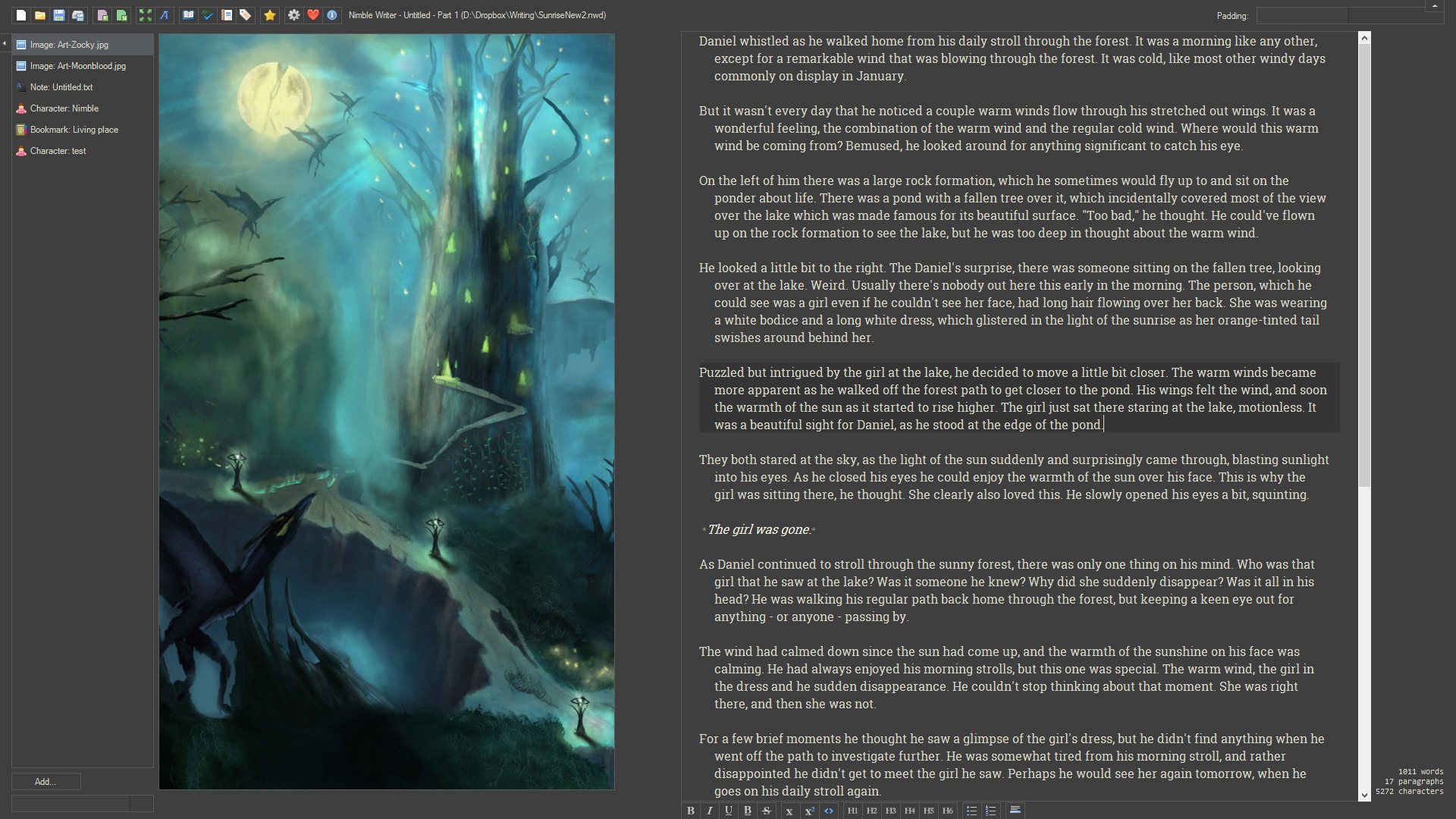
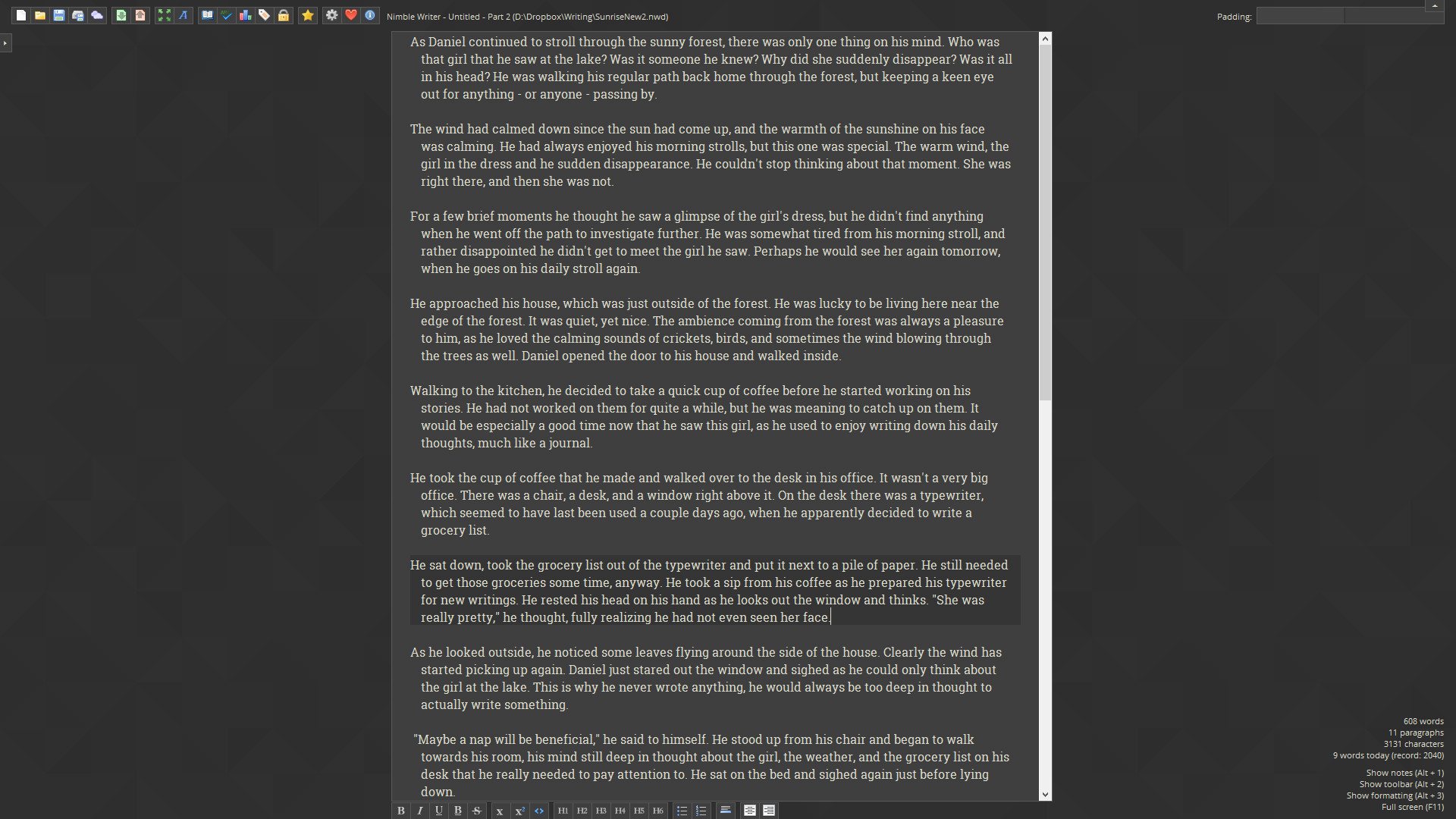
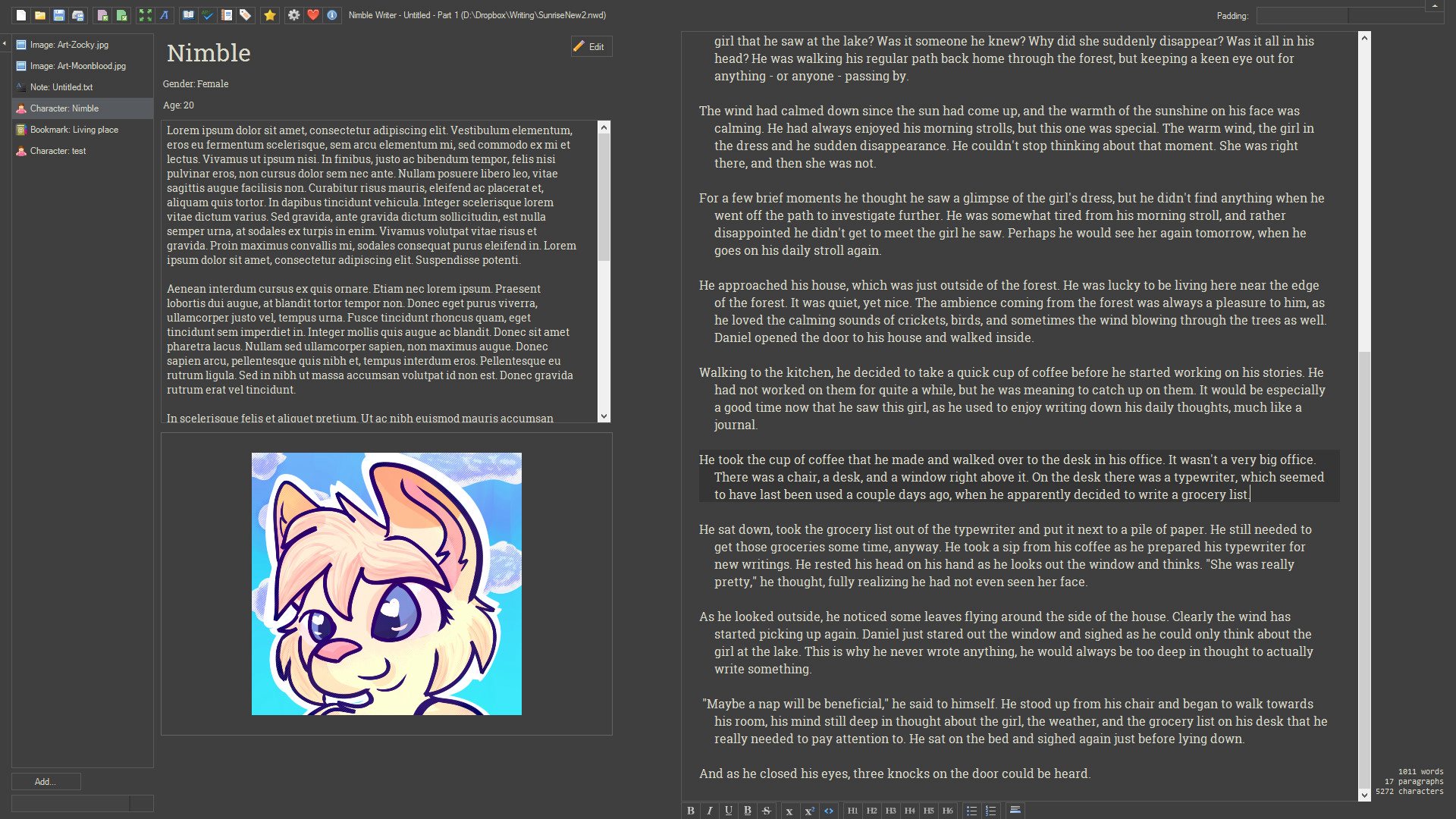
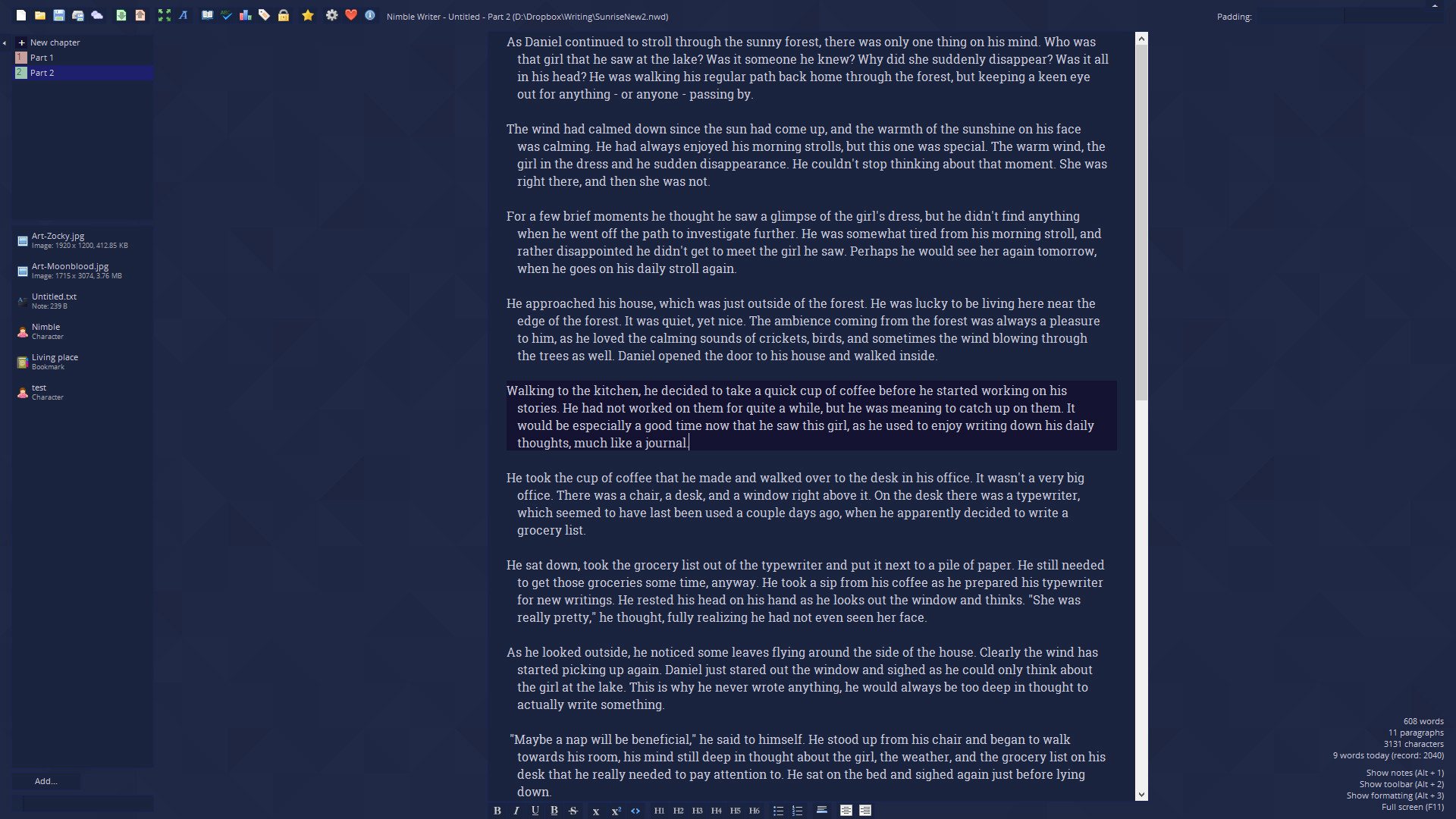
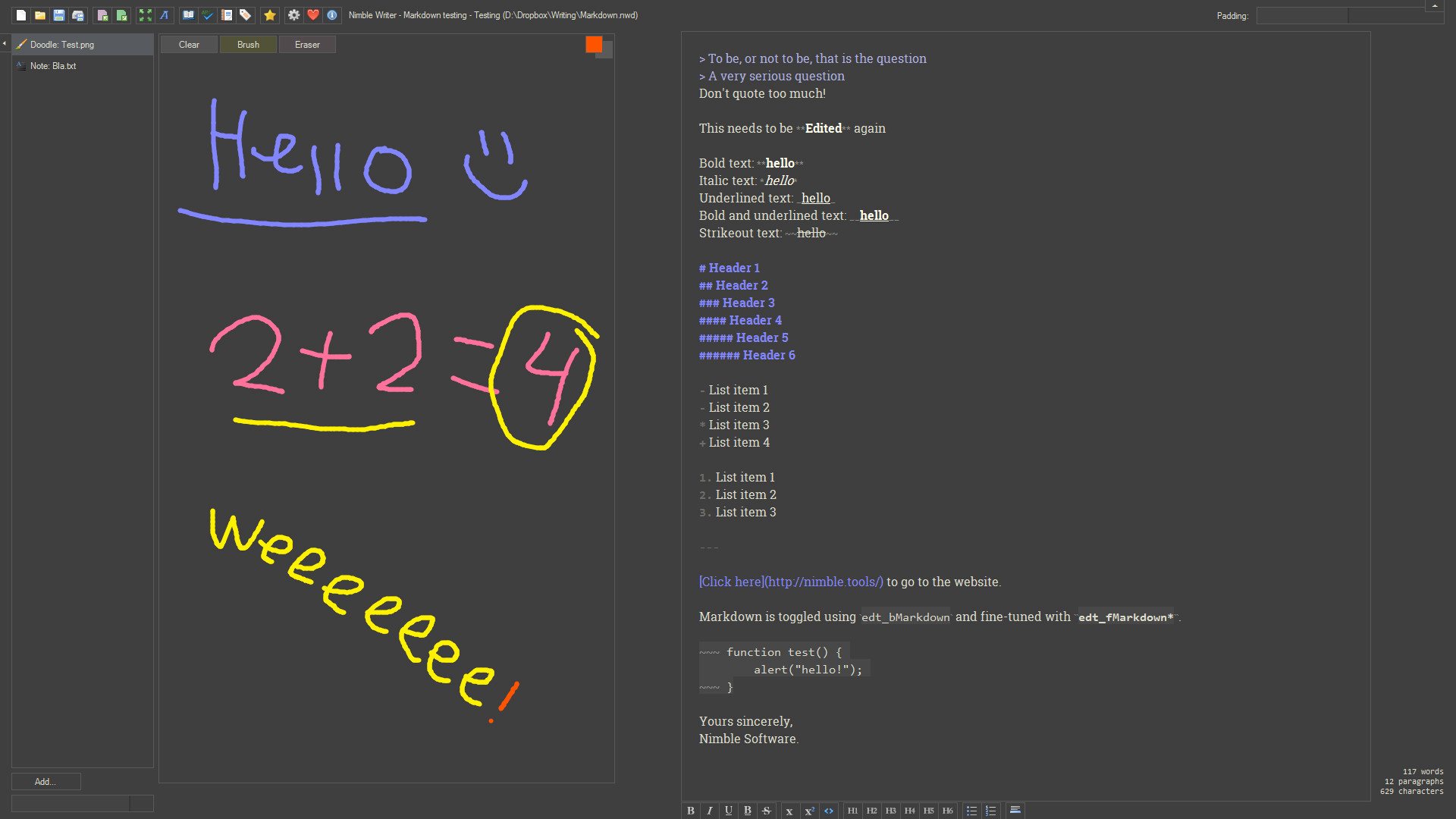
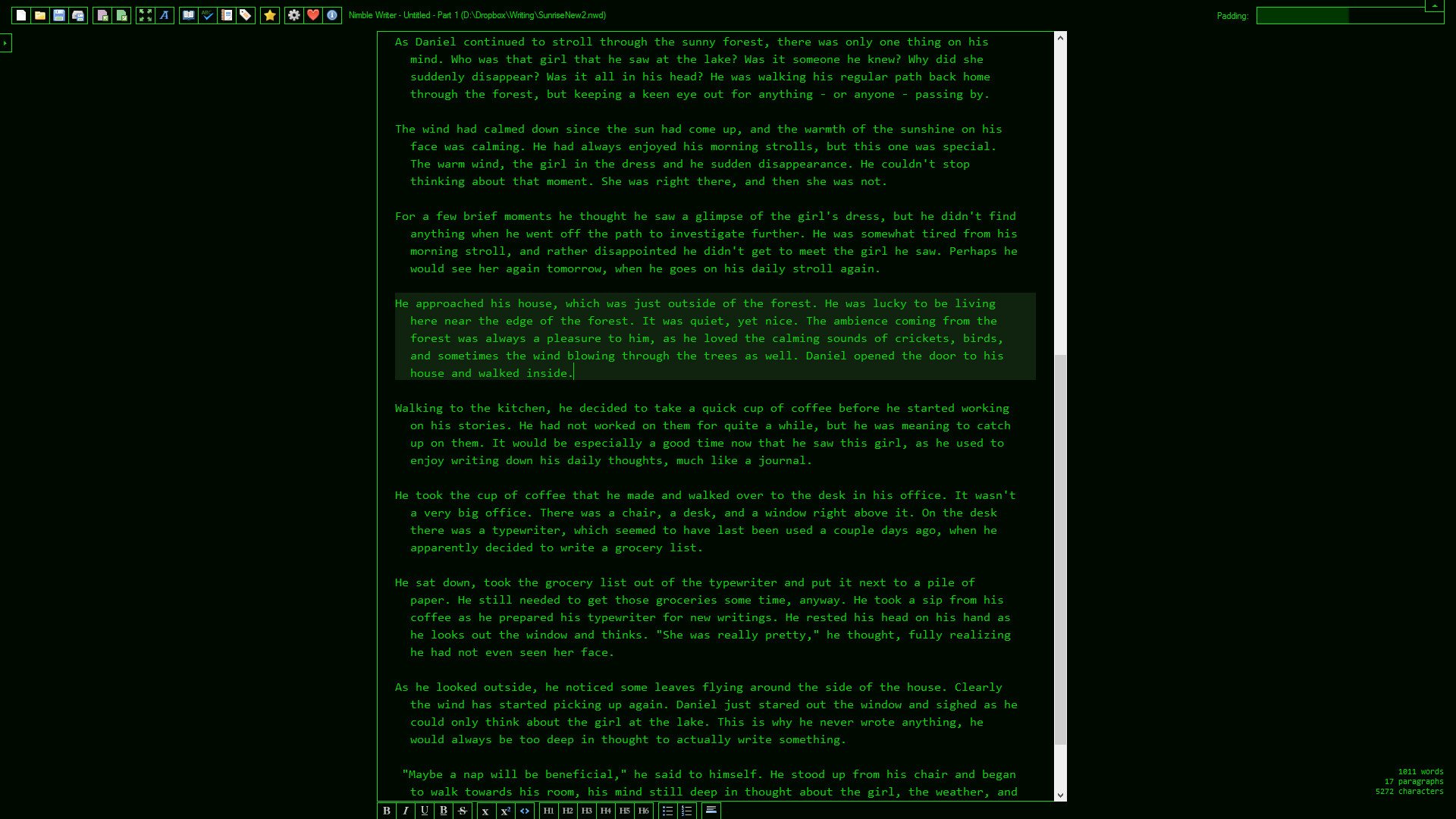
Nimble Writer is a general-purpose tool for writing stories, be it short fiction stories or even complete novels or books. It focuses on being distraction-free, simple, and fully customizable. Principles We built Nimble Writer with a couple principles in mind to make it stand out as a primary application for authors: Writing without distractions or worrying about formatting. Stay more organized with many useful organizational features. Materials of reference (such as photos, drawings, scribbles of text, character information, and much more) are available at your fingertips. Don't have any limitations to the default array of features. This means full customization, with a fully customizable and scriptable interface. Turn off features you don't need, change the entire look and feel of your writing environment, and much more. If you are used to writing stories in applications such as Word or other regular office tools, you'll find that Nimble Writer will be able to help you organize bundles of stories and notes together much simpler and faster. In addition, Nimble Writer is able to import some of those old documents and convert them into the Nimble Writer format. Advantages over traditional software Traditional writing software such as Word, Open Office or Google Docs are made just for the purpose of writing, so they don't have anything that helps story writers manage their notes and reference material, and neither does it offer much customization. They don't have any kind of chapter management either. Nimble Writer has all of those things, making it a much more productive choice for story writing. Steam's advantages With Nimble Writer's presence on Steam we can use the power that Steam's platform brings us, such as Steam Cloud. This means that you will be able to save your stories and notes entirely on Steam's cloud servers, so that you can load up your stories on another computer as well, just as easy!Don't forget about Steam Workshop! With the implementation of the Workshop, you'll be able to share interface themes and addons with the world, or just to customize the app with other people's addons! Share creativity!
Go to: http://store.steampowered.com/ and download STEAM client Click "Install Steam" (from the upper right corner) Install and start application, login with your Account name and Password (create one if you don't have). Please follow these instructions to activate a new retail purchase on Steam: Launch Steam and log into your Steam account. Click the Games Menu. Choose Activate a Product on Steam... Follow the onscreen instructions to complete the process. After successful code verification go to the "MY GAMES" tab and start downloading.