Get 10% back in Relic Coins on every order
Euro Truck Simulator 2 - Beyond the Baltic Sea DLC cover

SteamGlobal· DLC

Euro Truck Simulator 2 - Beyond the Baltic Sea DLC

€9.68

+€0.97 cashback eligibility in Relic Coins

Check before you play

Platform
Steam
Region
Global
Product type
DLC

Check the required base game and edition before purchasing this add-on.

Developer
SCS Software
Publisher
SCS Software
Supplier release date
2018-11-29
Genres
Simulation, Indie

About this product

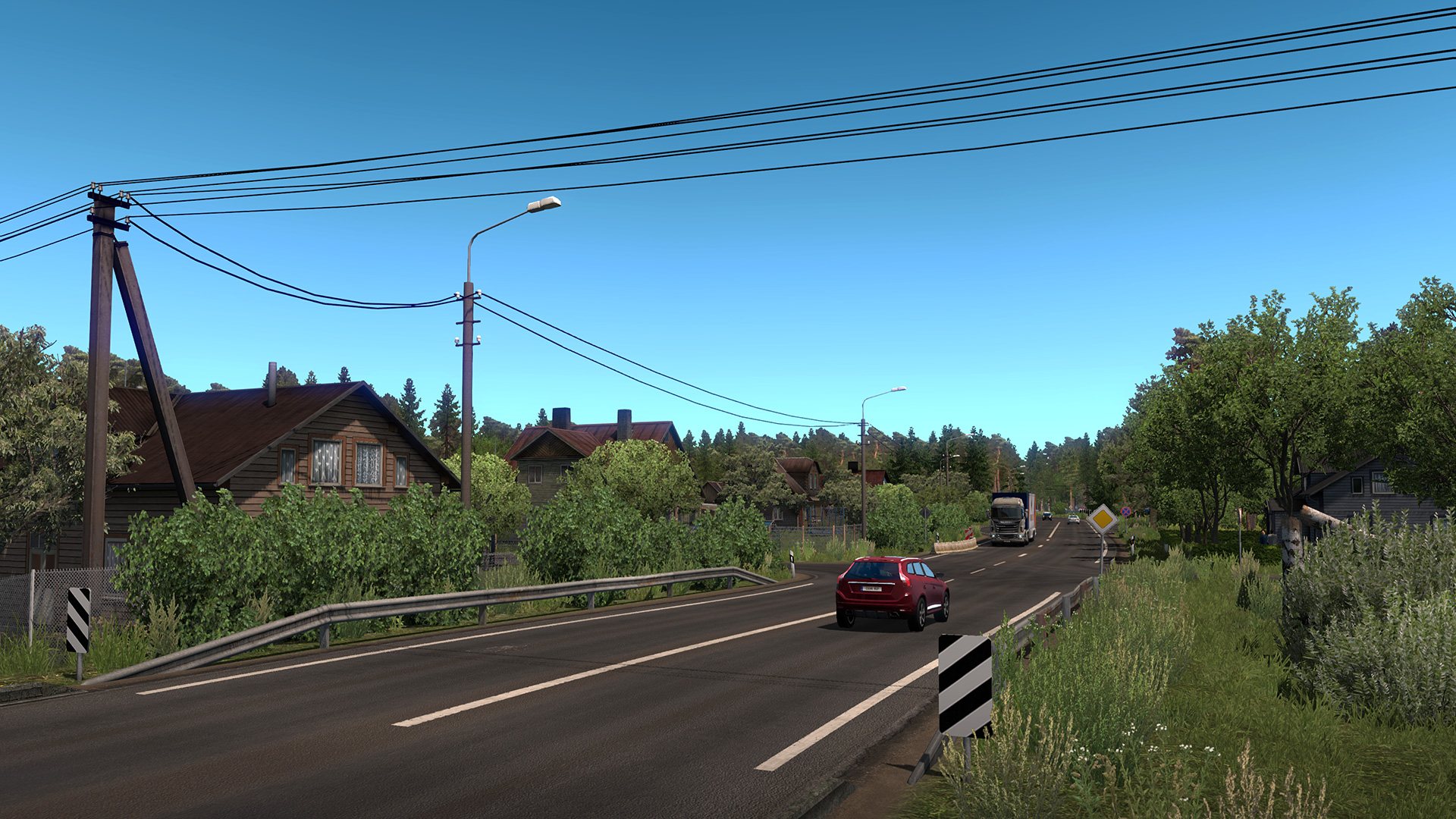
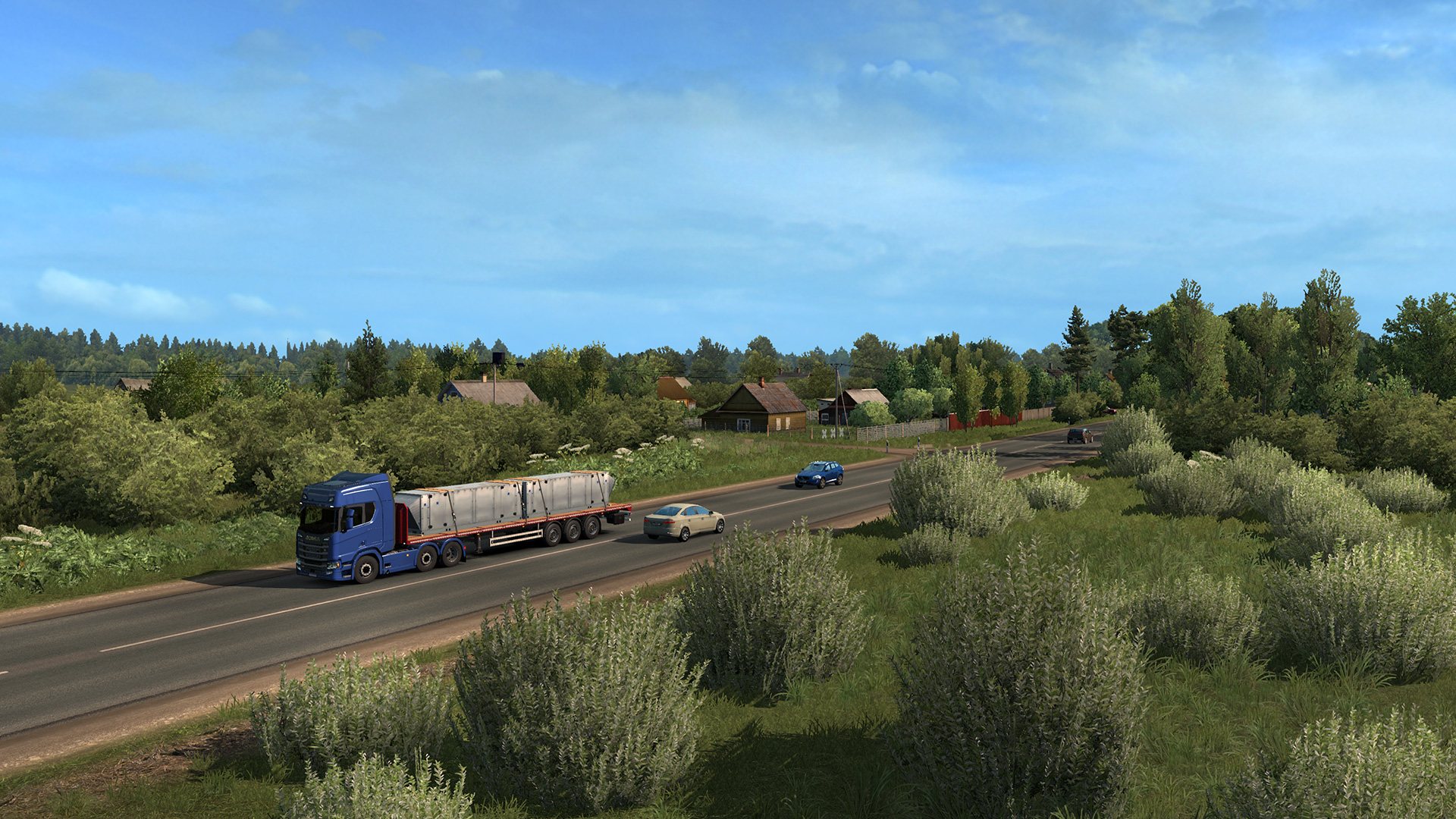
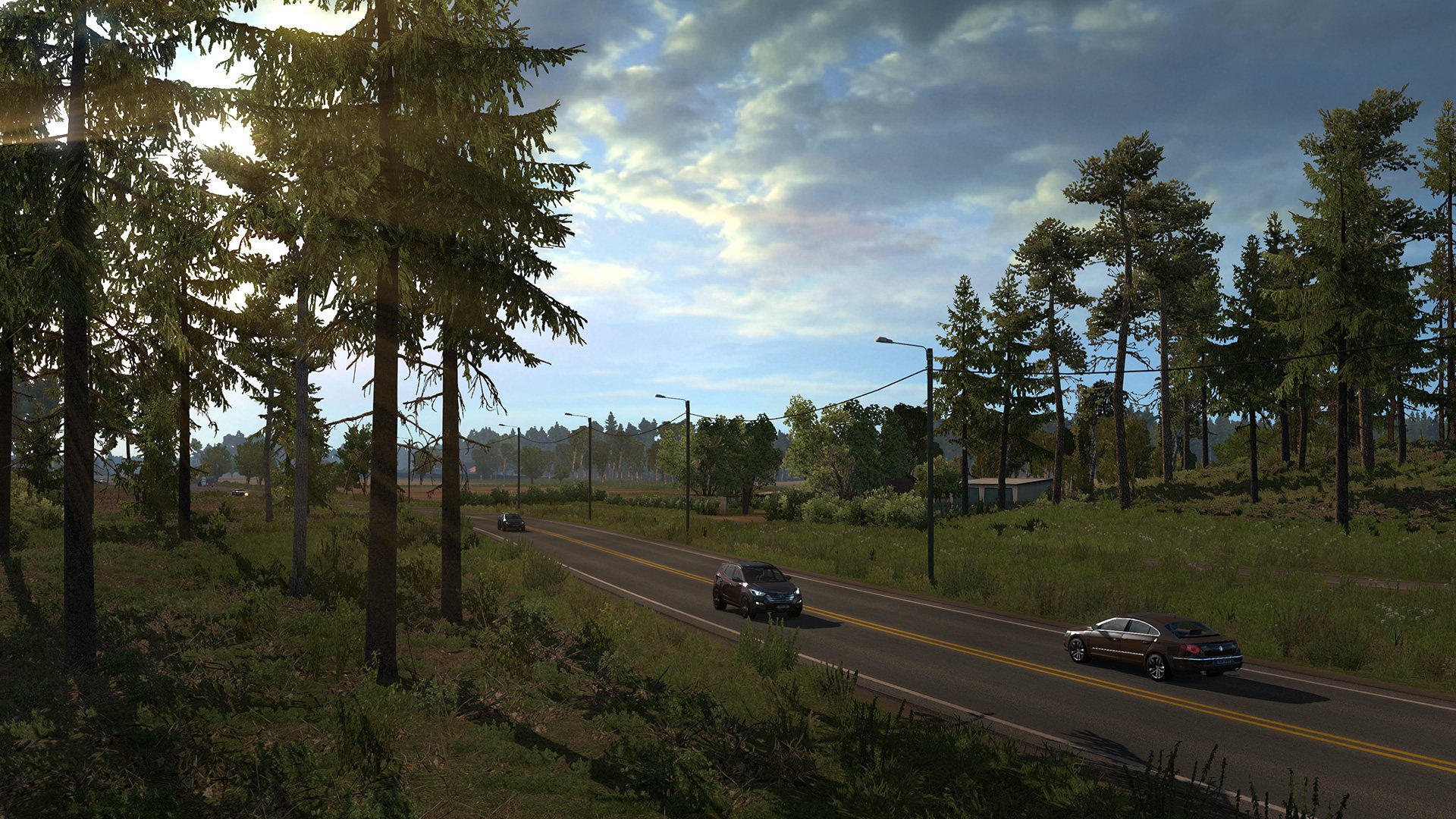
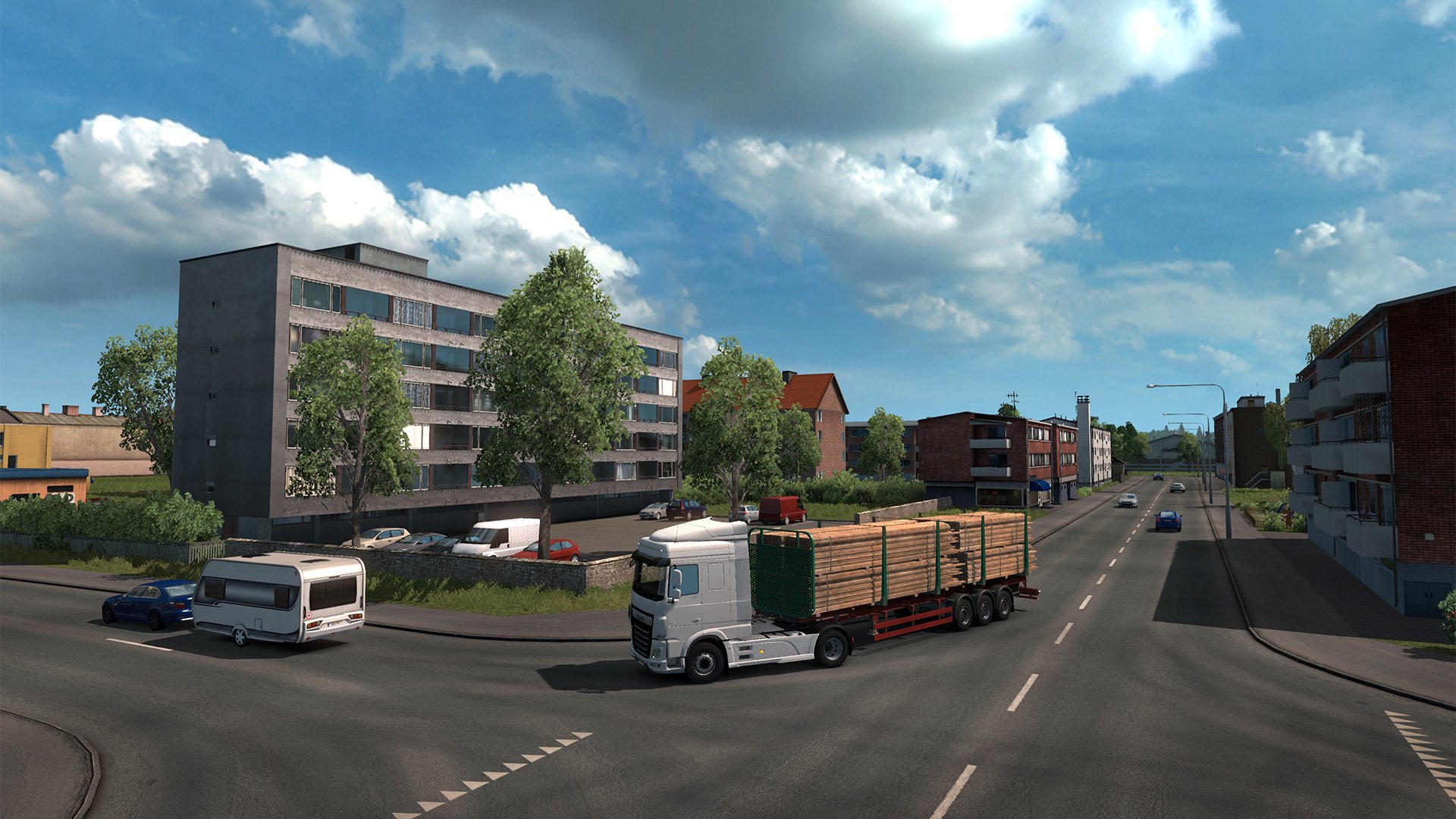
Beyond the Baltic Sea map expansion will include the three Baltic states of Latvia, Lithuania and Estonia, and also south of Finland and parts of Russia including Russia's second largest city Saint Petersburg. Features Transport a vast variety of cargo across more than 60 European cities. Run your own business which continues to grow even as you complete your freight deliveries. Build your own fleet of trucks, buy garages, hire drivers, manage your company for maximum profits. A varied amount of truck tuning that range from performance to cosmetic changes. Customize your vehicles with optional lights, bars, horns, beacons, smoke exhausts, and more. Thousands of miles of real road networks with hundreds of famous landmarks and structures.

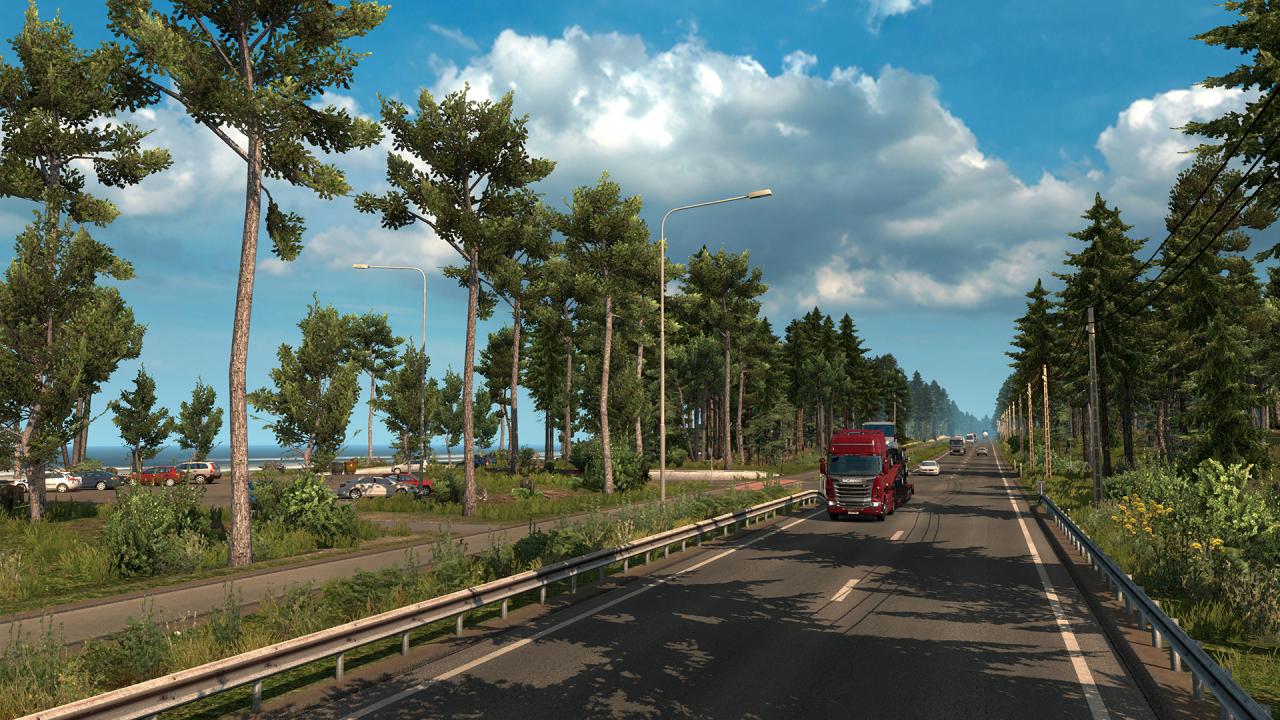
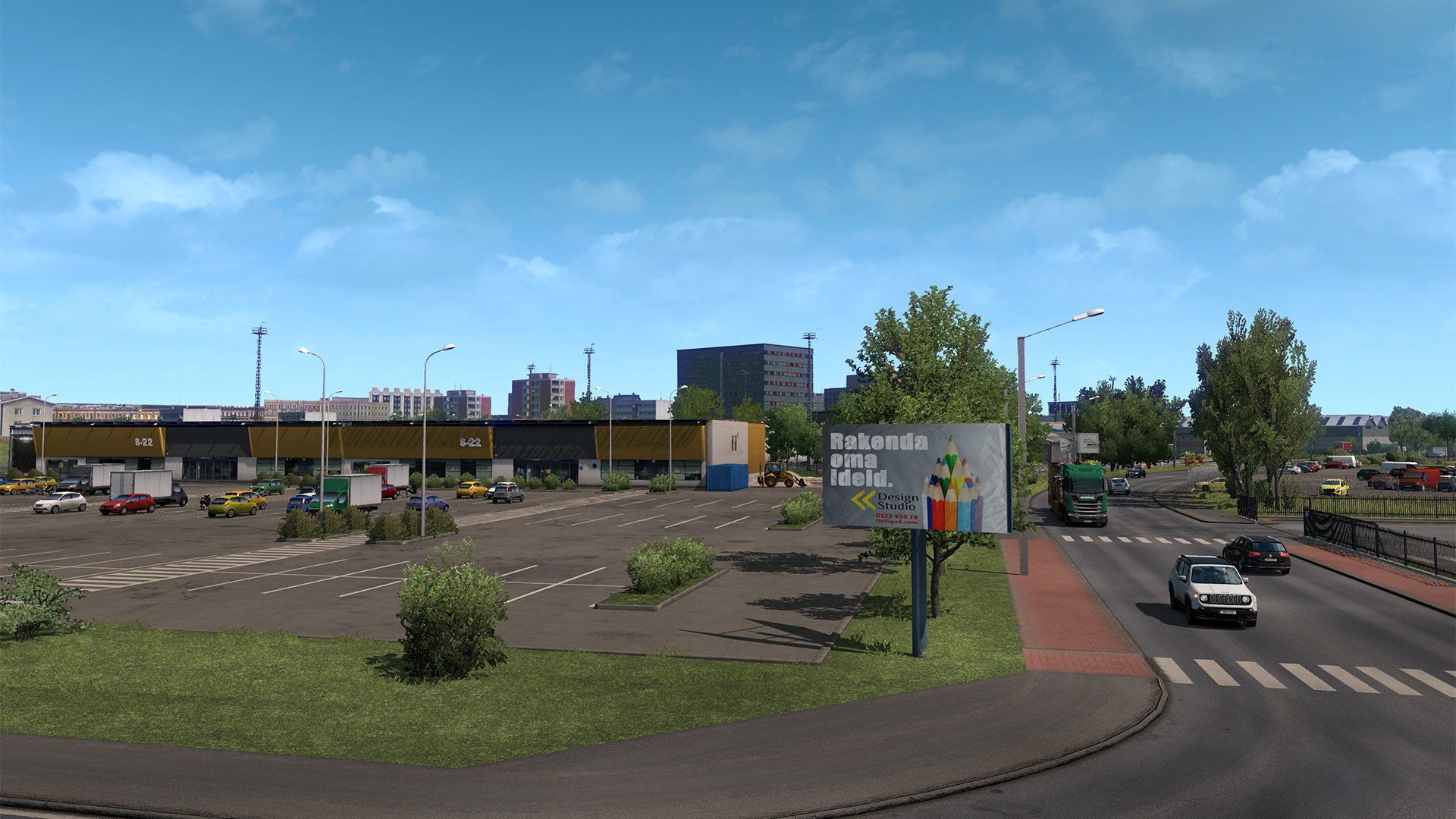
Euro Truck Simulator 2 - Beyond the Baltic Sea DLC screenshotEuro Truck Simulator 2 - Beyond the Baltic Sea DLC screenshotEuro Truck Simulator 2 - Beyond the Baltic Sea DLC screenshotEuro Truck Simulator 2 - Beyond the Baltic Sea DLC screenshotEuro Truck Simulator 2 - Beyond the Baltic Sea DLC screenshotEuro Truck Simulator 2 - Beyond the Baltic Sea DLC screenshot

How to redeem

  1. 1Check the required base game, platform and edition before purchasing.
  2. 2Find the code or supplier activation instructions in your confirmed order.
  3. 3Redeem on Steam using the supplied instructions, then install the add-on with the compatible base game.

Supplier instructions

Go to: http://store.steampowered.com/ and download STEAM client Click "Install Steam" (from the upper right corner) Install and start application, login with your Account name and Password (create one if you don't have). Please follow these instructions to activate a new retail purchase on Steam: Launch Steam and log into your Steam account. Click the Games Menu. Choose Activate a Product on Steam... Follow the onscreen instructions to complete the process. After successful code verification go to the "MY GAMES" tab and start downloading.

You might also like