Get 10% back in Relic Coins on every order
Syberia 3 Switch cover

Nintendo Europe - All Countries· Key

Syberia 3 Switch

€4.98

+€0.50 cashback eligibility in Relic Coins

Check before you play

Platform
Nintendo
Region
Europe - All Countries
Product type
Key
Developer
Anuman Interactive
Publisher
Microids
Supplier release date
2018-10-18
Genres
Adventure, Casual, Puzzle, Point & click, Story rich

About this product

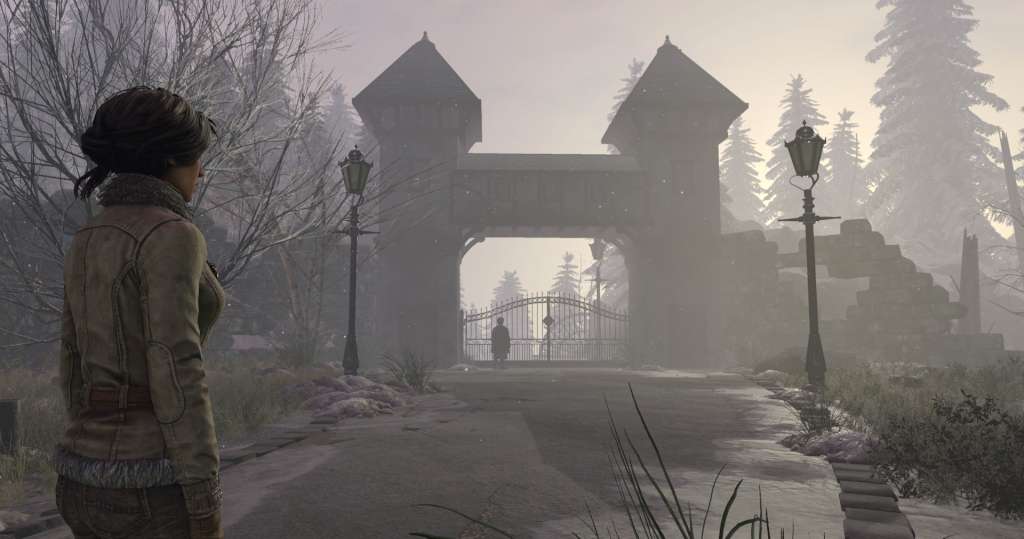
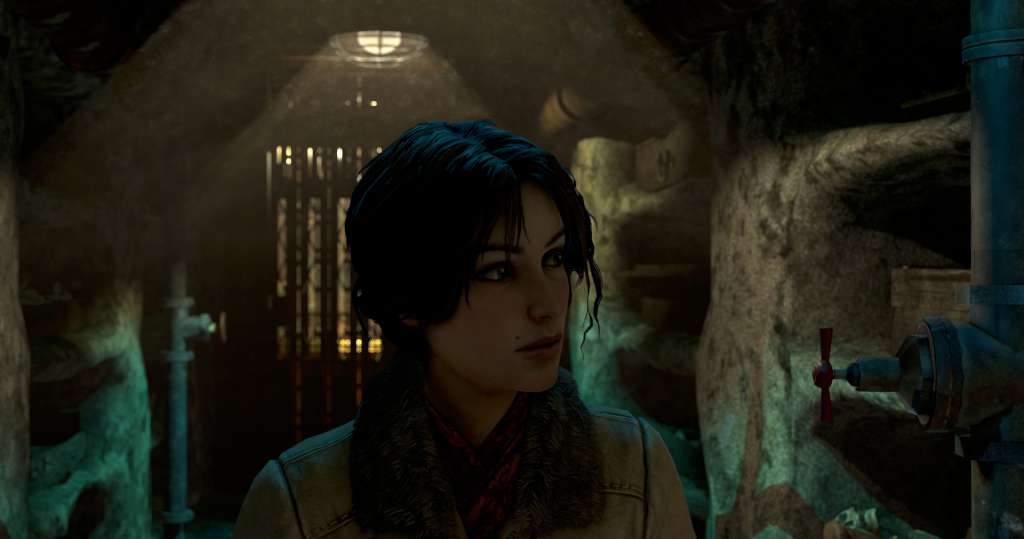
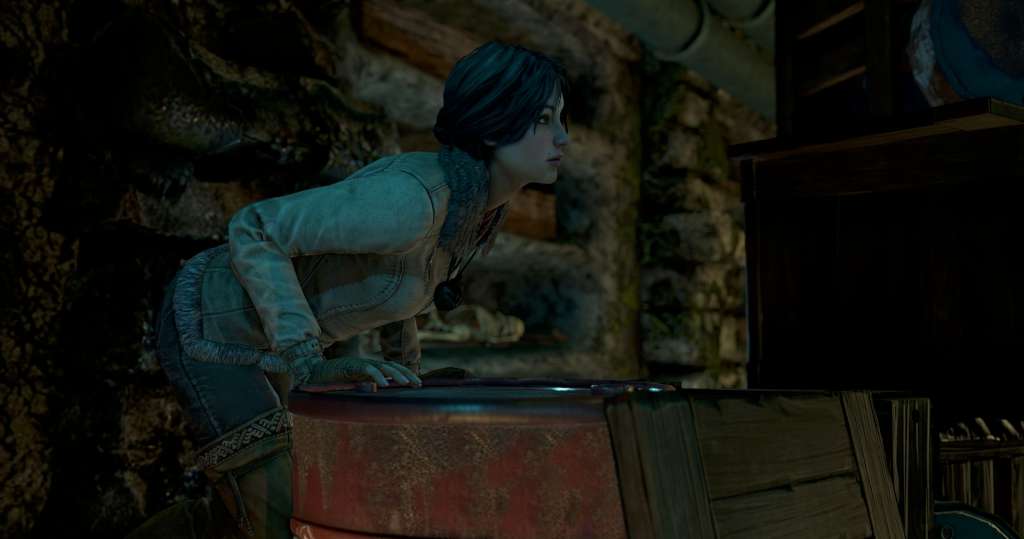
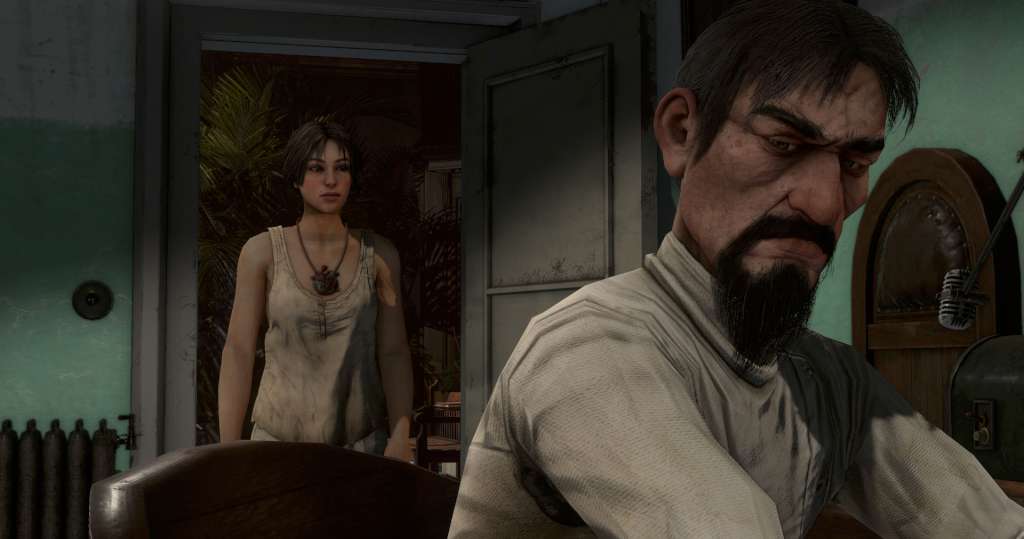
The limitless imagination of Benoît Sokal continues in Syberia 3, focusing on an entirely new adventure. After abandoning the island, Kate is found dying on the edge of a river by the Youkole tribe, a nomadic people migrating with their snow ostriches. Stuck in Valsembor village, together they must find a way to continue their journey in a race against their enemies and unexpected obstacles, not to mention Kate's past, which catches up with her.The next generation in adventure games, Syberia 3 takes you inside an enchanting, mysterious universe full of life for you to explore in 3D. Plunged into the heart of a world inhabited by a cast of interesting characters, you'll discover and experience a fabulous tale as imagined by Benoit Sokal. Features A brand new tale, completely different from the first two Syberia games Exceptionally immersive storytelling, multiplied by Benoit Sokal's unparalleled artistic direction Explore Benoit Sokal's poetic universe in 3D for the first time Original score by Inon Zur (Syberia 2, Fallout, Dragon Age, Prince of Persia) Original, real-time 3D puzzles and mysteries

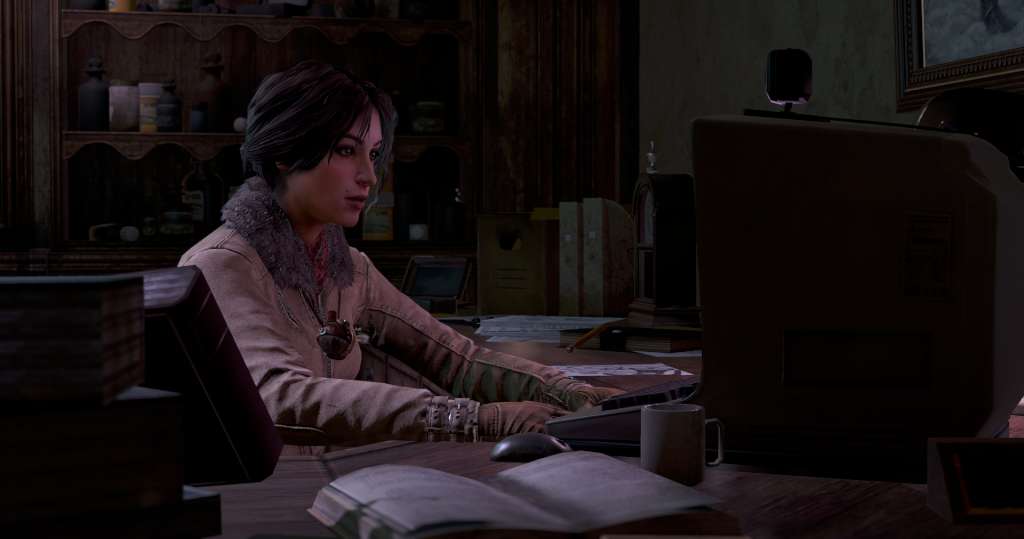
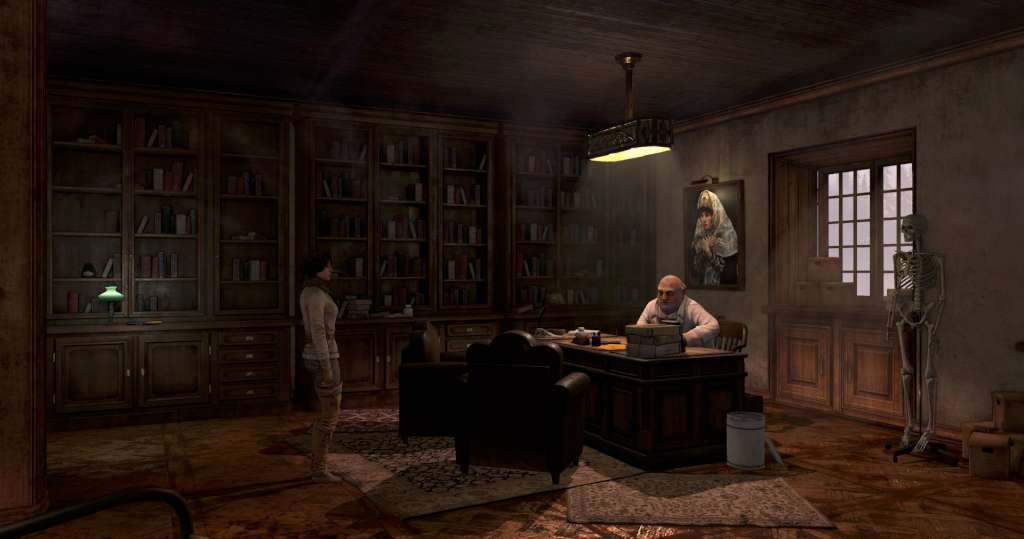
Syberia 3 Switch screenshotSyberia 3 Switch screenshotSyberia 3 Switch screenshotSyberia 3 Switch screenshotSyberia 3 Switch screenshotSyberia 3 Switch screenshot

How to redeem

  1. 1Check your Nintendo account and the listed region before purchasing.
  2. 2Find your code and supplier activation instructions in your confirmed order.
  3. 3Open the redeem-code section on Nintendo, enter the code and follow the platform’s prompts.

Supplier instructions

Select “Nintendo eShop” on the HOME Menu to launch the Nintendo eShop. Select the account you want to use. Select “Enter Code” on the left side of the screen. Enter the 16-character download code.Any letters and symbols not used with prepaid codes (i.e. O, I, Z, commas, hyphens, etc.) will be disabled from the on-screen keyboard. Select “Send” to confirm. The game will begin downloading once the code is confirmed.The game icon will appear on the HOME menu, with a download status bar. The status bar will disappear once the game download is complete.

You might also like