Get 10% back in Relic Coins on every order
NARUTO TO BORUTO: Shinobi Striker cover

Steam· Key

NARUTO TO BORUTO: Shinobi Striker

€3.56

+€0.36 cashback eligibility in Relic Coins

Check before you play

Platform
Steam
Product type
Key
Developer
Soleil
Publisher
Bandai Namco Entertainment
Supplier release date
2018-08-31
Genres
Life Simulation

About this product

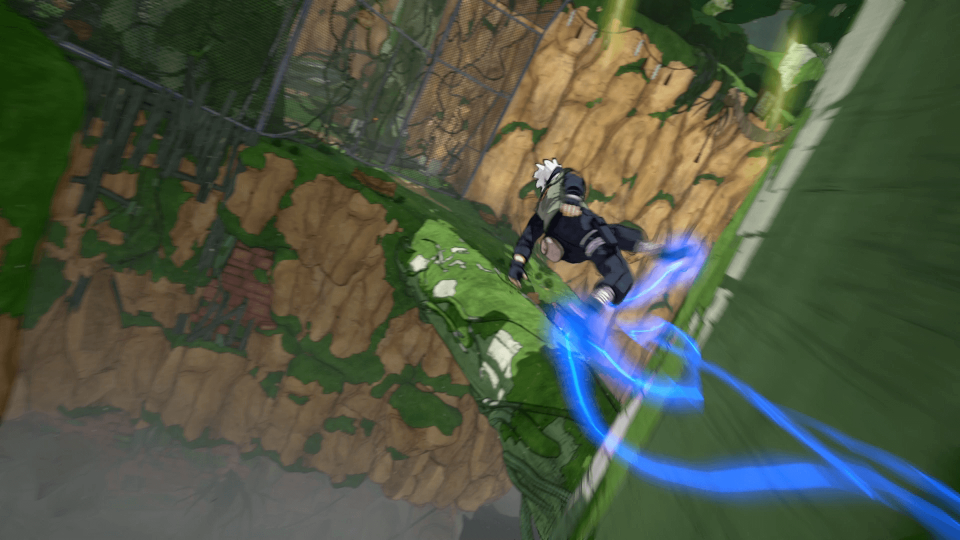
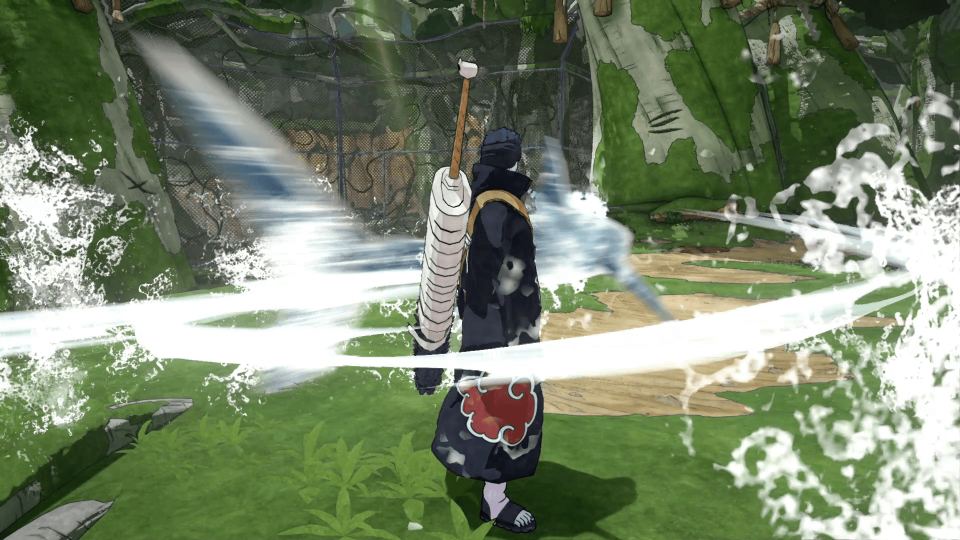
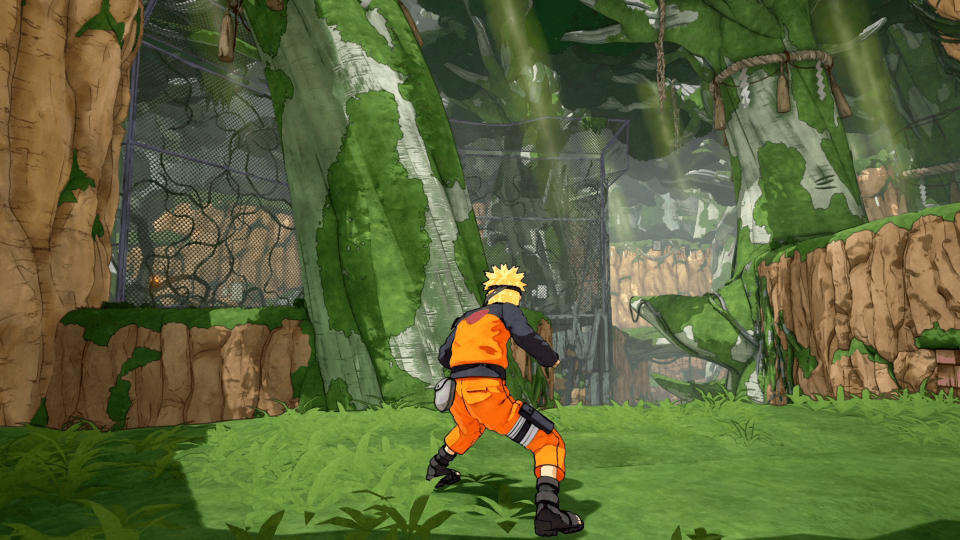
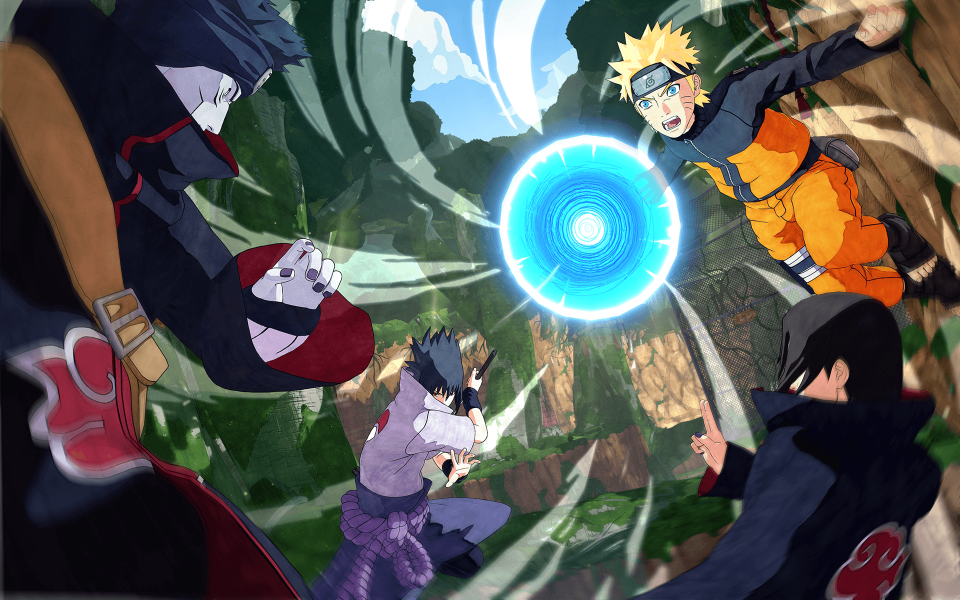
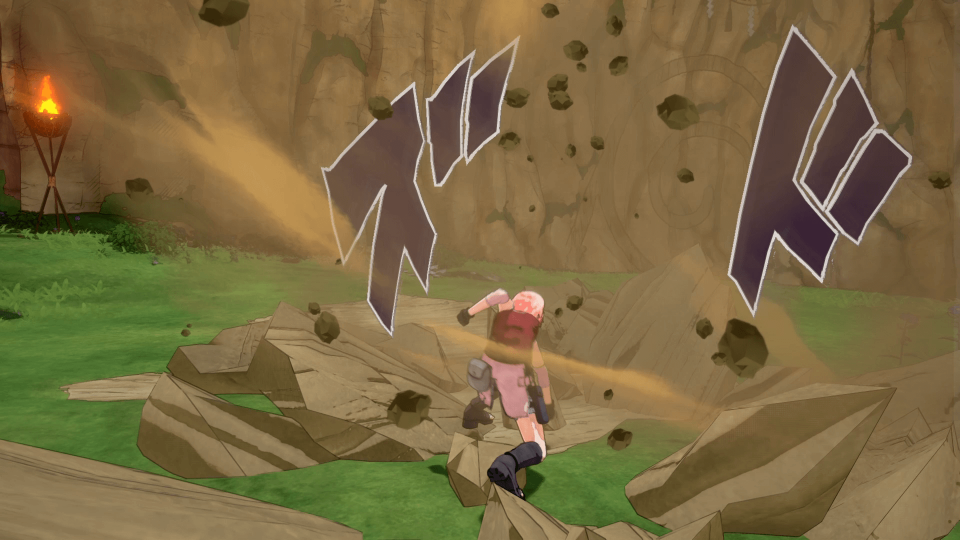
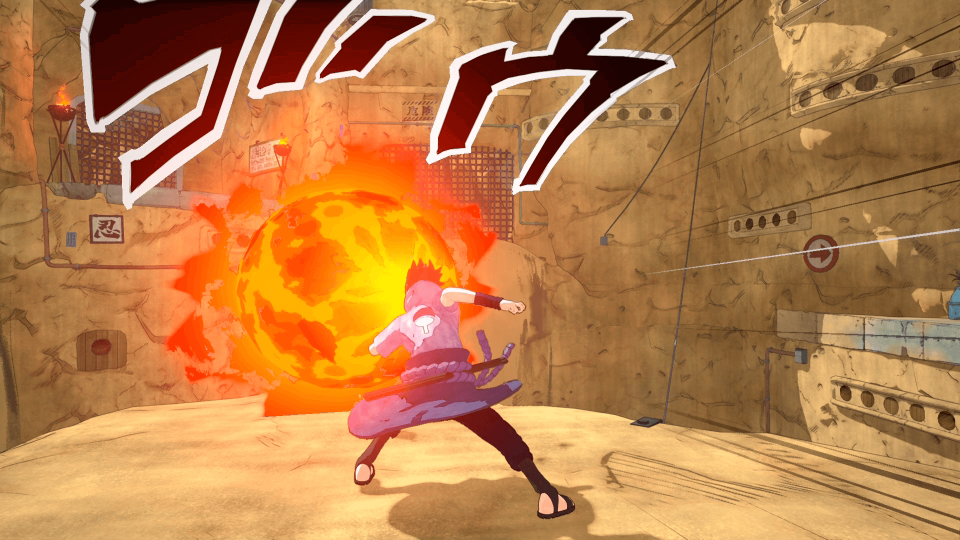
The Naruto franchise is back with a brand new experience in NARUTO TO BORUTO: SHINOBI STRIKER! This new game lets gamers battle as a team of 4 to compete against other teams online! Graphically, SHINOBI STRIKER is also built from the ground up in a completely new graphic style. Lead your team and fight online to see who the best ninjas are! Features 4 vs. 4 team based gameplay with 8 ninjas fighting simultaneously; play co-op with your friends to become the best ninjas online. Enjoy a new graphic style with more vivid colors for characters, maps and ninjutsu. Dynamic 3rd person ninja gameplay lets players take advantage of an arena environment with vertical running and jumping. Features favorite Naruto characters and teams from the series including Naruto, Sasuke, and Team 7.

NARUTO TO BORUTO: Shinobi Striker screenshotNARUTO TO BORUTO: Shinobi Striker screenshotNARUTO TO BORUTO: Shinobi Striker screenshotNARUTO TO BORUTO: Shinobi Striker screenshotNARUTO TO BORUTO: Shinobi Striker screenshotNARUTO TO BORUTO: Shinobi Striker screenshot

How to redeem

  1. 1Check your Steam account and the listed region before purchasing.
  2. 2Find your code and supplier activation instructions in your confirmed order.
  3. 3Open the redeem-code section on Steam, enter the code and follow the platform’s prompts.

Supplier instructions

Go to: http://store.steampowered.com/ and download STEAM client Click "Install Steam" (from the upper right corner) Install and start application, login with your Account name and Password (create one if you don't have). Please follow these instructions to activate a new retail purchase on Steam: Launch Steam and log into your Steam account. Click the Games Menu. Choose Activate a Product on Steam... Follow the onscreen instructions to complete the process. After successful code verification go to the "MY GAMES" tab and start downloading.

You might also like