

SteamGlobal· Gift
Mercenary Kings
€13.01
+€1.30 cashback eligibility in Relic Coins
Check before you play
- Platform
- Steam
- Region
- Global
- Product type
- Gift
- Developer
- Tribute Games
- Publisher
- Tribute Games
- Genres
- Action, Adventure, RPG, Indie
SteamGlobal· Gift
€13.01
+€1.30 cashback eligibility in Relic Coins
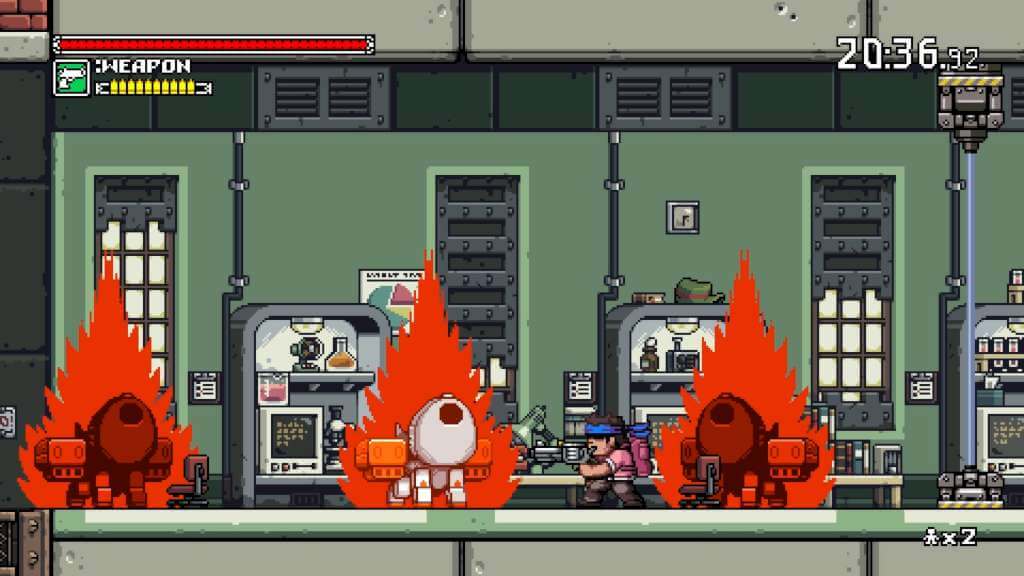
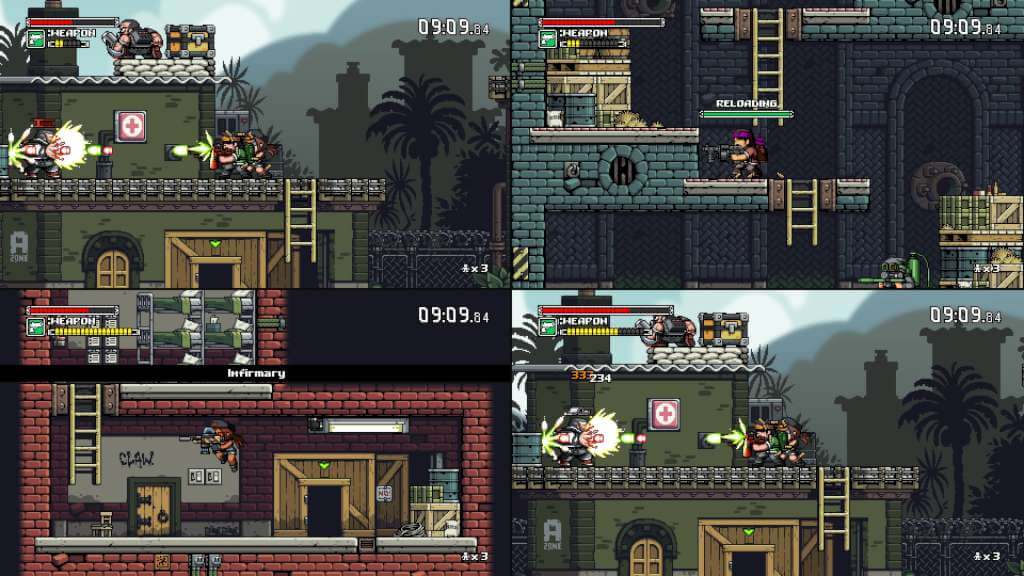
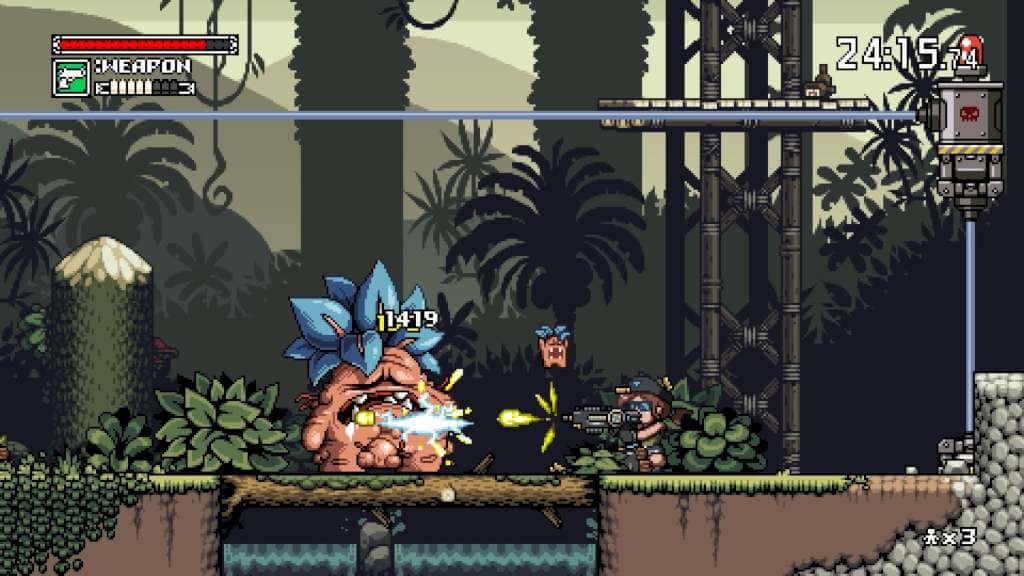
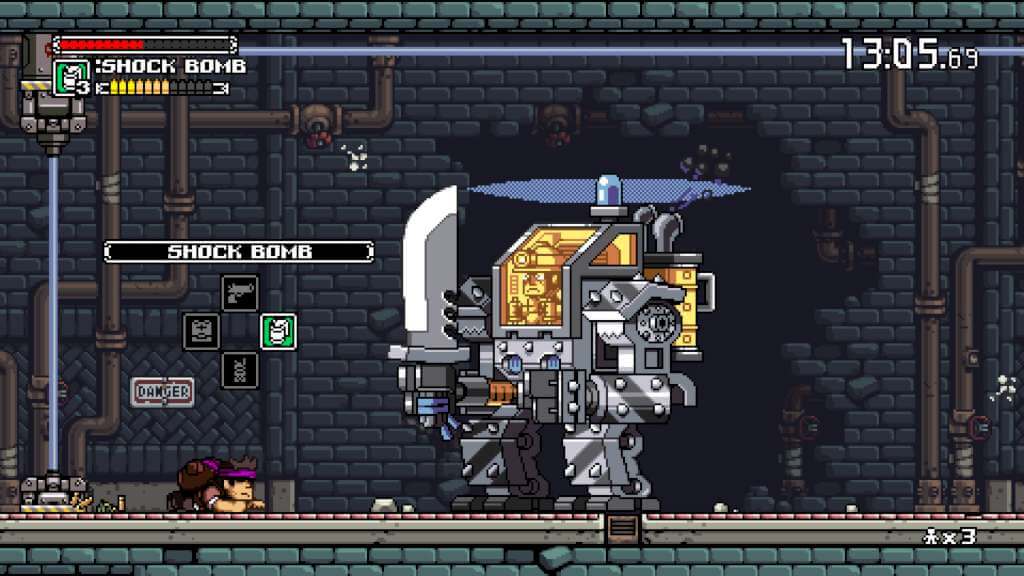
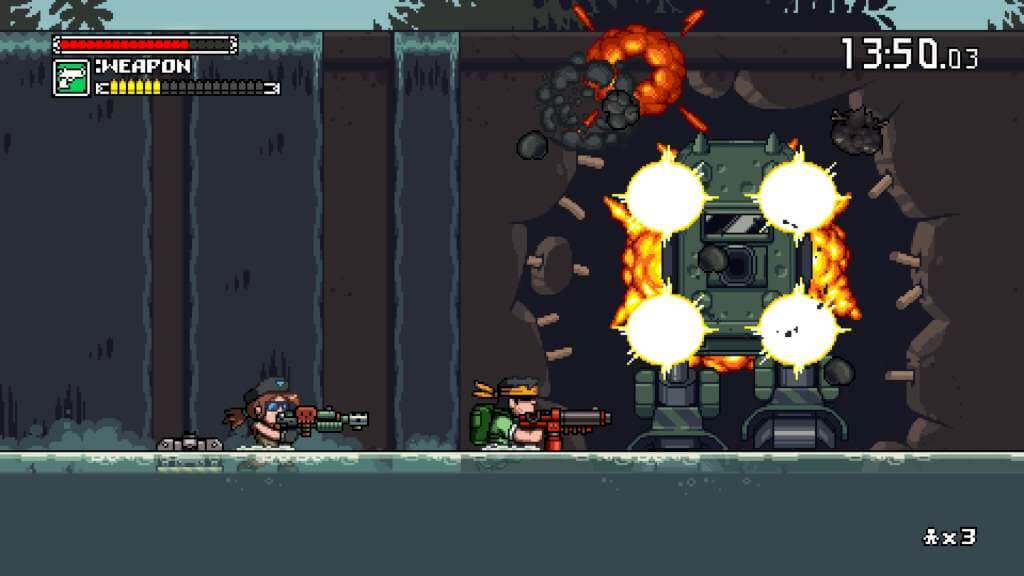
Mercenary Kings Steam Gift Platform: Steam Release Date: 25/03/2014 Product Description In this frantic 2D action game, you are part of the Mercenary Kings, the most skilled team of warriors-for-hire on Earth, but when your comrades have fallen and the fearsome forces of CLAW have seized an island-wide top secret Laboratory Base, you must do what it takes to stop them.But you're not going in unprepared! Your back-up is made of a crew of rogue geniuses and experts of their field! Able to craft & customize guns'n'blades or upgrading body armor, you've never been this ready to join the fight.Whether its solo or with friends, move out, cut down CLAW and save the world! System Requirements PC System Requirements OS:Vista or later Processor: Intel Core™ Duo or faster Video Card: OpenGL 3.0 compliant video card Memory: 2 GB RAM Hard Drive: 300 MB HD space Mac System Requirements OS: Mac OS X v10.6 or later Processor: Intel Core™ Duo or faster Memory: 2 GB RAM Hard Drive: 300 MB HD space Graphics: OpenGL 3.0 compliant video card

Go to: http://store.steampowered.com/ and download STEAM client Click "Install Steam" (from the upper right corner) Install and start application, login with your Account name and Password (create one if you don't have). Please follow these instructions to activate a new retail purchase on Steam: Launch Steam and log into your Steam account. Click the Games Menu. Choose Activate a Product on Steam... Follow the onscreen instructions to complete the process. After successful code verification go to the "MY GAMES" tab and start downloading.