SteamGlobal· Key
Game Compressor
€2.35
+€0.24 cashback eligibility in Relic Coins
Check before you play
- Platform
- Steam
- Region
- Global
- Product type
- Key
- Developer
- Stone Pit Sons
- Publisher
- Stone Pit Sons
- Supplier release date
- 2026-07-10
- Genres
- Software
SteamGlobal· Key
€2.35
+€0.24 cashback eligibility in Relic Coins
Modern games keep getting larger, but your storage capacity does not grow at the same rate. Game Compressor optimizes your game files using Windows’ built-in LZX compression technology so they occupy less space on your disk. Thanks to the new smart estimation system, you can see approximately how much space you may save before starting to compress a game. This allows you to select only the games worth compressing without spending time on games that would provide minimal savings.
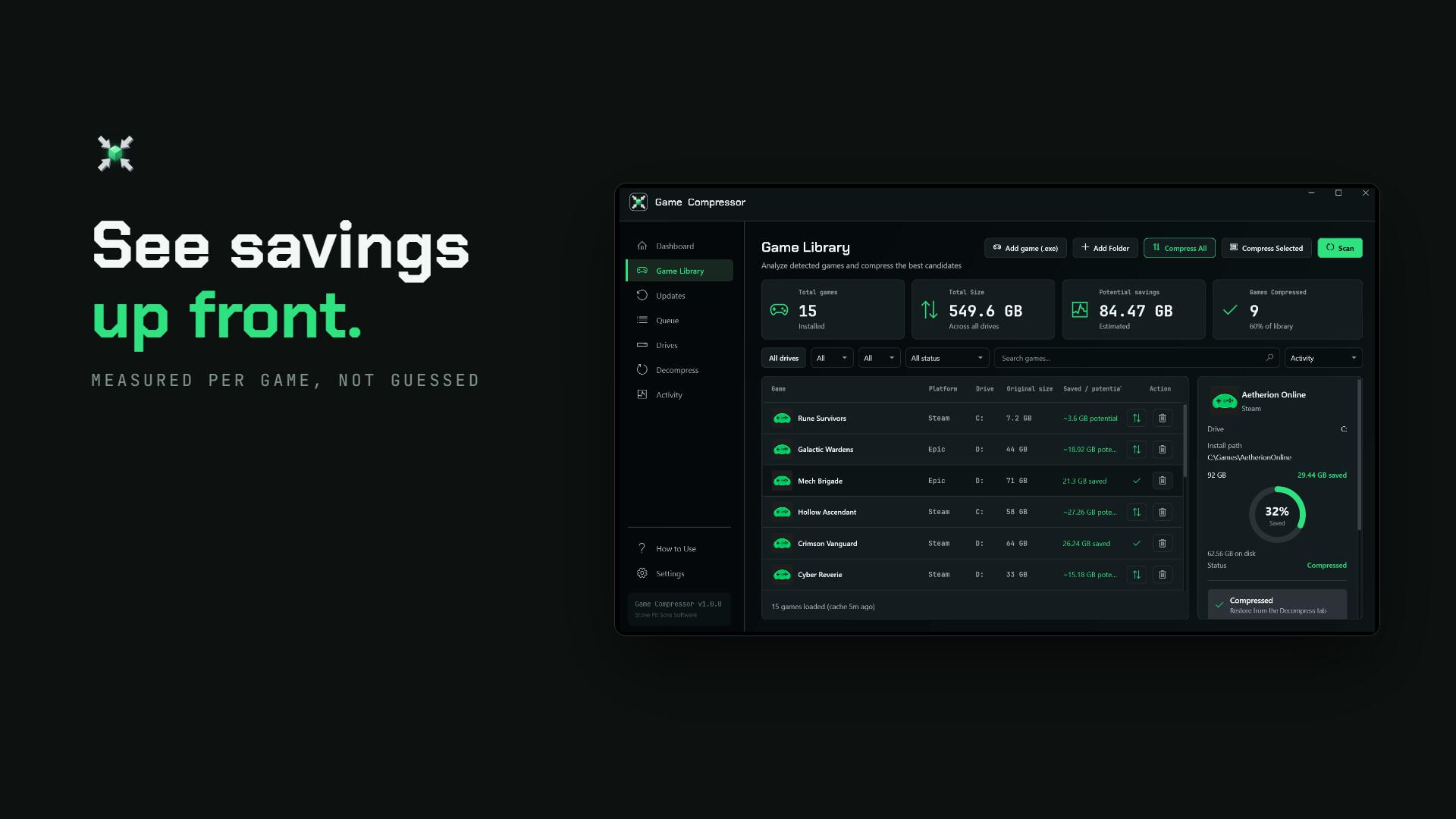
Not every game shrinks by the same amount. The file structure of some games can provide significant space savings, while others may already be heavily compressed by their developers. Game Compressor uses existing compression data to generate estimated space savings for games. After scanning your library, you can compare the current sizes, potential savings and compression statuses of your games on a single screen. View the potential savings before starting compression. Easily identify the games with the highest potential. Avoid wasting time on operations that would provide minimal savings. Add multiple games to the queue and compress them one after another. The displayed potential values are estimates. Actual results may vary depending on the game version, file structure and the game files present on your system. HOW DOES IT WORK? Game Compressor does not convert games into ZIP or RAR archives. It uses the transparent LZX compression infrastructure that operates at the Windows file system level. Reduced Disk Usage: Supported game files physically occupy less space on the disk. Transparent Access: Windows and your games continue to access the files normally. No Archive Extraction: You do not need to wait for files to be extracted again each time you launch the game. Once compression is complete, you can run your game normally. Reversible Operation: You can remove compression at any time and restore the game files to their normal disk usage.
The new version of Game Compressor is designed to help you manage your storage space consciously. 1. Scan Your Library: Open the program and detect your installed games. 2. Review Potential Savings: See approximately how much space you may save from each game. 3. Select Your Games: Identify the games worth compressing and add them to the queue. 4. Compress and Keep Playing: Once the operation is complete, launch your games normally without waiting for archive extraction. 5. Check for Updates: Detect games that require reoptimization after receiving updates. 6. Reverse When Necessary: Remove compression from games that are causing problems or that you want to restore to their normal state.
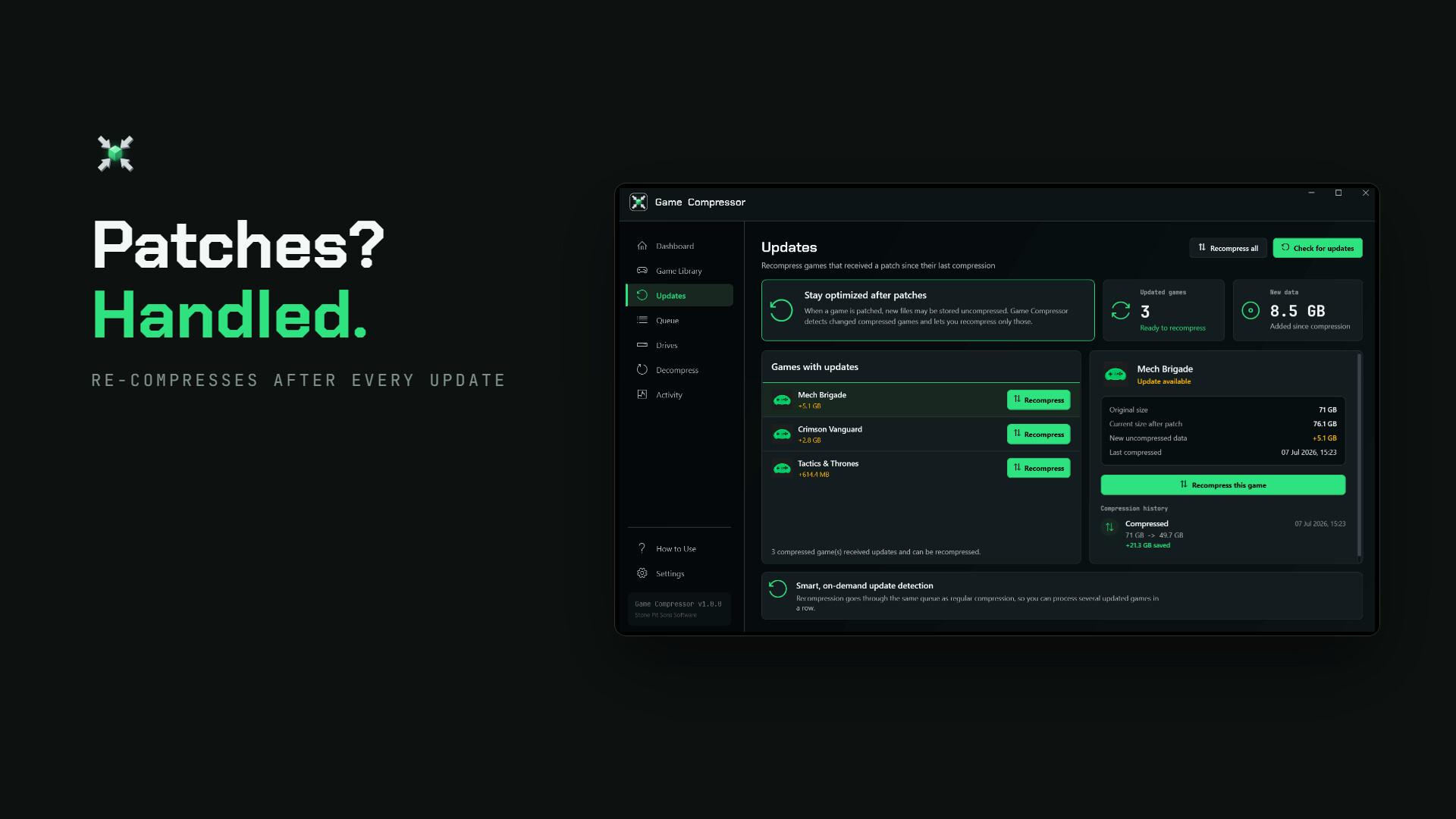
Game updates may add new files or modify files that were previously compressed. As a result, a compressed game may begin using more space again over time. The Updates screen in Game Compressor lets you view games that have been modified since the last compression operation. You can reclaim the disk space you lost by compressing updated games again. The program does not need to remain open continuously. You can check your library again after game updates. You can focus only on games that require reoptimization. Rather than being a one-time operation, Game Compressor provides sustainable space management for your game library.
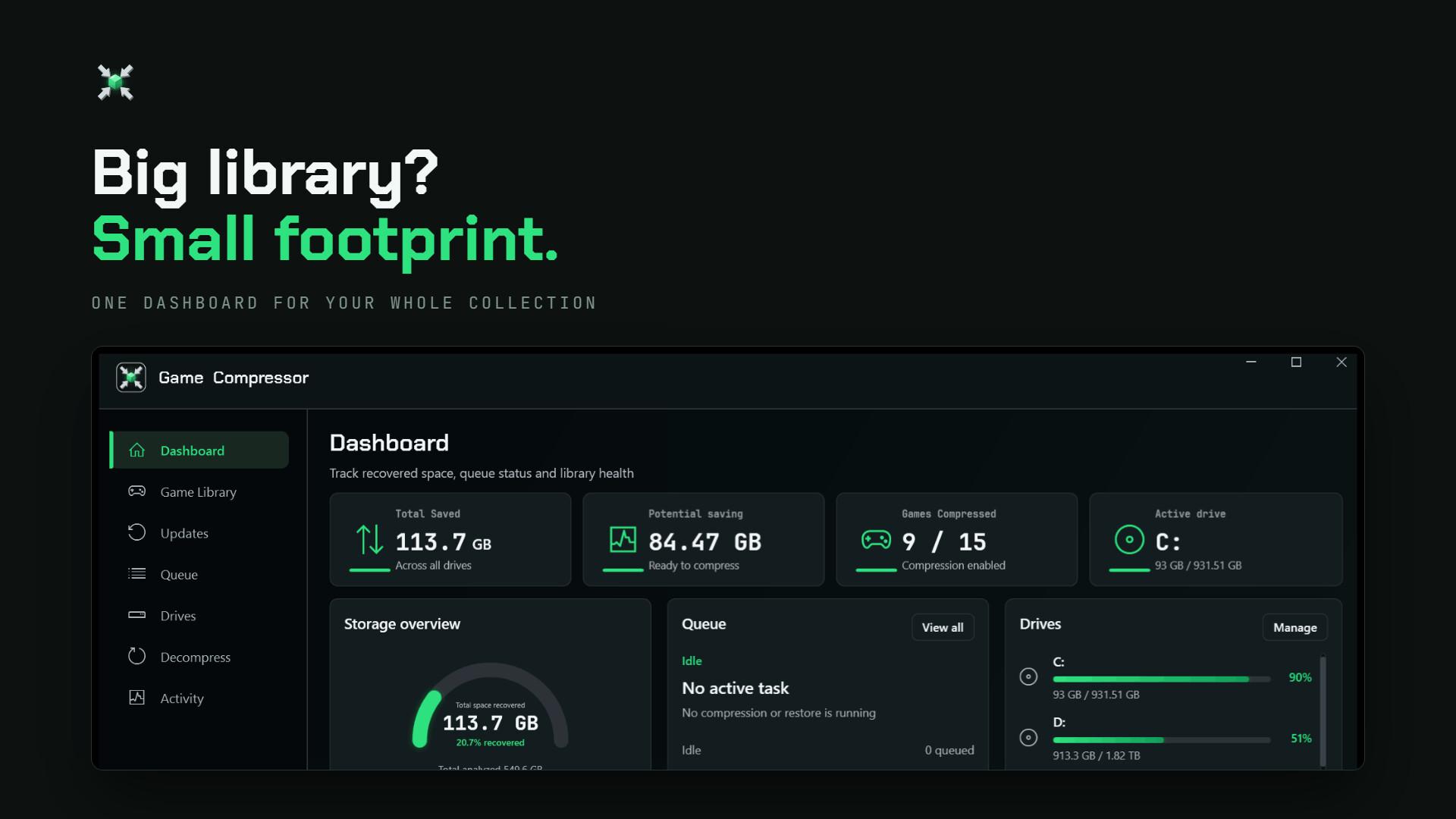
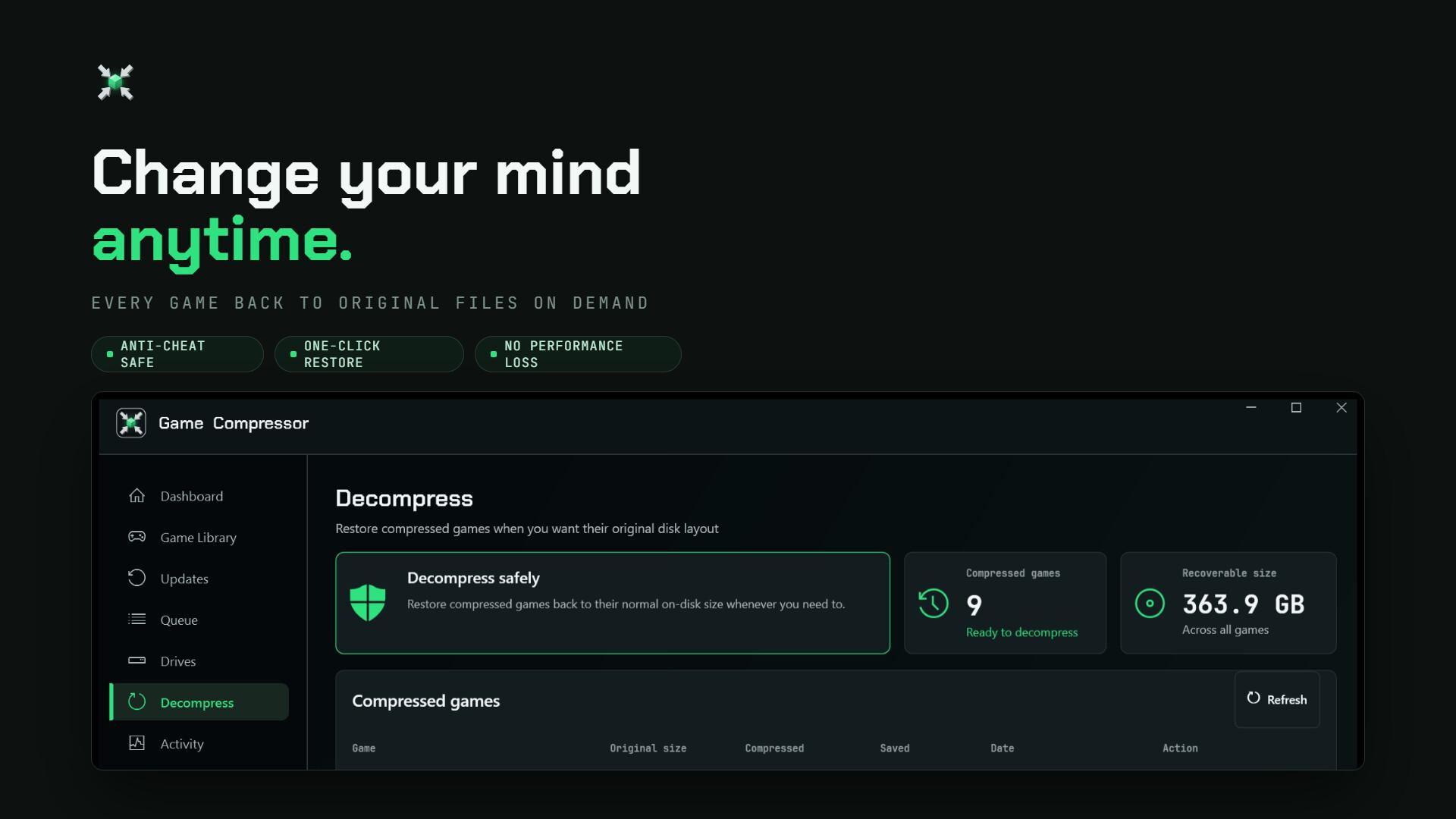
Game Compressor brings together the information you need to control your games and storage space in clear, easy-to-understand screens. Overview: View the total space saved, potential savings and disk usage. Games: Compare game sizes, estimated savings and compression statuses. Queue: Queue multiple games and monitor ongoing operations. Updates: View games that have received updates and need to be compressed again. Decompress: Restore previously compressed games to their original state at any time. Drives and Libraries: Manage your