Get 10% back in Relic Coins on every order
Circle Empires: Apex Monsters! cover

SteamGlobal· Key

Circle Empires: Apex Monsters!

€0.55

+€0.06 cashback eligibility in Relic Coins

Check before you play

Platform
Steam
Region
Global
Product type
Key
Developer
Luminous
Publisher
Iceberg Interactive
Supplier release date
2018-10-25
Genres
Strategy, Indie, Casual

About this product

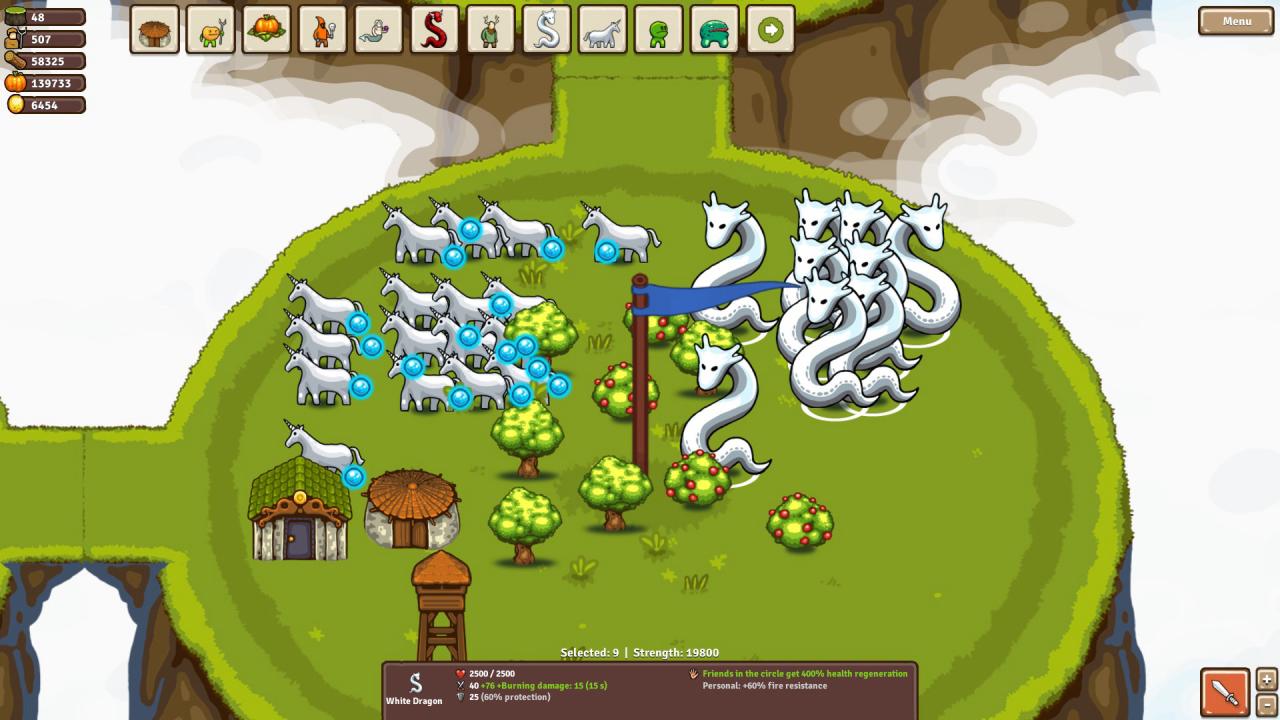
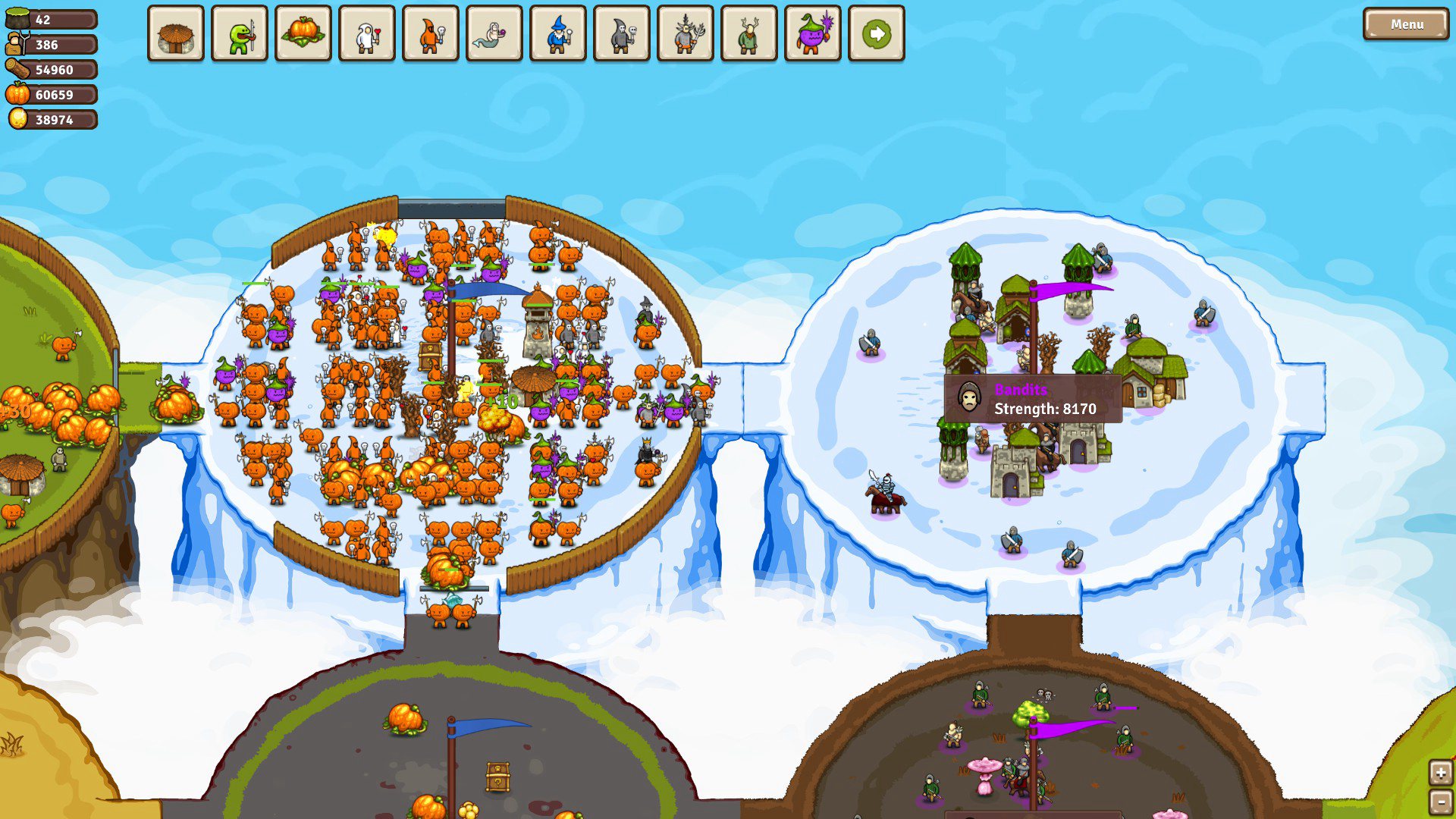
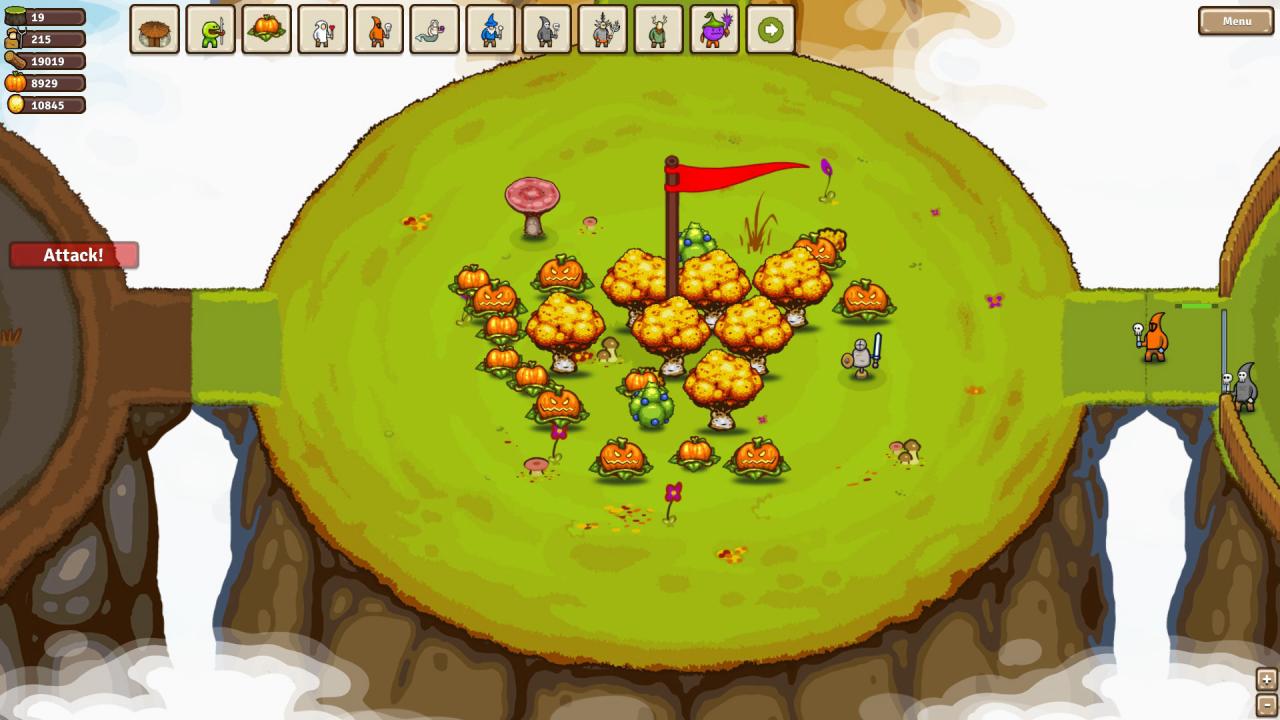
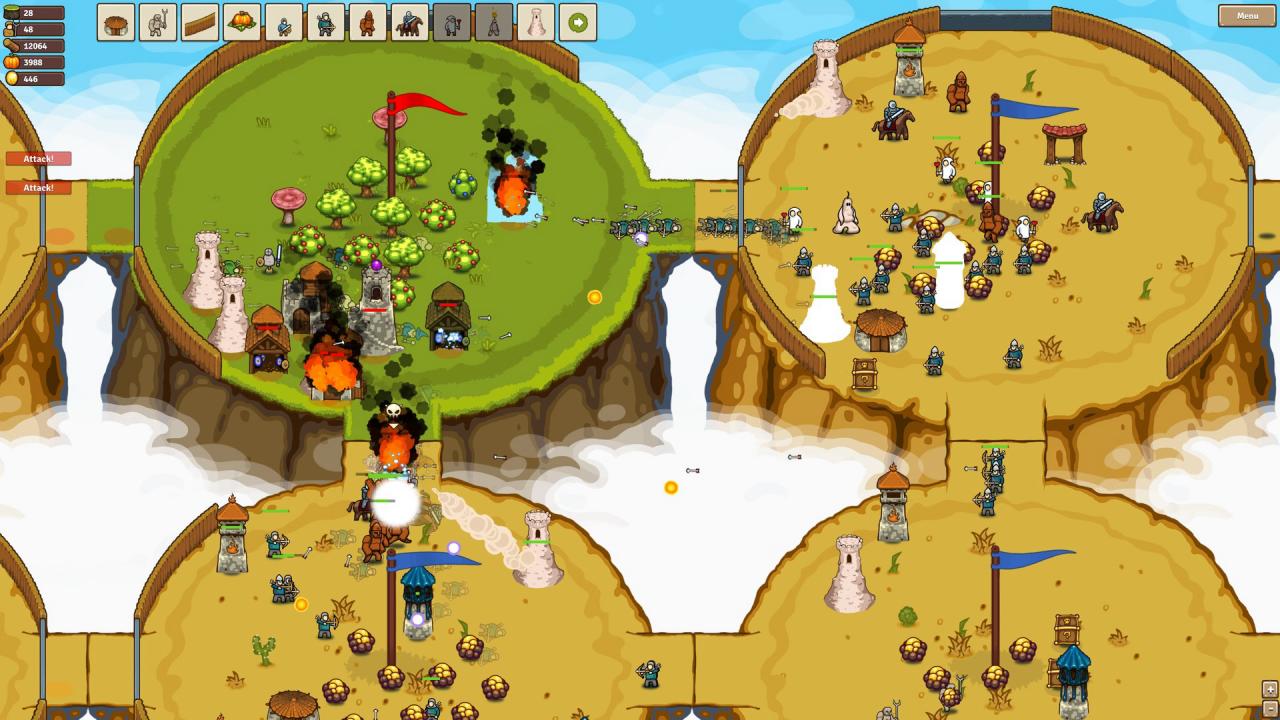
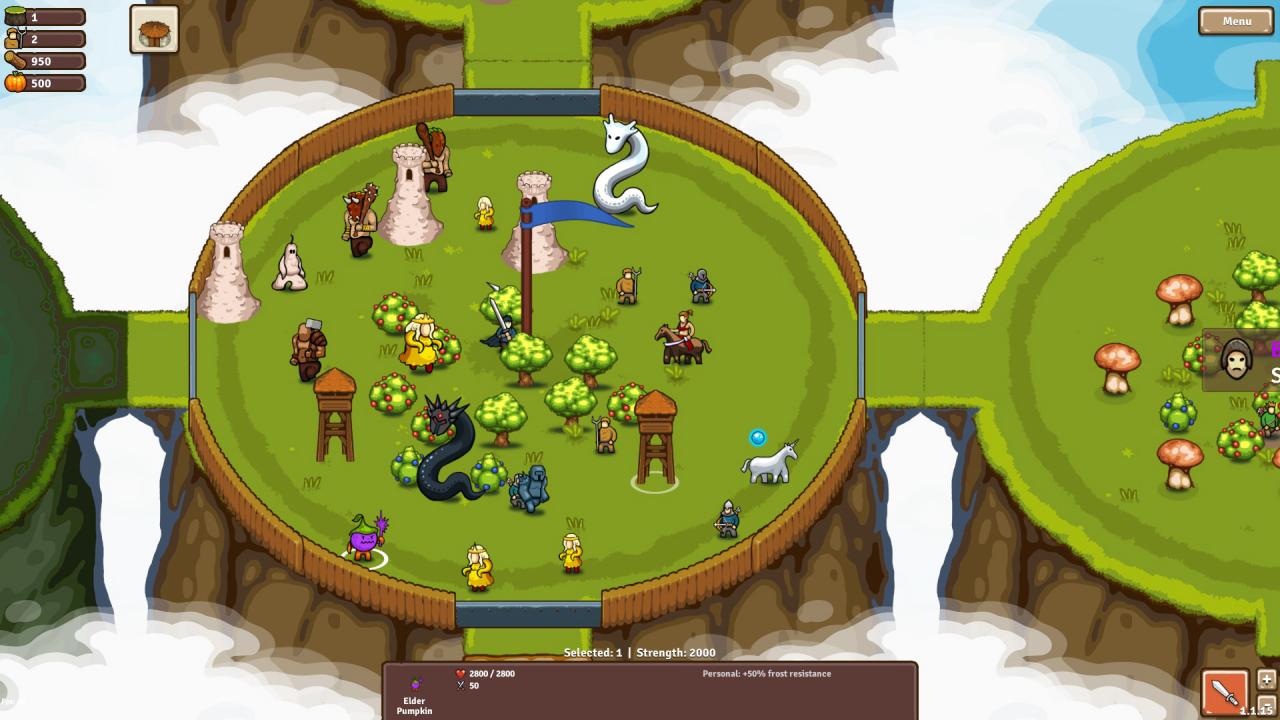
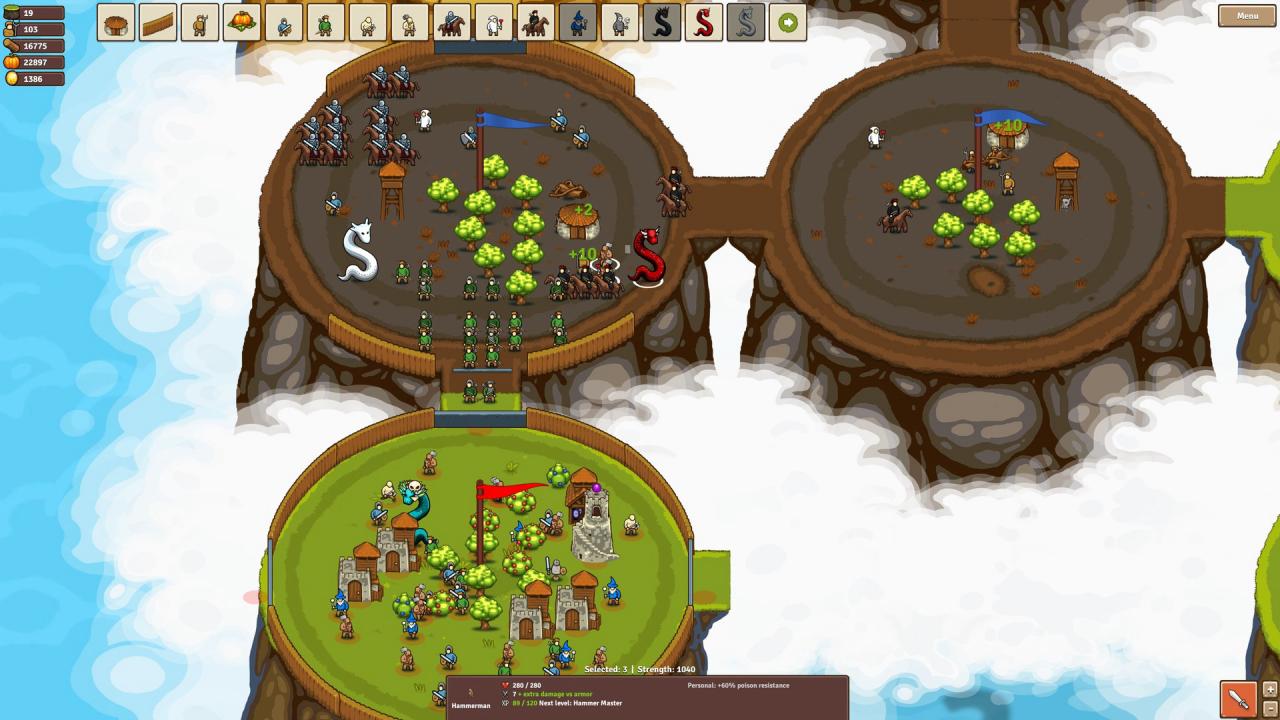
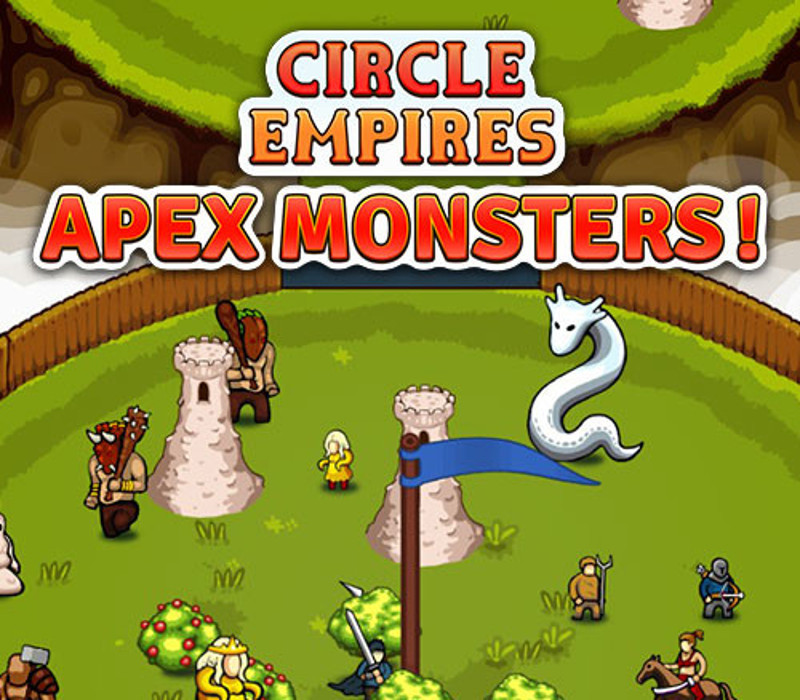
We heard you wanted more monsters. We got more monsters! More leaders? We got you covered. Circle Empires: Apex Monsters! adds 12 new monsters to hunt down, 6 new leaders to play as and 21 new units to recruit or defeat. New creatures make their way onto the circular battlefield. Hunt down a feared unicorn named Über, as you recruit wax monsters that spawn wax towers that shoot wax at your enemies (we could wax lyrical all day). Or recruit your own horny unicorns and fight Enormy the Enormous; a really dumb but (for some reason) widely revered Barbarian. Yeah, it’s all pretty weird, and there’s a lot more to discover. Recruit brand new units to fight by your side like crossbowmen, infested queens, black dragons, white dragons and assassin warriors. All Apex Monsters! units can be used across all game modes with this DLC package installed. Features 6 new leaders to play as 12 new monsters to hunt down 21 new units (including unit classes) A new autumn themed biome All leaders have a new unit to recruit AI empires use the new units to wreak havoc of their own

Circle Empires: Apex Monsters! screenshotCircle Empires: Apex Monsters! screenshotCircle Empires: Apex Monsters! screenshotCircle Empires: Apex Monsters! screenshotCircle Empires: Apex Monsters! screenshotCircle Empires: Apex Monsters! screenshot

How to redeem

  1. 1Check your Steam account and the listed region before purchasing.
  2. 2Find your code and supplier activation instructions in your confirmed order.
  3. 3Open the redeem-code section on Steam, enter the code and follow the platform’s prompts.

Supplier instructions

Go to: http://store.steampowered.com/ and download STEAM client Click "Install Steam" (from the upper right corner) Install and start application, login with your Account name and Password (create one if you don't have). Please follow these instructions to activate a new retail purchase on Steam: Launch Steam and log into your Steam account. Click the Games Menu. Choose Activate a Product on Steam... Follow the onscreen instructions to complete the process. After successful code verification go to the "MY GAMES" tab and start downloading.

You might also like