

SteamGlobal· Key
Sinister Halloween
€3.66
+€0.37 cashback eligibility in Relic Coins
Check before you play
- Platform
- Steam
- Region
- Global
- Product type
- Key
- Supplier release date
- 2018-11-01
- Genres
- Action, Adventure, Indie, VR Games
SteamGlobal· Key
€3.66
+€0.37 cashback eligibility in Relic Coins
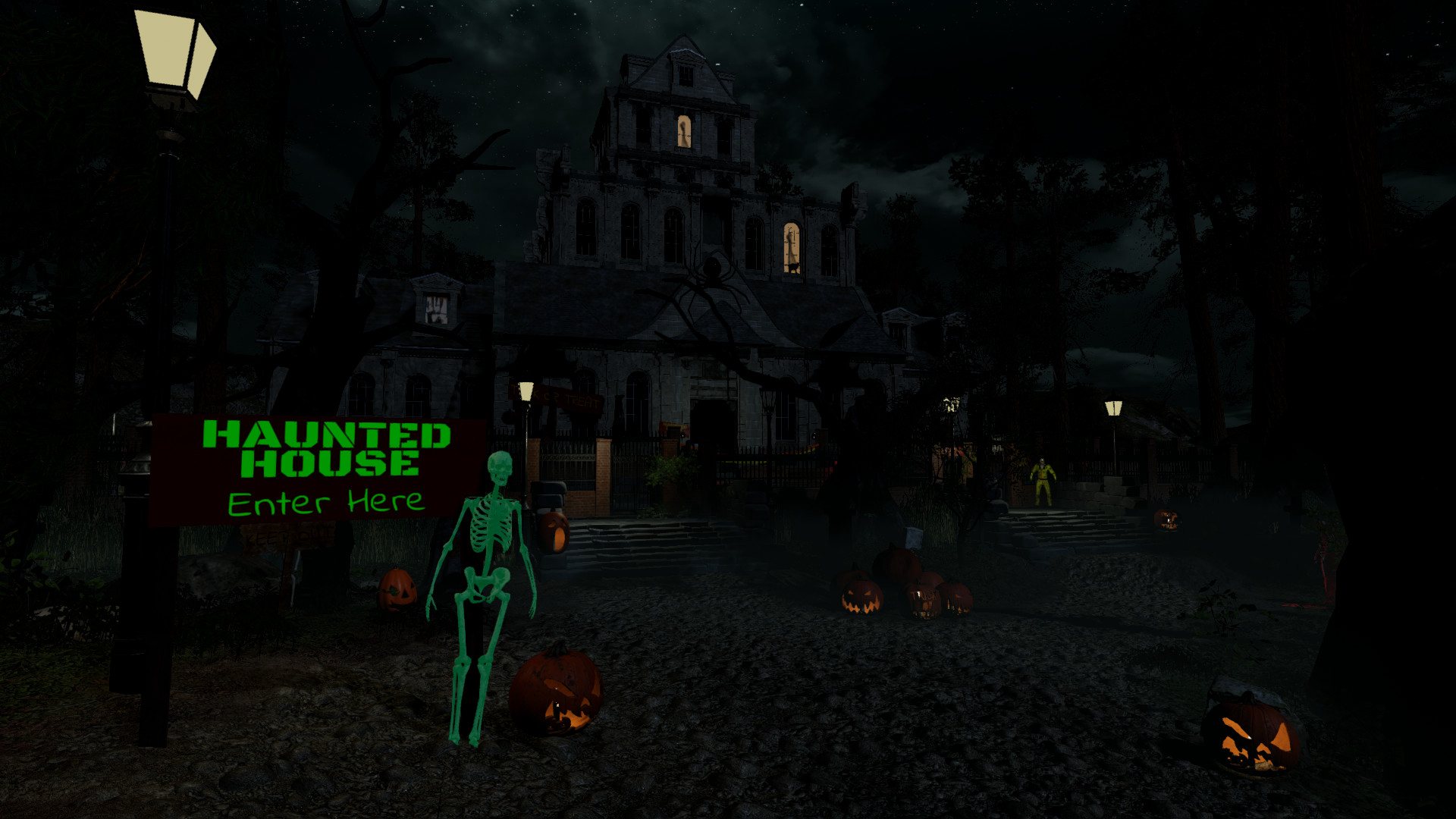
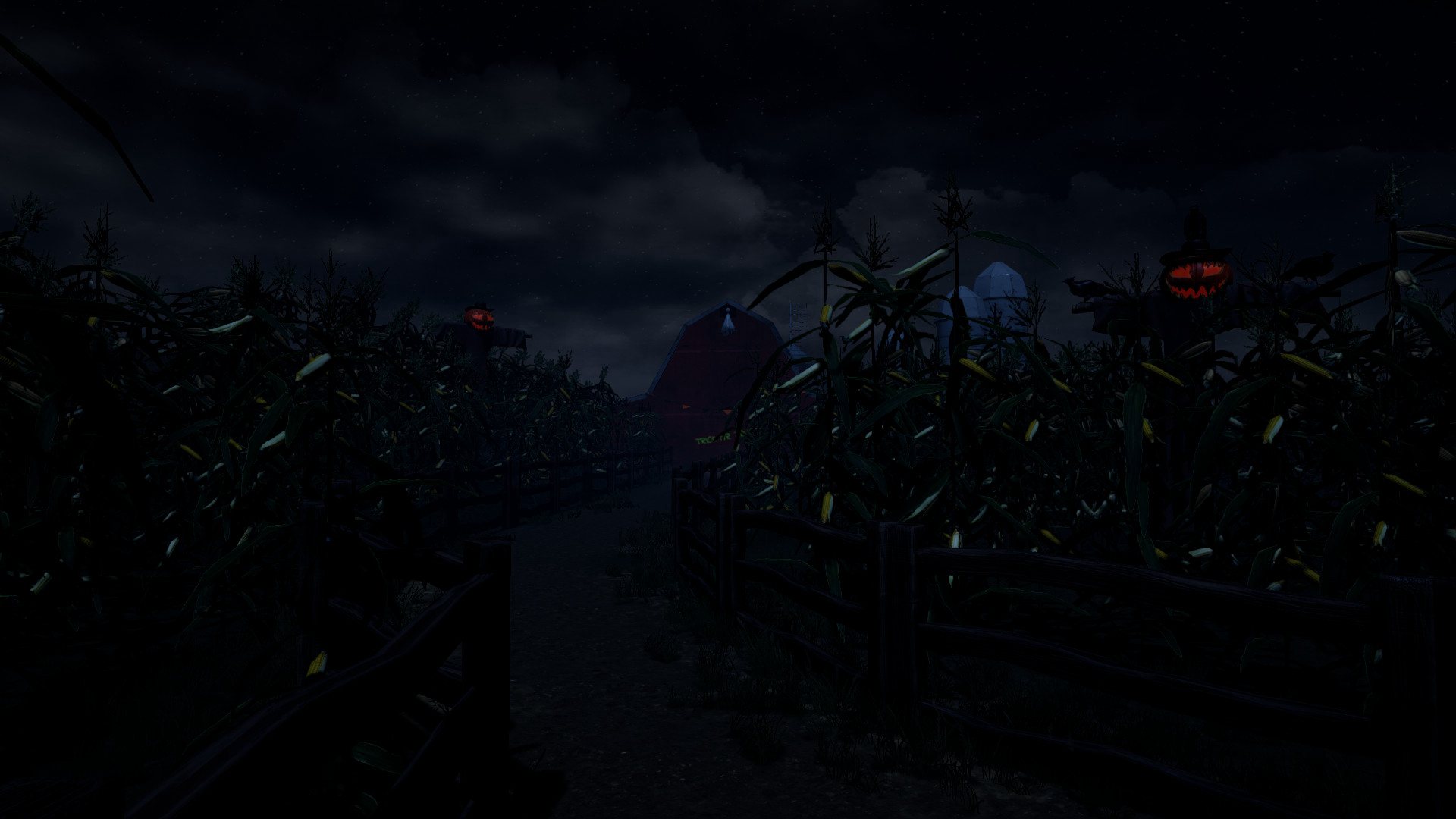
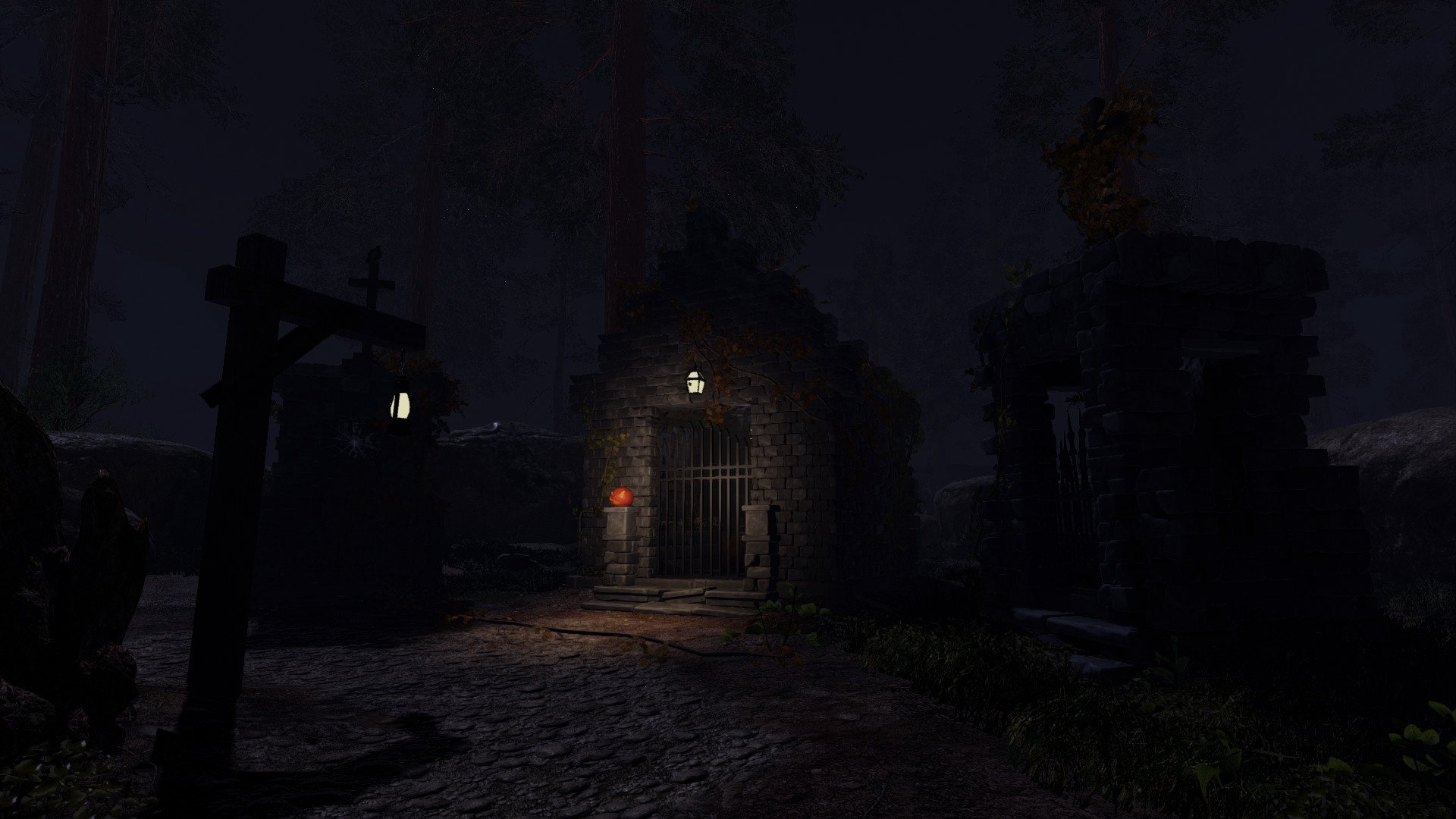
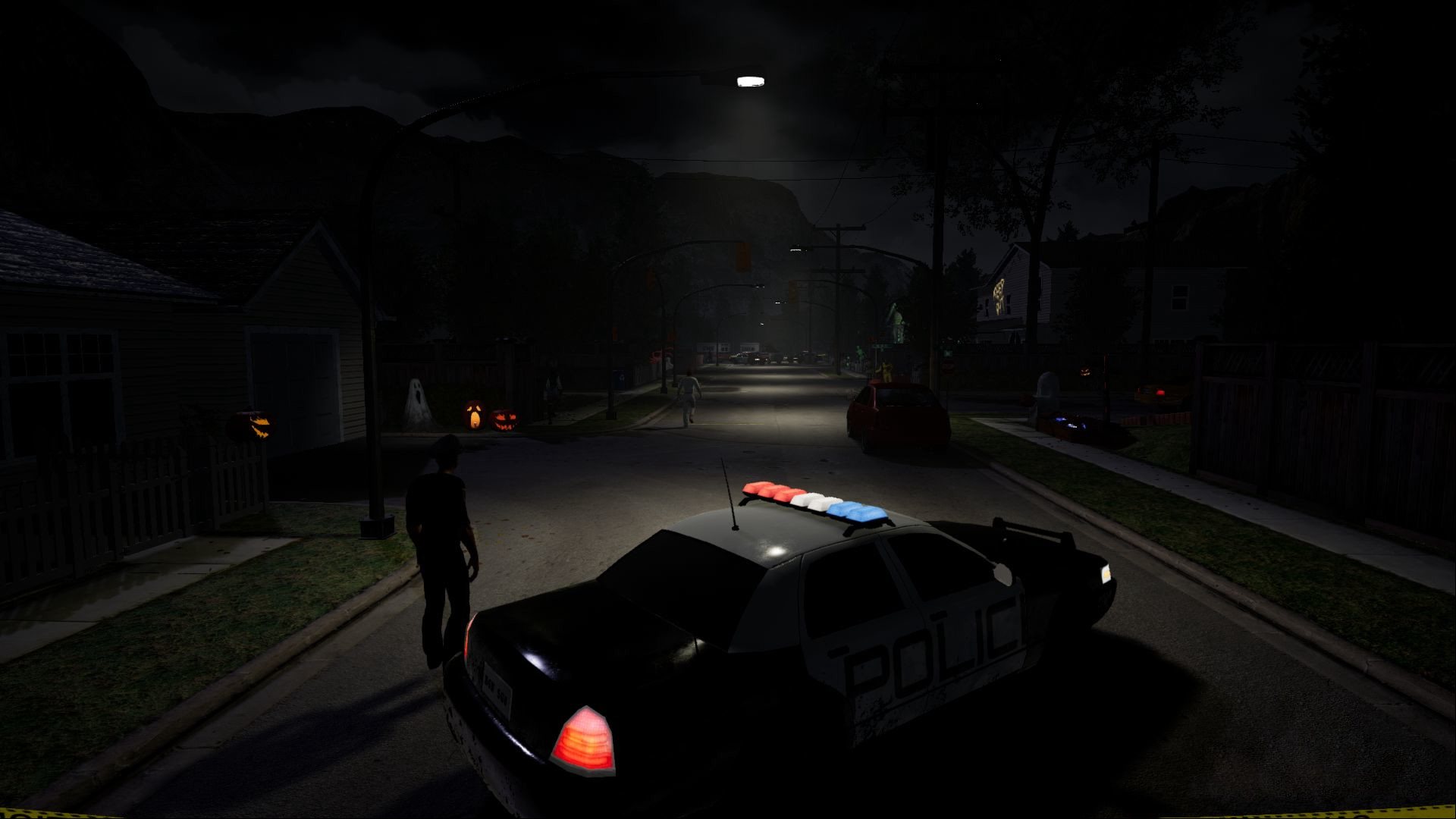
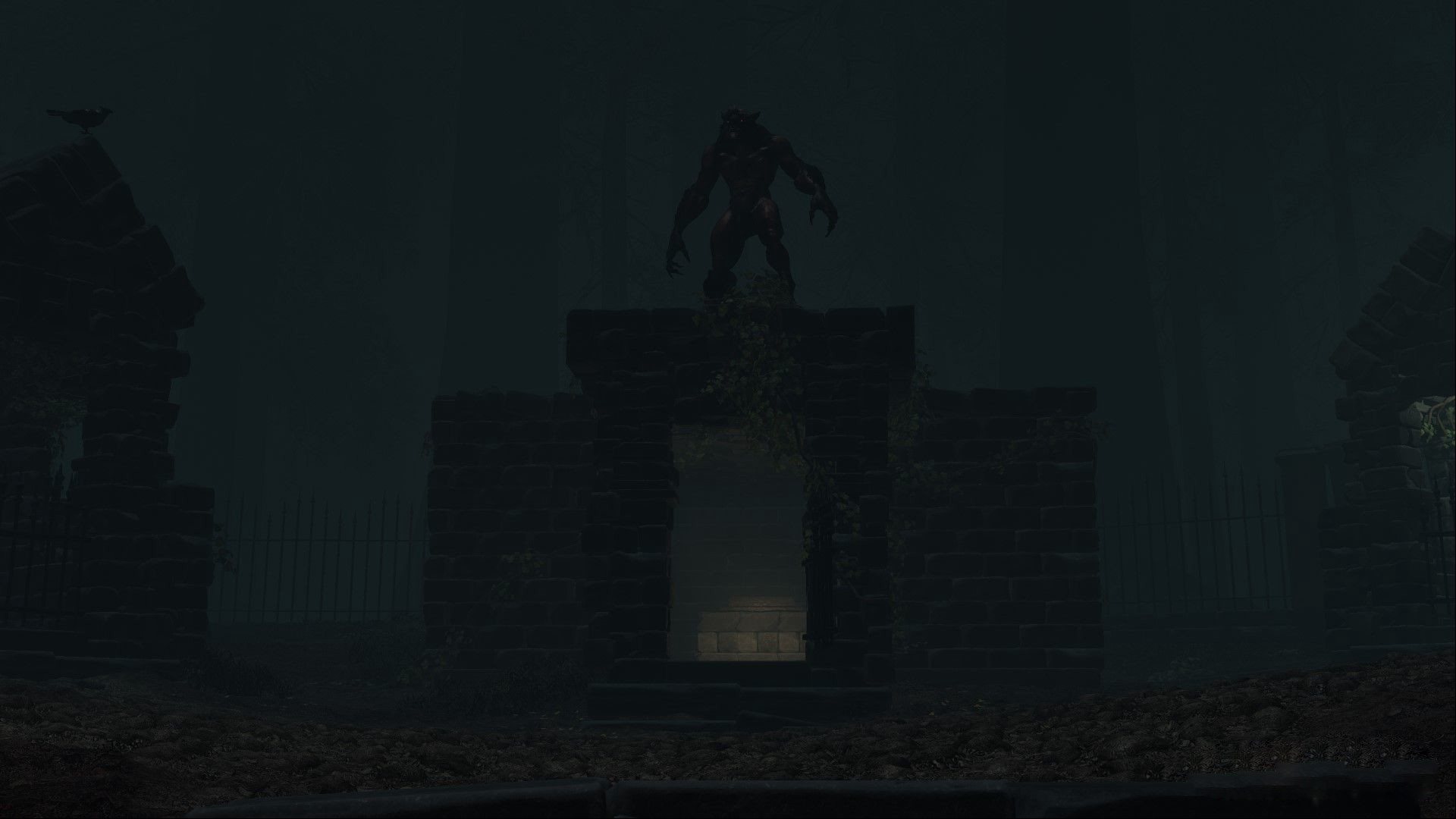
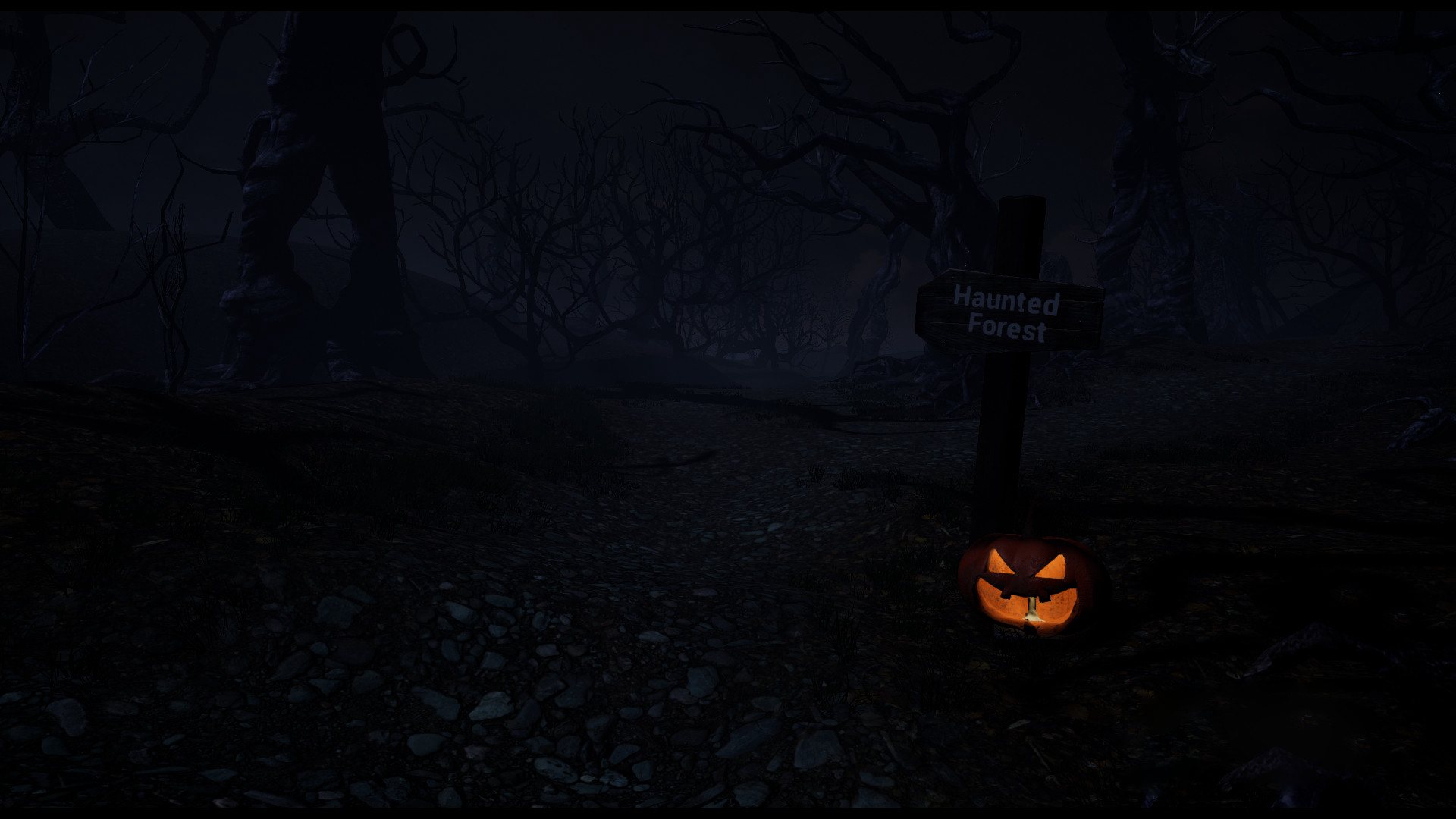
Experience a Halloween night in Mountain peaks, Northern Canada.Famous for it's Horror Festival. You go out with your friends, trick or treating, entering haunted themed houses as you make your way to the big party, but this year's holiday of the afterlife brings something sinister. Are the legends true? Find out for your self. Play in Virtual Reality.Explore highly detailed environments, search for items, weapons, notes to clues, keys and use caution to help you survive the night.We've painstakingly developed every element from the ground up for HTC Vive Features Single player story-driven campaign. Experience the horror and story behind this sinister night Interactive VR Horror Experience. VR driven game-play mechanics: Perform physical actions true to life that immerse players deep inside the world. VR Locomotion Walking Locomotion Teleportation Simple Flash Motion
Go to: http://store.steampowered.com/ and download STEAM client Click "Install Steam" (from the upper right corner) Install and start application, login with your Account name and Password (create one if you don't have). Please follow these instructions to activate a new retail purchase on Steam: Launch Steam and log into your Steam account. Click the Games Menu. Choose Activate a Product on Steam... Follow the onscreen instructions to complete the process. After successful code verification go to the "MY GAMES" tab and start downloading.