
Steam Europe - All Countries· Key
3DMark
€6.37
+€0.64 cashback eligibility in Relic Coins
Check before you play
- Platform
- Steam
- Region
- Europe - All Countries
- Product type
- Key
- Developer
- UL
- Publisher
- UL
- Supplier release date
- 2013-02-04
- Genres
- Software
Steam Europe - All Countries· Key
€6.37
+€0.64 cashback eligibility in Relic Coins
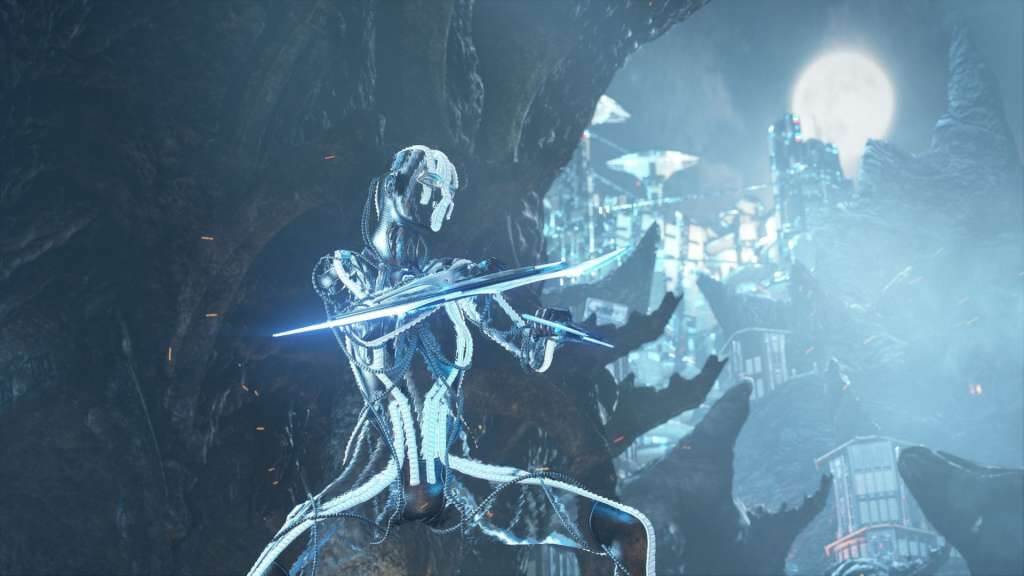
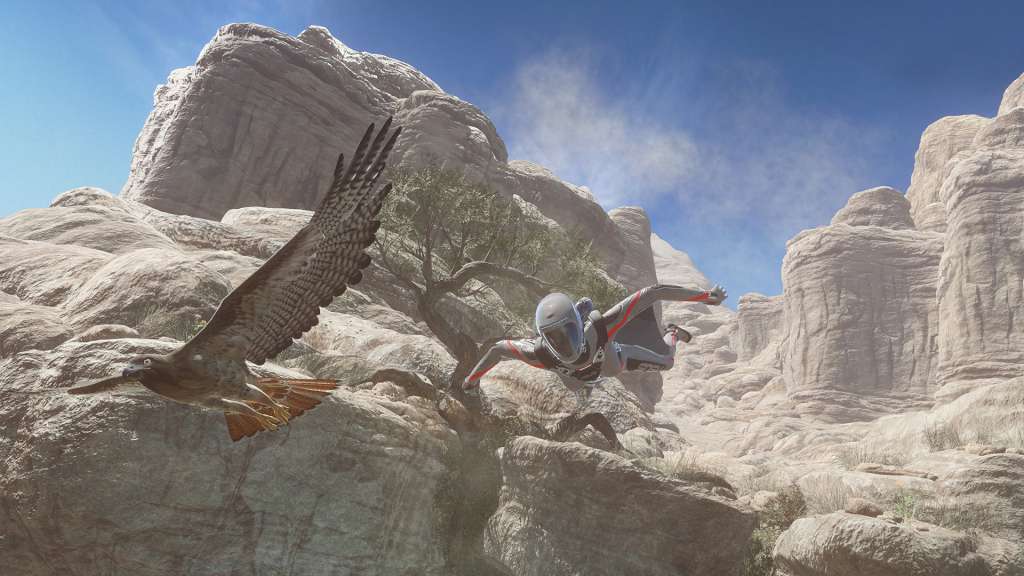
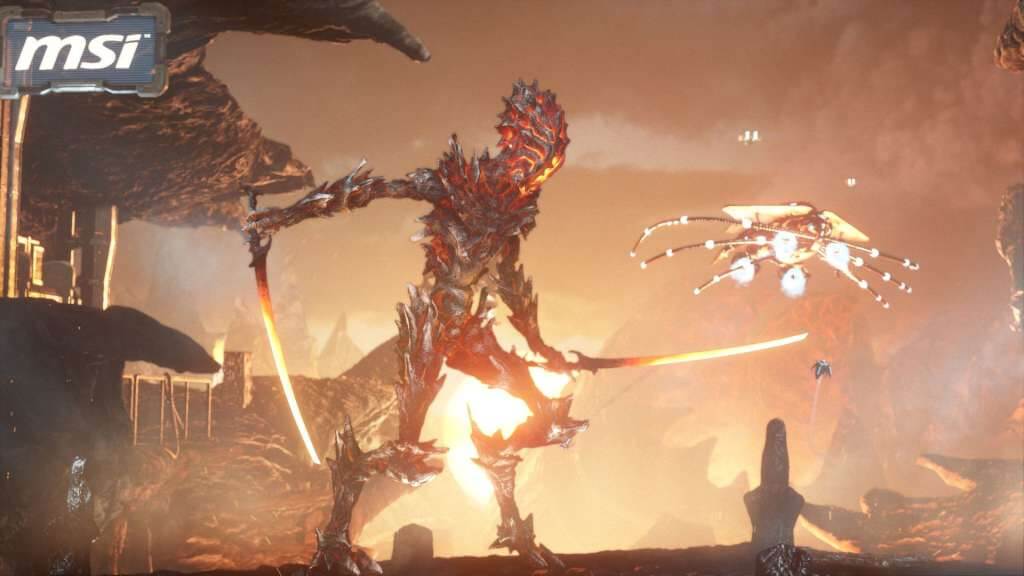
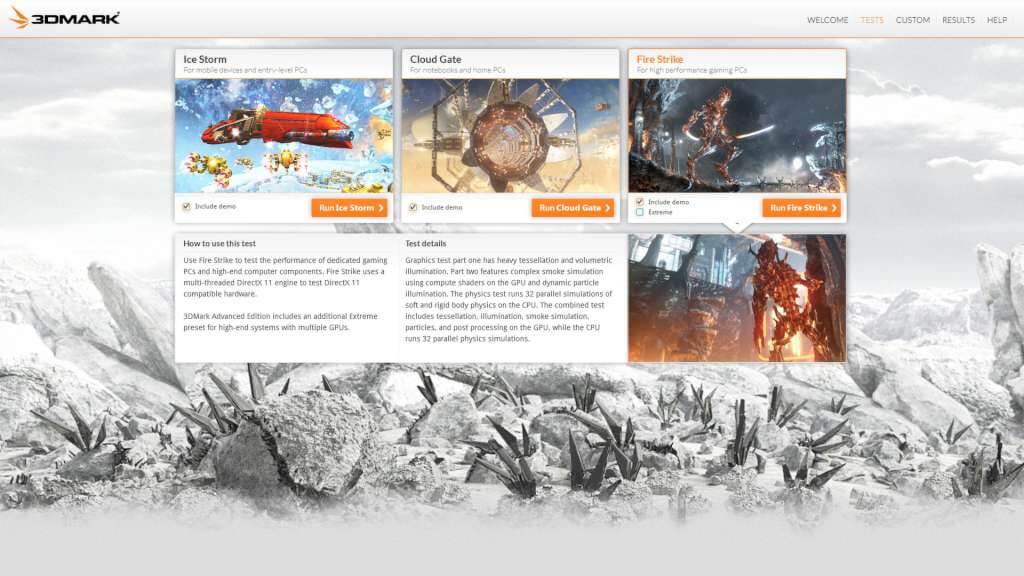
The new 3DMark includes everything you need to benchmark your hardware. With three all new tests you can bench everything from tablets and notebooks to the latest high-end gaming desktops. It's the most powerful and flexible 3DMark we've ever created. We designed 3DMark for gamers, overclockers and system builders who want to get the most out of their hardware. 3DMark is a complete PC benchmarking tool kit for those who are serious about performance. And it's no longer just for Windows. With the new 3DMark, you can now compare your scores with Android, iOS and Windows RT devices too. The latest version of the world's most popular benchmark. Includes three stunning tests for DirectX 9, DirectX 10 and DirectX 11 hardware. Test everything from tablets to desktop gaming PCs. Compare scores with other Windows, Android and iOS devices. Compete for the fastest PC on Steam with Steam leaderboards. Easy to use, no technical know-how needed. Features Run each test individually for faster benchmarking. Unlock the Fire Strike Extreme preset for extreme hardware. Explore your PC's performance limits with custom settings. Use benchmark looping for stability testing and burning in. Get in-depth insights with interactive performance graphs.


Go to: http://store.steampowered.com/ and download STEAM client Click "Install Steam" (from the upper right corner) Install and start application, login with your Account name and Password (create one if you don't have). Please follow these instructions to activate a new retail purchase on Steam: Launch Steam and log into your Steam account. Click the Games Menu. Choose Activate a Product on Steam... Follow the onscreen instructions to complete the process. After successful code verification go to the "MY GAMES" tab and start downloading.