

SteamGlobal· Key
NecroVision
€0.66
+€0.07 cashback eligibility in Relic Coins
Check before you play
- Platform
- Steam
- Region
- Global
- Product type
- Key
- Developer
- The Farm 51
- Publisher
- 505 Games
- Supplier release date
- 2009-05-20
- Genres
- Action, FPS, Horror
SteamGlobal· Key
€0.66
+€0.07 cashback eligibility in Relic Coins
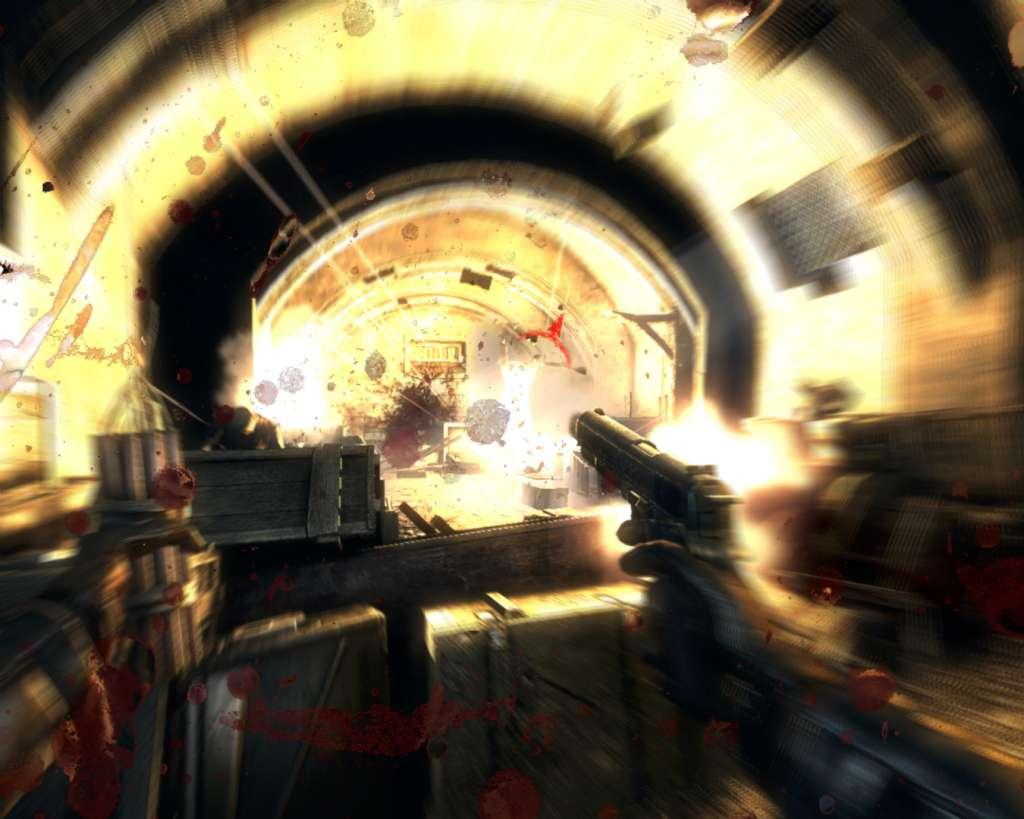
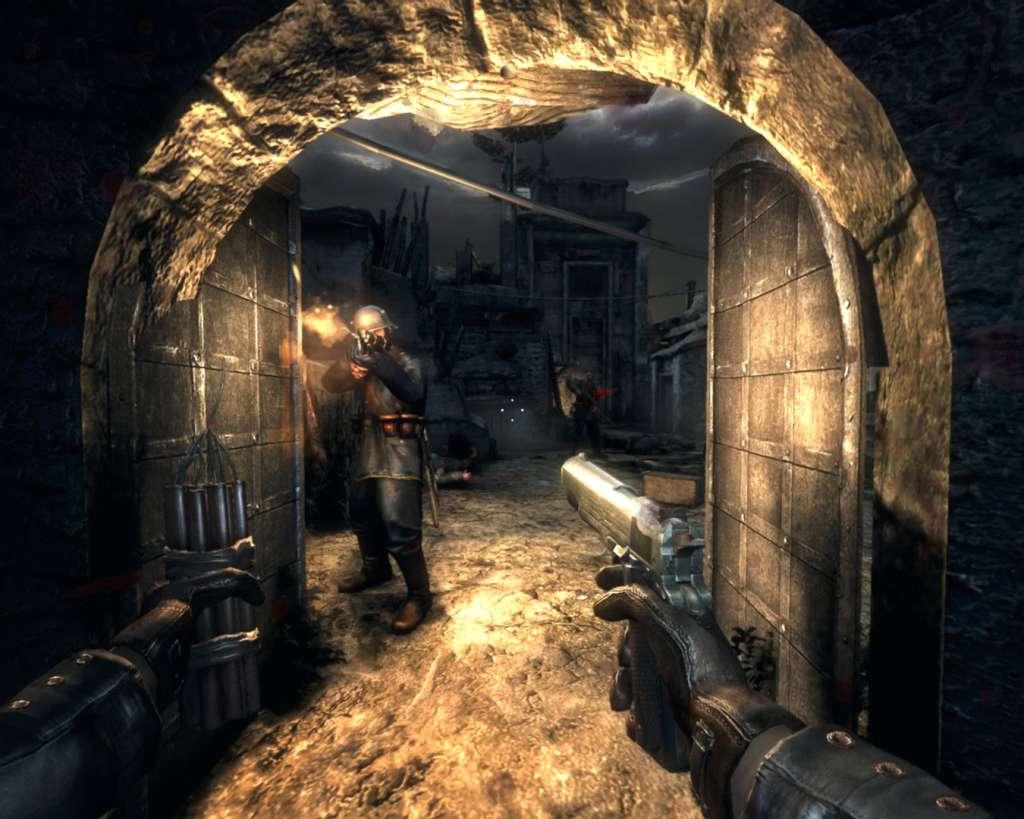
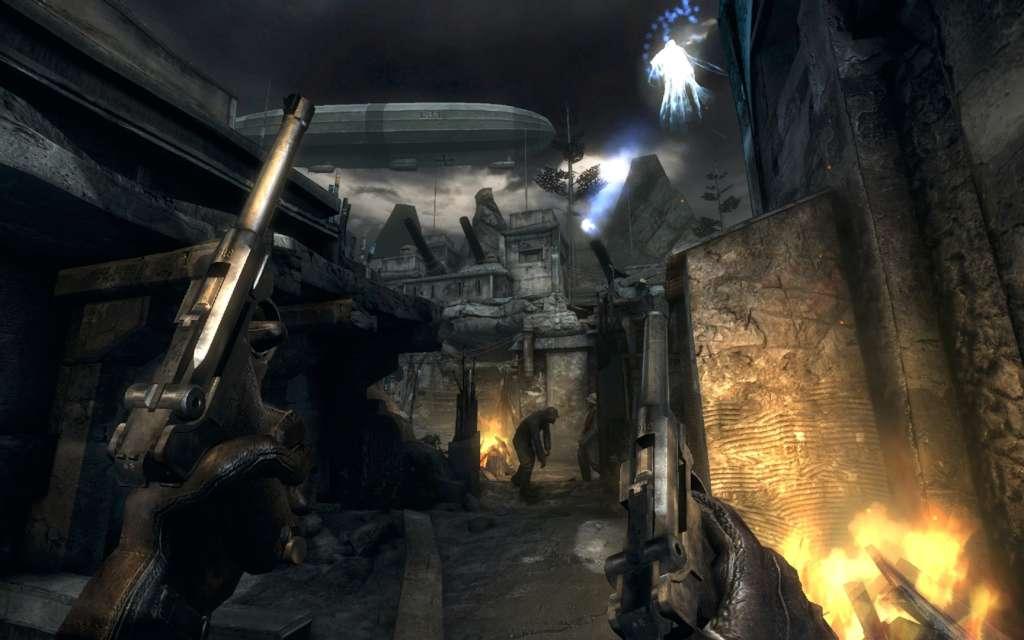
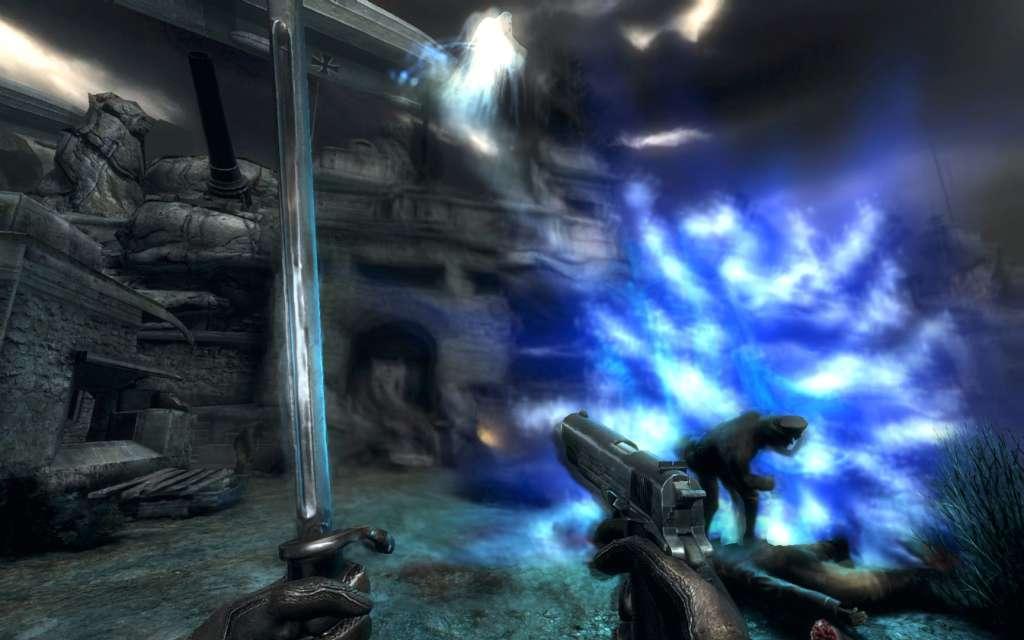
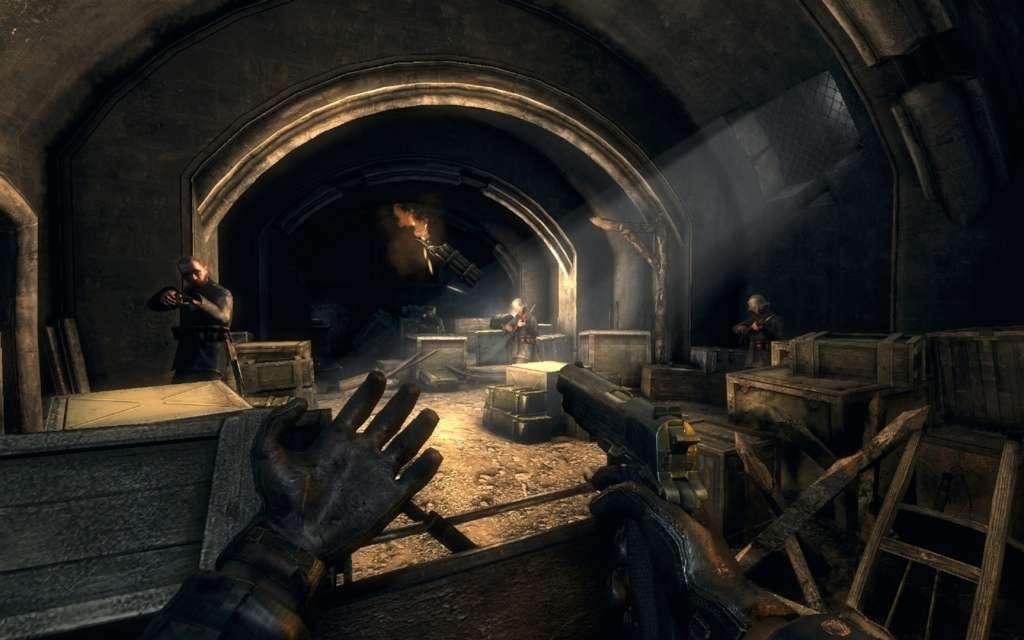
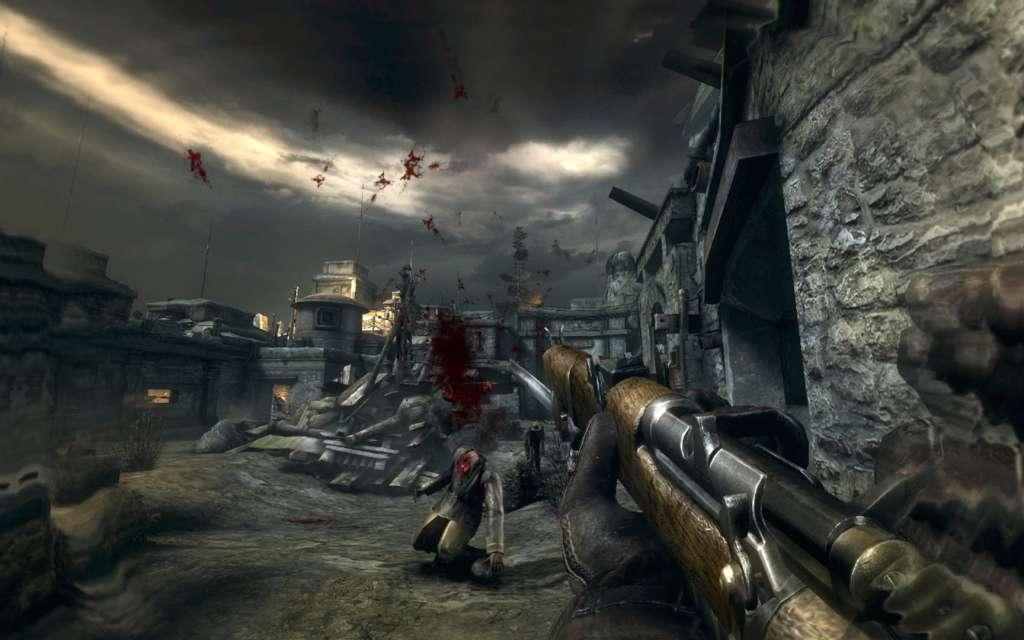
War is Hell. NecroVision is a first-person shooter that takes gamers across the frantic battlegrounds of World War I and into a dark underworld of vampires, demons and dark magic. Seeking adventure, young American Simon Bukner joins the British army in war-torn Europe of 1916. During a particularly ferocious battle, Bukner and his battalion are pushed into a series of dark trenches where they encounter mysterious phenomenon. As they move through the labyrinth they discover that there is a greater evil hiding underneath the battle-fields of the Great War — an evil that is forcing its way into our world and threatens to wipe out humanity. In the depths of this newly discovered underworld, Bukner must confront the dark forces and fight for the survival of mankind. Features An engrossing storyline blends elements of a traditional war shooter with magic and the supernatural world Players fight with authentic WWI era weapons, powerful magic artifacts and vampire powers Hordes of enemies that include humans, demons and vampires Massive, brutal boss battles Intense, fast-paced FPS combat stands out from the trend of plodding shooters Battle online with up to 16 players
Go to: http://store.steampowered.com/ and download STEAM client Click "Install Steam" (from the upper right corner) Install and start application, login with your Account name and Password (create one if you don't have). Please follow these instructions to activate a new retail purchase on Steam: Launch Steam and log into your Steam account. Click the Games Menu. Choose Activate a Product on Steam... Follow the onscreen instructions to complete the process. After successful code verification go to the "MY GAMES" tab and start downloading.