Get 10% back in Relic Coins on every order
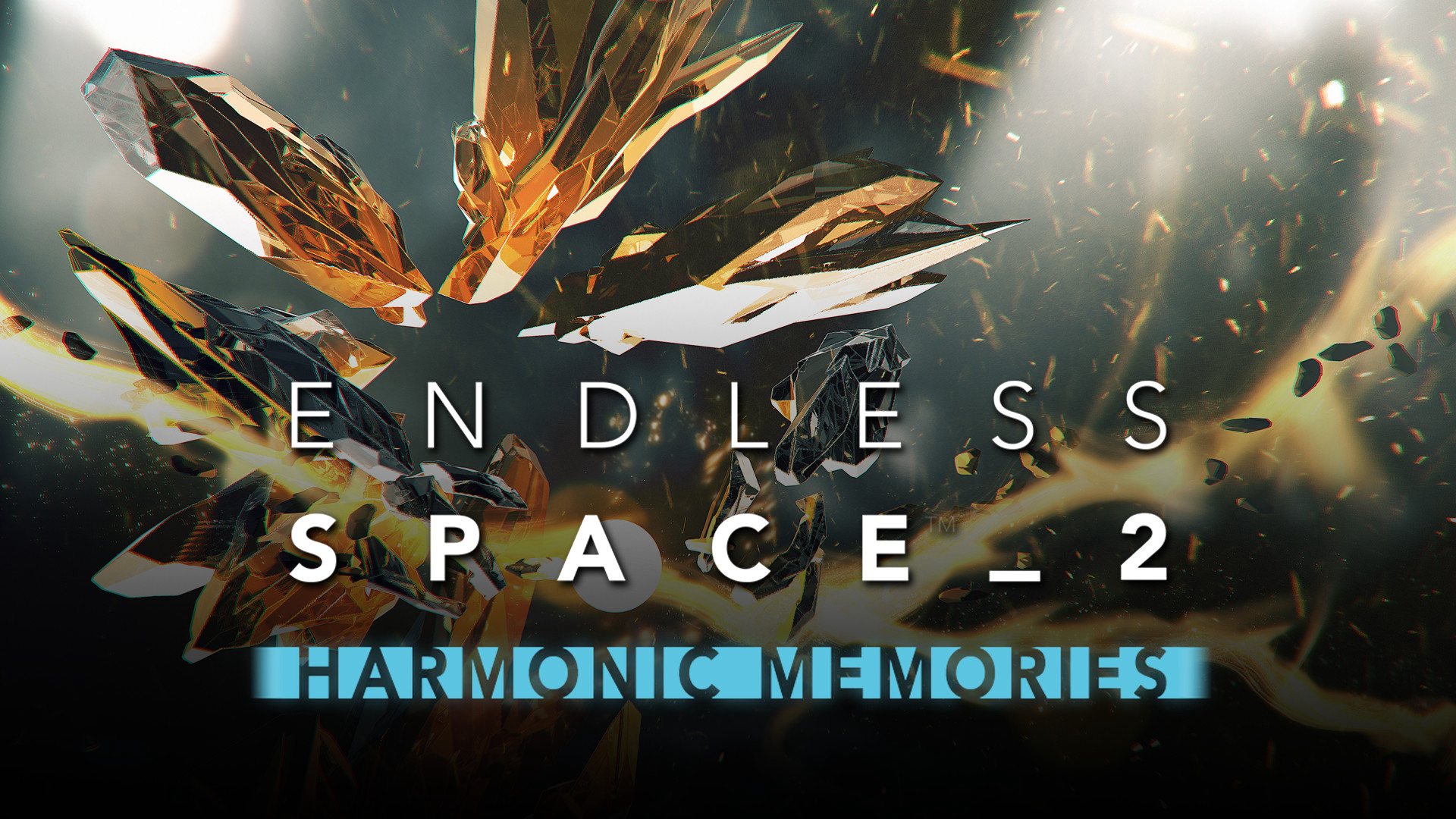
Endless Space 2 - Harmonic Memories DLC cover

SteamGlobal· DLC

Endless Space 2 - Harmonic Memories DLC

€1.23

+€0.12 cashback eligibility in Relic Coins

Check before you play

Platform
Steam
Region
Global
Product type
DLC

Check the required base game and edition before purchasing this add-on.

Developer
Amplitude Studios
Publisher
Amplitude Studios
Supplier release date
2018-11-15
Genres
Strategy, Music / Soundtrack

About this product

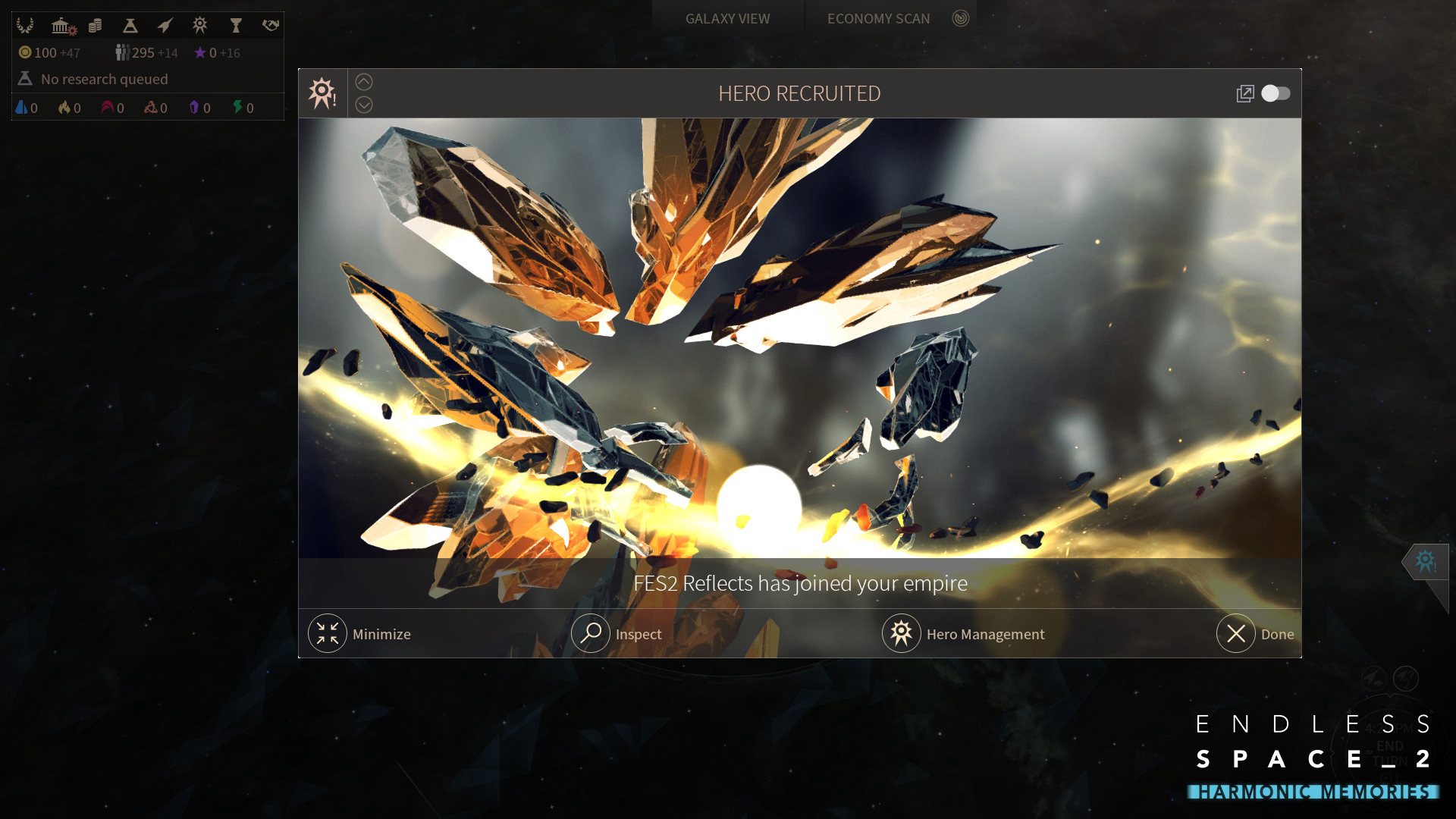
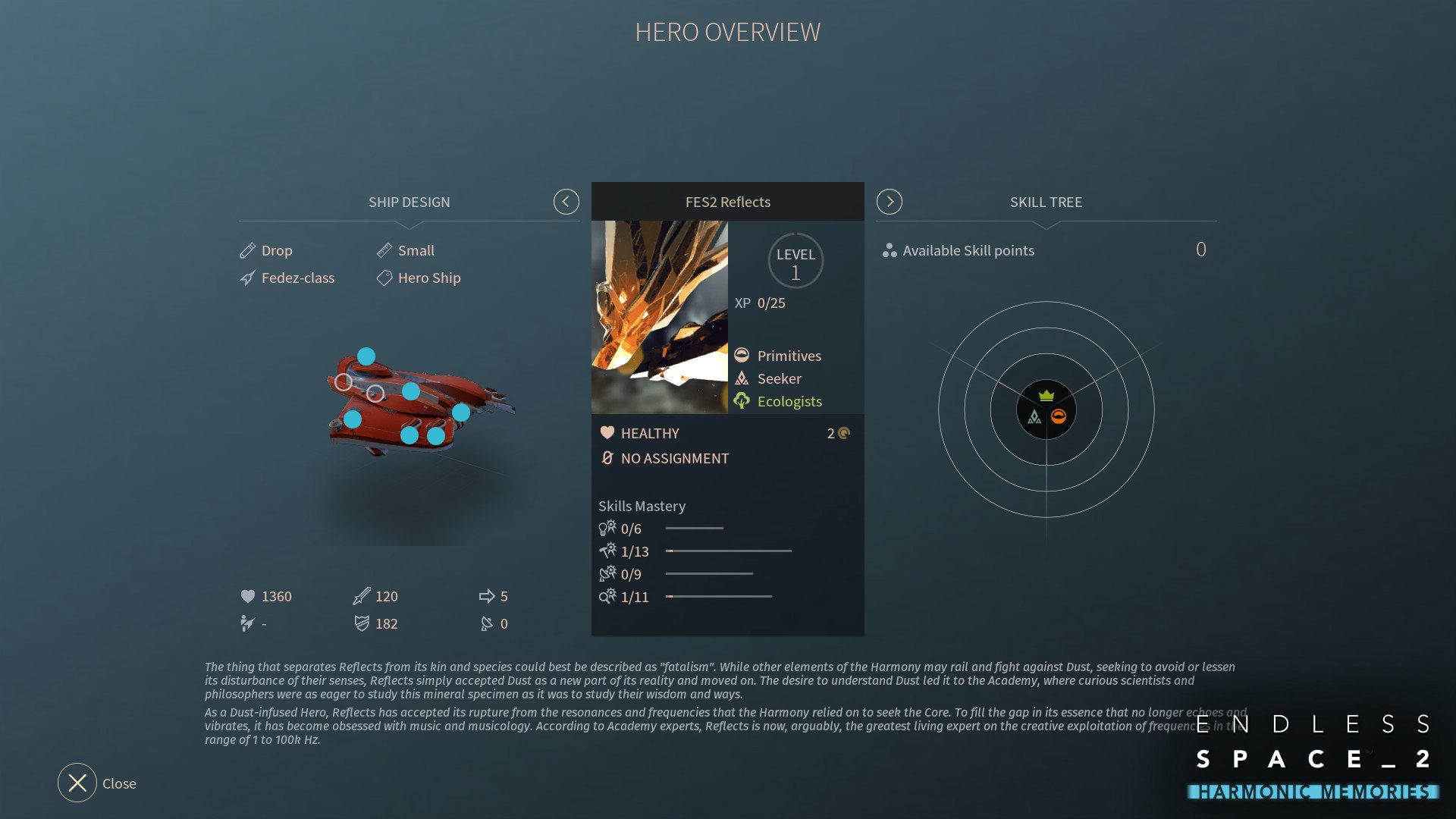
More than 6 years have passed since the release of the first Endless Space... FlybyNo, in pure madness, decided to delve into the archives and remaster his favorite songs from the game that made what Amplitude Studios is today! This add-on also features the arrival of a new Harmony Hero FES2 Reflects. Composed and produced by FlybyNoDuduk and drum programming : Alexandre BobeVoices : Samantha Ferrando & Bertrand Antigny Track list: 1 - Magenta Clouds 2 - Slice and Collide 3 - Reach The Amoeba 4 - The Dust 5 - Bleu Argon 6 - Terraforming 7 - Falling Night Stars 8 - The Endless 9 - Deafen Dawn The thing that separates Reflects from its kin and species could best be described as "fatalism". While other elements of the Harmony may rail and fight against Dust, seeking to avoid or lessen its disturbance of their senses, Reflects simply accepted Dust as a new part of its reality and moved on. The desire to understand Dust led it to the Academy, where curious scientists and philosophers were as eager to study this mineral specimen as it was to study their wisdom and ways...

Endless Space 2 - Harmonic Memories DLC screenshotEndless Space 2 - Harmonic Memories DLC screenshotEndless Space 2 - Harmonic Memories DLC screenshotEndless Space 2 - Harmonic Memories DLC screenshot

How to redeem

  1. 1Check the required base game, platform and edition before purchasing.
  2. 2Find the code or supplier activation instructions in your confirmed order.
  3. 3Redeem on Steam using the supplied instructions, then install the add-on with the compatible base game.

Supplier instructions

Go to: http://store.steampowered.com/ and download STEAM client Click "Install Steam" (from the upper right corner) Install and start application, login with your Account name and Password (create one if you don't have). Please follow these instructions to activate a new retail purchase on Steam: Launch Steam and log into your Steam account. Click the Games Menu. Choose Activate a Product on Steam... Follow the onscreen instructions to complete the process. After successful code verification go to the "MY GAMES" tab and start downloading.

You might also like