Get 10% back in Relic Coins on every order
Starship Corporation - Cruise Ships DLC cover

SteamGlobal· DLC

Starship Corporation - Cruise Ships DLC

€1.43

+€0.14 cashback eligibility in Relic Coins

Check before you play

Platform
Steam
Region
Global
Product type
DLC

Check the required base game and edition before purchasing this add-on.

Developer
Coronado Games
Publisher
Iceberg Interactive
Supplier release date
2018-10-10
Genres
Indie, Simulation, Strategy

About this product

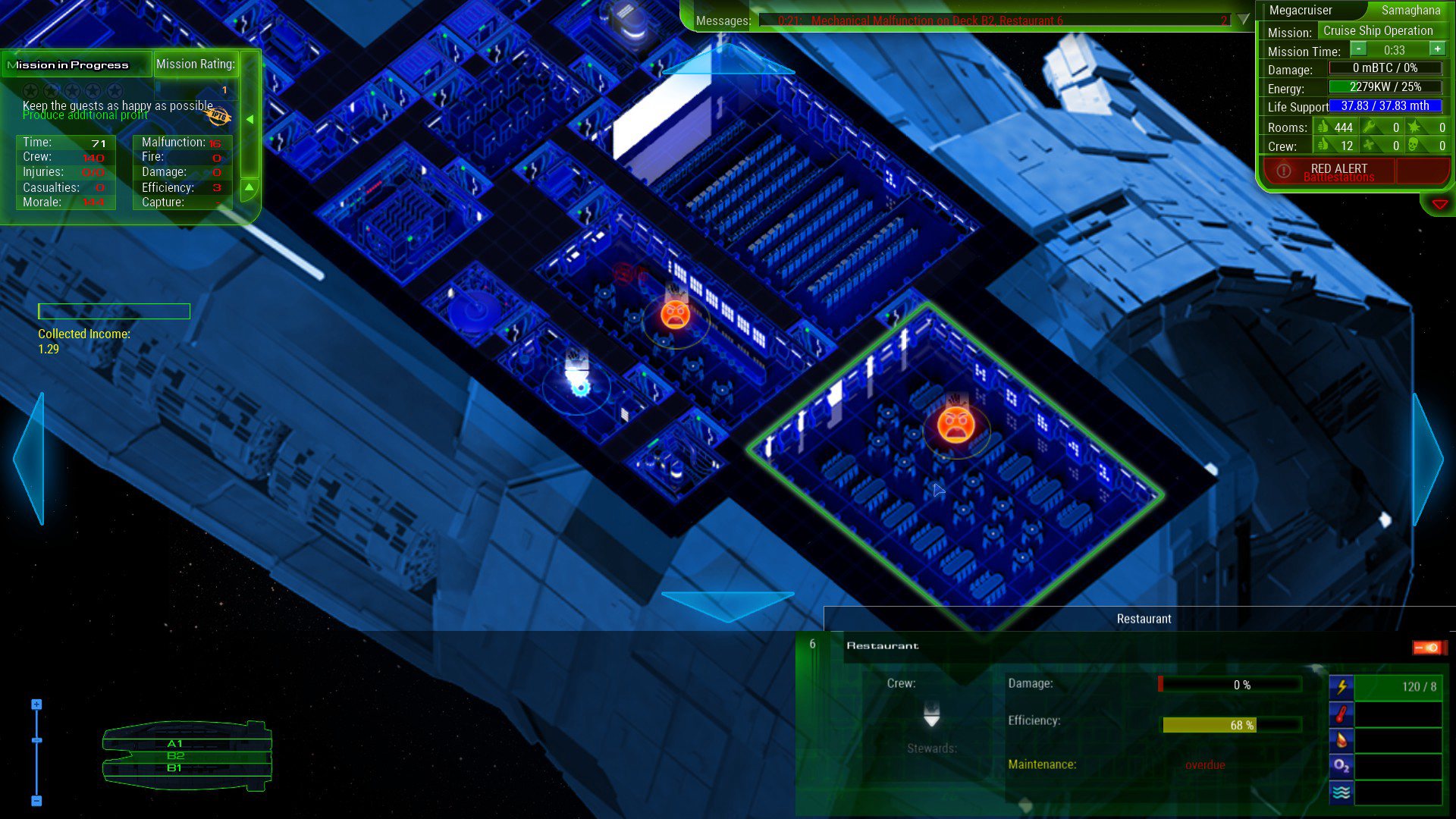
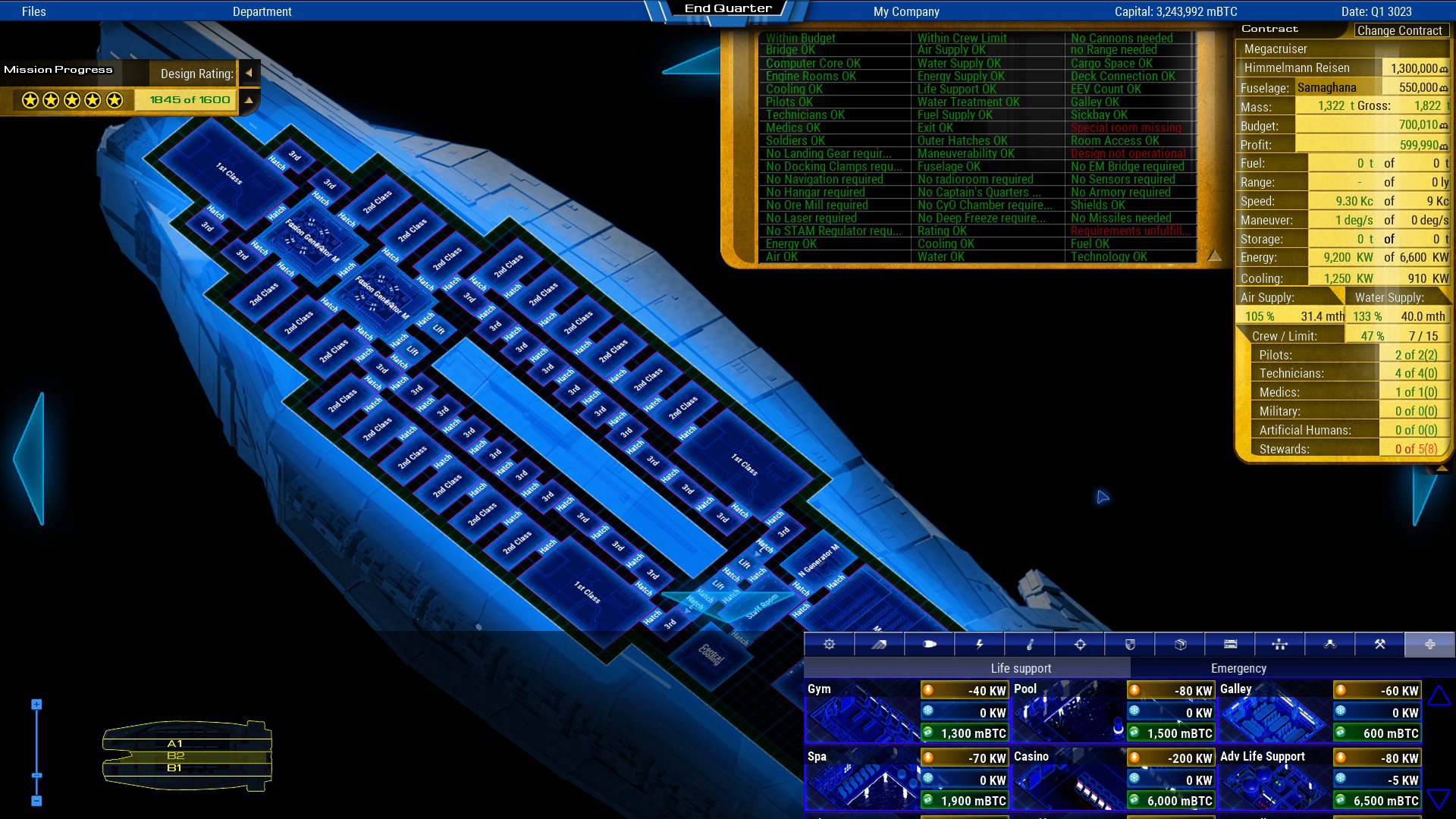
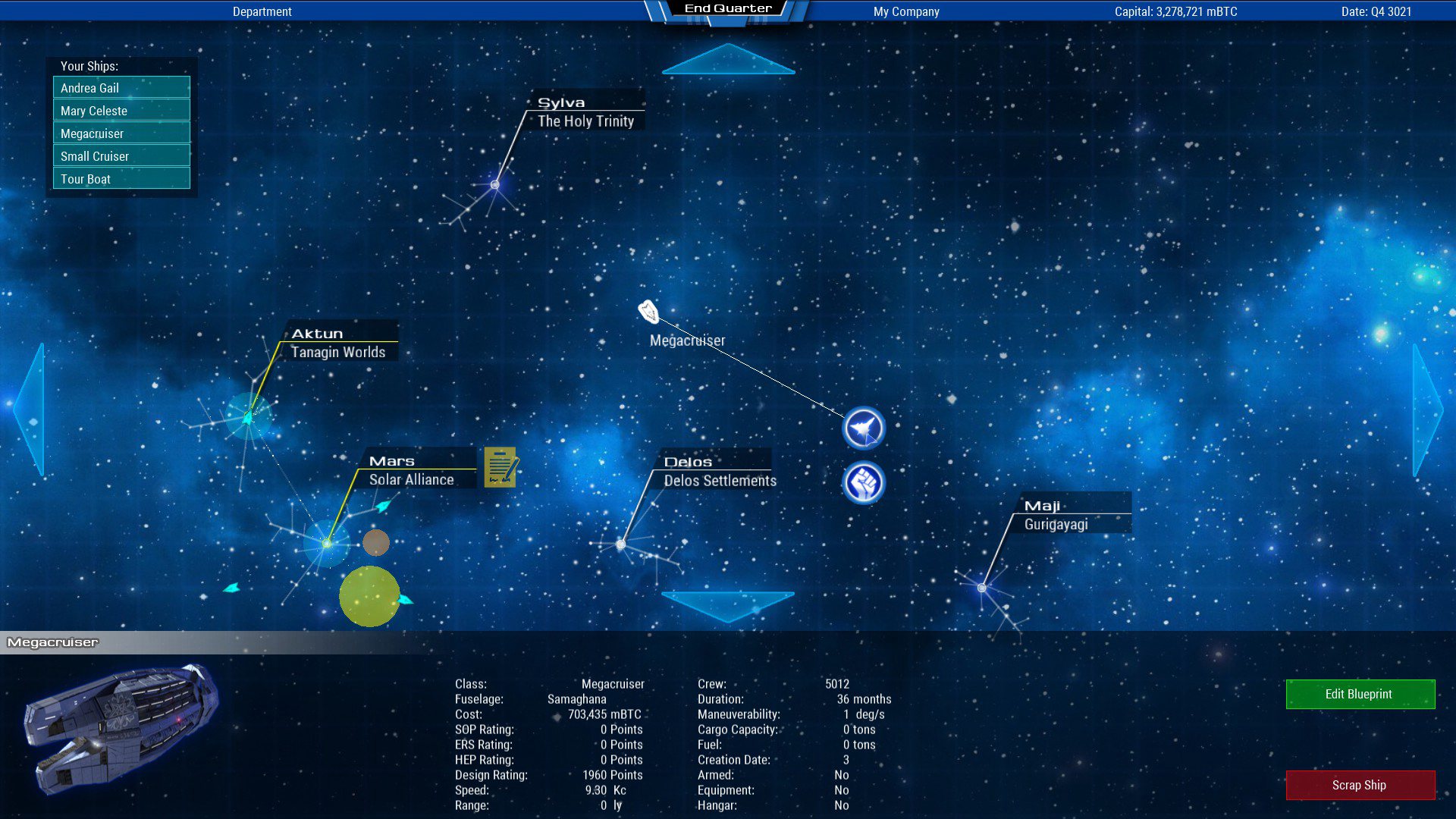
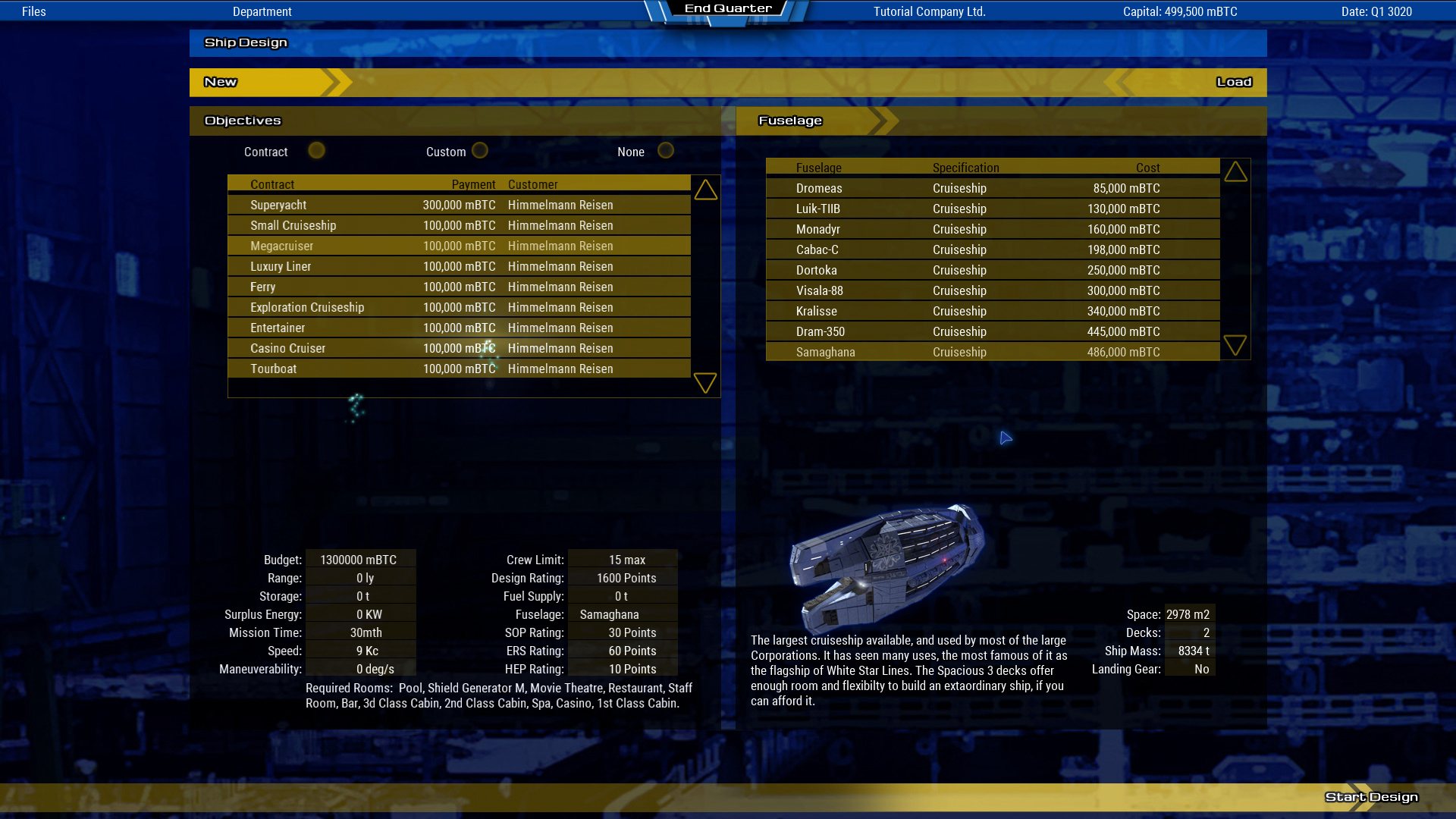
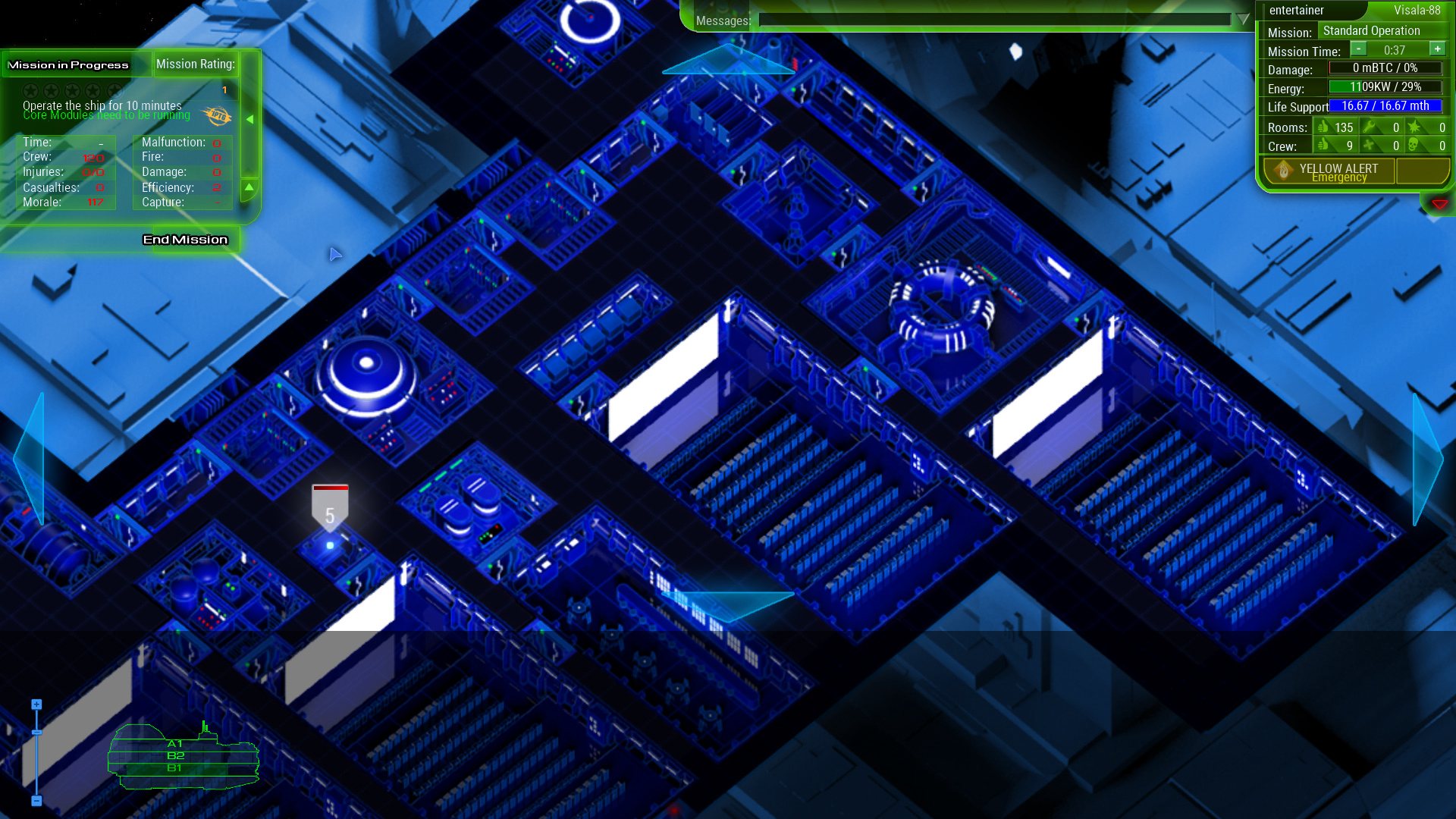
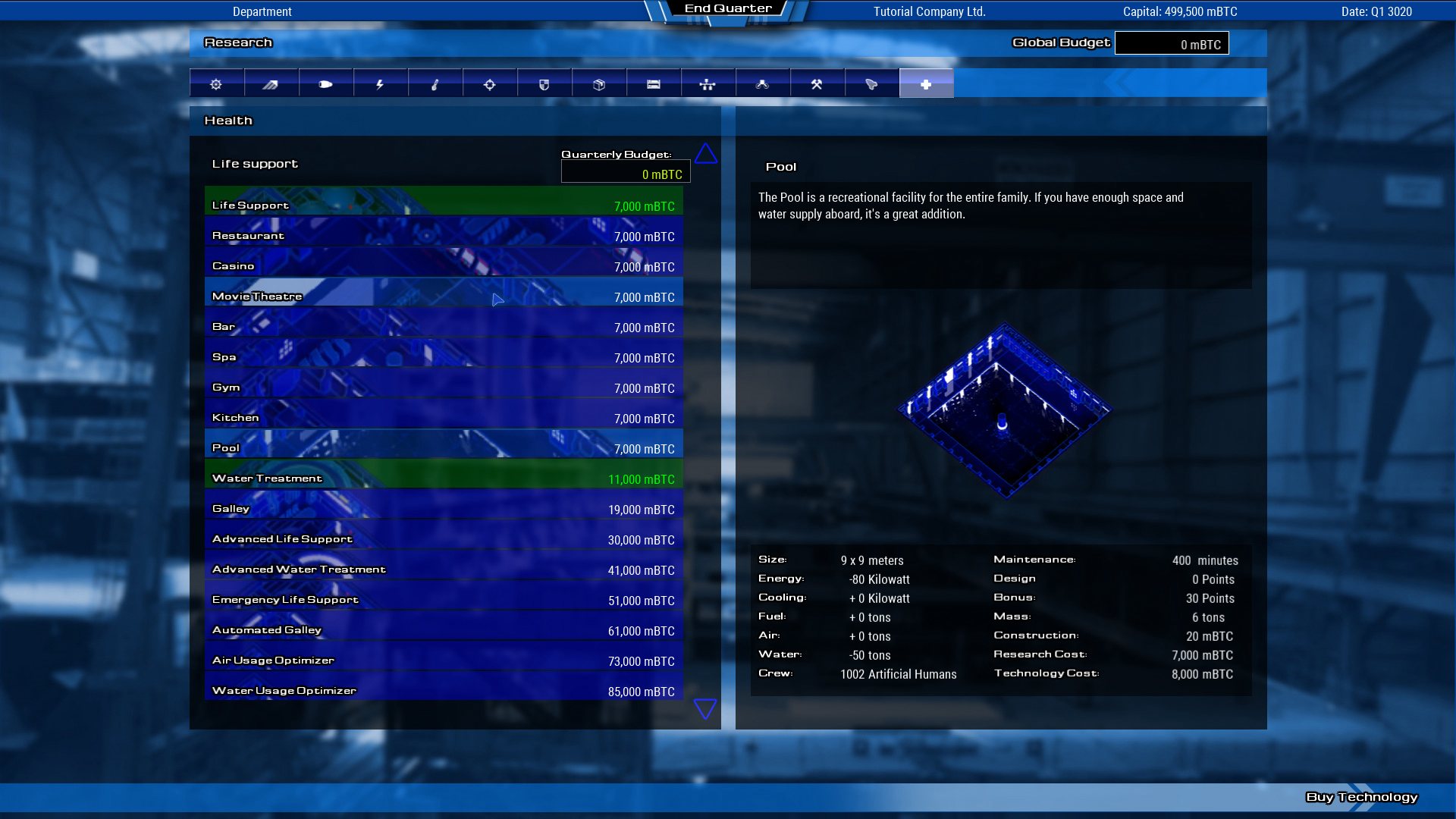
Expand your business and master space tourism by choosing from 9 new fuselages. Whether building a small ferry, a super-yacht or a luxury liner – you will need to find the right balance. Build for established cruise lines, or try your luck by establishing your own cruise line.The range of new rooms are not only necessary to house passengers in different classes aboard your cruise ships, but also to entertain them in many different ways: movie theaters, restaurants, casinos, gyms, pools, bars, restrooms and laundry rooms not only influence the happiness of your guests, but can also produce good profit.The new crew type “Steward” is needed to maintain the recreational facilities for optimal efficiency – customer happiness is the key to success. Features 9 new fuselages, from small ferry to large cruise ships 12 new contracts from cruise line companies 16 new recreational facilities New crew type: Steward New Crew Management Mission: Cruise Ship Operation

Starship Corporation - Cruise Ships DLC screenshotStarship Corporation - Cruise Ships DLC screenshotStarship Corporation - Cruise Ships DLC screenshotStarship Corporation - Cruise Ships DLC screenshotStarship Corporation - Cruise Ships DLC screenshotStarship Corporation - Cruise Ships DLC screenshot

How to redeem

  1. 1Check the required base game, platform and edition before purchasing.
  2. 2Find the code or supplier activation instructions in your confirmed order.
  3. 3Redeem on Steam using the supplied instructions, then install the add-on with the compatible base game.

Supplier instructions

Go to: http://store.steampowered.com/ and download STEAM client Click "Install Steam" (from the upper right corner) Install and start application, login with your Account name and Password (create one if you don't have). Please follow these instructions to activate a new retail purchase on Steam: Launch Steam and log into your Steam account. Click the Games Menu. Choose Activate a Product on Steam... Follow the onscreen instructions to complete the process. After successful code verification go to the "MY GAMES" tab and start downloading.

You might also like