Get 10% back in Relic Coins on every order
LiEat cover

Steam Europe - All Countries· Key

LiEat

€0.69

+€0.07 cashback eligibility in Relic Coins

Check before you play

Platform
Steam
Region
Europe - All Countries
Product type
Key
Developer
△○□× (Miwashiba)
Publisher
PLAYISM
Supplier release date
2017-02-26
Genres
RPG, Indie

About this product

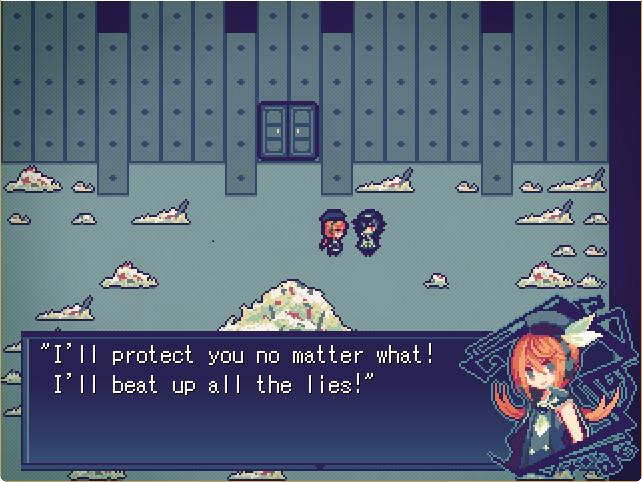
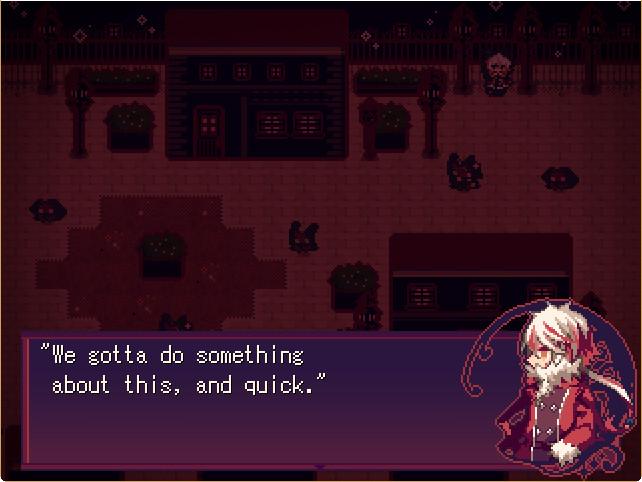
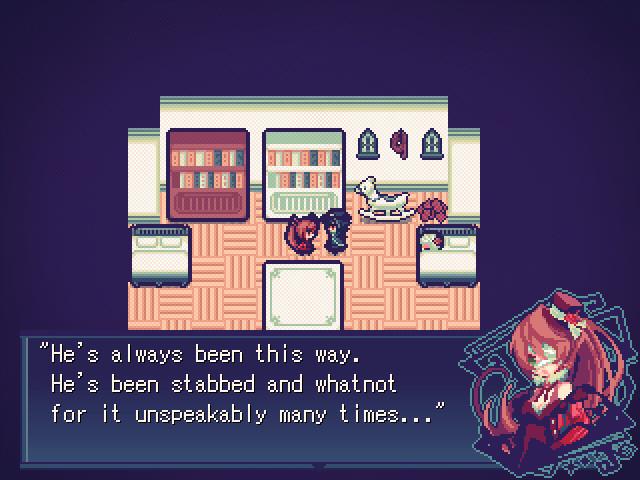
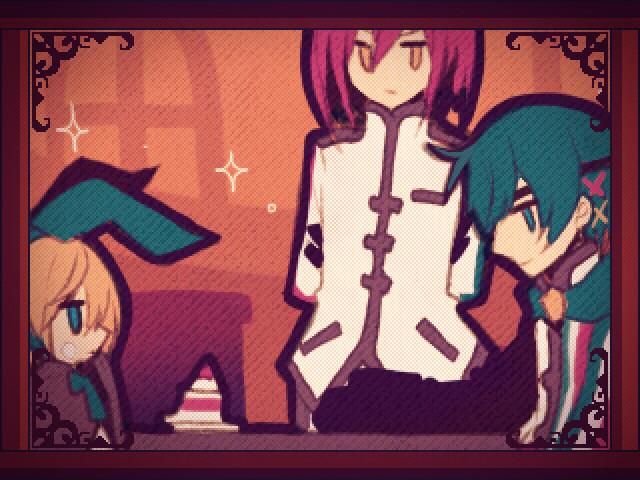
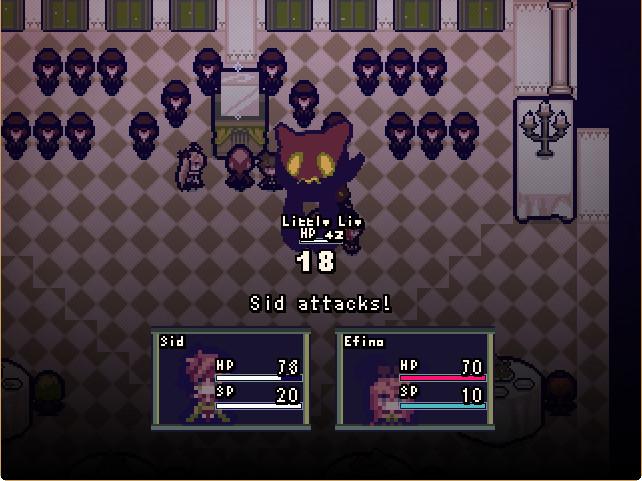
Welcome to a world in which dragons are born from the desires of mankind. Each dragon is bestowed with unique powers in accordance with the specific desires of their human familiar. One mysterious stranger travels the land, accompanied by a young dragon graced with the power of eating lies. LiEat is the classic story of a vagabond traversing a strange and mysterious world together with a dragon protégé, buying and selling secrets, while also attempting to uncover the truth about themselves. Along the way, they'll discover a web of arcane mysteries, meet a variety of colorful characters (including other dragons), and shed light on events of the past which ultimately served to lead them to where―and who―they are today. Features Engaging and emotionally resounding JRPG storytelling Entrancing atmospheric music that seamlessly transports the player into the world of LiEat (*Purchase of the game includes the OST! Make sure to check your Local folder.) Myriad hidden items and conversations spread throughout the game Multiple achievements for each chapter of the game All three chapters in one package; no DLC, just the whole story Special Thanks to vgperson and SmokingWolf

LiEat screenshotLiEat screenshotLiEat screenshotLiEat screenshotLiEat screenshotLiEat screenshot

How to redeem

  1. 1Check your Steam account and the listed region before purchasing.
  2. 2Find your code and supplier activation instructions in your confirmed order.
  3. 3Open the redeem-code section on Steam, enter the code and follow the platform’s prompts.

Supplier instructions

Go to: http://store.steampowered.com/ and download STEAM client Click "Install Steam" (from the upper right corner) Install and start application, login with your Account name and Password (create one if you don't have). Please follow these instructions to activate a new retail purchase on Steam: Launch Steam and log into your Steam account. Click the Games Menu. Choose Activate a Product on Steam... Follow the onscreen instructions to complete the process. After successful code verification go to the "MY GAMES" tab and start downloading.

You might also like