Get 10% back in Relic Coins on every order
Don't Starve: Reign of Giants cover

SteamGlobal· Gift

Don't Starve: Reign of Giants

€3.13

+€0.31 cashback eligibility in Relic Coins

Check before you play

Platform
Steam
Region
Global
Product type
Gift
Developer
Klei Entertainment
Publisher
Klei Entertainment
Supplier release date
2014-04-02
Genres
Action, Adventure, Indie, Survival

About this product

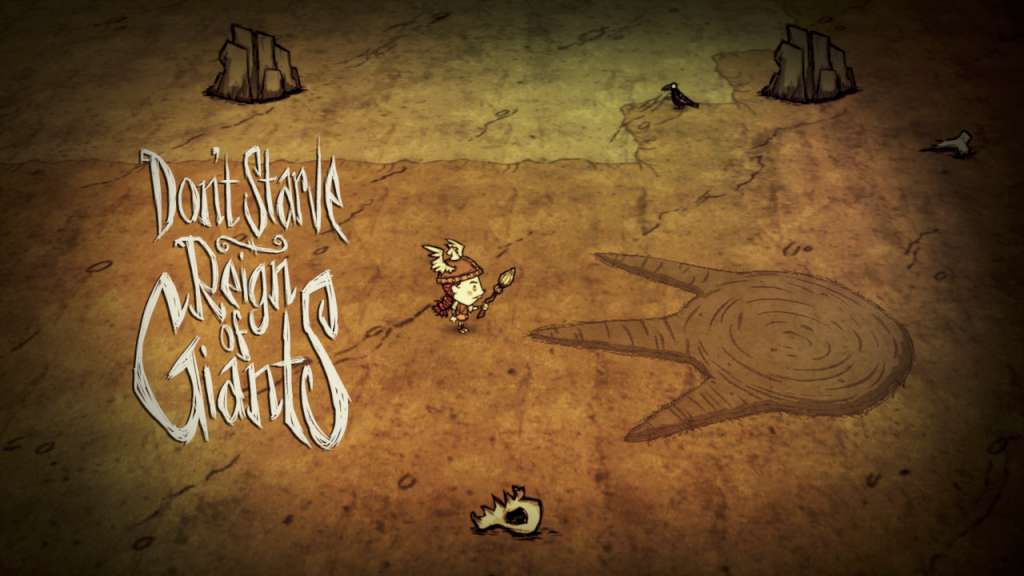
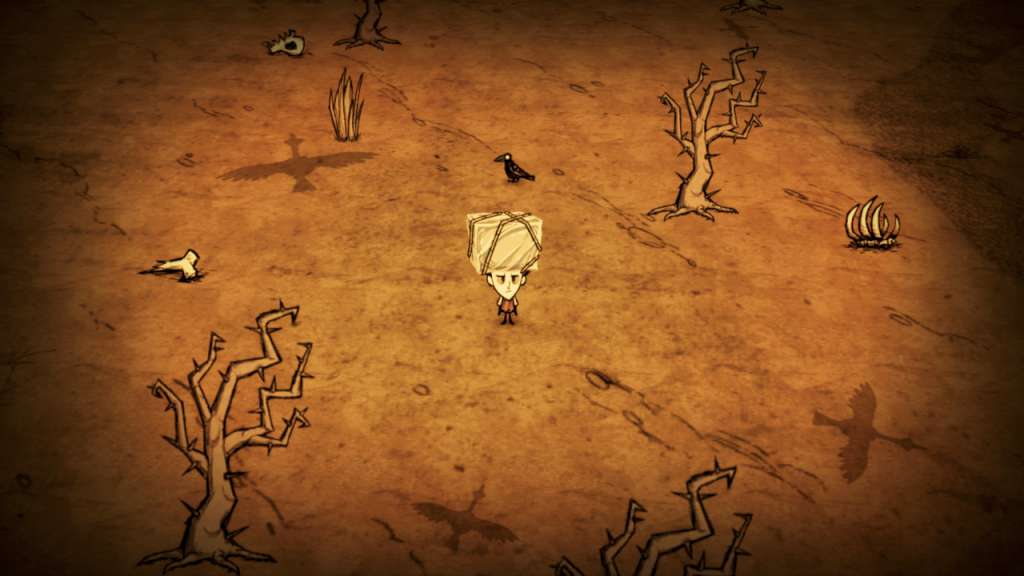
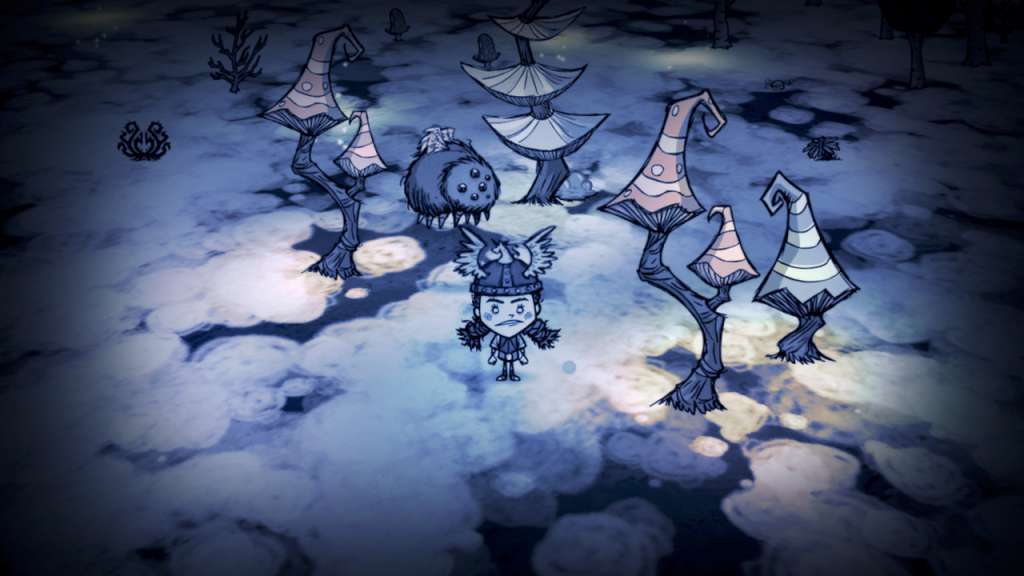
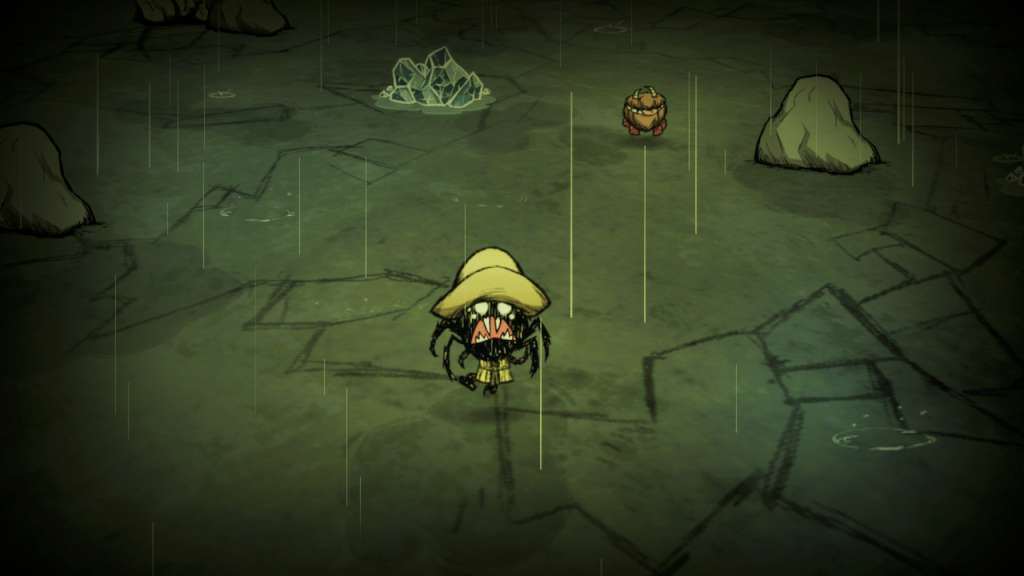
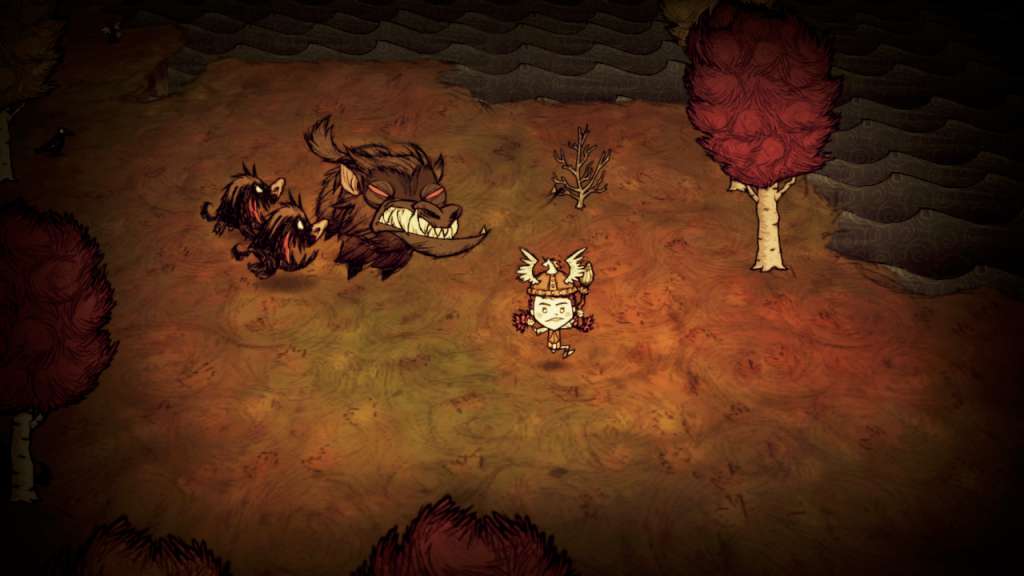
Don’t Starve: Reign of Giants is an expansion pack that adds new characters, seasons, creatures, biomes, and other challenges to Don’t Starve. The entire world of Don’t Starve has been expanded and is now even more uncompromising! New mysteries, challenges and scientific innovations await your discovery. Manage your resources well, because the wilderness of Don’t Starve has learned some new tricks. Features New playable characters: Reign of Giants adds two characters for players to discover and survive with. Play as Wigfrid, a stage actress who went a bit too far with method acting on her latest role, an ancient Valkyrie, or Webber, a young boy who lives inside the spider who tried to eat him long ago. Year-round starvation: Struggle through a full year of seasons as you experience the torrential rain falls of spring and the blistering heat of summer. A bigger, badder world: New biomes have been filled the the brim with new creatures and gatherables that will either help you survive - or kill you. An extra save slot: You asked, we delivered. Giants: They’re in the name for crying out loud!

Don't Starve: Reign of Giants screenshotDon't Starve: Reign of Giants screenshotDon't Starve: Reign of Giants screenshotDon't Starve: Reign of Giants screenshotDon't Starve: Reign of Giants screenshot

How to redeem

  1. 1Check that your Steam account can receive gifts in the listed region.
  2. 2Open the confirmed order and follow the supplier’s gift-delivery instructions.
  3. 3Accept the gift on the required platform account and add it to your library.

Supplier instructions

Go to: http://store.steampowered.com/ and download STEAM client Click "Install Steam" (from the upper right corner) Install and start application, login with your Account name and Password (create one if you don't have). Please follow these instructions to activate a new retail purchase on Steam: Launch Steam and log into your Steam account. Click the Games Menu. Choose Activate a Product on Steam... Follow the onscreen instructions to complete the process. After successful code verification go to the "MY GAMES" tab and start downloading.

You might also like